Start your 3-day free trial
Sign up to experience all premium features at no cost.
*Available only to new users. Each user is limited to one trial.
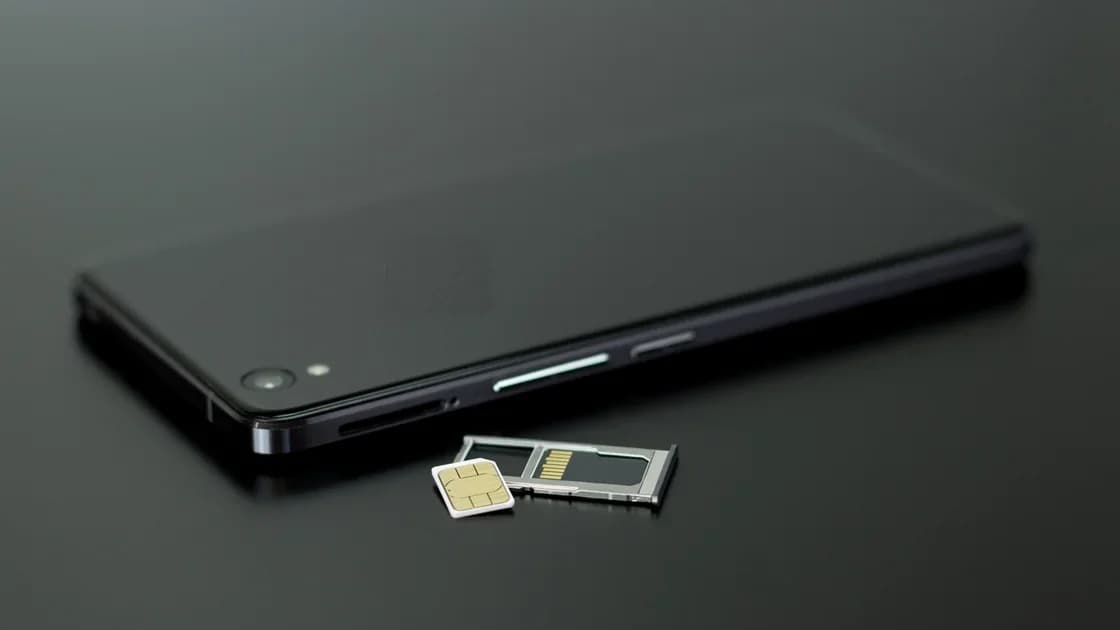

Yes, you can register WeChat with a foreign phone number and get an international WeChat account: download the official app, choose your actual country or region code, and use a mobile number you control and can keep. Complete the SMS and any security checks shown to your account, then verify that you can sign in again before depending on WeChat during a trip.
Key Takeaways:
- Use the official store listing and your own long-term mobile number.
- WeChat and Weixin are interoperable sister services, but their service terms and intended user regions are not identical.
- Security checks can vary by account, region, device, and risk signals.
- Do not use temporary SMS services, purchased accounts, false identity details, or instructions that evade a check.
- Stop after the messaging account works; payment setup is a separate task.
Tencent's current visitor material says overseas users can register or sign in with an overseas mobile number after selecting its country or region code.[1] Tencent describes Weixin and WeChat as separate but interoperable sister services: Weixin is designed for users in mainland China, while WeChat is the service for users elsewhere.[2] An international visitor using an overseas number will generally look for the official WeChat listing for the country or region of the app store.
Check the publisher, store page, privacy information, and update history. Avoid unofficial packages, cloned apps, download instructions from strangers, or a seller offering a ready-made account. Product naming, store availability, menu text, and regional terms can change, so the current official listing and in-app notice control.
China's official guide for foreign visitors describes registering common payment and messaging apps with a foreign or Chinese phone number and following the current prompts.[3]
Prepare:
Before travel, review the mainland China phone preparation guide and preserve access to email and two-factor authentication.
Menu names and the order of these screens are examples, not a permanent interface contract. A check involving another user may appear for some registrations and not others. Do not promise that friend assistance will always appear, that any particular person will qualify, or that the check can be skipped.
Record which phone number and country code belong to the account. Keep the number active, protect the SIM or eSIM with a carrier PIN where appropriate, and update recovery information only through current official settings.
When changing phones, keep the old device and number available until the new sign-in succeeds. Do not erase the old phone, cancel the number, or transfer the only authenticator before verifying access on the replacement device.
This guide stops when the messaging account is usable. To add a payment card or troubleshoot WeChat Pay, follow the separate WeChat Pay guide for international visitors. Payment eligibility, card support, identity review, and merchant acceptance are not evidence that the messaging registration is complete, or vice versa.
| Problem | Check first | Safe next step |
|---|---|---|
| No SMS arrives | Country code, full number, roaming, signal, spam blocking | Wait for the displayed retry period, then contact the carrier or official help |
| Number is rejected | Whether it is a real mobile number under your control | Recheck the current country-code list; do not switch to a temporary SMS number |
| Security check appears | Exact on-screen requirements and account details | Follow the official flow or support route; do not search for bypass services |
| Another user cannot assist | The current eligibility message shown to that user | Use the app's supported alternative or official help if offered |
| Sign-in fails on a new phone | Original number, password, device prompts, and old-device access | Keep both devices and use official recovery |
| Old number is unavailable | Carrier recovery and current WeChat account-recovery options | Recover the number or use official support; do not buy a replacement account |
Repeated code requests can trigger delays or extra review. Stop, read the exact message, and wait for the stated interval rather than cycling numbers or devices.
A VPN cannot register an account, make an SMS arrive, satisfy a security check, prove identity, or create a recovery right. Use the current official process. If you also need to plan network access for the trip, the China VPN guide covers that separate question.
Treat the phone number as an account credential, not as a disposable setup tool. Record the full number, country or region code, carrier, and the safe place where you keep recovery notes. Keep carrier access and the old device until you have tested a fresh sign-in. If you later change the number, begin from the account's current official settings while both numbers are still available; do not wait until the old SIM has been canceled.
When a screen differs from another traveler's instructions, capture the exact wording for your own support request rather than trying unrelated menus. Note whether the failure happened before SMS delivery, after the code, during a security check, or on a later sign-in. Those are different states and may have different official remedies. Repeatedly changing the device, network, country code, or number can make the history harder to explain.
Before relying on WeChat during the trip, perform a low-risk continuity check: close the app, reopen it, confirm the registered number in official settings, and verify that the carrier can still receive ordinary service messages. Keep an alternative contact channel for travel companions. This protects the trip without claiming that a specific recovery screen, helper check, or permission prompt will always be available.
Tencent's current visitor guidance says overseas users can register or sign in with an overseas number. Country-code coverage, SMS delivery, and checks can still vary, so use the list and prompts shown by the official app.
Tencent describes them as interoperable sister services with different intended user regions and applicable terms. International users should read the current listing and service notice presented to their account.
No fixed answer applies to every registration. A security-assistance step may appear depending on the account, region, device, and current risk review. Follow the exact official prompt and do not assume it can be skipped.
Do not. A temporary or shared number can fail checks, expose codes, and leave you unable to recover the account. Use a number you legitimately control and intend to keep.
Keep the registered number and old device until the new sign-in is proven. Follow current device-change and recovery prompts before erasing or selling the old phone.
No. Messaging registration and payment setup have separate eligibility, identity, card, risk, and merchant requirements. Use the dedicated payment guide after the account works.
No. It cannot replace an owned phone number, SMS delivery, account review, identity evidence, or official recovery. Attempting to evade checks can make account access less reliable.
Disclaimer: This article provides general account-preparation information, not a guarantee of registration, SMS delivery, assistance eligibility, account recovery, feature availability, or payment access. Follow the current official app, service terms, carrier rules, and support instructions.
Sources checked 4 October 2026.
Sign up to experience all premium features at no cost.
*Available only to new users. Each user is limited to one trial.