Start your 3-day free trial
Sign up to experience all premium features at no cost.
*Available only to new users. Each user is limited to one trial.
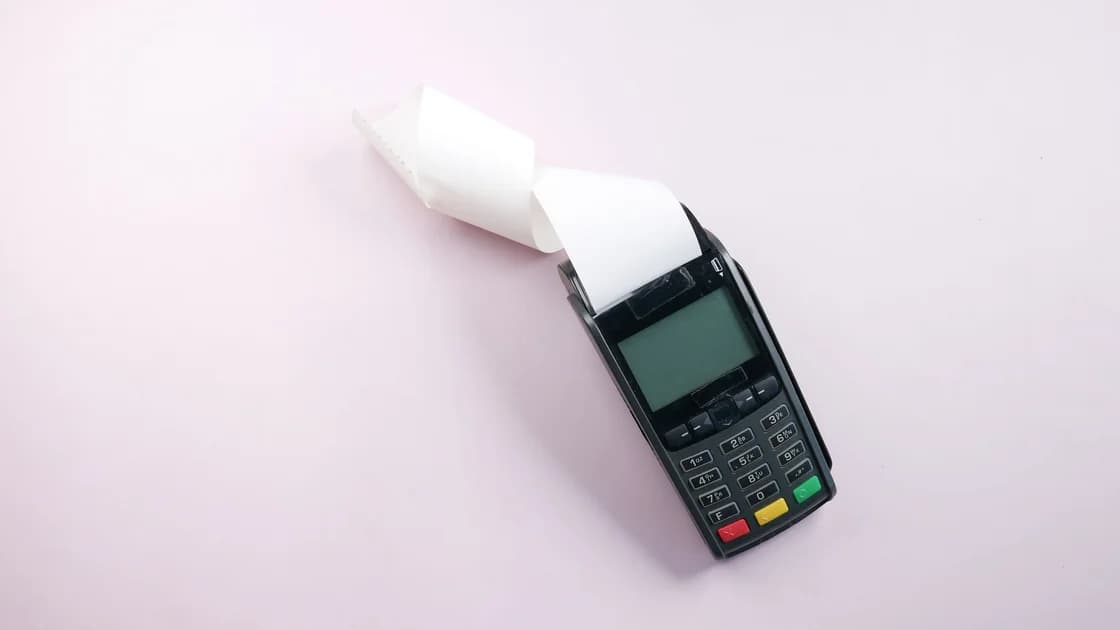

App Store payment declined with "Your payment method was declined"? Add another valid method, then remove the old one. Unpaid orders need other steps.
Key Takeaways
- Save the exact error text, purchase amount, account, and time before retrying.
- A declined current payment and an unpaid previous order require different fixes.
- Add a valid payment method before removing the old one.
- Match the payment method and billing details to the Apple Account country or region.
- A bank decides why its card was declined; Apple may not have that reason.
For symptoms outside billing, start with the device and app troubleshooting guide. If downloads are blocked as well, the iPhone app download guide helps separate a billing hold from a general App Store queue problem.
Do not treat every red payment message as the same problem. Use the wording on the screen to choose the first branch:
| Message or symptom | Most likely branch | First check |
|---|---|---|
| Your payment method was declined | The current method was not accepted | Add another supported method, then remove the old one |
| Billing problem with a previous purchase | An earlier order remains unpaid | Open the unpaid order and settle its balance |
| Verification required | An earlier order has an unpaid balance | Find the order marked with an amount owed |
| Family member cannot buy | The member or organizer payment may be responsible | Check Purchase Sharing and who owns the failed method |
| Charge completed but purchase is disputed | This is no longer a decline | Use the dedicated refund request guide |
Apple says a previous billing problem can prevent new purchases, free-app downloads, and subscription use until the balance is paid.[1] Repeatedly tapping Buy does not change the branch and can make your notes harder to follow.
Follow a reversible sequence:
Apple’s supported payment options vary by country and region and may change.[2] Do not invent a billing address, buy a gift card for an unrelated region, or use an unknown third party to make the account appear eligible. If the account country itself is wrong, use the separate App Store country guide and review its subscription, balance, and family consequences first.
If the message names a previous purchase or verification, open Purchase History and look for an order marked with an amount owed. Apple allows an unpaid balance to be retried with the current method, charged to a newly added valid method, or paid with eligible Apple Account credit where that option is available.[1]
Use this order:
Gift cards are not available in every country or region. Only use a card intended for the same account region and obtained from an authorized source; a cross-region card is not a safe workaround.
With Purchase Sharing enabled, the family organizer’s payment method may be charged for family purchases unless the purchasing member has a valid method that Apple can use. Apple tells organizers to update their method when family purchases fail; non-organizers can add a valid method, ask the organizer to update theirs, or use eligible account credit to settle an unpaid order.[1]
Before changing anything, write down:
Do not ask a family member to share an Apple Account password. The organizer can update the shared payment path without taking over another person’s credentials.
Contact the financial institution when the payment method is supported, the billing details match, no unpaid order remains, and the method is still declined. Apple notes that the bank may need to allow international purchases on a debit or credit card, that Apple does not know why a debit card, credit card, or other method was declined, and that in some countries and regions a method can be declined because of changes to local law.[3] Give the bank the merchant description, amount, time, and whether it was an online or international transaction, but never send a full card number through unsecured chat.
Contact Apple Support when the account still shows an unpaid order after payment, the Payment & Shipping page cannot be updated, Family Sharing ownership is unclear, or the error persists across two valid supported methods. Keep screenshots outside public messages because billing screens may expose account and transaction details.
Keep a private timeline before changing another setting. Record the exact message, item, amount and currency, purchase time, purchasing Apple Account, account country or region, and whether Family Sharing is involved. Note only the payment method type and last four digits; never copy the full card number, security code, password, or verification code into a support message.
Make one change at a time and record the result. For example, distinguish adding a supported method from correcting its billing address or paying an unpaid order. This prevents a later success from being attributed to the wrong action. If you contact the bank, ask whether it can see the merchant attempt and whether it declined the transaction. If you contact Apple, keep the receipt or order reference and the exact on-screen wording available. Share redacted evidence only through an official support channel.
Also note whether the message affects one purchase, every purchase, or a free-app download. Do not make an unwanted test purchase or change the account region just to collect evidence. In Family Sharing, the member and organizer should check their own account and payment side without exchanging credentials or changing both sides at once. End the timeline by assigning the next step to the account holder, organizer, bank, or Apple and saving the support date and case reference privately.
The bank or payment provider may have rejected the transaction, the billing details may not match, the method may not be supported for the account region, or an earlier order may be unpaid. Apple may not know the bank’s specific decline reason.
It means Apple could not collect payment for an earlier order and the account has an unpaid balance. Settle that order before expecting new purchases, free-app downloads, or subscriptions to work normally.
“Verification required” means the account has an unpaid balance from an earlier order, which can block free downloads as well as paid purchases. Find the order marked with an amount owed in Purchase History instead of repeatedly starting the free download.
No. Apple’s recommended sequence is to add another valid payment method and then remove the old one. Removing the only method first can create more account friction.
No. A network route does not change the Apple Account country, billing address, bank approval, unpaid balance, or Family Sharing payment responsibility.
Do not use a cross-region gift card as a workaround. Availability and redemption rules depend on the account region, so use only eligible cards from authorized sources for that region.
It depends on which account and method Apple attempted to charge. The purchasing member can add a valid method where supported, while the organizer may need to update the shared payment method.
No. Correct details and a supported method remove common causes, but neither Apple nor a financial institution guarantees that a particular transaction will be approved.
Disclaimer: This article provides general information and does not guarantee transaction approval. Payment availability and account rules can vary by country, region, bank, and Apple policy.
Sources:
Sources checked 4 October 2026.
Related Articles:
Sign up to experience all premium features at no cost.
*Available only to new users. Each user is limited to one trial.