Start your 3-day free trial
Sign up to experience all premium features at no cost.
*Available only to new users. Each user is limited to one trial.
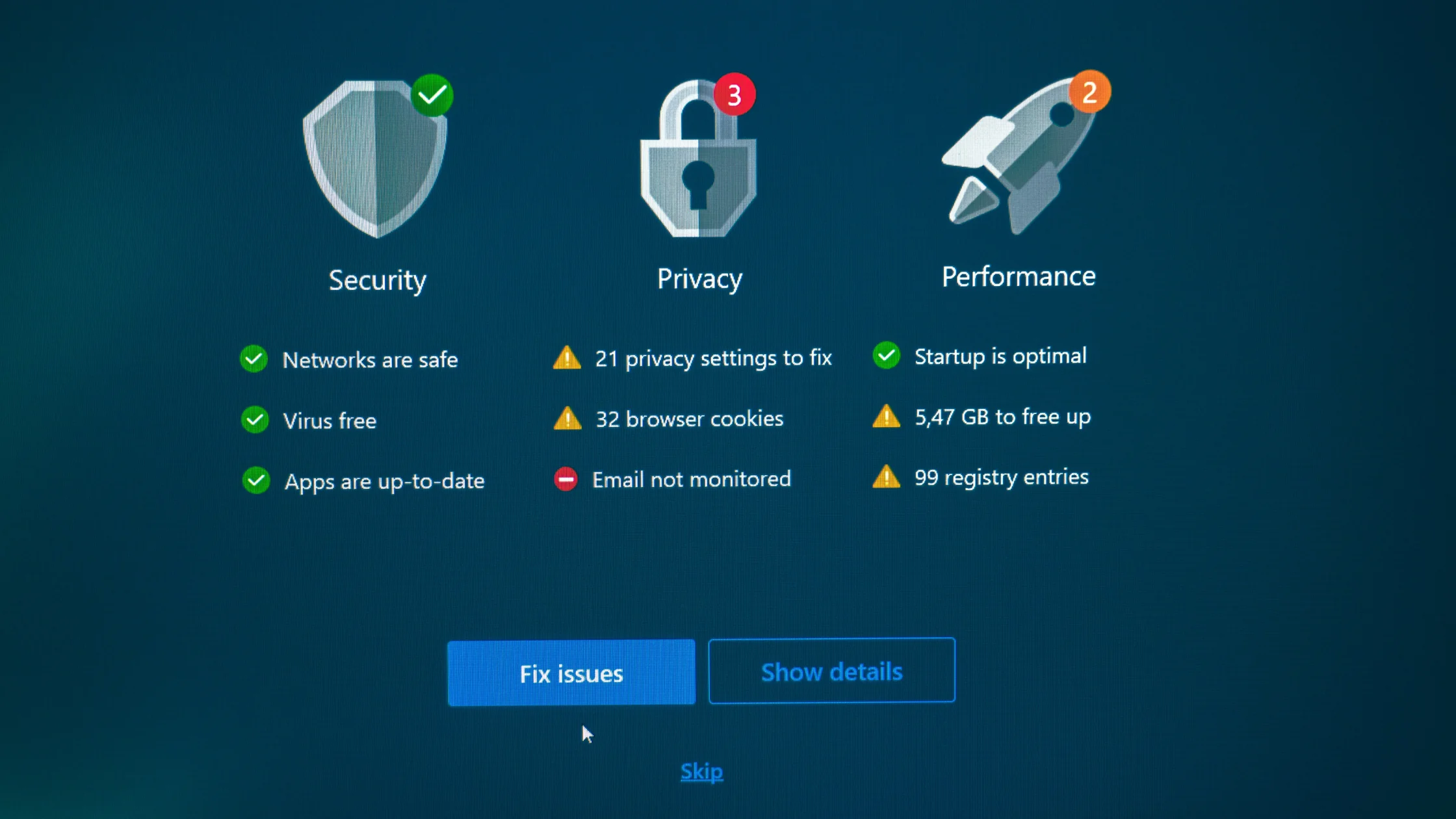

how antivirus software works comes down to combining known threat indicators, suspicious behavior patterns, and real-time system activity so risks can be blocked before a file runs, while it runs, or after it lands on the device. Microsoft describes the core pieces as scanning, real-time protection, and threat remediation; from a security engineering view, mainstream antivirus tools usually rely on signatures, heuristics, and behavior monitoring together.[1][2][3]
So it is not just a tool that scans your hard drive once in a while. It is closer to a continuous defense layer watching files, processes, downloads, and abnormal behavior.
If you first want to answer whether you still need antivirus software today, read our guide to whether you still need antivirus.
Use the digital privacy guide as the wider checklist: it connects this issue to accounts, devices, identifiers, and data-broker exposure.
Key Takeaways
- Antivirus software usually does not rely only on a virus database; it also uses heuristics and behavior analysis.[1][2][3]
- Real-time protection is often more valuable than a manual full scan after the fact.
- It can reduce common threat risk significantly, but it does not mean you can click every link or install unknown software.
- The more effective antivirus is, the more it depends on timely updates and the operating system's own security features.
- The strongest defense is still tool-based blocking plus a user who does not click carelessly.
This is the classic layer. If a file matches characteristics of a known malicious sample, it can be identified quickly.[1][2]
The benefit is speed and precision. The limit is obvious too: brand-new threats that are not yet cataloged are harder to catch with signatures alone.
Heuristics do not ask only, "Are you a known bad sample?" They ask, "Do you look like a malicious program?"
For example, a file with suspicious structure or an unusual behavior chain may be blocked even without an exact signature.[2][3]
This layer focuses on runtime actions such as:
That is why modern security software looks less like old-school "virus scanning" and more like a real-time gatekeeper.
| Mode | What it does | When it matters most |
|---|---|---|
| Real-time protection | Blocks during download, opening, or execution | Daily use |
| Quick scan | Checks common high-risk areas | When the device feels slightly off |
| Full scan | Searches more thoroughly for suspicious files | When you suspect infection |
For everyday users, real-time protection is often the most important layer. Many threats need to be stopped before you remember to run a manual scan.
Common actions include:
Quarantine matters here. It does not always mean immediate deletion; it first prevents the file from continuing to run or spread.
Because real-world attacks are not only about malicious files.
If you read "I have antivirus" as "I can click anything," you are overestimating it.
Think of antivirus as doing four jobs:
If you want the practical answer to whether you need it, continue with the Windows, Mac, Android, and iPhone antivirus breakdown.
Virus definitions still matter, but modern products usually combine them with heuristics and behavior analysis.[1][2]
Many threats are best stopped before they run, not cleaned up later.
Yes. Heuristic and behavior-based systems can sometimes judge normal programs too conservatively.
No. It can reduce risk, but it cannot block every social engineering attack or every new threat.
Quarantine restricts a file first; deletion removes it. Many tools quarantine first and let you decide what to do next.
For many everyday users, built-in security plus good habits covers many common risks. The key is not turning that protection into an excuse to click carelessly.
Disclaimer
This article is for general security education only. Engine capability, default policy, and alert behavior can vary significantly between security products.
Sources
Sources checked 24 September 2026.
Related Articles:
Sign up to experience all premium features at no cost.
*Available only to new users. Each user is limited to one trial.