Start your 3-day free trial
Sign up to experience all premium features at no cost.
*Available only to new users. Each user is limited to one trial.
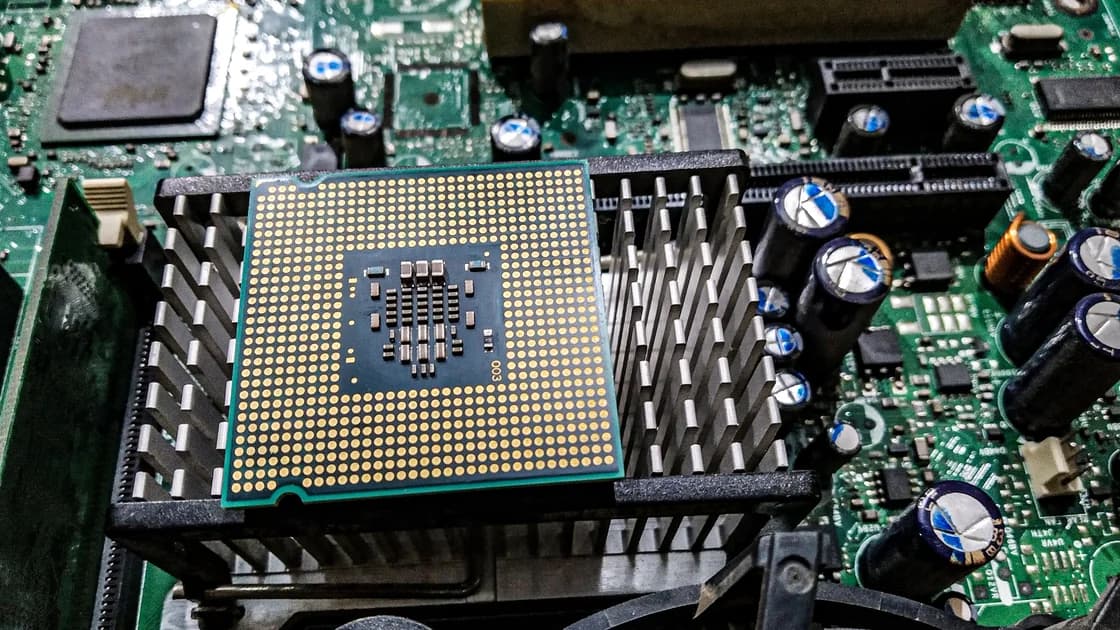

A rootkit is software or functionality used to conceal malicious activity by interfering with the information an operating system reports. It can hide files, processes, connections, or other components. Its defining concern is visibility and trust, not a particular stolen data type. Microsoft explains that a rootkit can alter ordinary system reporting, so the affected device's description of itself may be unreliable.[1]
That does not mean every unexplained crash is a rootkit. Rootkit detection needs evidence beyond a slow computer, and rootkit removal may require a trusted environment outside the usual running system. If a device is managed by your workplace or contains important evidence, involve the response team before experimenting with removal tools or reinstalling it.
Key Takeaways
- Rootkits hide activity; their location affects what ordinary tools can observe.
- User-mode, kernel-level, boot, and firmware compromise are different recovery problems.
- A negative scan is a limited result, not proof that every layer is trustworthy.
- Persistent infection or a credible deeper compromise calls for qualified help and an appropriate rebuild plan.
Think of the rootkit as a concealment mechanism. A malicious program might still steal data, enable unauthorized access, or run other payloads; the rootkit helps keep that activity out of expected views. MITRE describes interception or modification of operating-system interfaces that supply information about programs, files, services, drivers, and connections.[2]
A process list is therefore an observation from a particular source, not an independent inventory of every component. If that source has been manipulated, asking it the same question repeatedly does not create independent confirmation. This explains why an apparently empty list and unexplained security evidence can coexist.
A Trojan concerns disguised delivery; spyware concerns collection; adware concerns unwanted advertising; a computer worm concerns self-copying propagation. A rootkit can support another malicious function, but these labels should not be treated as interchangeable diagnoses.
“Root” in the name also does not mean the presence of an ordinary administrator account proves infection. Legitimate software uses elevated permissions. The question is whether an unauthorized component is hiding activity or altering trusted reporting, supported by actual findings rather than terminology alone.
MITRE documents rootkit functionality at user and kernel levels and below the operating system, including firmware; a bootkit targets the boot process.[2] The layer distinction helps explain recovery boundaries. It is not a ranking you can reliably infer from the severity of visible symptoms.
| Layer | Where concealment operates | Recovery implication |
|---|---|---|
| User mode | Applications or user-space interfaces | Check affected components and persistence; one process view may be misleading |
| Kernel level | Core operating-system execution or drivers | A normal running-system view may be compromised; independent assessment matters |
| Boot process | Components involved in starting the system | A file-only cleanup may miss the affected startup layer |
| Firmware | Device code below the ordinary operating system | An operating-system reinstall alone may not address the affected component |
The table describes why an investigator needs to know the layer, not a consumer test for identifying it. Do not assume firmware compromise because one scanner found nothing. Likewise, do not assume a normal reinstall is sufficient when evidence specifically identifies a lower layer.
A new problem after an update may have an ordinary compatibility cause. A recurring named threat, a security tool's integrity warning, or an investigator's finding is more relevant than the device simply behaving strangely. Preserve exact wording and the affected component so that help can be matched to the evidence.
The tool you use and the environment in which it runs affect the result. A scan inside the ordinary operating system examines what that environment makes available. Running from an independent trusted environment can change that visibility, but it still has supported platforms, prerequisites, and a particular scope. No consumer scan should be described as a universal proof of absence.
| Result | Useful conclusion | Conclusion it cannot establish alone |
|---|---|---|
| A trusted tool identifies a rootkit | A concrete finding requires investigation | That every affected layer or account has been recovered |
| A normal scan is negative | No threat was detected in that scan | That hidden components are impossible |
| An offline scan completes cleanly | That tool found no threat in its supported environment | That all firmware and historical activity are verified |
| A detection returns after remediation | Cleanup or reinfection needs investigation | The exact persistence layer without further evidence |
| System behavior improves | A visible problem changed | That copied information or remote account access is undone |
Microsoft Defender Offline is one Windows-specific example of scanning outside the normal Windows kernel.[3] Its current documentation lists platform restrictions, including unsupported ARM Windows and Windows Server configurations. Verify support for the actual device rather than assuming every machine labelled Windows can use the same procedure.
Preparation matters as much as the scan button. The documented requirements include an appropriate Defender configuration, administrator access, and Windows Recovery Environment. BitLocker can introduce recovery-key requirements when entering the offline environment; follow current official guidance or ask the administrator before changing protection settings.[3] A machine restarting does not, by itself, prove that the intended scan ran. Review the tool's actual results.
Start with the credibility of the finding and the value of what is at risk. If a supported security tool reports a removable component and remediation succeeds, preserve its result and monitor for recurrence. If the same threat returns, security controls remain unreliable, or evidence points to a deeper layer, stop treating repeated quick scans as a complete response.
Microsoft recommends reinstalling the operating system and security software when a rootkit problem persists, followed by data restoration from backup.[1] That recommendation should be applied with the layer boundary in mind. A trusted operating-system reinstall addresses that environment; it does not automatically validate separate firmware or repair information already stolen.
Before wiping, consider essential documents, encryption recovery keys, application access, and any evidence needed by an employer or investigator. A reset destroys some information that might explain the incident. For a managed device, the incident-response owner should decide whether to preserve the system for analysis or rebuild it immediately.
Use manufacturer or organization-provided recovery guidance. Obtain installers and tools from trusted sources on a trustworthy device, and do not use a random “rootkit remover” promoted in a warning page. Firmware concerns should go to qualified support with the exact model and findings, rather than prompt an improvised firmware flash that may damage the device.
Restore necessary documents selectively. Reinstall needed applications from their real publishers, and avoid returning a suspect full-system image or the same unauthorized driver. A backup is useful for recovery but is not automatically clean merely because it predates the latest visible symptom.
Account recovery remains separate. If credentials may have been exposed, change them and review sessions from a trusted environment. A rebuilt computer cannot recall files already copied by an attacker or end every online session automatically. Record device recovery and account recovery as separate outcomes.
Keep the operating system and applications updated, limit unnecessary privileged installations, and maintain recoverable backups. Microsoft highlights updates and regular backups among rootkit prevention measures.[1] These reduce exposure and improve recovery options; they do not establish that a particular device has never been compromised.
Use trusted download sources and review why software needs elevated access. Do not disable security controls merely to run an unrecognized utility that promises a fix. Maintain enough information about normal device administration to distinguish an expected managed tool from an unexplained change.
The digital privacy guide helps place backups, accounts, and device practices in a broader plan. After restoring endpoint trust, the explanation of VPN protection against hackers clarifies the separate network layer. Encrypted transport cannot make a manipulated process list trustworthy or remove a hidden driver.
A rootkit creates a trust problem by concealing activity through system interfaces or deeper components. Match your confidence to the evidence and the scan's scope. Persistent findings or a credible lower-layer concern require qualified assessment, an appropriate trusted rebuild, selective restoration, and separate account recovery.
No. Slowness and crashes have many ordinary causes. Look for concrete security findings and investigate recent changes; do not diagnose a rootkit solely from performance or assume the most serious layer without evidence.
No. A bootkit targets the system's startup process. Rootkit functionality can also reside in user space, the kernel, or firmware. That distinction matters because a recovery method for one layer may not address another.
Yes. MITRE documents rootkit activity across Windows, Linux, and macOS. The relevant detection and recovery options are platform-specific, so a Windows tool or procedure should not be presented as a universal solution.
No. It is a useful result within that tool's supported environment and scope. It does not verify every firmware component or prove that credentials were never stolen. Review the finding history and remaining recovery tasks.
Not necessarily. Reinstalling can address the operating-system environment, but evidence of boot or firmware compromise requires an appropriately scoped response. Do not promise universal removal from one reinstall without knowing the affected layer.
No. An improvised firmware operation can damage the device and may not address the real problem. Seek manufacturer or qualified guidance based on the actual model and findings rather than treating a negative scan as proof of firmware infection.
No. A VPN handles network transport, not operating-system integrity or hidden-driver remediation. Restore device trust through appropriate security and recovery methods before relying on additional network protection.
Disclaimer: This guide explains general security decisions; it is not an individual diagnosis. For a managed device, follow your organization’s incident-response instructions.
Sources checked 5 October 2026
Sign up to experience all premium features at no cost.
*Available only to new users. Each user is limited to one trial.