Start your 3-day free trial
Sign up to experience all premium features at no cost.
*Available only to new users. Each user is limited to one trial.
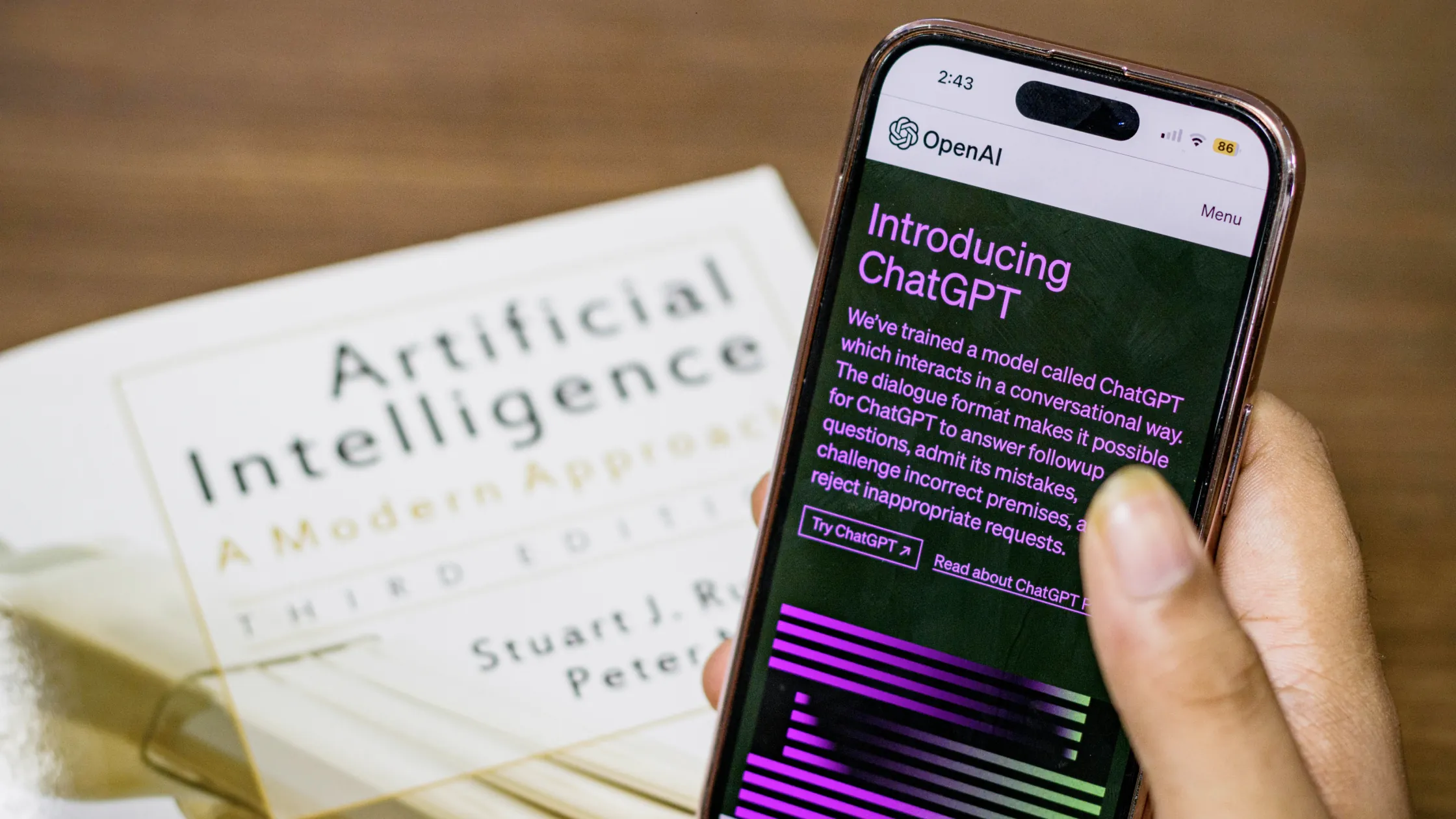

Is ChatGPT safe for what you are about to paste? For the broader task, input, and verification workflow, see a beginner's routine for limiting inputs and checking AI answers.
Privacy boundary: A VPN protects the network layer. The AI provider can still receive prompts, files, account data, and usage information under its own policy.
Using ChatGPT safely starts with the data, account, and workspace context—not with a VPN. Prompts, files, outputs, connected apps, and logs can have different controls.[1]
Key Takeaways
- What data should stay out of prompts?
- Which controls should you review?
- A VPN is a network control, not a data-processing opt-out.
Classify prompts before sending them. Keep credentials, API keys, identity documents, customer records, health data, unreleased financial information, and proprietary code out of public AI tools.
OpenAI's current Data Controls and Personalization settings should be checked on the exact account you use:
Personal accounts and managed workspaces can have different defaults and retention rules. Record the account type and the date you checked the settings.
The ChatGPT controls above should be checked against the cited OpenAI and security guidance.[2][3]
A VPN can hide the device IP from the service and protect traffic on a network you do not control. It cannot prevent the provider from processing what you submit, and it cannot replace data minimization, account controls, or enterprise policy.
On an untrusted network, a VPN such as AethoVPN can protect the network path; it does not alter these provider controls.
ChatGPT safety depends on the account, surface, and controls that are active when you submit the prompt. The web chat, mobile app, API, managed workspace, connected app, and shared link can expose different boundaries. Use the current OpenAI privacy and security documentation as the source of truth, then record what you actually checked instead of treating “ChatGPT” as one universal setting.
Before sending anything, write down whether you are using a personal account, a managed workspace, an API key, or a browser or mobile session. Note the product surface, the workspace members, the connected tools, and whether another person can read or export the conversation. A setting in the web chat does not automatically describe an API request, an organization workspace, a shared link, or a connected application.
Check the purpose of the task and the owner of the material. If a customer, employer, school, or another person owns the data, confirm that you are allowed to send it to this account. If you cannot identify the account boundary or the person responsible for the result, pause before uploading.
Open the current Data Controls page for the account and record the date, account type, and scope of the setting. Check whether chats may be used to improve models, what history behavior applies, and whether the control covers the surface you are about to use. Do not infer a team or API policy from a personal-account toggle.
A control that limits one use of a new prompt is not proof that existing history, safety logs, exports, backups, or a shared copy have disappeared. Keep the question narrow: what is collected, who can access it, how long it is retained, and which deletion or opt-out action actually applies. If the documentation does not answer one of these questions, mark it unknown and reduce the data you send.
Temporary Chat can change how a conversation appears in history, but it is not a reason to send a password, identity document, or unredacted customer file. Read the current explanation of its retention, safety review, and memory behavior before relying on it. Check Memory or personalization separately: a saved preference can remain useful after the visible conversation is removed, and a setting can differ by account or workspace.
Review shared links, exported conversations, custom assistants, connected apps, and team projects before using them with private material. Remove an old share link when the task ends, revoke an integration that no longer needs access, and check whether another person or service received a copy. Do not paste a secret into ChatGPT merely because the chat is temporary.
When you need to understand a feature, first create a synthetic example with the same structure but no real person, secret, customer, or production identifier. Observe the response, history, memory, sharing controls, and any connected-tool action. Keep a short record of what was visible and what the provider documentation says. Only after the test is understood should you decide whether the real task belongs in ChatGPT.
For a real prompt, send the smallest necessary excerpt. Replace names with stable placeholders, remove account numbers and hidden file metadata, shorten dates or locations when precision is not needed, and separate confidential instructions from public context. Generated answers, code, links, citations, and tool actions still require human review.
If sensitive material was sent by mistake, stop adding more context and record the account, workspace, time, and exact material involved. Revoke exposed API keys, remove shared links, disconnect unnecessary apps, and follow the organization's incident process. Ask the provider or workspace administrator which deletion, retention, and audit controls apply. Deleting the visible conversation may be useful, but it is not proof that every copy, safety record, export, or recipient copy is gone.
If another person's data was involved, do not decide privately that the risk is harmless. Escalate through the required privacy, security, legal, or customer-notification path. Preserve only the evidence needed for that process and avoid copying the sensitive content into another AI tool.
Use an approved internal system, a local script, a document editor, or a qualified reviewer when the task involves restricted credentials, regulated records, production access, high-impact employment or financial decisions, or information you cannot legally share. Convenience is not authorization. Keep final responsibility with the person who owns the risk and record why the selected tool and data scope were proportionate.
A VPN can protect the network path on an untrusted connection, but it cannot hide the prompt from OpenAI after delivery, change Data Controls, remove Memory, or make an unapproved upload appropriate. Use network protection alongside minimization, account controls, workspace policy, and human review.
For recurring work, keep a short record with the task, account or workspace, data classification, Data Controls setting, Memory or Temporary Chat choice, connected apps, source links, review date, and the condition that would trigger a new check. Revisit it when OpenAI changes a product name, account type, privacy explanation, model, connector, or sharing behavior.
Use a stricter checkpoint for code, customer communication, analysis, and anything that can change a real system. Ask a person to review the original input, the generated output, and the action that will follow. If the reviewer cannot reproduce the decision without opening the private material in another unapproved service, keep the workflow inside an approved channel. The record should show what was checked and what remains unknown; it should never become a new place to store the sensitive prompt.
No. It protects the network path, not the provider's processing of prompts, files, account data, or logs.
No. Remove passwords, API keys, identity documents, customer data, health data, unreleased financial information, and proprietary code.
No. Check the current account, plan, workspace, and regional policy in the provider's documentation.
Not necessarily. Read the provider's retention and deletion terms, including safety and legal exceptions.
Classify the input before sending it and keep sensitive work in a controlled system.
Disclaimer: This article is for general informational purposes only and does not constitute legal, technical, or professional advice. Platform availability, account rules, and privacy settings can change; follow official requirements and local law.
Sources:
Sources checked 22 August 2026.
Related Articles:
Sign up to experience all premium features at no cost.
*Available only to new users. Each user is limited to one trial.