Start your 3-day free trial
Sign up to experience all premium features at no cost.
*Available only to new users. Each user is limited to one trial.

AI tools can draft, search, translate, and organise work quickly. They can also receive prompts, files, account information, and connected-app data that you did not mean to disclose. AI privacy is therefore a workflow decision: send the minimum necessary input, choose the right account boundary, and check what the provider currently says.[4]
Key Takeaways
- Send the minimum input and remove secrets or identifiers.
- Check the provider’s controls for the exact account, plan, and workspace.
- A VPN protects the network path, not the provider’s handling of your prompt.
- Keep high-risk decisions under qualified human review.
Privacy boundary: A VPN can protect the network path. It cannot stop an AI provider from processing what you submit under its own policy.
Start with the least sensitive version of the task. Remove passwords, API keys, identity documents, customer records, health information, private addresses, unreleased financial data, and proprietary code. Replace names and identifiers with placeholders, and keep the mapping outside the AI service.
| Input | Safer first step |
|---|---|
| Public article or product note | Summarise only the section you need |
| Internal draft | Remove names, identifiers, and secrets |
| Customer, health, or financial data | Use an approved controlled workspace or do not upload it |
| Production code or credentials | Keep secrets out; use a reviewed local or enterprise workflow |
Ask whether you have permission to share the material, whether the complete file is necessary, and whether the result could expose another person. A paid plan or a VPN does not automatically make sensitive input appropriate.
Do not copy a setting from one product, plan, or workspace to another. Read the current provider page and record the account type and date you checked it.
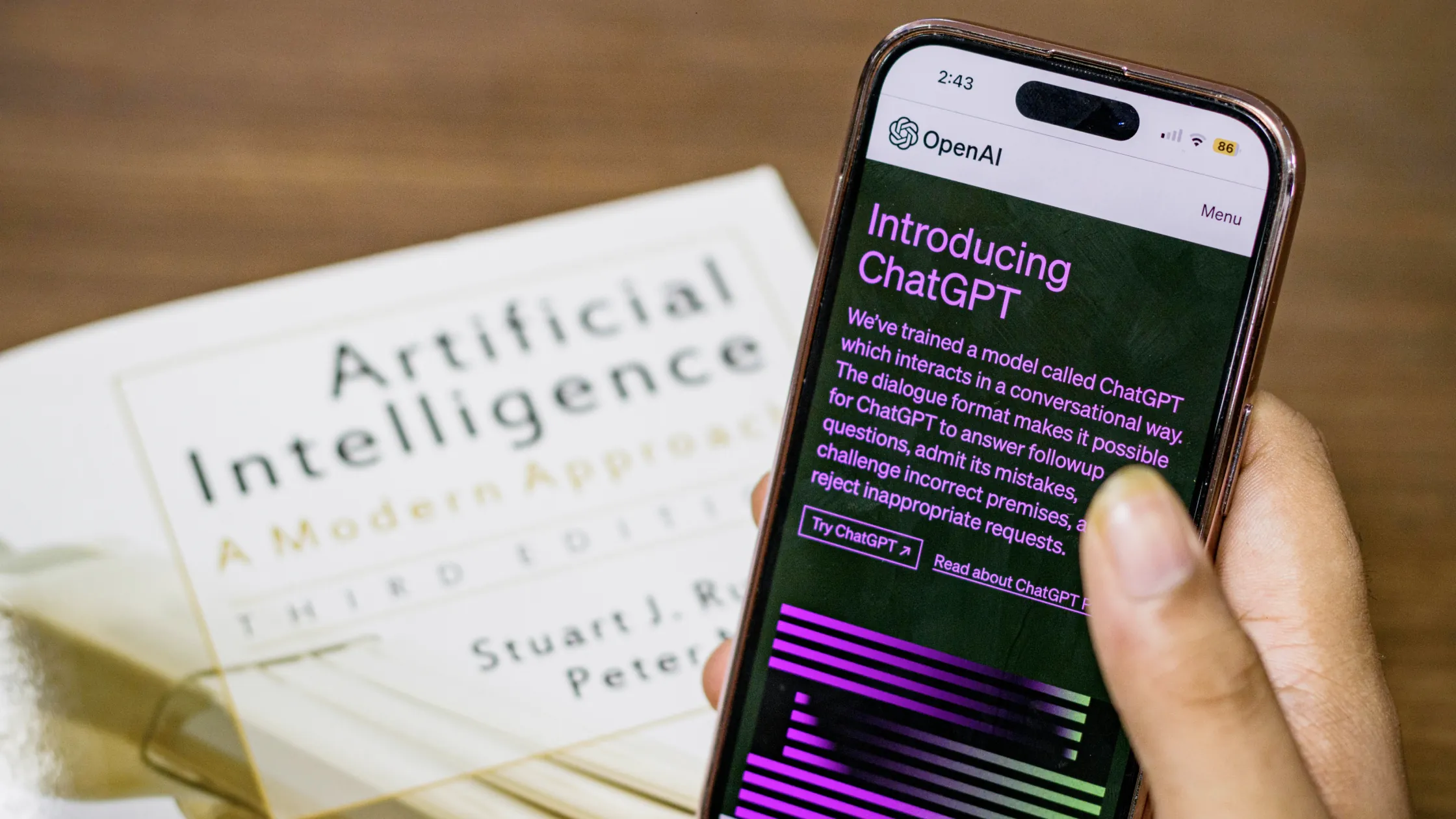
Review Data Controls, Temporary Chat, Memory, connected apps, shared links, and account security. Personal accounts and managed workspaces can have different training, retention, and administrator settings. OpenAI’s privacy guidance is the source of truth; verify the current control instead of assuming that a plan name or a deleted chat means every copy is gone.[1]
Check Gemini Apps Activity, Keep Activity, auto-delete, manual deletion, connected apps, and personal context. A personal Google account and a managed Workspace account may follow different policies. Use Google’s current privacy and activity guidance for the interface you actually use.[2]
Separate the consumer app, API, and organisation workspace. Check Anthropic’s current privacy policy, retention explanation, account controls, and any organisation agreement. “Not used for training by default” is not the same as “not processed” or “deleted immediately.”[3]
For image, audio, video, coding, search, or research tools, check whether prompts or uploads are public, how generated content is shared, whether connected services receive the data, and what plan or workspace controls exist. Do not infer a rule from ChatGPT, Gemini, or Claude.
Ask four questions: what is stored, for how long, who can access it, and what deletion actually removes. History, backups, safety logs, abuse reviews, shared links, and exports may have different lifecycles. Save the provider’s current explanation with the date and scope; if it does not answer the question, mark the workflow as unverified.
Before uploading a file, remove unnecessary pages and metadata. After the task, revoke a connected app, delete a shared link, clear local downloads, and remove the source from the workspace where appropriate. Do not promise a complete erasure unless the provider’s policy supports that exact claim.
A work account may have administrator access, retention rules, regional storage, audit logs, or approved connectors. A personal account may have different defaults and no contractual protection for company data. Follow your organisation’s policy, use least privilege, and get approval before connecting email, drives, code repositories, or calendars.
If the task affects health, law, money, employment, identity, or safety, keep the final decision with a qualified person. AI output is a draft, not evidence of compliance or professional advice.[4]
A VPN can reduce local-network snooping and hide the device IP from the service. It cannot hide prompts from the AI provider, change account eligibility, or replace provider controls. On an untrusted network, use a trusted connection, HTTPS, device updates, and MFA; use a VPN only where lawful and useful for the network-layer risk.
Privacy is not a single switch. Treat every prompt, file, result, connected app, browser session, and workspace as a separate data path. Before using an AI service, write down what you are trying to accomplish, which data is necessary, who owns it, and what would happen if it were exposed. This small inventory makes it easier to remove unnecessary details before they reach the service.
Use a simple four-level rule:
Public material may be suitable for a draft. Internal material needs a clear purpose and an approved workspace. Confidential material needs the organisation's data agreement, retention and access review. Restricted material should not be pasted into a public AI service. Redaction is not just replacing a name: dates, locations, account numbers, writing style, screenshots, and combinations of harmless fields can identify someone.
Review the settings for the account and product surface you are actually using. A web chat, mobile app, API key, team workspace, connected drive, browser extension, and shared project may expose different controls. Record which account is active, whether other people can access the workspace, whether history or activity logging is enabled, and whether connected tools can read or write data. Do not assume a setting in one surface applies to another.
Look for the current privacy, data-use, retention, deletion, training, administrator, and connected-app documentation. Record the scope and date of each setting you checked. A toggle can limit one use of data without deleting existing records, removing a backup, or changing what a workspace administrator can see. A deletion request may also have exceptions or a processing delay. If the documentation is unclear, treat the behaviour as unknown and keep the input minimal.
When you need to understand a feature, start with a synthetic example that has the same shape but no real person, customer, secret, or production identifier. Check the response, logs or history that are visible to you, and any connected-tool action. Only then decide whether the task is appropriate for the real workspace. Never test a privacy control by uploading a live password, an unredacted document, or a real customer record.
| Question | Evidence to record | Safe conclusion |
|---|---|---|
| Who can see the input? | Account, workspace, role, and sharing setting | The recorded surface has this access boundary |
| How long is it retained? | Current retention or deletion documentation | The policy states a period or leaves it unknown |
| Is it used for improvement? | Current data-use or training control | One documented control has the stated scope |
| Can a connected tool act? | Permission list and action log | The listed permission exists; review still matters |
| Can a VPN help? | Only network-path observations | It does not change provider-side data handling |
Send the smallest excerpt that can answer the question. Replace names with stable placeholders, remove unique identifiers, shorten dates and locations when precision is unnecessary, and strip hidden metadata from files. Preserve enough context for the output to remain useful, but do not keep an unredacted copy in the chat merely to make comparison easier. Store the approved prompt and the redaction decision separately when the work needs an audit trail.
If sensitive material was sent by mistake, stop adding data, record the account and time, revoke exposed keys, remove shared access where possible, and follow the organisation's incident process. Do not rely on deleting the visible chat alone. Ask the provider or administrator what retention and deletion controls apply, and document what you could and could not verify. If the material belongs to a customer or another person, follow the applicable notification and legal process rather than making a private guess.
A VPN can protect part of the path between your device and the service, depending on the connection and local policy. It does not prevent the AI provider from receiving the prompt after delivery, change workspace permissions, remove history, control training or retention, or make a sensitive upload appropriate. Use network protection together with data minimisation, account controls, approved workspaces, and human review.
For recurring work, keep a short record with the task, account or workspace, data classification, settings checked, source links, review date, and the condition that would trigger a new check. Revisit it when the provider changes a product name, account type, privacy policy, retention rule, model, or connected-app permission. A current timestamp is more useful than a permanent claim that a service is “private.” If you cannot determine the answer from the provider's current documentation, mark it unknown and choose a lower-risk workflow.
Do not use an AI service merely because it is convenient. A qualified reviewer, a local script, a document editor, or an approved internal tool may be safer for a high-impact decision or confidential record. Keep the final decision with the person who owns the risk, and record why the selected tool and data scope were proportionate.
A service answering quickly or offering a convenient integration does not mean it is authorized to receive particular material. Check the workspace purpose, your organisation's agreement, and the data owner's requirements. When in doubt, ask the responsible person before testing the boundary with a real file.
If the policy, settings, or activity record is unavailable, do not replace missing evidence with an assumption. Reduce the data, save the source and review date, and choose a workflow whose access boundaries you can confirm. Refusing a risky test is part of a correct review, not a sign that the task was done badly.
On repeat work, update the record instead of copying old confidence: platform conditions, names, and permissions can change.
The goal is not to prove that a provider is universally safe. The goal is to make a specific use proportionate to the sensitivity of the material, the people affected, and the controls you can actually verify. If those controls are missing, change the task or use another channel.
Minimise input data, verify provider controls for the exact account, separate personal and managed workspaces, and treat retention as a documented question. A VPN protects one network layer; it does not change how an AI service handles your prompt.
No. It may offer different controls or contractual terms, but check the exact plan and workspace policy before sending sensitive data.
Not automatically. Check history, memory, backups, safety logs, shared links, and retention exceptions in the provider’s current documentation.
No. It protects the network path, not the provider’s application-layer processing.
Usually not. Redact it, send the smallest necessary excerpt, or use an approved enterprise or local workflow.
Do not upload the sensitive material. Mark the task unverified and ask your security, legal, or privacy owner.
Disclaimer: This article is general information, not legal, medical, financial, or professional advice. Follow the provider’s current terms and your organisation’s data policy.
AethoVPN can cover a VPN connection to an AI service, but it cannot control what prompts or files the provider retains after upload.
Sources:
Sources checked 22 August 2026.
Related Articles:
Sign up to experience all premium features at no cost.
*Available only to new users. Each user is limited to one trial.