Start your 3-day free trial
Sign up to experience all premium features at no cost.
*Available only to new users. Each user is limited to one trial.
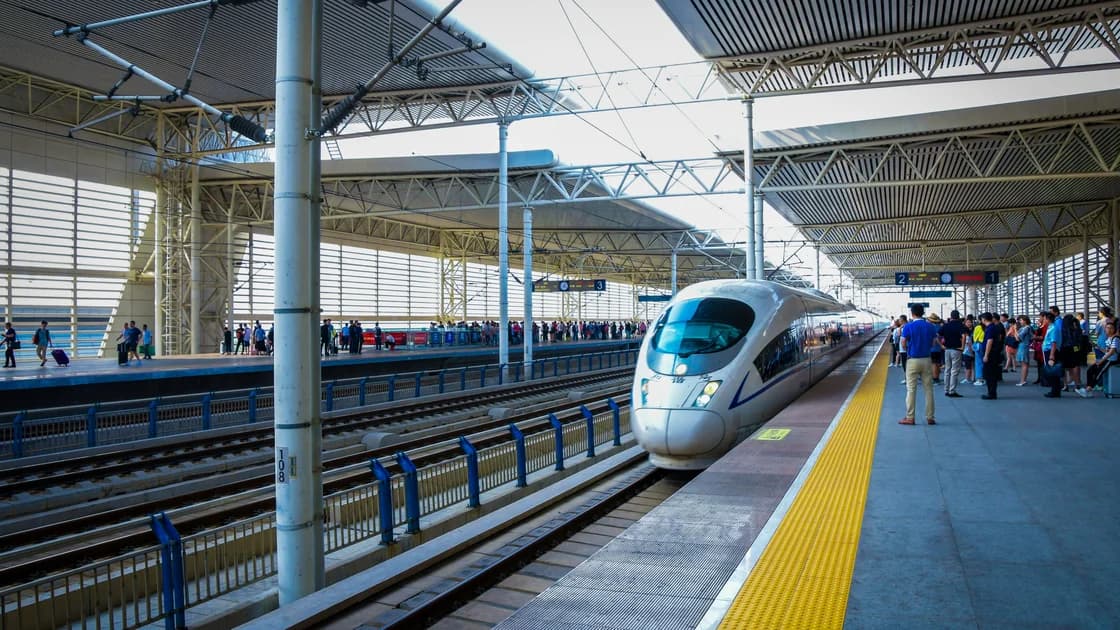

To use China Railway 12306 as an international visitor, book through the official 12306 English website at 12306.cn/en (the official domain is 12306.cn), the official app, or a railway-station counter, choosing by the document and assistance you need. Enter your name and passport details exactly as they appear on the original document, complete the verification required by that channel, save the order, and carry the same original document to the station.
Key Takeaways:
- The English website, official app, and station counter are different channels; a document or function supported in one is not automatically supported in all.
- Real-name details must match the original travel document.
- Train times, inventory, accepted documents, fees, change rules, and refund rules are dynamic.
- An order record is useful evidence, but it is not a substitute for the original registered document.
- A VPN cannot change identity requirements, ticket inventory, refund rules, or boarding rules.
Start with the official 12306 English registration page and its current list of accepted fields and documents.[1] The official FAQ names 12306.cn as the official website of the China Railway Customer Service Center and says the railway will not handle ticketing problems from other websites; use that FAQ for the task you need to complete, and the official rules for booking conditions.[2][3]
| Channel | Best suited to | Check before relying on it |
|---|---|---|
| Official English website | English registration, search, and supported online booking | Current document list, verification method, payment, and account features |
| Official 12306 app | Mobile search, account and order access, and functions shown to your account | App publisher, language, region availability, document support, and current menus |
| Railway-station counter | Human assistance, a channel-specific document issue, or an online failure | Counter location, opening arrangements, accepted document, queue, and current sales rules |
Do not copy an exhaustive passport or residence-document list into a travel note. Document acceptance, field length, transliteration, verification, sales windows, and counter arrangements can change. Check the channel you will actually use.
The registration page is the source of truth for current fields. Never upload a passport to an unofficial agent merely because an account check takes time.
Schedules and ticket inventory change in real time. A search result, waiting-list state, payment deadline, or available class is not a promise that the seat will remain available. Follow the current 12306 status.
For station names and entrances, use the maps and navigation guide. For transport between the station and your accommodation, prepare Didi or a licensed-taxi fallback. For the rest of the arrival checklist, start with the China visitor guide.
Carry the original document used for the booking. Arrive with enough time to find the correct station, entrance, security check, waiting area, and platform. Follow the current station signs and staff instructions.
If an automated gate does not accept the document, do not repeatedly force the scan or use another passenger's gate. Ask railway staff for the current manual inspection route. Keep the order available offline, but remember that an order screen or printed itinerary does not replace the original identity document.
The order or itinerary, a paper ticket, and a reimbursement voucher are not interchangeable concepts. Whether a paper record is available or required, where to obtain it, and which document is needed for reimbursement are current operator and tax-document questions, not a universal boarding rule.
Open the original order and check which change or refund actions are currently offered. Read the displayed deadline, fee, refund destination, and processing status before confirming. The official FAQ and rules describe the applicable framework, but the result depends on the ticket, timing, channel, payment method, and current railway rule.
Do not hard-code a fee, time limit, ticket-sales window, or complete list of eligible documents into your itinerary. If the online path is unavailable, take the original document and order details to official railway staff.
| Problem | Check first | Safe next step |
|---|---|---|
| Registration rejects the name | Exact document spelling, order, spaces, and field length | Follow the channel's current formatting help or station assistance |
| Identity remains unverified | Account status and requested evidence | Use official review; do not create duplicate identities |
| Passenger cannot be added | Verified document and exact passenger fields | Correct the official record or ask 12306 support |
| Payment succeeds but no order appears | Official order list and payment status | Avoid paying again until the first transaction is resolved |
| No ticket is available | Date, station pair, train, and current inventory | Check another time or train; inventory cannot be created by a network tool |
| Gate rejects the document | Original registered document and correct train/date | Ask staff for manual inspection |
| Refund is not visible | Original channel, ticket status, and current rule | Use official order help or station counter |
Keep one compact record for each journey: the official order number, passenger name as registered, document type and ending digits, train number, travel date, departure and arrival stations, departure time, and current order status. Store it securely and make it available offline. Do not expose a full passport image or payment details in an unlocked note.
Review that record twice. The first review is after payment: confirm that 12306 shows a completed order for the correct passenger and train. The second is before leaving for the station: recheck the current train and station information, then carry the original registered document. A bank notification, screenshot, calendar entry, or message from another person cannot replace either the official order status or the document required for identity processing.
If the journey changes, work from the original order rather than starting with a second purchase. Read the action currently offered, its displayed consequences, and the refund destination. Save the resulting status after confirmation. When an online action is absent or the document fails at an automated gate, stop guessing and ask official railway staff. This keeps booking, identity, payment, and station access as separate problems and avoids treating one channel's behavior as a rule for every channel.
It is 12306.cn, with the English version under 12306.cn/en. Type the address yourself or open the official app, and check the domain before entering passport or payment details. Travel agencies and look-alike sites are separate sellers, and the railway does not handle problems with orders placed on other websites.
Current official channels support specified foreign travel documents, but the accepted set and workflow can differ by website, app, and station. Check the current document selector for the channel you will use.
Yes. Use the spelling and order shown on the original document, subject to the current field-format instruction. Do not casually abbreviate or translate the name.
No. They are official channels with overlapping but not necessarily identical documents, verification methods, menus, payments, and account functions.
No. Keep order details for reference, but carry the original document registered for the passenger and follow current station identity and gate procedures.
Do not treat a paper ticket as a universal requirement or as the same thing as an itinerary or reimbursement voucher. Check current 12306 and station instructions for your purpose.
Not necessarily. Availability, deadlines, fees, refund destination, and the required channel depend on the order and current rules. Open the original order and read the offered actions.
No. It cannot alter inventory, identity verification, accepted documents, refund rules, or boarding requirements.
Disclaimer: This article provides general railway-booking information, not a guarantee of document acceptance, verification, ticket inventory, schedule, price, payment, change, refund, gate access, or boarding. Follow current 12306 rules and railway-station instructions.
Sources checked 4 October 2026.
Sign up to experience all premium features at no cost.
*Available only to new users. Each user is limited to one trial.