Start your 3-day free trial
Sign up to experience all premium features at no cost.
*Available only to new users. Each user is limited to one trial.
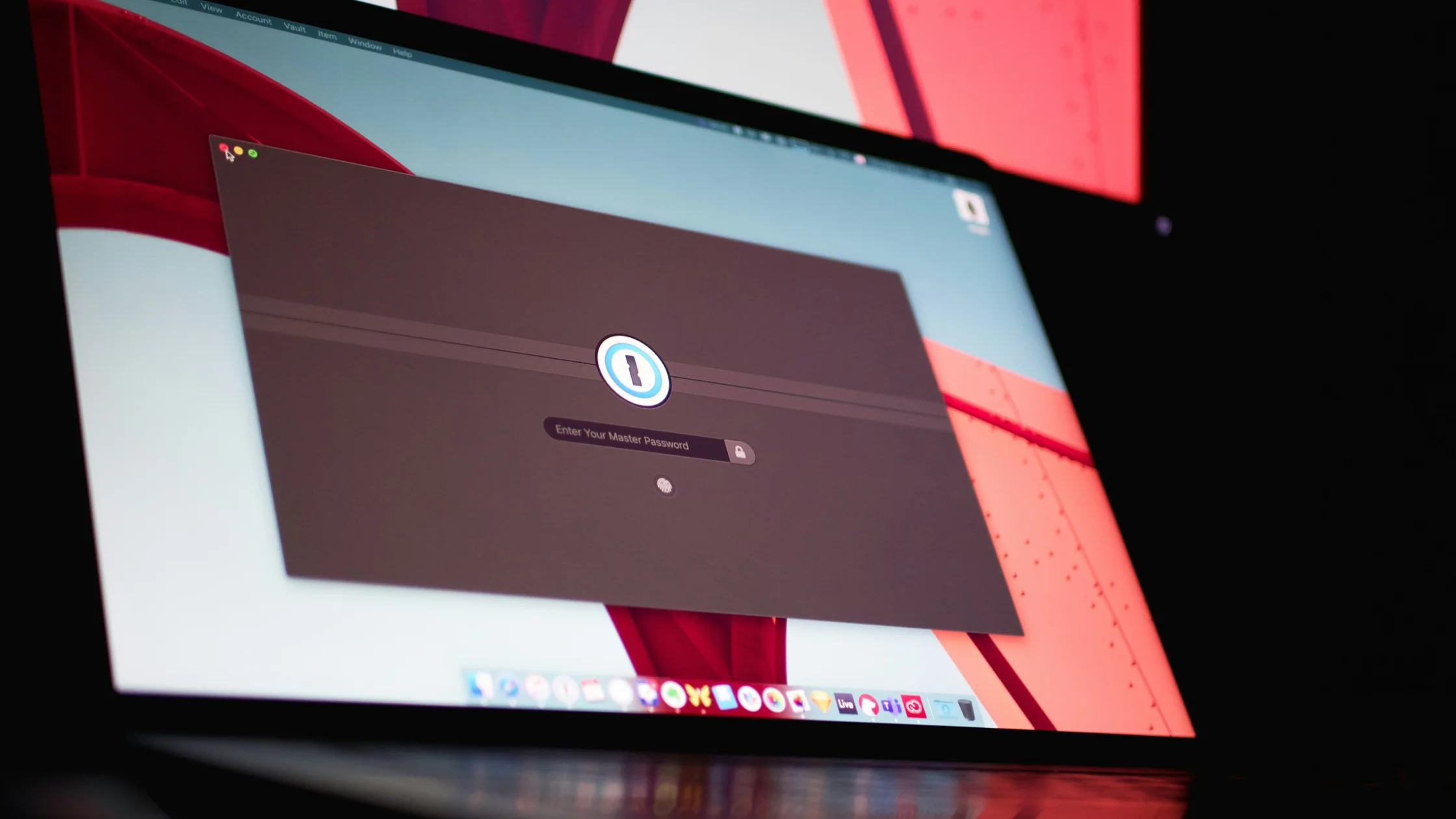

If you are asking are password managers safe, the more useful answer is: for most people, a password manager is usually safer than remembering passwords yourself and reusing them across sites. Public guidance from CISA, the NCSC, and NIST all points in the same direction: passwords should be strong, long, random, and unique, and a password manager is one of the most practical ways to make that happen.[1][2][3]
That does not mean password managers have no risk. They turn many scattered password problems into one more controlled central point, and that point deserves serious protection.
Use the digital privacy guide as the wider checklist: it connects this issue to accounts, devices, identifiers, and data-broker exposure.
If your bigger problem is too many accounts and too many guessed passwords, pair this with how to protect your social media accounts.
Key Takeaways
- For most people, a password manager is safer than password reuse, notes apps, or trying to memorize everything.[1][2][3]
- Its value is not that it is unbeatable. It helps you use a different, long, random password for every site.[1][3]
- The master password, two-factor authentication, and device security matter more than vague fear of "the cloud."[1][2]
- A password manager cannot solve phishing, malware on your device, or you voluntarily sharing a verification code.[3]
- When choosing one, reputation, maintenance, 2FA support, and cross-device usability matter more than marketing language.
Because people are bad at doing three things at once:
CISA recommends password managers for generating, storing, and autofilling strong passwords.[1] NIST also emphasizes length and screening against common or compromised passwords instead of old-style complexity rituals.[3]
In plain terms, the value of a password manager is not that it sounds advanced. It helps you actually follow the password rules that work.
It mainly solves four problems:
Without one, many people drift back into the riskiest pattern: one password for the main email account, a small variation for social media, and another tweak for shopping sites.
Because "using one" is not the end of the job. It concentrates security around a few important points.
The NCSC notes that the master password you remember for a password manager must be long.[2] A weak master password is like putting every key in a vault and then using a weak lock on the vault.
CISA and the FTC recommend two-factor authentication for important accounts.[1][4] The password manager account itself belongs in that category. If it supports 2FA and you leave it off, everything depends on one password.
Even a well-designed password manager cannot fully protect you if your device is infected, remotely controlled, or running risky browser extensions.
This is a big one. NIST is clear that passwords alone do not resist phishing.[3] A password manager can help spot fake websites and reduce manual typing, but it does not guarantee that every login is safe. Check the domain before entering credentials.[2]
CISA favors longer passwords or passphrases.[1] A long phrase you can remember is usually better than a short, complex string you end up writing somewhere else.
Use an authenticator app or security key first. SMS codes are a weaker fallback, but still better than no second factor.[4]
Do not just import your old weak passwords and stop there. The upgrade comes from replacing reused passwords with unique ones.
Many password resets still end at your email inbox. If the inbox falls, many other accounts can follow.
Public computers, borrowed devices, and unknown browser environments are poor places to open your password vault.
For many everyday users, yes, and it is much better than using no manager at all. CISA explicitly lists built-in browser password managers as an option.[1]
But a dedicated password manager can be better if you:
The risk is more concentrated, but for most people it is still more manageable than reusing weak passwords everywhere. Protect the master password and 2FA.
Not completely. A manager can help spot fake websites, but passwords are not inherently phishing-resistant. Check the domain even when using one.[2][3]
Longer is better. The key is length, uniqueness, and something you can reliably remember. CISA and NIST both emphasize length over mechanical complexity.[1][3]
Yes. It is usually better than using nothing. A dedicated tool may fit better if you need stronger cross-platform management.[1][2]
Yes, if the service supports it. The vault protects many other credentials, so an additional authentication step matters even when the master password is strong.[4]
Recovery options vary by product. Check them before you commit, and store recovery materials securely.
Disclaimer
This article is for general account-security education only and does not certify, endorse, or guarantee any specific password manager product.
A VPN cannot assess a vault's recovery model, protect a weak master password, or audit a provider's security claims.
Sources
Sources checked 8 May 2026.
Related Articles:
Sign up to experience all premium features at no cost.
*Available only to new users. Each user is limited to one trial.