Start your 3-day free trial
Sign up to experience all premium features at no cost.
*Available only to new users. Each user is limited to one trial.
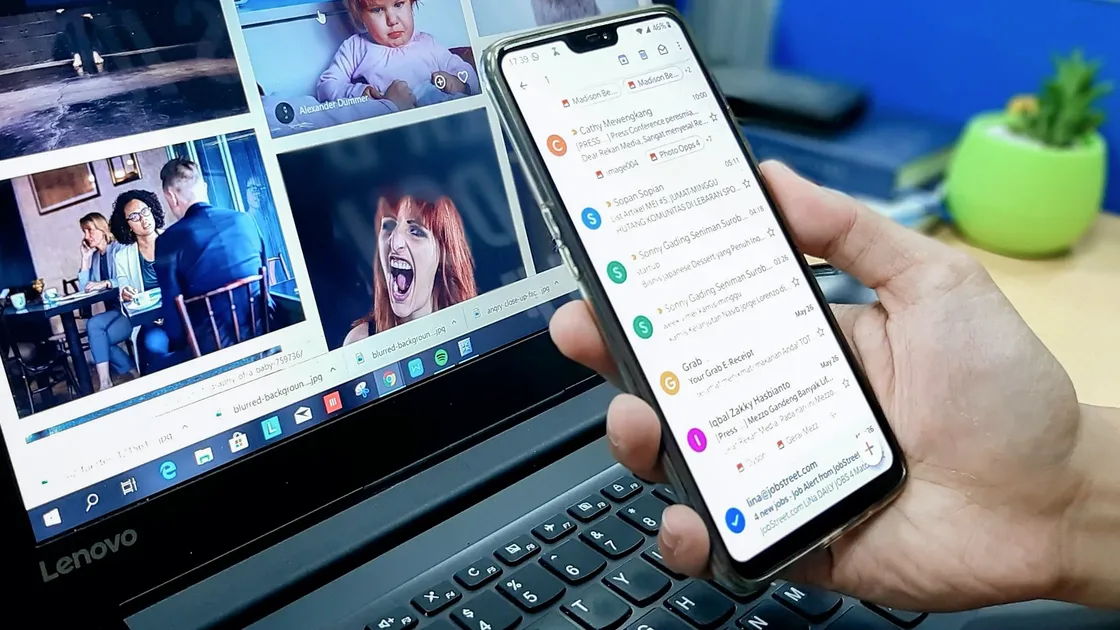

Can emails be traced? Yes. Every message carries headers that record the sender address, the servers that relayed it, timestamps, and authentication results, and Google and Microsoft both show ordinary users how to read them.[1][2]
Are emails traceable to you as a person, though? Usually only as far as your email provider, your account details, and the clues you put in the message allow. A recipient rarely gets your home address from a header; identification tends to come from provider records or from what you reveal yourself.
Use the personal privacy guide as the wider checklist: it connects this issue to accounts, devices, identifiers, and data-broker exposure.
Key Takeaways:
- Email is almost never completely traceless, because delivery itself needs metadata.[1][2][3]
- What people usually see is the sender address, timestamps, delivery servers, and authentication results, which do not necessarily reveal your real location.[1][2]
- Metadata is not message content, but it can still reveal who wrote to whom, when, and through which path.[3]
- The common risks are using an identity-revealing mailbox, reused signatures, a company domain, or losing the account to phishing.[1][4]
- To reduce traceability, focus on separate mailboxes, minimal identity clues, header checks, and account protection.[1][2][3]
Google and Microsoft both document ways to view full email headers.[1][2] Common fields include:
FromToDateMessage-IDReturn-PathReceived chainsIn practice, someone may see what type of server sent the message, which relays handled it, what sender address is displayed, and when it was sent and received.
Ordinary recipients usually see headers after your email service has processed the message, not every raw device-side detail. Whether a specific IP or other origin detail appears depends on the provider and sending method.
For example:
Often, people "trace" a sender because the sender included enough clues, not because of advanced forensics.
EFF defines metadata as data about a message rather than the message content itself, such as who sent it, when, and from where.[3] For email, metadata can reveal a lot even when the body stays private.
In many security investigations, attackers, administrators, and responders look at headers and metadata before they look at the body. Phishing detection, sender spoofing, and abnormal routing all depend on these signals.[1][2]
| Scenario | What can be seen | Common use |
|---|---|---|
| Recipient views headers | Sender address, server path, timestamps | Spot spoofing and rough origin |
| Enterprise admin analyzes headers | Fuller delivery path and authentication results | Anti-phishing, audit, troubleshooting |
| Email pixel tracking | Whether and when you opened it, and which client | Marketing analytics or privacy tracking |
| Compromised mailbox investigation | Login records, forwarding rules, header anomalies | Check for account takeover |
That last scenario is more common than many people think. The real problem is often that the mailbox was phished first.
Google says you can open a message, choose Show original, and use Google Admin Toolbox Messageheader to analyze headers.[1]
Microsoft provides an Internet headers view and explains common fields.[2]
From matches the real sending path;Return-Path looks suspicious;Received chain is abnormal;If you handle suspicious email often, this is more reliable than judging only the tone of the message.
Many email incidents start not with someone tracing you, but with someone tricking you into giving up your mailbox password. Once the mailbox is taken over, password reset routes for other accounts are at risk too.[4]
Some marketing emails use invisible pixels to learn whether and when you opened a message. That may not identify you by name, but it can confirm that the address is active.
If you want to contact someone anonymously but use your real mailbox, real signature, and real attachment filenames, you have almost no anonymity.
Often, yes, though rarely from the headers alone. An anonymous mailbox hides your name from the recipient, but the provider still keeps account and login records. For US requests, Google says a subpoena can compel subscriber registration details and IP addresses, while a court order can reach non-content records such as To, From, and timestamps.[5]
Anonymous senders are usually identified through links like these:
An anonymous address is harder for an ordinary recipient to trace, but not untraceable for the provider or an investigator with legal authority.
Do not use one main mailbox for shopping accounts, public contact, and sensitive communication. Separating purposes reduces exposure.
If your goal is stronger identity separation, the question is not just one email header. It becomes a full identity-isolation strategy. Continue with how to send an anonymous email.
If you also need to change the network IP your mail client connects from, AethoVPN's strict no-log policy and in-app location list make it one option. It may affect a sender's network IP exposure in some workflows, but email headers, provider logs, account identity, and recipient-side records remain separate. Treat a connection through it as a new-connection check, not a way to erase headers or provider records from messages already sent. Before testing that new connection, start the 3-day free trial.
Not always. Recipients usually see service routing and delivery information first. Whether your real IP appears depends on the provider and sending method.[1][2]
They can show sender address, relay path, timestamps, and authentication results. They are important clues when checking suspicious email.[1][2]
It is different, but it is still sensitive because it can reveal communication relationships, timing, and origin.[3]
For regular users, common methods are header analysis, open-tracking pixels, and investigation after phishing-based account takeover.
No. Real signatures, attachments, device habits, and login traces can still weaken anonymity.
No. A VPN changes your network path, but it does not erase email metadata or server-side records.
Disclaimer
This article is for general digital security education only. It does not constitute legal, forensic, or enterprise email compliance advice. Email providers differ in how they display headers and retain logs.
Sources
Sources checked 4 October 2026.
Related Articles:
Sign up to experience all premium features at no cost.
*Available only to new users. Each user is limited to one trial.