Start your 3-day free trial
Sign up to experience all premium features at no cost.
*Available only to new users. Each user is limited to one trial.
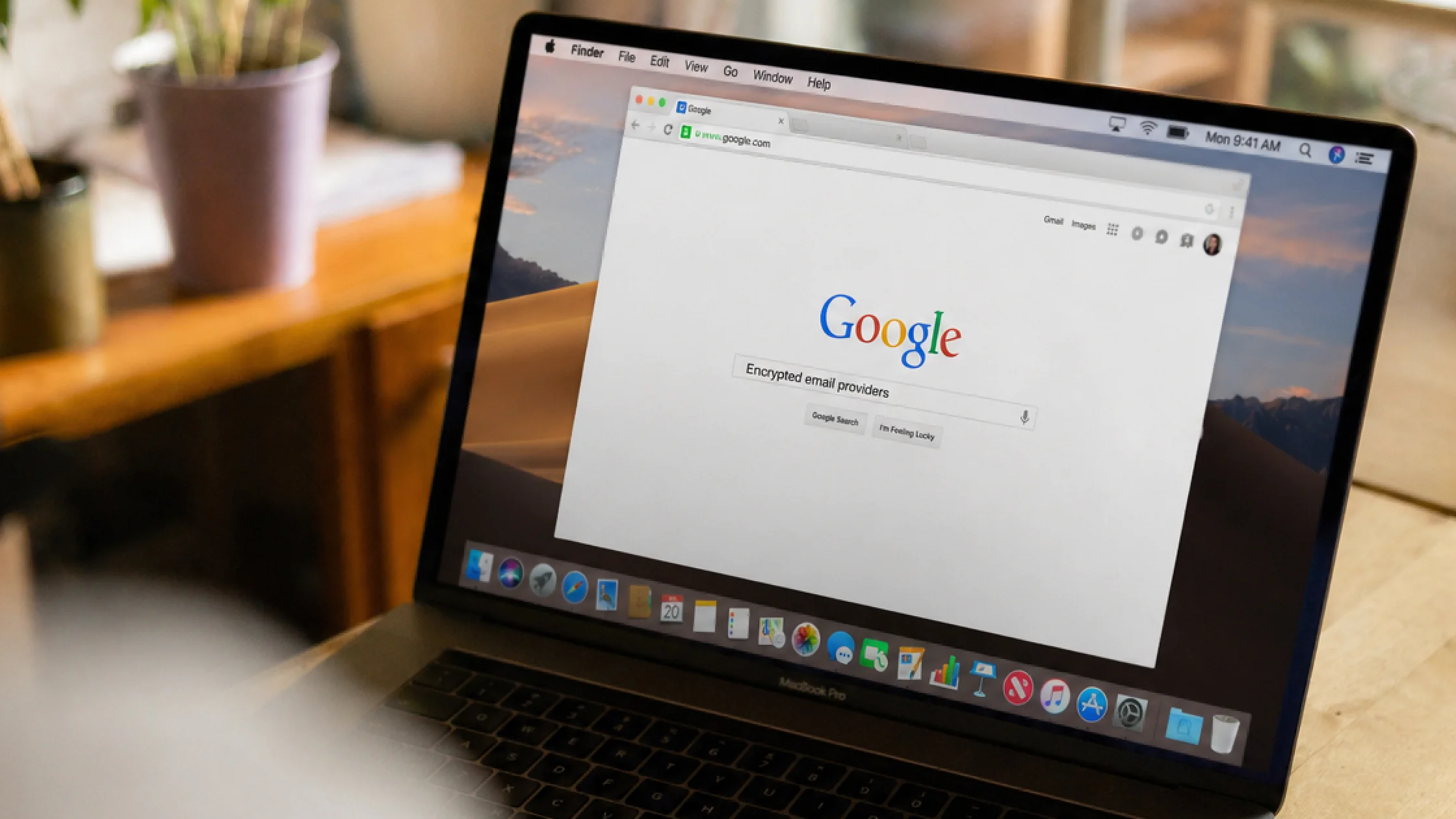

The question best encrypted email providers is hard to answer with a simple top 10 list. Many services use the phrase encrypted email, but they differ widely in encryption scope, default behavior, aliases, external delivery, and ease of use. The official documentation makes those boundaries important: start with your needs, then choose a provider.[1][2][3][4][5]
What you are really choosing is usually not a mythical “most secure email,” but:
If you are still cleaning up your overall email exposure, read how to protect your email with 7 settings that matter more than switching providers alongside this guide.
Use the digital privacy guide as the wider checklist: it connects this issue to accounts, devices, identifiers, and data-broker exposure.
Key Takeaways
- There is no single answer to the best encrypted email provider; your contacts, identity exposure, and habits matter.[1][2][3][4][5]
- The key question is not just whether encryption exists, but whether it is enabled by default, how external delivery works, and whether aliases and 2FA are supported.
- Proton and Tuta are strong options if you want default encryption and usability together.[1][2]
- StartMail, Mailfence, and mailbox.org suit users with clearer preferences around aliases, standards, or PGP/S/MIME.[3][4][5]
- Switching email providers without fixing primary-address exposure, passwords, and MFA gives limited privacy gain.
This is the first filter.
Some services emphasize:
Other services focus more on support for PGP, S/MIME, or TLS. That does not mean every message is end-to-end encrypted by default.[4][5]
This is where many ranking lists get vague.
In real life, you will not only email people using the same provider. If the recipient is outside the platform, check whether the service supports:
If you register for websites, receive newsletters, and handle many one-off conversations, aliases can matter more than impressive marketing language.[3][5] This connects directly to what email masking is and when to use a masked address instead of your main email.
An email account you use every day has to be secure without being painful. 2FA, mobile apps, desktop apps, IMAP/SMTP, webmail, and PGP/S/MIME support all affect whether you will actually keep using it.[2][4][5]
They are not the same.
If your goal is the second one, read how to send anonymous email and separate anonymous, private, and disposable addresses.
| Service | Who it seems best for | What I value most |
|---|---|---|
| Proton Mail | Users who want default encryption and a mature ecosystem | Default E2EE within Proton, password-protected external mail, clear zero-access storage docs[1] |
| Tuta | Users who want broader default encryption and a simple experience | Integrated encrypted email, contacts, and calendar, with more data encrypted by default[2] |
| StartMail | Users who care about aliases, anti-tracking, and external encryption | One-click encryption, unlimited aliases, clear privacy positioning[3] |
| Mailfence | Users who want browser-based PGP, digital signatures, and interoperability | OpenPGP, in-browser encryption, signatures, and key management[4] |
| mailbox.org | Users who want European data protection, PGP/S/MIME, and standards compatibility | PGP/S/MIME, 2FA, aliases, enforced TLS, and a German legal environment[5] |
Prioritize default encryption and everyday usability. For this group, the problem is not too few features; it is so many features that you go back to Gmail or Outlook.
Prioritize secure external delivery, not just “default encryption inside the same platform.”
Prioritize aliases, masked addresses, and management flow. This is especially useful for limiting damage after a data breach.
Prioritize PGP, S/MIME, IMAP/SMTP, and webmail compatibility.
The biggest failure of a security tool is not that it is weak. It is that you stop using it after three days.
Instead of asking which provider is absolutely number one, ask:
If those are missing, switching providers usually gives less privacy improvement than you expect.
Not necessarily. Many services provide stronger defaults inside the same platform, while external addresses may require password protection, PGP, or another method.[1][3][4][5]
No. The account still needs a strong password and 2FA.
No. Encrypted email protects message content within its supported encryption model; disposable addresses reduce exposure of your main address and serve a different purpose.
Look first at aliases, masked email, and separate addresses for different services. Message encryption by itself does not prevent unwanted senders from contacting you.
If you have clear cross-organization, standards, or certificate requirements, yes. Otherwise, default usability usually matters more.
Rank your needs by everyday use, external sending, alias needs, and standards compatibility, then choose the closest fit.
Disclaimer
This article summarizes official public documentation for feature comparison. It does not constitute legal, enterprise compliance, or procurement advice. Features may vary by plan, region, and time.
A VPN cannot supply end-to-end encryption to an email provider or control how recipients store messages.
Sources
Sources checked 24 September 2026.
Related Articles:
Sign up to experience all premium features at no cost.
*Available only to new users. Each user is limited to one trial.