Start your 3-day free trial
Sign up to experience all premium features at no cost.
*Available only to new users. Each user is limited to one trial.


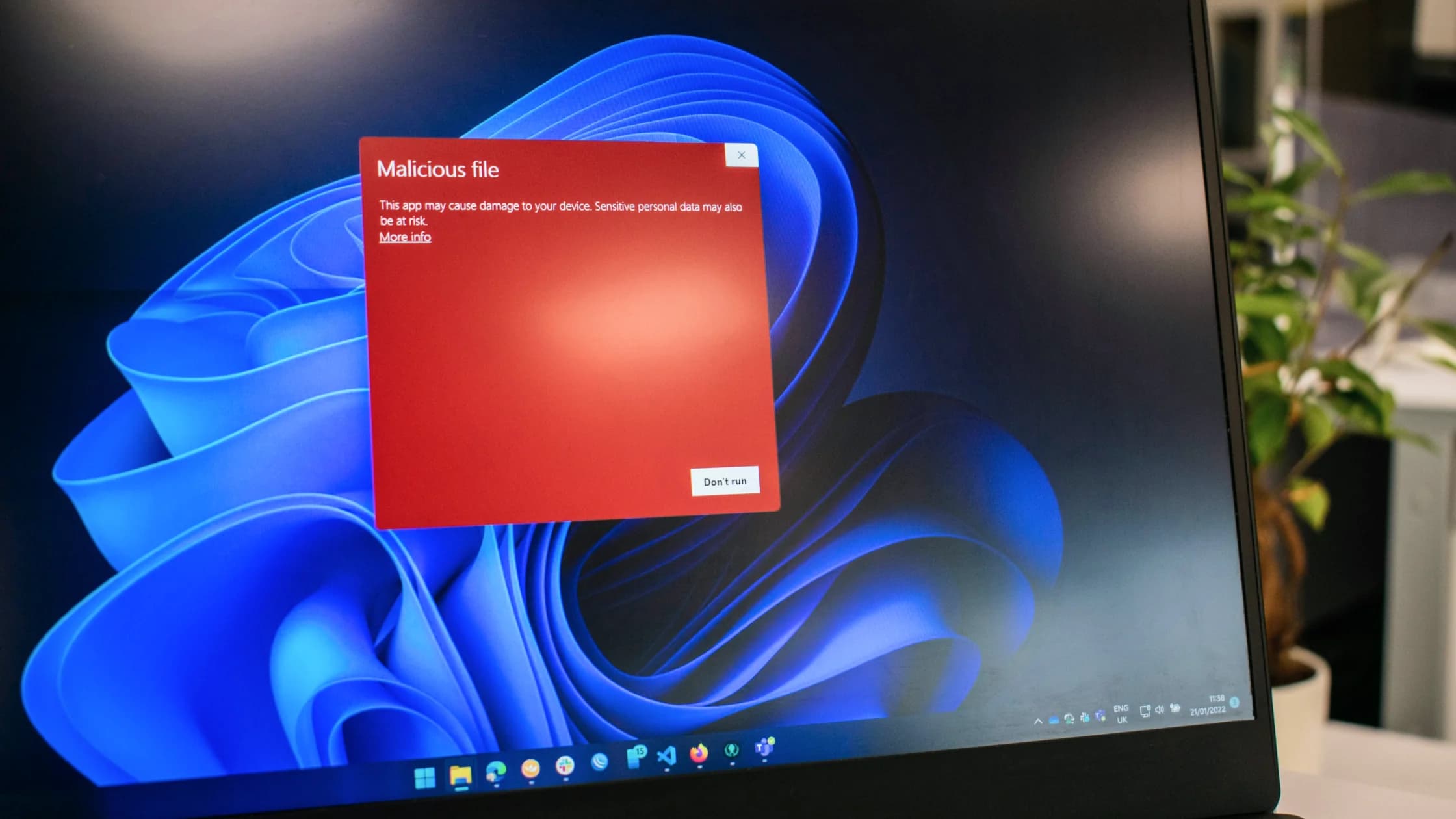
A fake browser update scam is a deceptive webpage, advertisement, popup, or redirect that claims your browser is obsolete or unsafe and tells you to download a file, install an extension, allow notifications, or paste a command. The “update” can deliver malware, unwanted software, or a credential-stealing page instead of legitimate browser code. If Microsoft Defender reports Trojan:JS/FakeUpdate.B, it has detected this kind of fake update script; close the page, do not run anything it offered, and follow the response steps below that match what you already did.[2]
Key Takeaways
- A webpage can recommend an update, but it cannot prove that the file it offers is an authentic browser update.
- Check updates from the browser's own menu, the official app store, or the operating system—not from a popup.
- Close the tab without using its buttons if it demands a download, extension, command, payment, or support call.
- Your response should differ depending on whether you only saw the page, downloaded a file, ran it, or entered account data.
This scam targets a user's normal desire to keep software safe. A practical online security guide still recommends timely updates, but the update path must be trusted.
You may encounter the page after clicking a malicious advertisement, visiting a compromised site, following a link in a message, mistyping an address, or allowing a site to send browser notifications. The page may copy colors, icons, window shapes, or wording associated with a familiar browser.
Microsoft advises treating unusual browser-update notices as suspicious and checking for updates through the browser itself.[1] Microsoft also documents FakeUpdate.B, a JavaScript framework used to show fraudulent browser-update pages and distribute malware.[2] The visible page is therefore only the delivery layer; the downloaded payload may change across campaigns.
Some pages do not offer a normal download. They display a fake error or verification step and instruct you to copy text, open a system tool, paste the text, and run it. That is often called a ClickFix-style lure. The text is not a repair instruction merely because the page says it is; running it gives the instruction your own account's privileges.[3]
Do not judge by polish alone. A convincing logo or animation does not establish who supplied the file.
| Prompt behavior | Why it is risky | Trusted alternative |
|---|---|---|
| Appears inside an unrelated webpage | The site is not the browser vendor's update channel | Open the browser's About or update menu yourself |
| Forces a countdown or blocks the page | Urgency is being used to prevent verification | Close the tab or browser window |
| Downloads an unexpected archive, script, or installer | The file may not be signed or supplied by the vendor | Use the official browser site or app store only |
| Tells you to disable security software | Genuine updates should not require weakening protection | Stop and review the official support documentation |
| Asks you to paste a command | This can execute code outside browser protections | Do not copy or run it |
| Demands payment or a support call | Browser security updates are not sold through surprise popups | Contact support through a known official page |
| Requests notification permission | The site may be trying to create recurring fake alerts | Deny the request and review site permissions |
Mozilla warns that fake Firefox update pages can appear through advertisements and other deceptive pages; authentic Firefox updates use the browser's internal mechanism.[4] Chrome likewise documents background updates and its own Help > About Google Chrome path.[5] Exact labels and mobile behavior vary, but the trust principle remains stable: start inside the installed browser, official store, or operating system.
Many browsers update automatically in the background and apply the update after a restart. Managed work or school devices may use an administrator-controlled software service. Mobile browsers are commonly updated through the device's official application store.
A real update check should identify the installed browser and current status without making you trust a file supplied by an unrelated page. If the browser says it is current after you open its own update screen, an external page claiming otherwise is not a better authority.
When downloading a browser for the first time, type the vendor's official address or use the platform store. Do not search for an installer and click the first advertisement without checking the destination. Sponsored search placement is not proof of authenticity.
Use a low-interaction response:
Do not keep returning to the page to gather screenshots or test its buttons. Record the address only if you can do so safely and need it for a security report. Ordinary users do not need to reverse-engineer the page to make the safe decision.
The correct response depends on the last completed action.
Close it and verify the browser through its official update screen. If you did not download, install, grant permission, or enter data, a full account reset is usually unnecessary. Report the malicious advertisement or page where the platform provides a route.
Do not inspect it by running it. Remove it through the operating system's normal file controls, empty the browser's download queue if appropriate, and run a current security scan. Check whether the browser was configured to open downloaded files automatically.
Remove the unfamiliar extension or site permission through the browser's own settings. Review its requested permissions and any changes to the search engine, homepage, proxy, or startup behavior. Persistent popups can resemble a fake virus alert even when the original page is gone.
Treat the device as potentially compromised. Disconnect it from sensitive work, avoid signing in to banking or primary email, and use a trusted device to protect important accounts. Run vendor-supported security tools and seek qualified help if the command used administrator privileges, security controls changed, or the device handles valuable business data.
From a trusted device, change the affected password, revoke sessions, verify recovery details, and enable MFA. Contact the card issuer or payment provider through its official channel when financial data or money was involved. The response guide for a clicked phishing link covers the same exposure-based sequence.
Recurring alerts do not always mean the malware reinstalled itself. A site may have notification permission, the browser may restore the same tabs, a malicious extension may redirect searches, or adware may continue opening pages. Diagnose the source before repeatedly reinstalling the browser.
Start with site notifications, extensions, default search and homepage settings, recent applications, startup items, and security scan results. Synchronization can reintroduce an unwanted extension on another signed-in device, so review the browser account's extension list as well.
If warnings appear outside the browser, security settings will not open, or unknown processes return after removal, seek device-specific assistance. A basic explanation of malware behavior can help you distinguish a bad webpage from software running on the device.
Enable automatic browser and operating-system updates where they fit your environment. Keep a small number of trusted extensions, deny notification requests from sites that do not need them, and avoid installers from advertisements or download aggregators.
Teach one durable rule: update prompts are verified from the application being updated, not from the page demanding action. This avoids relying on screenshots that become outdated when browser interfaces change.
For organizations, use managed update channels and application controls. Staff should have a clear reporting route for suspicious pages, while administrators should preserve evidence and determine whether multiple users reached the same compromised site.
A site can observe limited browser information and may reject unsupported versions, but that does not authenticate a download it offers. Check the installed browser's official update screen instead of trusting the site's file or instructions.
Use the browser's own tab or window control rather than a button drawn inside the webpage. A page can make an image look like a close button while assigning it another action.
No. A legitimate browser or operating system may show an update notice through its own interface. The important question is whether the action begins inside the trusted application or store, rather than an unrelated webpage.
Browser-Update.org is an open-source, MIT-licensed script that some websites embed to show a small, non-blocking notice when a visitor's browser looks outdated.[6] Even a genuine notice is only a reminder, not the update itself: install the update from the browser's own About or update screen. Treat any page that uses the name but forces a download, extension, or pasted command as a fake browser update.
Campaigns can change payloads and packaging, so a list of extensions would give false confidence. Treat any unexpected installer, archive, script, extension, or command from a webpage as untrusted regardless of its name.
Modern browsers and systems limit automatic execution, but vulnerabilities and unsafe settings can exist. If you only downloaded a file, do not open it; remove it, update through official channels, and scan the device.
Possible causes include a permitted notification source, an unwanted extension, adware, a compromised network advertisement path, or restored tabs. Review the browser and device rather than assuming every visited site independently issued the same warning.
No. A VPN does not authenticate browser installers, inspect every command you choose to run, or remove malicious extensions. Trusted update channels and endpoint protections address the core risk.
Report it to the browser's safe-browsing or security channel, the advertising platform if an ad led there, and the website owner if their legitimate site appears compromised. Organizations should also notify their internal security team.
Disclaimer: This article provides general cybersecurity information, not individualized malware-removal, legal, or incident-response advice. Device and browser procedures vary by platform and version.
Sources:
Sources checked 4 October 2026.
Related articles:
Sign up to experience all premium features at no cost.
*Available only to new users. Each user is limited to one trial.