Start your 3-day free trial
Sign up to experience all premium features at no cost.
*Available only to new users. Each user is limited to one trial.
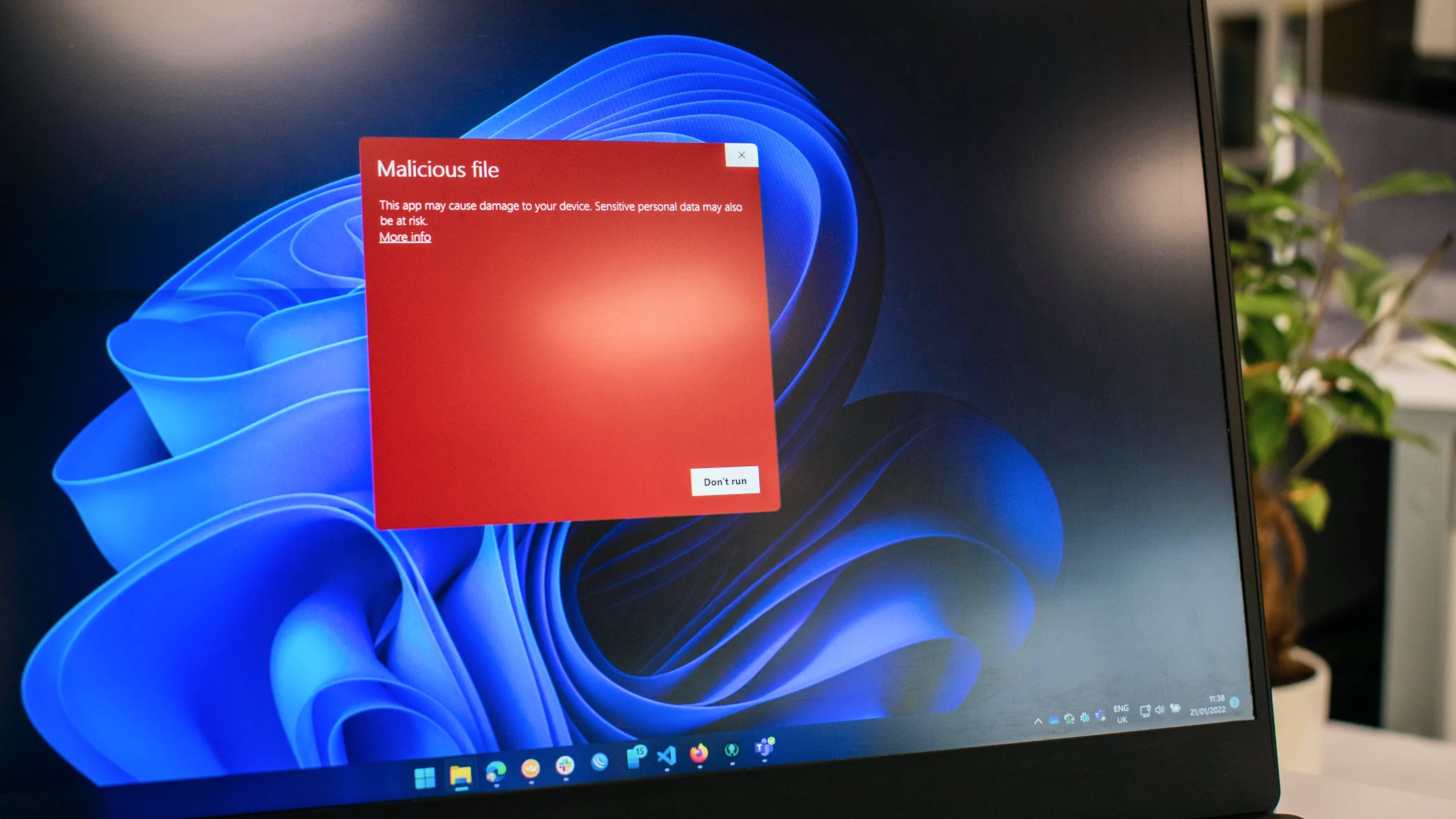

what is malware? The shortest useful answer is this: malware is any software designed to steal, damage, monitor, extort, or take unauthorized control of a device. NIST, the FTC, and Microsoft define malware in very similar ways. It is not one specific threat; it is a broad category.[1][2][3]
So when people say their device "has a virus," they may only be naming one small part of the problem. In real life, the threat could be a Trojan, ransomware, spyware, adware, or an information stealer.
If you are still trying to separate viruses from the wider malware category, start with Virus vs. malware: remember this first, a virus is only one type.
Use the digital privacy guide as a wider checklist: it connects this issue to accounts, devices, identifiers, and data-broker exposure.
Key Takeaways
- Malware is the umbrella term; a virus is only one type.[1][2][3]
- Common types include Trojans, ransomware, spyware, adware, and remote access tools.
- Infections usually do not appear out of nowhere. They often start with downloads, phishing links, malicious attachments, fake updates, or risky permissions.
- The warning sign is not only a slow device. Watch for account, file, browser, and system behavior changing together.
- Removing one suspicious file is often not enough. You also need to check accounts and device permissions.
Think of malware as a large category that includes at least these common members:
That is why the question "what is malware?" should not be reduced to "it means a virus."
| Common entry point | How it happens |
|---|---|
| Phishing links | Send you to fake pages, fake download sites, or fake login forms |
| Email attachments | Use invoices, statements, or shared files as bait |
| Fake updates | Pretend to be browser, media player, or security tool updates |
| Unknown software sources | Cracks, cheats, toolkits, and third-party app stores |
| Risky permissions | Granting admin, accessibility, or other sensitive permissions to the wrong app |
From a protection standpoint, these entry points matter more than the exact malware label.
This is common, but it is not enough by itself. It tells you the device is behaving abnormally, not which malware family is involved.
That pattern looks more like adware, a hijacked extension, or malicious script activity.
This is closer to ransomware behavior.[1]
Examples include unknown logins, repeated verification codes, or messaging apps sending things by themselves. At that point, the issue is usually bigger than "my computer feels slow."
If you want to troubleshoot by symptoms, continue with How to know if your computer has a virus: 8 common signs to check first.
Modern threats usually are not trying to prove they can copy themselves. They are trying to do something more direct:
For everyday users, watching what the software is doing is more useful than arguing whether the label is virus or Trojan.
If you already know this is an infection issue, read How to get rid of viruses on a computer: follow this order before deleting files.
Many infections do not happen because the device is weak. They happen because:
The most effective protections are often plain: update your system, install fewer unknown apps, avoid suspicious attachments, and enable two-factor authentication on important accounts.
No. A virus is one type of malware.[1][2][3]
Yes. The delivery methods and permission abuse patterns often differ from computers, but phones can still be affected.
No. But if slowness appears together with pop-ups, redirects, account anomalies, or unfamiliar software, it deserves attention.
Yes. Ransomware is a type of malware that can lock or encrypt files and demand payment. The broader malware category also includes threats such as viruses, spyware, and trojans.[3]
Usually not. You should also check the browser, extensions, permissions, and account activity.
Keep systems updated, avoid unknown software, be careful with links, and strengthen verification on important accounts.
Disclaimer
This article is for general cybersecurity education only and does not constitute malware sample analysis, enterprise endpoint response, or legal advice.
Sources
Sources checked 24 September 2026.
Related Articles:
Sign up to experience all premium features at no cost.
*Available only to new users. Each user is limited to one trial.