Start your 3-day free trial
Sign up to experience all premium features at no cost.
*Available only to new users. Each user is limited to one trial.
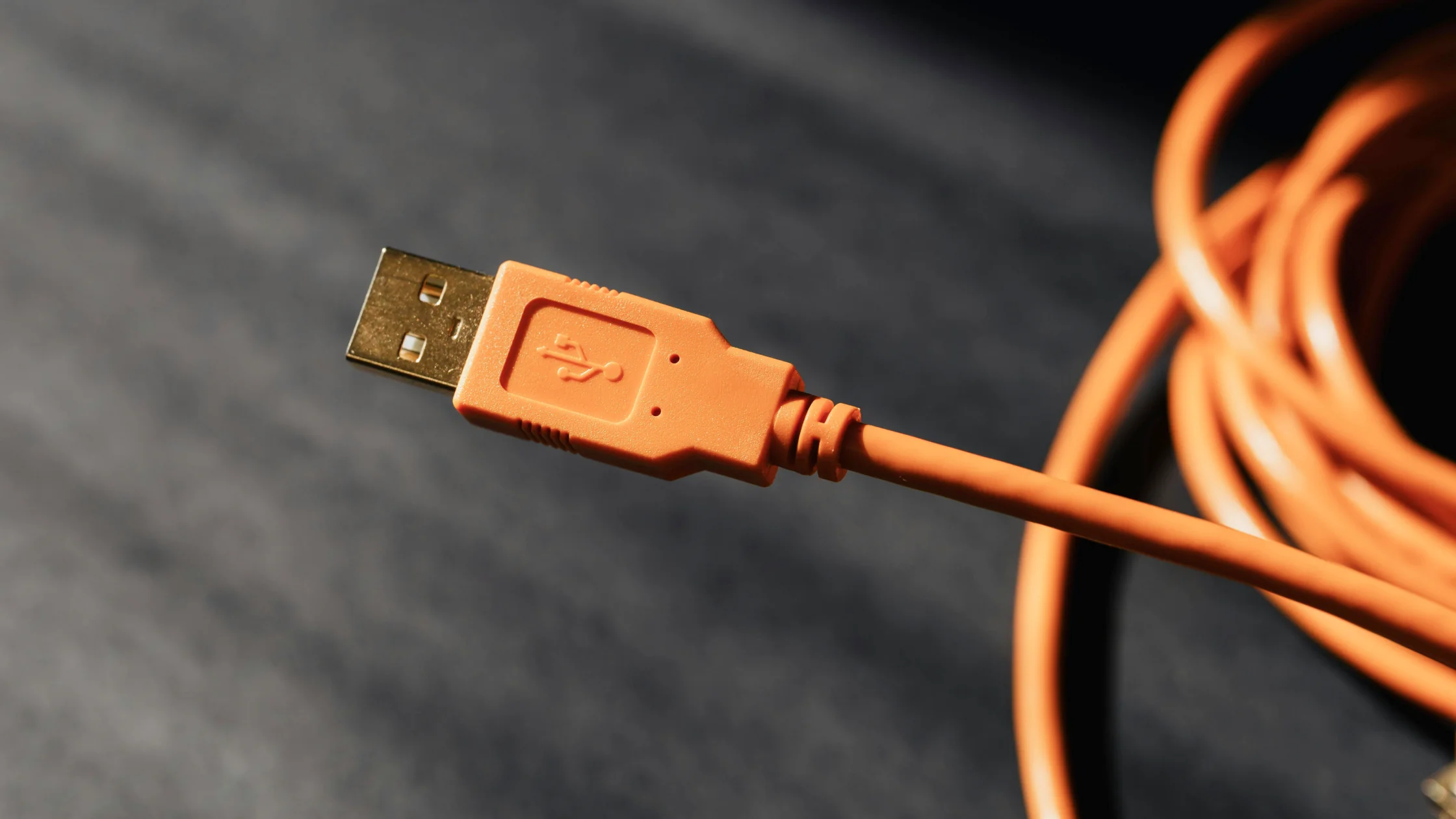

Juice jacking is what happens when a "charging port" is used as a data entry point. USB is not only for power. It can also carry data. If a public charging port, shared cable, or connected device has been tampered with, it could try to read data, trick a device into granting access, or in some cases install malicious software.[1][2]
This topic is often exaggerated. A more accurate view is: the risk is technically real and worth preventing, but you do not need to treat every USB port as a trap. Modern phones have stronger default protections than older devices. The risky habits are trusting unknown devices, tapping "Allow" without thinking, and borrowing random cables.[1][2]
In other words, the point is not "every public USB port is stealing your data." The point is that you cannot verify what sits behind an unfamiliar USB port, so you should not treat it as trusted by default.
Key Takeaways
- Juice jacking risk comes from USB being able to carry both power and data.[1][2]
- The risk is not limited to public charging stations. Unknown cables, car systems, and unfamiliar computers also matter.[1]
- Modern iPhones and many Android devices default to charge-only behavior or require manual trust, so risk is lower than on older devices.[2]
- The best defenses are carrying your own charger and cable, using wall outlets, and not tapping "Trust" or "Allow data access" casually.[2]
- If you only need power, a wall outlet or power bank is safer than gambling on a public USB port.
The basic idea is simple: a USB cable is not just a power wire.
Many USB connections include both power and data paths. When you connect a phone to a port, the other side may not only provide power. It may also try to identify the device, request access, or start data communication.[1]
Apple's support documentation illustrates this. When an iPhone connects to a computer or another device, it can ask whether you trust that computer. Once trusted, the other device may access photos, videos, contacts, and other content.[2]
That is the technical reason juice jacking is possible.
Many articles focus only on airport charging stations, but the broader risk surface includes several situations.
Airports, hotels, lobbies, malls, conferences, and coworking spaces are classic examples. You do not know whether the port is connected to a power-only module or a device with control logic.
A cable someone lends you, a "free to use" cable left on a desk, or a promotional cable from an unknown source can be riskier than a wall outlet.
Some people avoid public charging kiosks but connect phones to unknown laptops, rental car entertainment systems, or demo devices. These are still situations where the other device may try to establish a data connection.[2]
If you often work from airports or hotels while using hotspots, read this together with our public Wi-Fi VPN guide. One covers interface risk; the other covers network risk.
It is harder than it used to be, but that does not mean you should plug in anywhere.
Modern iPhones show a trust prompt before data access. If you do not trust the device, it should not be able to access your content normally.[2] Many Android devices also default to charging mode and require an extra step for data transfer.
That means realistic risk often depends on conditions such as:
From a risk model perspective, the main consequences fall into three groups:
| Risk | Possible consequence | Realistic assessment |
|---|---|---|
| Data access | Photos, files, contacts, or other data are read | Usually requires authorization or a device weakness |
| Malware installation | Malicious software or a backdoor is installed | Depends on device protections and vulnerabilities |
| Device trust relationship | Later connections may be easier to access | Often follows a mistaken "Trust" action |
The real issue is not whether public electricity harms your phone. It is whether you expose your device to an untrusted data endpoint.
If a standard power outlet is available, use it. A wall outlet provides power without a built-in data path.
"I'll just borrow a cable" can be riskier than it sounds. The devices you trust should come from sources you can trace.
Apple's documentation explains that trusting a device can allow access to several types of content.[2] If you only need power, you should not grant trust.
If you travel often, a power bank is usually more reliable than hunting for public USB ports. It turns the risk from "unknown interface" into "your own power source."
Even good habits cannot fully compensate for old software and known vulnerabilities. CISA has long advised caution with USB devices and removable media. The underlying principle is simple: do not trust external connections by default.[1]
That same principle appears throughout our complete online security guide: do not assume unfamiliar environments are safe, whether the risk is a network, a link, or a cable.
If you charged briefly and did not tap any trust or allow prompt, do not panic. Still, you can take a few steps:
No, but they should not be trusted by default. The problem is that you cannot verify what is connected behind the port.
Often, yes, because iPhones ask whether you trust a connected device.[2] But if you grant trust, the boundary changes.
If the device and cable truly provide only power, it is safer. In real-world public settings, you often cannot confirm that, so a wall outlet or your own power source is better.
Yes, especially in a rental car, unfamiliar vehicle, or infotainment system. Those ports may be more than power-only chargers.
Reliable data blockers can help because they are designed to cut the data channel and keep only power. The blocker itself must come from a trusted source.
Disconnect, reset trust or privacy settings using the official system method, and check your accounts and device security if anything seems unusual.[2]
Disclaimer: This article is for general cybersecurity education only. It is not forensic, repair, or device vendor technical advice. Phone operating systems, interface standards, and cable quality can affect actual risk.
Sources:
Sources checked 8 May 2026.
Related Articles:
Sign up to experience all premium features at no cost.
*Available only to new users. Each user is limited to one trial.