Start your 3-day free trial
Sign up to experience all premium features at no cost.
*Available only to new users. Each user is limited to one trial.
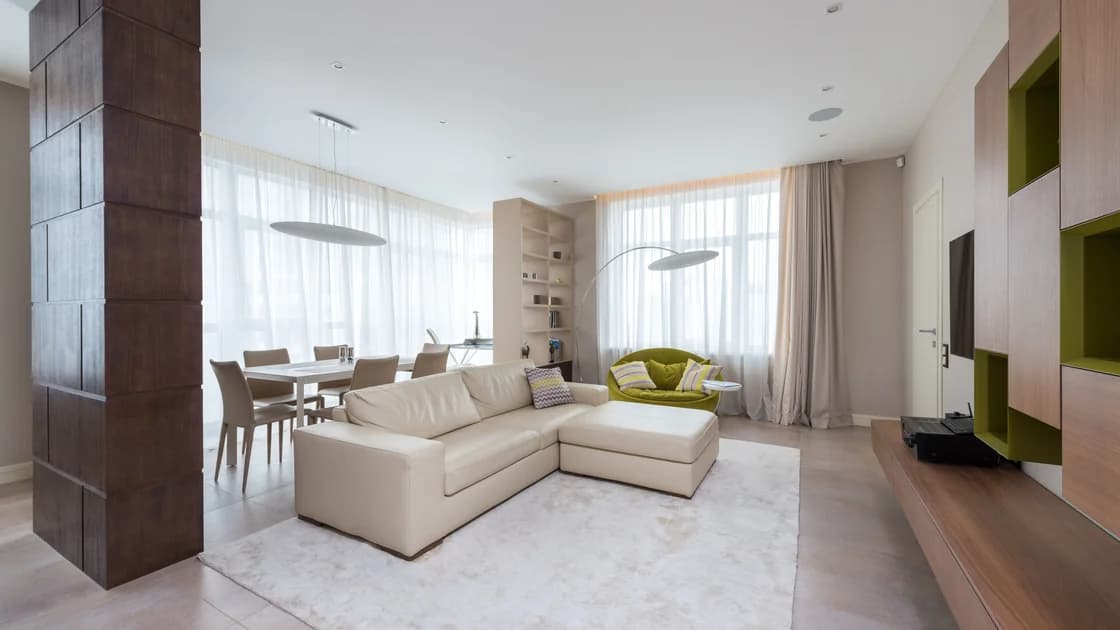

To protect your privacy in a short-term rental, begin before booking: review disclosures for exterior cameras, doorbells, noise monitors, and smart-home devices. At check-in, compare the space with the listing, limit which rental devices receive your accounts or permissions, and keep private conversations away from disclosed monitoring. If something appears undisclosed or dangerous, preserve evidence without dismantling equipment, leave the unsafe setting, and report through the platform and locally appropriate channels.
Key Takeaways:
- Platform surveillance rules apply to that platform; they are not a statement of every local law.
- Compare disclosed devices and locations with what is actually present before settling in.
- Rental Wi-Fi, TVs, casting systems, smart speakers, and locks create different data boundaries.
- Do not disassemble, cover, jam, or run an improvised radio-frequency hunt; document concerns and use authorized help.
This article covers the whole rental environment, not merely whether its Wi-Fi is safe. Use the international travel guide for the broader trip and the booking-scam guide to verify the listing and payment before arrival.
Read the listing, house rules, safety section, photographs, and recent reviews. Look for descriptions of exterior security cameras, video doorbells, noise-decibel monitors, smart speakers, smart displays, connected thermostats, entry sensors, and electronic locks. Save the version you relied on, including the device location and stated purpose.
Airbnb’s current policy prohibits hosts from having security cameras or recording devices that monitor indoor home spaces, even when turned off. A narrow exception applies to certain homes in Japan with a Hotel Business License where applicable law may require a disclosed camera that monitors only the interior entryway and records no audio. It otherwise allows disclosed exterior cameras under stated conditions and permits disclosed noise-decibel monitors away from bedrooms, bathrooms, and sleeping areas; its smart-device disclosure rule is different.[1] Vrbo’s policy states that indoor surveillance capture devices cannot be used, while disclosed exterior devices and some informed, deactivatable smart devices may be allowed.[2]
Those are platform policies, not universal law. A direct booking, another marketplace, a hotel-licensed home, or a particular jurisdiction may have different requirements. Before booking, ask the host through the platform to clarify an ambiguous device and keep the answer in the reservation record. For legal rights or urgent help, check the rules and official channels where the property is located.
For Airbnb reservations, also review listing, payment, and booking safety checks; a device disclosure does not establish that the listing or payment request is legitimate.
Do a calm, ordinary walk-through before unpacking sensitive work or having a private conversation. Compare what you can plainly see with the saved disclosure:
Do not treat every smoke detector, motion sensor, thermostat, or dark opening as a camera. Misidentification can escalate a safe situation and damage equipment. If a device is unclear, photograph it from a normal distance, note its location, and ask the host or platform in writing what it is and whether it records, transmits, or stores data.
Do not dismantle fixtures, open housings, move wiring, block safety equipment, cover a disclosed security device, interfere with a lock, or use a jammer. This guide intentionally does not provide an RF-scanning or hidden-device hunting tutorial. Consumer detector apps and improvised scanners can produce false positives and do not establish what a device does.
| Rental system | What it may learn or retain | Lower-exposure approach |
|---|---|---|
| Wi-Fi and router | Device identifiers, connection times, traffic metadata, and network logs | Use updated devices, verified network details, and avoid router administration |
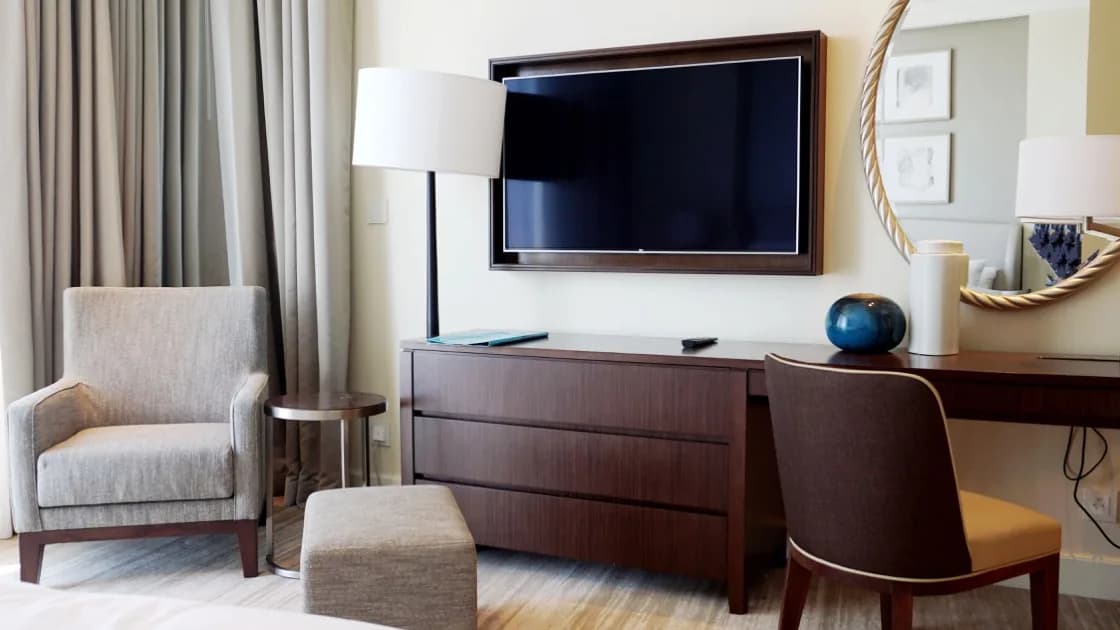
| Smart TV or casting receiver | Account sessions, profiles, viewing history, pairing records | Prefer guest mode or temporary casting and sign out before departure |
| Smart speaker or display | Voice interactions, accidental activations, linked services | Avoid linking personal accounts; use documented physical privacy control if permitted |
| Smart lock or keypad | Entry codes, access times, app identity | Use only the reservation’s official access path and do not reuse a personal PIN |
| Thermostat, sensor, or hub | Occupancy, temperature, automation, or status events | Change only guest-facing settings necessary for the stay |
| Building intercom or exterior camera | Entry images, audio where supported, visitor and arrival times | Keep private activity within appropriate indoor spaces and review disclosure |
The FTC notes that a voice assistant may record interactions or accidental wake-word matches, and recommends checking physical listening controls and connected-account settings.[3] Its connected-device guidance also emphasizes updates, strong unique credentials, two-factor authentication, and disabling unused features.[4] In a rental, however, you usually do not administer the owner’s device. Use guest-facing controls only and ask before unplugging or changing it.
Avoid signing your main email, password manager, photo library, contacts, shopping account, or cloud drive into a rental-owned device. If a TV offers a guest session, temporary code, or casting without entering a reusable password, prefer the option with the smaller account footprint.
Before casting, verify the room or receiver name. Share only the intended screen or app, not the entire desktop with notifications. End the session and remove the pairing when finished. For detailed cleanup, follow the hotel TV account privacy guide.
Do not grant a rental app contacts, microphone, photos, precise location, Bluetooth, or local-network access unless the feature genuinely requires it. If access is required only to unlock a door or pair once, review and remove the permission after use where practical.
Never reuse a banking, phone, or alarm PIN as a door code. Do not send identity documents through an off-platform messaging channel merely because a host requests them. Where identity collection is legally or operationally required, verify the platform, property operator, purpose, retention explanation, and secure official channel.
Ask for the exact network name and password through the listing or host’s verified channel. Disable automatic joining and local sharing, keep devices updated, and treat the network as one you do not administer. The FTC’s connected-device guidance recommends securing both the router and each connected device, including updates, strong unique credentials, two-factor authentication, and disabling features that are not needed. In a rental, you can apply those controls to your own devices but usually not to the owner’s router.
Network encryption does not control a smart speaker’s microphone, a doorbell camera, a television account, or someone looking at your screen. Conversely, an unplugged smart speaker does not prove the router is private. If you use AethoVPN on rental Wi-Fi, treat it as a network-path measure, not a way to inspect cameras or clear television sessions; you can sign up by email before check-in. Keep the controls separate and use the public Wi-Fi risk guide for the network layer.
Do not reset the rental router, change its administrator password, connect to its management interface, or disconnect equipment without permission. You could affect locks, alarms, fire-safety systems, or other guests and still learn nothing reliable about data retention.
Use private indoor areas for sensitive calls, but first resolve any undisclosed-device concern. Keep screens away from windows, shared corridors, exterior cameras, and neighboring sight lines. Close curtains where permitted and lock devices whenever you step away.
Do not leave passport copies, medication labels, work papers, mail, access badges, or written credentials visible. Use the property safe only after deciding what loss and access risks it actually addresses; it does not replace a backup or account response plan.
Remember that a noise-decibel monitor is described by Airbnb as measuring sound level and duration rather than recording audio. That platform definition does not prove how every physical device works or what another platform permits. Avoid sensitive conversation near an unclear device until it is identified.
If you believe a device violates the listing, platform policy, or local law:
Airbnb provides a safety-support route and says hidden cameras are prohibited under its policy. Vrbo asks users to contact it immediately about a device believed to violate its surveillance policy. These platform reports do not replace local emergency or legal channels.
Do not continue staying solely to gather more evidence. Do not confront a host in person when that may be unsafe, publish identifying allegations before facts are checked, or destroy a device. A platform investigator or local authority may need the scene and records intact.
Before leaving:
After departure, review account device lists and revoke any rental TV, browser, or app session that remains. Remote sign-out reduces continued account access but does not prove the physical device deleted local cache, viewing history, or other application data.
Review the rental app’s permissions and remove access no longer needed. Keep evidence for an open safety case, but do not retain or circulate images containing unrelated guests, neighbors, access codes, or private addresses beyond the legitimate report.
If a device was disclosed, matches the description, and creates no immediate danger, use only the guest controls provided and do not change the host’s administration. If a device is unclear but danger is not apparent, record its description, photograph its location from an ordinary distance, and ask for a written explanation through the platform. Do not make a technical conclusion from the shape of a case or a detector-app signal.
If a device was not disclosed where the platform requires disclosure, or it observes an area where privacy is expected, stop sensitive activity and contact the platform’s safety channel. If there is immediate danger, leave and use local emergency services. This separates inconvenience, a possible platform violation, and an urgent threat; one does not automatically prove another.
Whatever the outcome, do not damage property or collect data about neighbors. The goal is to reduce your own exposure, preserve usable facts, and obtain a decision from a party authorized to investigate or arrange different accommodation.
If the platform transfers the case to another team, keep one case number and repeat the observable facts without adding assumptions. This makes it easier to compare the listing, the host’s response, and the device’s actual location. Keep that case separate from a public review until the urgent process is complete.
Do not assume one global law. Airbnb generally prohibits indoor surveillance devices but documents a narrow Japan Hotel Business License exception for a disclosed, entryway-only camera that records no audio; Vrbo prohibits indoor surveillance capture devices under its cited policy. Legal rights and remedies depend on location, property type, and booking arrangement.
Compare disclosures with what is plainly visible and document specific concerns. This guide does not recommend improvised RF scans or detector apps because false positives do not establish surveillance.
Check the listing, house instructions, platform rule, and host guidance. Use a documented physical mute or guest control when permitted; do not interfere with safety or access systems.
Airbnb defines permitted noise-decibel monitors as assessing sound level and duration without recording audio. That definition applies to its policy and does not identify every unknown device.
Prefer guest mode, temporary codes, or casting with limited scope. If you log in, sign out locally and review the account’s device sessions after checkout.
Move to safety, then use the booking platform’s safety channel and locally appropriate police or emergency services. Preserve the listing and observable evidence.
Disclaimer: This article provides general privacy and safety information, not legal advice. Platform policies change and do not replace the law or emergency procedures where the property is located.
Sources:
Sources checked 28 August 2026.
Related Articles:
Sign up to experience all premium features at no cost.
*Available only to new users. Each user is limited to one trial.