Start your 3-day free trial
Sign up to experience all premium features at no cost.
*Available only to new users. Each user is limited to one trial.
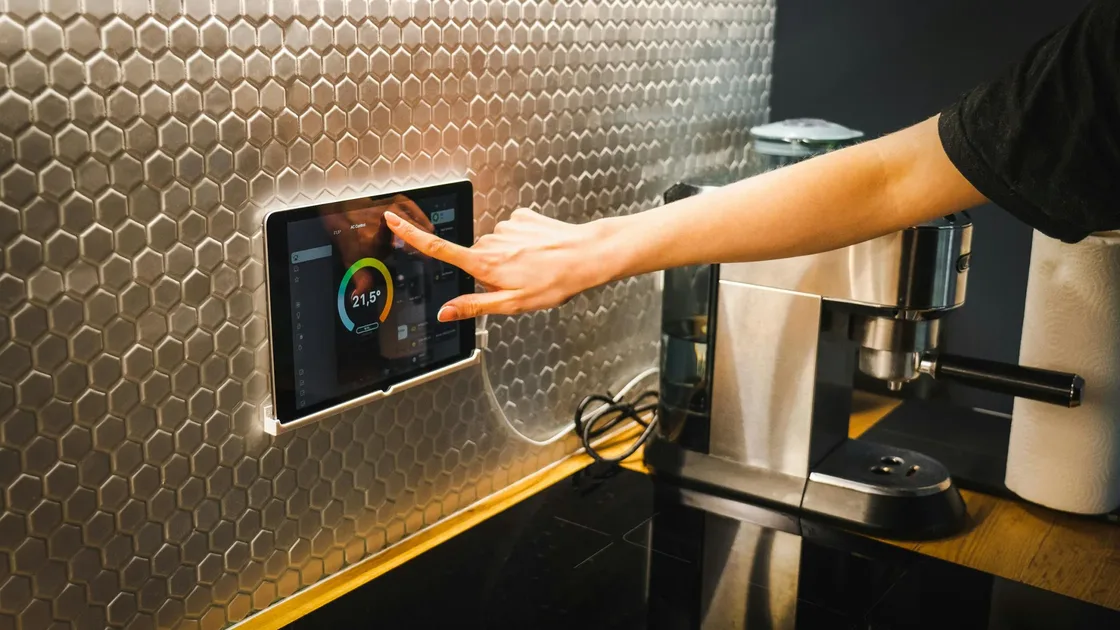

smart home privacy risks are not only about whether a device has a microphone. The real issue is that devices stay online, connect to cloud services, bind to accounts, collect household routines, and are often placed behind default passwords and shared Wi‑Fi. The FTC recommends changing default passwords, enabling updates, protecting the router, and building better security habits for smart devices.[1]
Smart speakers, doorbell cameras, robot vacuums, TVs, and lighting systems can all reveal household routines. You do not have to throw them away, but you should make them collect less, share less, and stay less mixed with your main devices.
Use the full privacy review guide as the wider checklist: it connects this issue to accounts, devices, identifiers, and data-broker exposure.
Key Takeaways:
- Smart home privacy risks come from always-online devices, cloud syncing, account links, and routines collected in the background, not just microphones.
- Changing default passwords, enabling updates, and protecting the router are the first steps the FTC recommends.
- Cameras, doorbells, locks, speakers, and TVs deserve the closest review.
- Keep smart devices separated from your main devices, and factory reset and unlink them before selling or giving them away.
| Device | Possible data collected | Risk |
|---|---|---|
| Smart speaker | Voice commands, device location, account data | False wake-ups, retained recordings |
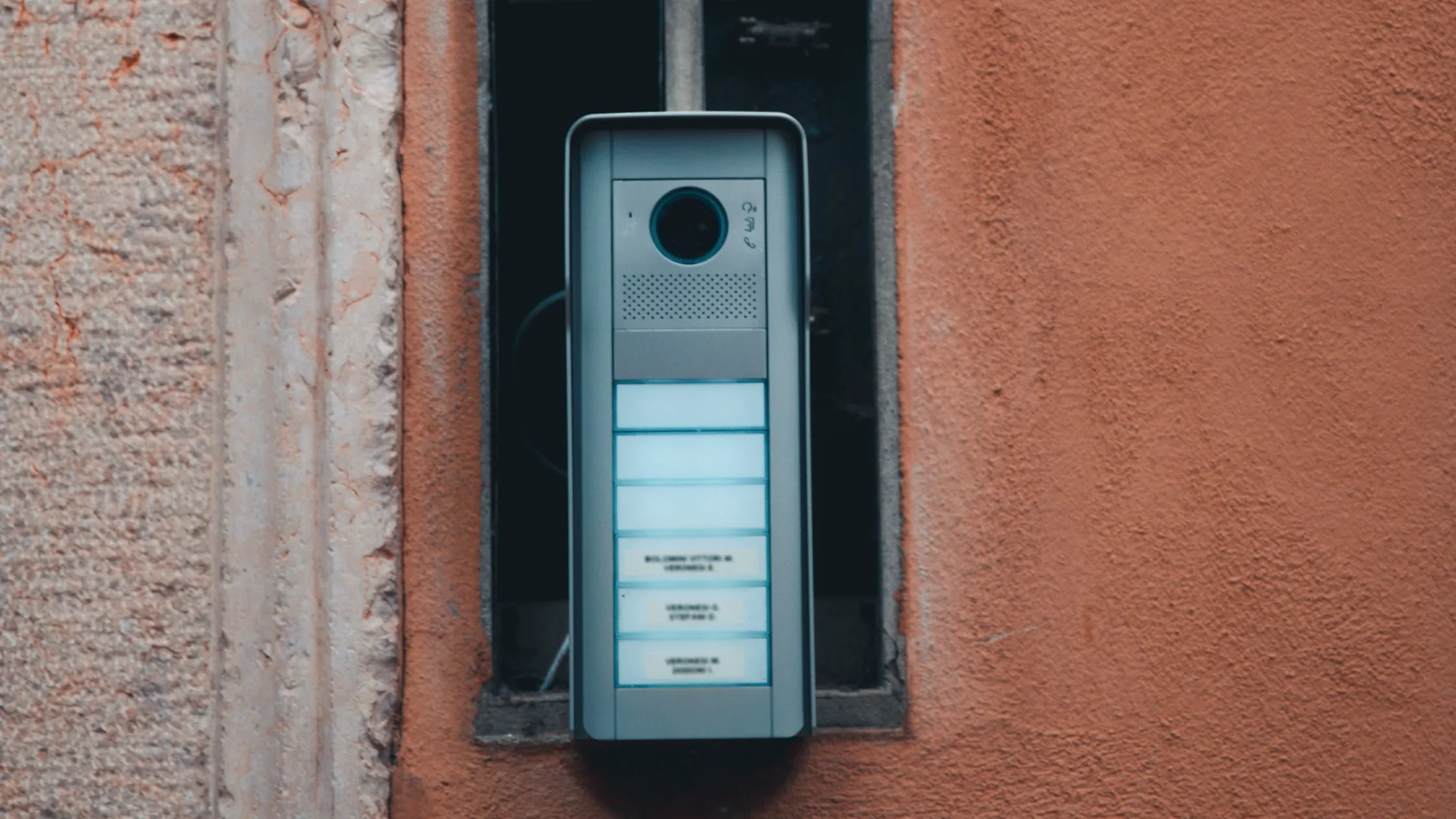
| Doorbell camera | Video, visitors, timelines | Exposure of household routines |
| Robot vacuum | Room maps, cleaning times | Layout of your home |
| Smart TV | Viewing history, ad ID | Behavioral profiling |
| Smart lights/plugs | On/off times, automation rules | Daily presence patterns |
Not every data point is dangerous alone. Together, they can show who lives there, when someone is home, what they watch, and which rooms are occupied.
CISA also recommends that home users update software, use strong passwords, and enable multi-factor authentication.[2]Those basics apply to smart homes too.
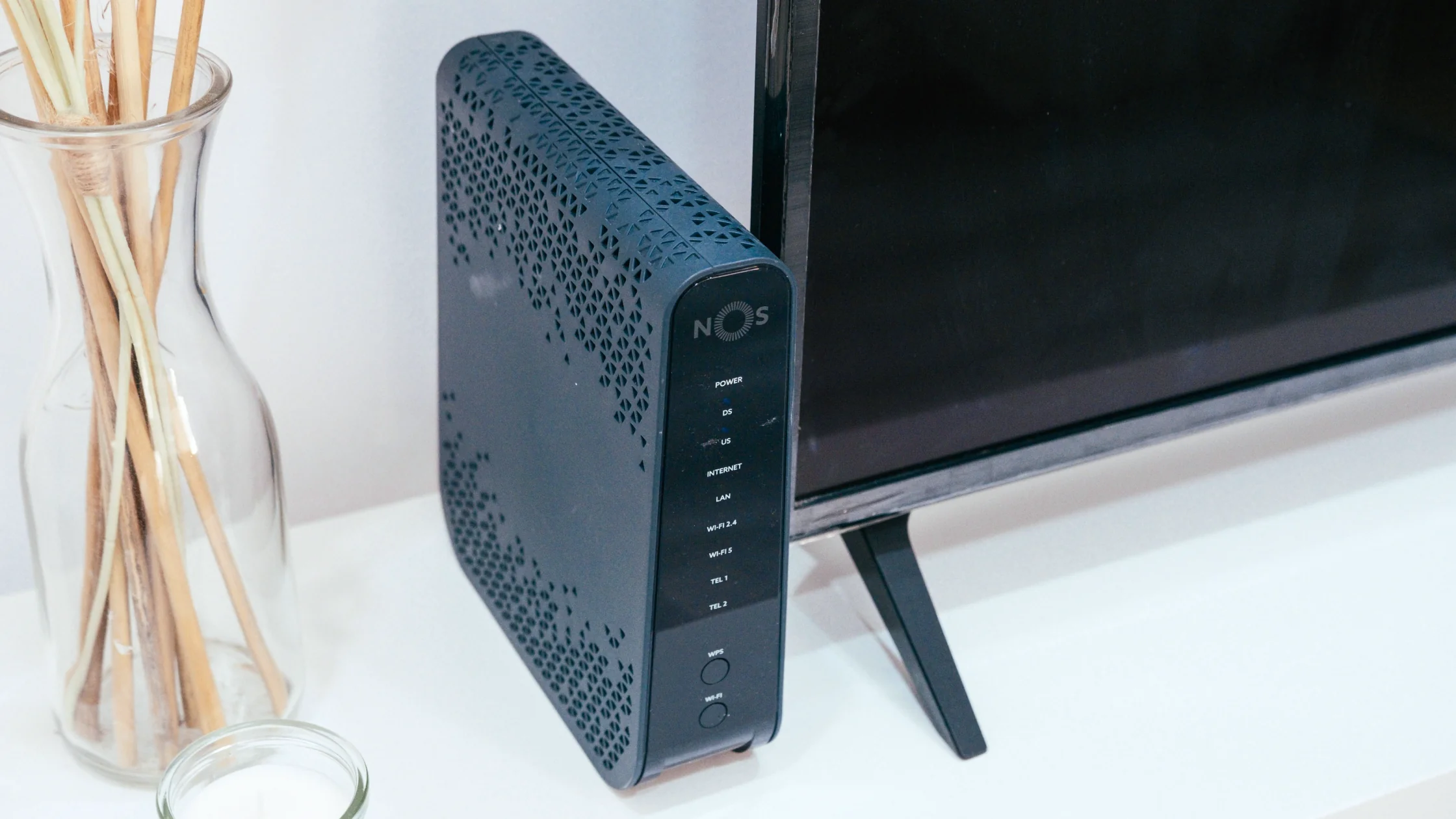
Start with the router. Use a strong Wi‑Fi password, enable WPA2 or WPA3, update router firmware, and place smart devices on a separate guest or IoT network. For more home network practices, see the home Wi‑Fi security guide.
NIST documents network policies that restrict IoT devices to only the traffic required for their intended functions.[3] That is a stronger model than placing every device on the main network with unrestricted access.
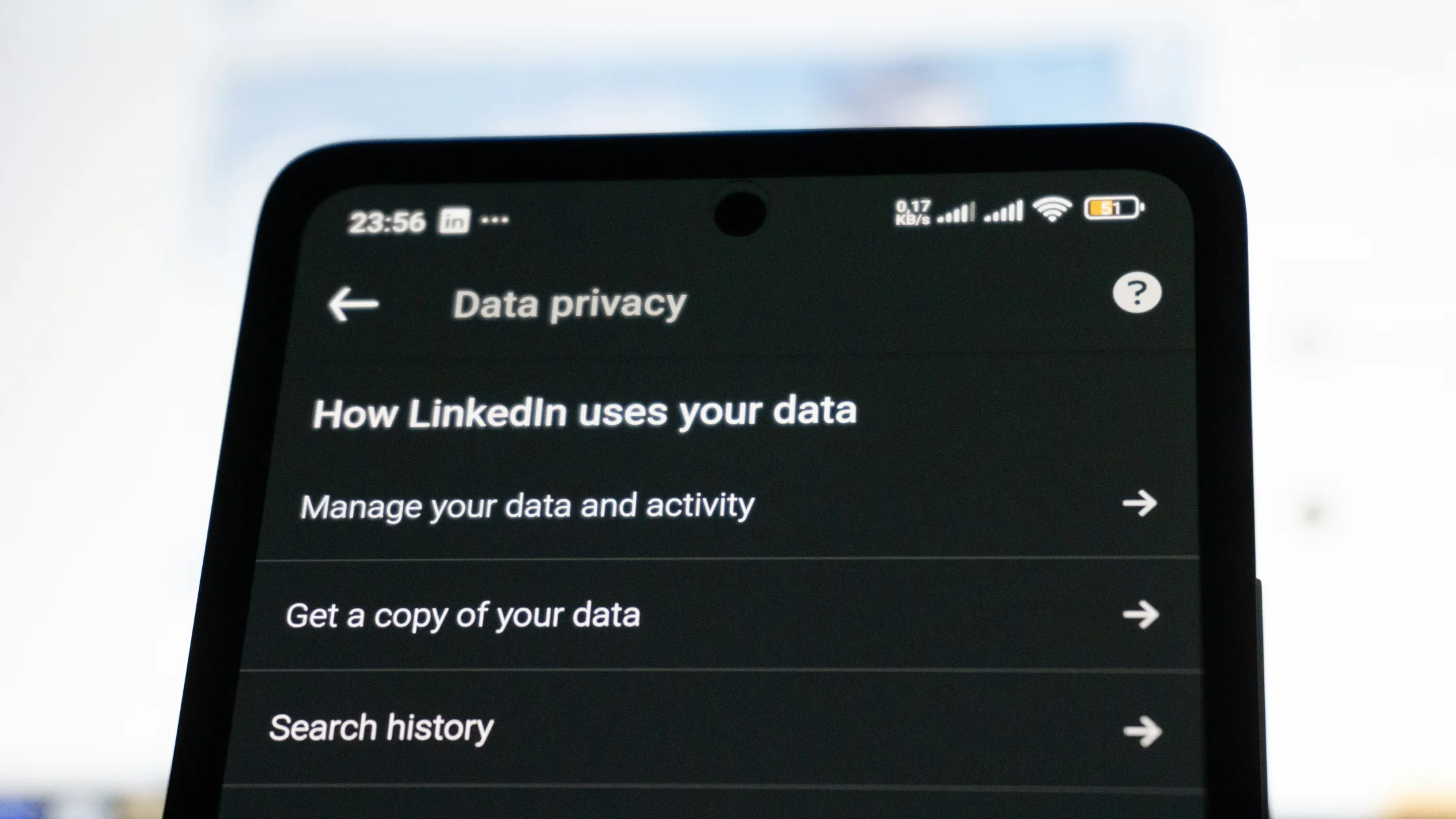
Then review each device app: turn off unnecessary location, contacts, Bluetooth, microphone, and camera permissions; remove unused household access; disable unnecessary cloud storage and ad personalization; and enable login alerts and MFA.
Look for four things first: ongoing updates, MFA support, the ability to turn off cloud recording, and clear privacy settings. A cheap device with no update history or privacy explanation may cost more later.
Cameras and smart locks are high-risk devices. Buying only on price is a bad trade-off because a failure exposes your home space, not just an ordinary account.
They usually listen for a wake word, but false wake-ups and retained voice snippets can still happen. Review voice history and privacy settings.
No. Risk depends on passwords, updates, cloud settings, account MFA, and network isolation.
If one device is compromised, a separate network makes it harder for an attacker to move laterally to your computer, phone, or NAS.
Factory reset it, remove it from your account, clear cloud recordings or history, and confirm it no longer appears in the app.
A VPN can protect the connection you use to manage devices remotely, but it does not replace device updates, strong passwords, or network segmentation.
Disclaimer: This article provides general home security advice and does not replace device-specific vendor guidance.
AethoVPN may cover a phone's VPN connection, but it cannot change a camera's microphone permission, cloud recording, or household device-sharing rules.
Sources
[1]FTC — Securing Your Internet-Connected Devices at Home: https://consumer.ftc.gov/articles/securing-your-internet-connected-devices-home [2]CISA — Secure Our World: https://www.cisa.gov/secure-our-world [3]NIST — Securing Small-Business and Home IoT Devices: https://www.nist.gov/news-events/news/2021/05/nist-cybersecurity-practice-guide-sp-1800-15-securing-small-business-and
Sources checked 8 May 2026.
Related Articles:
Sign up to experience all premium features at no cost.
*Available only to new users. Each user is limited to one trial.