Start your 3-day free trial
Sign up to experience all premium features at no cost.
*Available only to new users. Each user is limited to one trial.


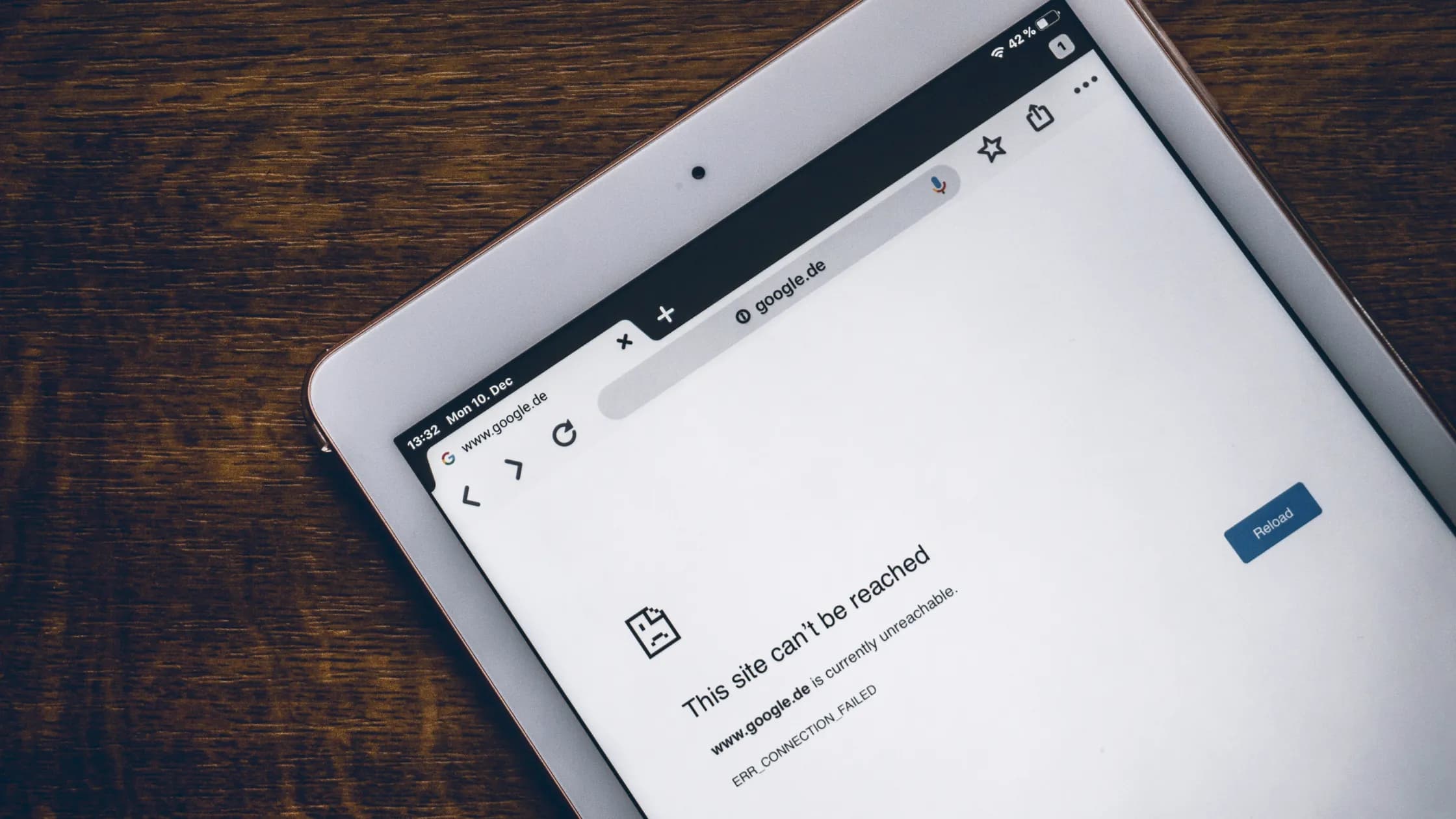
When a network blocks VPN apps but not their websites, the reason is path separation. A VPN provider's website can load while its app cannot connect because the two paths are not the same service. The browser may use ordinary HTTPS through an allowed proxy or TCP fallback, while the app contacts different API and tunnel endpoints, uses UDP or another handshake, and is subject to separate device or network policy.
The complete VPN guide maps a normal tunnel. This article isolates the split between an accessible vendor website and a blocked or failed VPN app before the tunnel comes up.
Key Takeaways
- A public website, account API, configuration service, VPN endpoint, and tunnel data plane can use different addresses and rules.
- Browser success proves only that the browser's path to that web origin worked.
- UDP filtering, proxy requirements, endpoint blocks, app controls, and handshake classification can affect the app alone.
- Separate “app will not open,” “cannot sign in,” “cannot fetch servers,” and “handshake fails.”
- Use one bounded comparison and follow the network owner's approved access methods.
“The VPN service” is usually several systems. A marketing or support website serves public pages. An account control plane may handle login, subscription state, device registration, configuration delivery, and endpoint lists. One or more VPN gateways then accept tunnel handshakes and carry protected data.
These systems can have different domain names, IP addresses, content delivery networks, ports, transports, certificates, and rate limits. The browser may reach the website without ever contacting the gateway the app needs. A successful page load therefore cannot serve as a health check for every component.
| Stage | Typical purpose | Why the result may differ |
|---|---|---|
| Public website | Product, help, and account entry pages | Common HTTPS path or CDN may be allowed |
| Login or API control plane | Authentication and device state | Different hostname, certificate, proxy, or app policy |
| Configuration or endpoint list | Supplies current connection details | Separate domain, cache, authorization, or filtering rule |
| VPN gateway handshake | Negotiates and authenticates the tunnel | Different IP, port, transport, and protocol behavior |
| Tunnel data plane | Carries selected traffic | Requires routes, keys, DNS policy, and forwarding |
Browsers commonly use HTTPS over TCP and may use HTTP/3 over QUIC when available. They can also follow an organization's explicit web proxy, use a captive-portal exception, present managed certificates, or fall back to a permitted transport. RFC 9114 describes HTTP/3 discovery and the need for clients to remain able to use HTTP over TCP when UDP connectivity is unavailable.[1]
The website may sit behind a broadly shared content delivery network. Blocking that address can affect many unrelated sites, so an operator may instead allow the web origin or inspect it through an approved gateway. This says nothing about a direct socket from a VPN application.
Browser success can also come from cache. A visible help page may be stored locally while a fresh login or download fails. Reloading one public page is not a complete control-plane test.
The app may open direct TCP or UDP connections rather than use the browser's proxy settings. It may contact an account API first, retrieve an endpoint list, negotiate with a gateway, and then install a virtual interface and routes. Failure at any one step can produce a generic “cannot connect” message.
TCP and UDP rules are independent. A network can permit HTTPS on TCP 443 but block UDP broadly, including UDP 443. RFC 9308 discusses QUIC deployment and why port assumptions and middlebox behavior can affect UDP paths.[2] A VPN protocol on the same port is still not the same application as web traffic.
An app can also select IPv6 while the browser uses IPv4, prefer another DNS resolver, or bind to a different physical interface. These are path differences, not proof of intentional blocking.
Endpoint filtering can deny known gateway addresses while leaving the vendor's web addresses available. Protocol classification can examine handshakes or flow behavior after a port is allowed. A proxy policy can permit browsers and approved applications while denying direct outbound connections.
Device controls add another layer. An administrator can restrict unapproved applications, virtual network interfaces, configuration profiles, background services, or system extensions. Endpoint-security software can block the app process before meaningful traffic leaves the device. A store, installer, or code-signing check can fail independently of the website.
RFC 7754 describes how blocking can operate at different granularities and create collateral effects.[3] The fact that a network chooses a narrower target is consistent with the website remaining reachable; it does not identify which exact rule was used.
Start with the earliest failed action and keep later stages out of the label. General VPN connection troubleshooting covers wider causes; this sequence focuses on the website-versus-app split.
The stage boundary is more useful than the final error sentence. It tells the network owner or support team which system needs evidence.
An explicit proxy accepts application requests and makes outbound web connections according to policy. A managed browser may discover and authenticate to it automatically, while a VPN client that expects direct IP transport cannot. The browser works because it follows the allowed path, not because every packet on the device is unrestricted.
A captive portal may temporarily allow DNS and selected web destinations required for sign-in. Until the user accepts terms or completes access, direct tunnel traffic can be redirected or dropped. Open a normal HTTP page through the approved browser flow and complete the portal rather than changing VPN security settings.
After portal completion, repeat one connection attempt. Repeated server switching can trigger rate limits and blur the timeline without fixing the access state.
The website can fall back to HTTP over TCP if HTTP/3 over UDP is unavailable. A VPN client may not have the same documented fallback, or its selected mode may require UDP. That produces an accessible website and a stalled handshake without any contradiction.
The reverse is also possible: UDP may work while a required TCP proxy or API call fails. Record the actual transport at each stage. “Both use 443” is insufficient because TCP 443 and UDP 443 are different policy targets.
Do not infer that every app supports automatic switching. The current client and product documentation must establish available transports and fallback behavior.
A browser extension may proxy only browser traffic, while a desktop VPN app manages system-wide routes. Browser and desktop VPN differences covers that post-install routing and scope distinction.
Here, the browser is merely opening the provider's public website. It is not evidence that a browser VPN extension connected or that protected browsing works. Keep “website accessible” separate from “browser traffic tunneled.”
This distinction prevents an irrelevant fix. Changing application routing after a tunnel connects will not help an app whose gateway handshake never begins.
If permitted, repeat the same current client, endpoint selection, and timestamped test on a second trusted network. A success there narrows the failure to the first path or its policy. It does not grant permission to evade the first network's restrictions.
On a workplace, school, or managed device, ask for the approved remote-access method. The administrator may provide a sanctioned gateway, explicit proxy configuration, device profile, or documented exception. Do not install unknown certificates, disable endpoint security, or scan for open ports.
If both networks fail at the same control-plane stage, product status, account state, stale configuration, client version, or endpoint health becomes more plausible. Preserve that comparison for support.
On a network where you are permitted to use a VPN, AethoVPN gives you a controlled way to locate the block: note whether the app opens and lists server locations, connect to one location, then try a second location and the smart-recommended node, and repeat the same attempt on mobile data. If every location fails only on this network while websites still load, the network is filtering the tunnel rather than your account. AethoVPN protects traffic only after its client reaches an allowed tunnel endpoint, so a reachable public website does not prove the app's control or data path is open, and the network owner's policy still applies. Start the 3-day free trial and record each stage separately.
Use the official client and current support channel for product-specific endpoints and modes. Generic network behavior cannot prove an undocumented fallback or blocking-resistance feature.
Provide the app and OS versions, network type, exact time with time zone, website URL tested, earliest failed stage, endpoint label, transport if exposed, and sanitized error code. State whether a captive portal, proxy, managed device, firewall, or security product is present.
Redact credentials, tokens, full configuration files, private keys, account identifiers, browsing history, and unrelated device logs. A short stage-aligned record is safer and more actionable than a full packet capture posted publicly.
When contacting a network owner, ask whether direct VPN connections, UDP, and third-party remote-access apps are permitted. When contacting product support, state whether the same build works on another authorized network.
It proves only that the tested web origin was reachable through that browser path. The account API, endpoint list, gateway, and tunnel data plane can have different health and policy outcomes.
Yes. It may require an explicit proxy, allow approved executables, deny direct sockets, block gateway addresses, or classify protocol behavior after connection.
Yes. The browser can use HTTP over TCP while a selected VPN mode requires UDP. Verify the actual transports rather than comparing only the port number.
Yes. A portal may permit limited web access for sign-in while dropping direct tunnel traffic. Complete the approved portal flow before retesting.
No. Opening a provider website is ordinary web access. A browser extension that proxies browser traffic is a separate component and scope.
It is strong comparative evidence that the paths differ, but not proof of motive. Captive-portal state, DNS, address family, proxy, firewall, and network policy still need to be separated.
Ask whether personal VPNs, direct outbound connections, UDP, and the specific remote-access method are permitted. Request the approved secure alternative rather than instructions to evade controls.
Disclaimer: This article provides general network troubleshooting information and does not authorize bypassing organizational or access-network controls. Follow applicable law and network policy.
Sources:
Sources checked 9 September 2026.
Related Articles:
Sign up to experience all premium features at no cost.
*Available only to new users. Each user is limited to one trial.