Start your 3-day free trial
Sign up to experience all premium features at no cost.
*Available only to new users. Each user is limited to one trial.
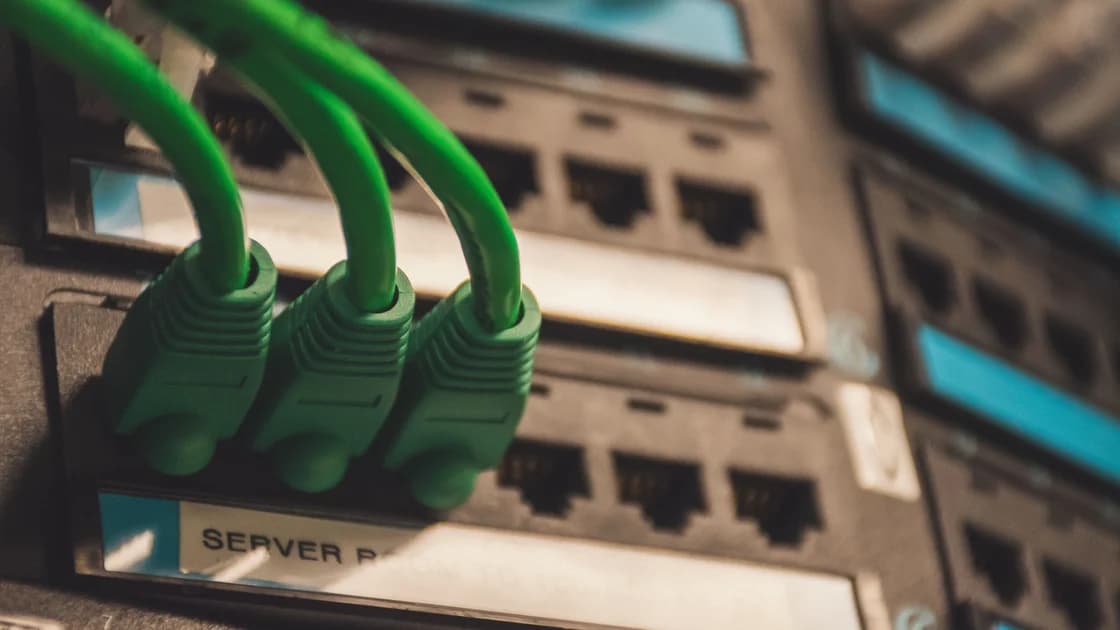

In a VPN vs firewall decision, the VPN protects traffic along a configured tunnel, while the firewall allows or blocks communication according to rules. They address different questions, and you often need both. A VPN is not a reason to switch off the firewall, while a firewall does not create an encrypted connection to a remote VPN exit.
The useful VPN vs firewall comparison is therefore about coverage, placement and purpose rather than choosing a universal winner. A laptop, a router and an organization's gateway can each enforce different boundaries. This review compares documented functions, without claiming hands-on performance tests or ranking vendors.
Key Takeaways:
- VPN tunneling and firewall filtering can operate together.
- A privacy VPN's public exit is different from a work VPN's internal-access purpose.
- Encryption does not make an allowed destination harmless.
- Keep ordinary security controls enabled and fix specific rules when a connection fails.
| Question | VPN | Firewall |
|---|---|---|
| Primary task | Carry traffic through a configured protected tunnel | Apply policy to network communication |
| Typical decision | Which destination or network route uses the tunnel? | Which communication is allowed or blocked? |
| Transport protection | Applies along the tunnel, according to its design | Filtering alone does not encrypt traffic |
| Public IP | A full-tunnel internet exit can change the observed public IP | Filtering alone does not supply a new internet exit |
| Placement | Client, gateway or device-to-device endpoints | Device, router or network boundary |
| Internal access | Can provide an authorized route to private resources | Controls whether that communication is permitted |
| Main limitation | Does not make endpoints or allowed content trustworthy | Does not make allowed content automatically trustworthy |
| Coexistence | Subject to network and endpoint policy | Can permit or restrict the tunnel and its resulting traffic |
NIST's firewall guidance treats firewalls as policy-enforcement mechanisms. Microsoft's Windows documentation describes host firewall filtering. VPN designs, meanwhile, vary: IPsec architecture and SSL VPN guidance describe different forms of protected network access. [1][2][3][4] The table summarizes those roles rather than asserting that all implementations expose identical features.
Read the remainder with your own goal in mind. Someone wanting secure travel browsing has a different decision from an administrator granting employees access to a database. A feature that is useful for the latter is not automatically necessary for the former.
A VPN establishes a tunnel between defined endpoints and routes selected traffic through it. Its protection applies to that segment, according to the protocol and configuration. Once traffic leaves a public VPN exit, protection for the remaining route depends on other mechanisms, including the application's own encrypted connection. It is inaccurate to treat the whole internet as inside one VPN tunnel. [3][4]
For a consumer privacy VPN, the route often leads to an internet-facing exit server. A destination may then observe the exit's public address rather than the user's original public address for that routed connection. That does not erase account logins, cookies or identifying information the user supplies. A new network address and anonymity are different outcomes.
For a work VPN, the goal may instead be reaching an authorized internal service. The configuration can route only selected networks. Ordinary browsing may continue through the local internet connection. A public IP that has not changed is not by itself proof that the work tunnel failed.
For a mesh VPN, the intended endpoints may be several authorized devices. Access to a home machine is a different task from routing all browsing through a commercial exit. Keep those purposes distinct when deciding which tool belongs in your setup.
Identify the endpoints, the traffic included and the operator responsible for the remote endpoint. Ask which application data remains protected after leaving the tunnel and what the service can observe. Do not reduce the decision to the presence of a connected badge.
If your purpose is public browsing, check routing and the intended exit. If it is private resource access, check the authorized resource. If only some destinations use the tunnel, record that boundary clearly. A useful verification establishes the specific result you need rather than trying to prove “everything is safe.”
A firewall applies rules to communication at its enforcement point. A host firewall protects a device's network boundary; a network firewall can control traffic traversing a gateway. The effect depends on rules, direction, placement and the traffic visible there. Microsoft and NIST document these policy-oriented functions. [1][2]
A simple example is a rule preventing unsolicited inbound access to a service on a laptop. A different rule might permit that service only from an approved network. Those decisions can be valuable whether the laptop's internet traffic uses a VPN or its ordinary route.
A firewall is not a guarantee that every allowed request is benign. If you approve communication to a harmful destination, a basic allow/block policy does not transform it into safe content. More sophisticated products can provide additional inspection features, but those features must be assessed individually; they should not be assumed from the word “firewall.”
Filtering also does not replace software updates, account security or responsible installation decisions. A malicious application that has obtained permission can operate within allowed channels. The firewall's rules are one part of the security setup, not a verdict on the entire device.
A device firewall travels with the device. A home router's protections apply only where traffic passes through that router. An organization gateway enforces the organization's boundary and may have centrally managed policy. Turning off one layer because another exists can remove protection in places the remaining layer does not cover.
For example, your home router is not in the path when your laptop joins a hotel network. Conversely, a laptop firewall does not define policy for every other household device. Decide which boundary each component protects before changing it.
A privacy VPN can change the public IP seen by a destination when traffic exits through its server. Firewall filtering alone does not create that remote exit. If your goal is an internet route through a selected service location, the relevant capability is routing through a suitable VPN, not opening or closing a local firewall rule.
NAT deserves a separate mention. Translating addresses and enforcing communication policy are different functions, even when a home router performs both. Do not infer a complete security policy from the fact that a device has a private address. The NAT and firewall explanation covers that distinction in more detail.
The reverse assumption is also mistaken: a changed public IP is not proof of good firewall policy. Your device may still have unnecessary services, unsafe allowed applications or missing updates. A route test answers a route question, not a whole-device security question.
A firewall can restrict communication with the VPN endpoint or filter traffic associated with the resulting interface. A tunnel can also alter the path and interfaces relevant to rules. That is a reason to review specific policy when troubleshooting, not a reason to disable filtering globally.
Keep the device firewall enabled, use the client's documented setup and respect organization policy. If a connection fails, distinguish failure to establish the tunnel from failure to reach a resource through it. The two stages may involve different rules and different administrators.
A controlled troubleshooting sequence is more informative than broad changes:
Avoid accepting a blanket instruction to allow all traffic or disable every security product. If a managed rule is responsible, ask the administrator for the intended exception. A personal convenience does not justify bypassing a work-device boundary.
For a home computer, leave the host firewall enabled and maintain normal updates and account protections. Add a VPN when you have a reason to use a protected tunnel and its configured exit. Do not buy a service under the assumption that it replaces endpoint protection.
If your only concern is blocking an unwanted inbound connection, inspect the service and firewall rule first. A VPN may change the route without addressing that service. Likewise, buying a firewall product solely to obtain a different public IP does not match the stated task.
Verdict: the tools complement one another when each has a defined role. For a deeper overview of filtering decisions, read how firewalls work.
On a shared network, a public-internet VPN can provide a tunnel from the device to the selected VPN endpoint. Keep the host firewall enabled and continue using HTTPS. The destination, account and content still require ordinary judgment.
For this transport role, AethoVPN's global mode sends device applications' traffic through the encrypted VPN route. With global mode off, traffic to websites in the user's own region is not relayed through the service. Choose the mode appropriate to your task and check the resulting route; this capability does not imply firewall filtering, malware removal or intrusion detection. Create an account to start the three-day Pro trial.
Verdict: use a VPN for its tunnel and routing function, while retaining device filtering and application encryption. The VPN and HTTPS comparison explains why these protections have different endpoints.
Use the approved client and access policy. The organization's VPN may expose only specific private resources, and its firewall may restrict which devices or accounts can reach them. Installing a personal privacy VPN does not grant those permissions.
When access fails, report the resource, client state and exact error. Ask whether the request is rejected by authentication, routing or policy. Do not send credentials or configuration secrets in a general support message, and do not try to bypass a restriction by changing the exit location.
Verdict: authorized VPN access and firewall policy belong to one managed design. Personal experimentation should stop where the administrator's boundary begins.
If you want to connect a laptop to an authorized home device, a device-to-device or gateway design may be relevant. Consider who administers access, which devices are trusted and whether traffic must use a relay. That decision differs from choosing a public browsing exit.
A mesh network can simplify certain private-device relationships, but application access still needs its own permissions. A reachable machine is not necessarily one you are authorized to use, and a tunnel does not create remote-desktop software by itself.
Verdict: select the networking design around the private-resource task, then apply access controls and firewall rules to that design.
“Encryption means malware cannot arrive” confuses protected delivery with safe content. An encrypted connection can carry an unsafe download. Inspect software sources and keep endpoint controls in place.
“A firewall makes public Wi-Fi private” overlooks the missing encrypted route. Filtering can restrict communication, but it does not automatically hide allowed traffic from every observer along its path.
“A VPN bypasses all firewalls” is also wrong. Networks can restrict VPN communication, and device or organization policy can limit access. Respect those rules rather than treating a tunnel as universal permission.
“Both tools guarantee anonymity” is too broad. Accounts, application identifiers, cookies, logs and endpoint behavior remain relevant. Decide which specific exposure you want to reduce, and avoid conclusions that exceed the evidence your tools provide.
For the broader decision, review the VPN safety and scope guide.
No. A tunnel and an allow/block policy are different functions. Keep your firewall enabled and use the VPN for the specific routing and transport role you need.
Filtering alone does not encrypt traffic. Application encryption and an appropriately configured VPN protect defined communication segments, while the firewall applies rules at its enforcement point.
A filtering rule does not supply a remote internet exit. A VPN can change the address observed for traffic routed through its exit, but that is a routing effect.
It may route only authorized internal networks. Check the organization's intended design and resource access before using a public IP test as the sole measure of success.
No. Identify the failing stage and relevant rule first. Use documented exceptions if authorized, or ask the administrator, rather than removing filtering across the whole device.
A tunnel can protect transport along its configured segment, but it does not make delivered content safe. Verify software sources and retain ordinary endpoint protections and updates.
No. A mesh design primarily connects authorized devices; a consumer privacy VPN typically provides an internet exit. Some mesh systems support exit nodes, but that requires explicit configuration.
Disclaimer: This article's conclusions rely on the public sources listed; any test described applies only to its stated date, location, network, and metrics. Plans, platforms, and policies can change, so check each service's current official information.
Sources:
Sources checked 5 October 2026.
Related Articles:
Sign up to experience all premium features at no cost.
*Available only to new users. Each user is limited to one trial.