Start your 3-day free trial
Sign up to experience all premium features at no cost.
*Available only to new users. Each user is limited to one trial.


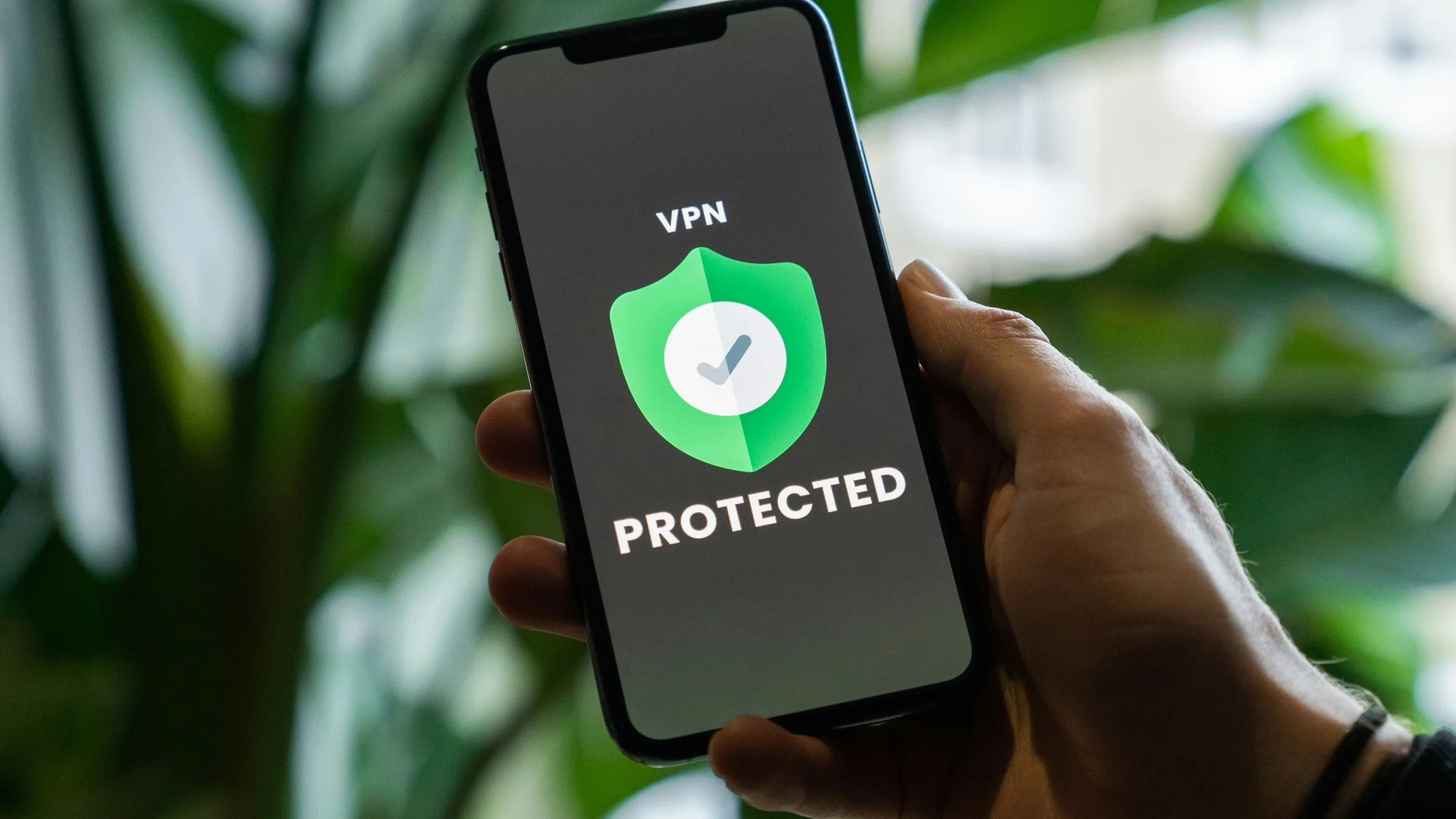
The easiest way to remember the VPN vs HTTPS difference is this: HTTPS mainly protects the web connection between you and a specific website, while a VPN mainly protects the path between your device and the VPN server. They are not the same tool, and they usually do not replace each other.[1][2][3]
If the networking terms in this article feel abstract, the complete VPN guide explains the tunnel, exit IP, and encryption model before you troubleshoot this specific case.
So when someone asks, "If a website already uses HTTPS, do I still need a VPN?", the right answer is usually not "never." It depends on who you want to defend against, which segment you want to hide, and whether you also use apps, system services, and other traffic outside the browser.[1][2]
Key Takeaways
- HTTPS protects a specific website session, while a VPN protects the path from your device to the VPN server.[1][2]
- HTTPS is almost the default for modern websites, but it does not mean the whole device gets the same protection.
- A VPN does not add HTTPS to a website. If the destination site is unsafe, a VPN cannot magically make it safe.
- In most cases, the two stack together instead of replacing each other.
- A VPN becomes more useful when you often use unfamiliar networks, cross-border networks, or many apps.
MDN defines HTTPS clearly: it is the encrypted version of HTTP, using TLS to protect communication between the client and the server.[1]
In plain English:
That is why you see the lock icon in the address bar so often today.
But HTTPS has a clear boundary. It answers the question "Should this browser-to-website web session be encrypted?" It does not automatically take over every network action on your entire device.
If you want to break down that boundary further, compare this with What Is a VPN Tunnel? How It Differs From Proxies and HTTPS.
Cloudflare describes VPNs just as directly: a VPN establishes an encrypted connection between your device and a VPN server, making your internet communication behave as if it passes through a protected private network.[2][3]
That means a VPN works more like an outer shell for the device:
So the VPN question is often not "Is this one website safe?" It is "Who gets to see the outbound path first?"
In AethoVPN, that outer shell is global mode: with it on, every app's traffic, not only the browser's, is encrypted and forwarded through the tunnel to the VPN server, so a hotel or campus network has a harder time seeing which services each app contacts. It does not replace a website's certificate check or protect data after you submit it; HTTPS still does that at the destination. Start the 3-day AethoVPN trial and compare what your usual network sees with and without it.
If you want a focused explanation of what exposure a VPN can reduce, read What Does a VPN Hide? IP, Location, Traffic, and What It Cannot Hide.
| Dimension | HTTPS | VPN |
|---|---|---|
| Main protection target | Browser connection to a specific website[1] | Device-to-VPN-server path[2] |
| Scope | Mainly one website session | Usually most device traffic |
| Hides your original exit IP | Not its job | Can replace it with the VPN exit IP[2] |
| Depends on the website | Requires correct HTTPS setup | Does not depend on destination-site HTTPS |
| Can replace the other | No | No |
You can think of it this way:
Because real internet use is no longer just one web page.
Your device may also run:
Those things are not always the same as "the locked website in your browser." That is where a VPN's broader scope becomes more useful.[2][3]
The FTC also reminds users that while many websites use encryption now, that does not remove every risk. Fake websites, phishing pages, and unfamiliar network environments still require judgment.[4]
That is why "Do I need a VPN if I have HTTPS?" belongs with Should You Always Use a VPN? When to Keep It On and When It Is Optional, not as a replacement for it.
The best framing is not "Which one is more advanced?" It is "Which segment does each one protect?"
People get confused when they treat HTTPS as a VPN replacement or treat a VPN as a universal website-safety fix.
The more accurate conclusion is:
If you care about what your local network or ISP can still see, continue with Can Your ISP See You Are Using a VPN? What It Can and Cannot See.
Whichever layers you use, keep HTTPS on and never dismiss a certificate warning as a VPN side effect.
VPN vs HTTPS difference is not about which one is "more secure." It is about different protection boundaries.[1][2]The question is not very useful by itself. They protect different things, so it is not a head-to-head contest.
Often, yes, especially on low-trust networks, cross-border networks, and multi-app setups.[2][4]
No. If the destination website does not use HTTPS correctly, a VPN will not automatically make it a secure website.[1]
That is broadly the right idea. HTTPS is mainly about web communication; it does not mean every network action on the device gets the same layer of protection.[1]
They usually stack. Your traffic goes through the VPN first, and the website session still uses HTTPS at the destination.
Usually no. The website still sees the source IP of the connection. If you use a VPN, it is more likely to see the VPN exit IP.[2]
Disclaimer: This article is for general network and privacy technology education only. It does not constitute legal, compliance, or procurement advice.
Sources:
Sources checked 8 May 2026.
Related Articles:
Sign up to experience all premium features at no cost.
*Available only to new users. Each user is limited to one trial.