Start your 3-day free trial
Sign up to experience all premium features at no cost.
*Available only to new users. Each user is limited to one trial.
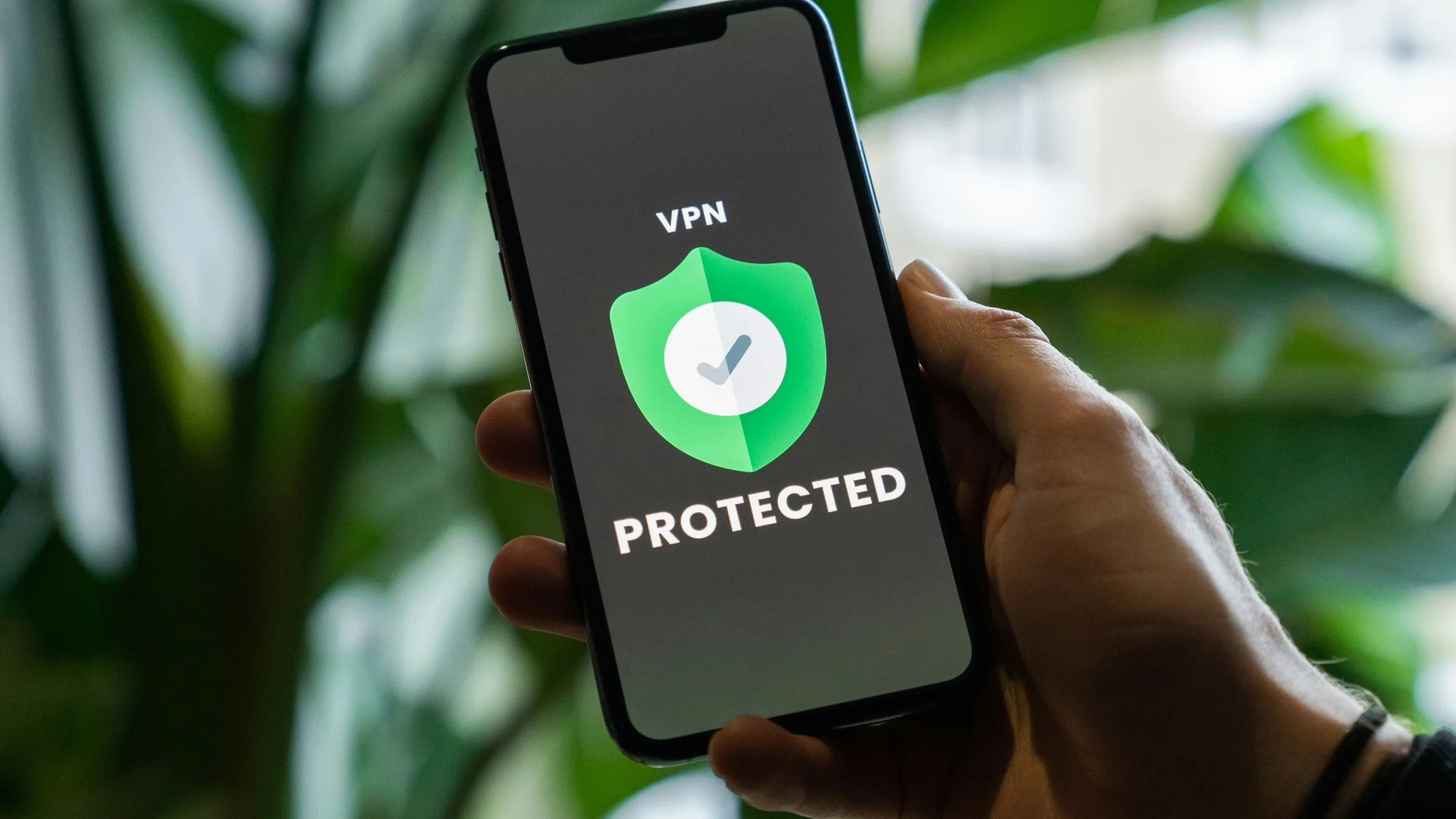

Should you always use a VPN? For most people, yes: keep your VPN on by default, especially on public Wi-Fi and other networks you do not control, and turn it off only for specific jobs such as a bank app that flags VPN logins, local device troubleshooting, or latency-critical gaming. As explained in our VPN beginner's guide, leaving a VPN running in the background is one of the simplest ways to protect your digital footprint from ISP tracking, public Wi-Fi attacks, and local network snooping.
Key Takeaways
- Always-on encryption: A VPN protects your traffic even on weak public Wi-Fi networks.
- Less ISP visibility: Your ISP cannot easily analyze, sell, or throttle traffic by type.
- There are exceptions: You may temporarily turn it off for strict banking apps, local network troubleshooting, or ultra-low-latency gaming.
- Split tunneling helps: You can route sensitive apps through the VPN while keeping local apps on your normal connection.
The moment your device goes online, it starts broadcasting metadata about where it is and where it is going. The FBI's Internet Crime Complaint Center received more than one million cybercrime complaints in 2025.[3] Keeping a VPN on wraps your network traffic in encryption before it leaves your device.
Password-free Wi-Fi in airports and cafes is easy to abuse. Attackers can set up an "evil twin" hotspot with a familiar name. Without a VPN, passwords, cookies, and session data may be exposed. With a VPN, traffic is encrypted before it leaves your device.
Even at home, your ISP can see which sites you connect to. In some places, providers may collect and sell metadata[1]. ISPs can also throttle high-traffic activities such as streaming or P2P downloads. With a VPN on, the ISP only sees a connection to an encrypted server.[2] For more detail, read what a VPN hides.
Your phone, tablet, smart TV, and laptop all carry sensitive data, and "always on" only holds if each stays connected at the same time, so the simultaneous-connection limit matters first.
With AethoVPN, that limit depends on the plan: Standard covers one mobile device, Pro two desktops plus two mobile devices (tablets count as mobile), and Premium eight devices of any type. Windows, Linux (.deb), and Android use installers; iPhone, iPad, and Mac connect through the website setup guide and need Pro or Premium. It covers only traffic on connected devices; updates, account security, malware protection, and location permissions stay separate. Compare the current plans against the devices you want to keep connected.
Advertisers use searches and IP addresses to build profiles. Repeated searches for flights or hotels may even change what prices you see. A VPN rotates your visible IP location and weakens location-based profiling.
School and office networks may restrict streaming, social apps, or games. VPN encryption can reduce what the local network sees inside a connection, but addresses, ports, traffic patterns, and managed endpoints can still expose context. It does not guarantee access or authorize bypassing network policy.
DDoS attacks may target a public IP address. A VPN can replace the address exposed to peers or sites with the VPN exit address, but it does not stop phishing, protect an account, or guarantee that a service will absorb an attack.
Always-on is a strong default, but it is not a rule you must follow blindly.
Many banks use strict anti-fraud checks. If you suddenly log in from an IP far from your usual location, the app may lock or challenge your account.
In fast shooters and esports titles, a VPN server can add one or two network hops and increase ping. If that matters, turn it off temporarily. For context, see does a VPN slow down your internet?.
If you need to access printers, smart home devices, or ISP diagnostics, disabling the VPN can help isolate local network issues quickly.
Two settings make always-on VPN much easier.
Split tunneling lets you choose which apps use the VPN. Local banking, messaging, or delivery apps can use your normal network, while browsers and privacy-sensitive apps route through the VPN. This reduces bandwidth use and prevents many banking false positives.
People forget. Auto-connect and a kill switch help prevent leaks when you join an untrusted hotspot or when the VPN connection drops unexpectedly. Test whichever client you use across your usual networks and a sleep/wake cycle, and confirm any automatic reconnection or traffic-blocking behavior in its current documentation; a connected icon alone proves neither continuous protection nor a working kill switch.
Usually nothing harmful: your traffic simply keeps going through the encrypted tunnel. You may notice slightly higher latency, a little extra battery and data use, and more CAPTCHAs or extra checks from banks and some sites. Local devices such as printers or casting targets may only appear once the VPN is off or set to bypass them.
Yes. Your home Wi-Fi may be password protected, but your ISP can still collect metadata about where you connect. A VPN protects the network exit point.
No. Free VPNs often have limited servers, slower speeds, weak privacy controls, and incentives to log or sell user data.
It can increase battery use because the device continuously encrypts and decrypts traffic. Modern lightweight protocols such as WireGuard® reduce the impact.
Yes. HTTPS protects content between your device and a website, but your ISP can still infer destinations from DNS and connection metadata. A VPN hides more of that route.
In heavily censored environments, VPN traffic patterns may be probed and blocked more aggressively. Switching nodes and using the VPN when needed can be more practical than leaving one sensitive IP connected all day.
Disclaimer Using a VPN for unauthorized access that violates service terms or local law is strictly prohibited. Make sure your VPN use is lawful where you are.
Sources
Sources checked 4 October 2026.
Related Articles:
Sign up to experience all premium features at no cost.
*Available only to new users. Each user is limited to one trial.