Start your 3-day free trial
Sign up to experience all premium features at no cost.
*Available only to new users. Each user is limited to one trial.

OpenAI's official help for image generation sits in two places: the Help Center article on image generation in ChatGPT covers creating images in a chat and editing images you upload, while the developer image generation guide covers API requests.[1][4] When you find OpenAI image generation not working, first decide which of those paths failed. Plan limits, region rules, and policy refusals look the same on every network, so a VPN only helps when the problem is at the network layer.
Key Takeaways
- Official availability and account eligibility are separate from network reachability.
- Start with the platform's own support, status, and privacy documentation.
- A VPN can only address a network-layer problem.
- OpenAI's current API model pages list GPT Image 2.5 Sunburst and Flare, while older DALL·E and GPT Image models retire on a published schedule.[2][3]
Separate the image-generation page, account or feature access, and the network path; a working ChatGPT chat does not prove that image generation is available. Treat a country or region message, a sign-in failure, a missing feature, and a slow or blocked connection as different signals. Record the exact page or client, account state, full error text, network, and time before changing a route; a VPN can test the network layer, but it cannot change eligibility, billing, plan entitlements, or platform rules.
Read the current supported-country, account, plan, age, and service-status pages. OpenAI's supported countries and territories page, checked on 4 October 2026, lists where its services are offered and warns that access from elsewhere may get an account blocked or suspended.[5] A VPN changes the IP location a service sees, so a check based only on IP may pass; the terms still do not allow use in an unsupported region, the account can be limited or closed, and checks on phone number, payment method, or account country do not follow the IP. For other AI services, see where popular AI tools are available.
Use the official app or website, update it, clear only local cache when appropriate, and test one browser or device at a time. Avoid unofficial clients and copied login pages.
Check whether the same URL works on another trusted network, whether DNS and HTTPS are normal, and whether the service itself reports an incident. If a VPN is permitted and the issue is clearly network-level, test one route without making account or billing changes.
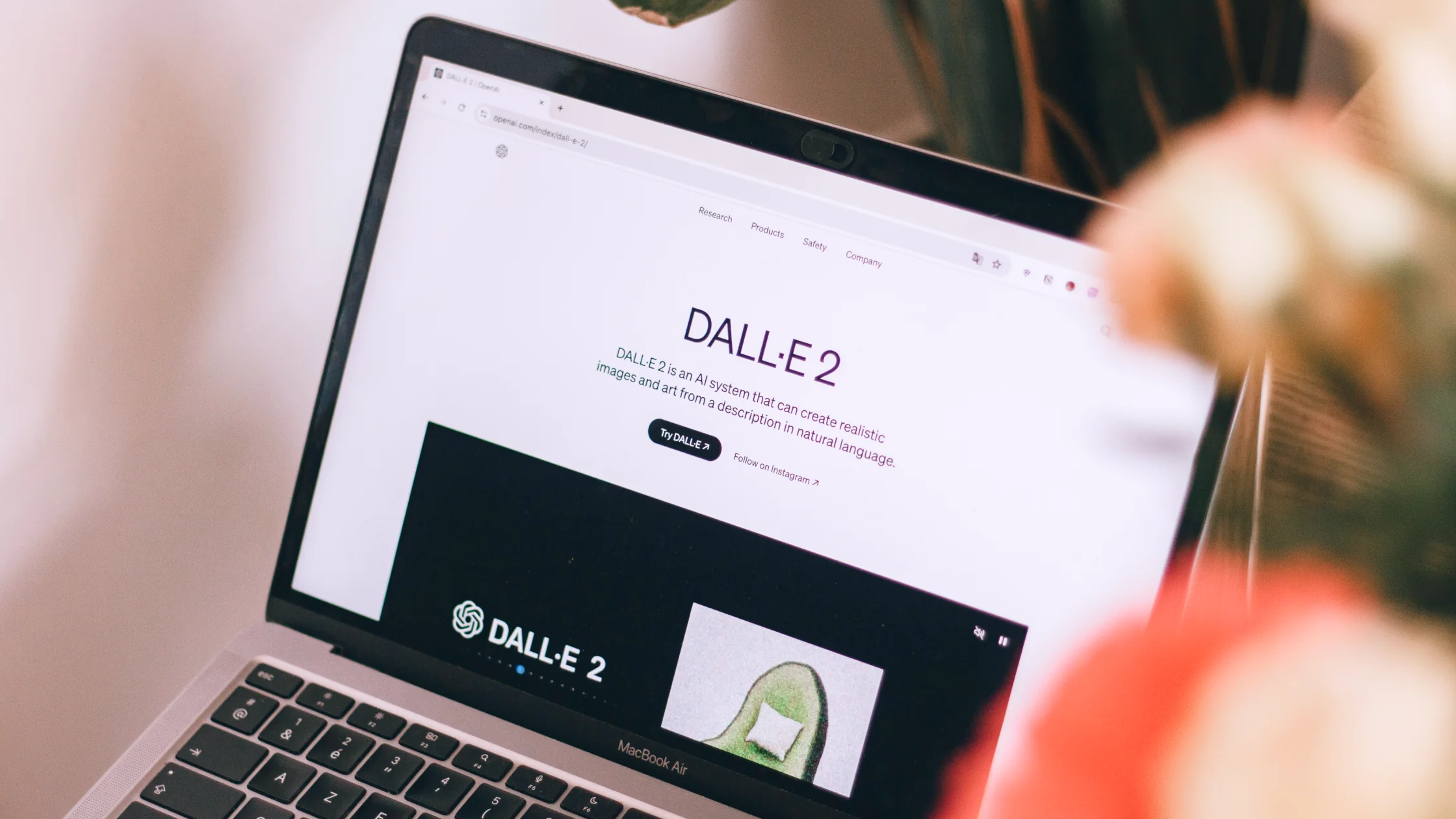
This article uses the DALL·E search term, but current image generation may be presented through ChatGPT or an API and model documentation.[4] Check the exact interface, account or plan, and current OpenAI image generation guide before diagnosing access. Do not assume that an old standalone DALL·E flow or API rule still applies; a VPN cannot grant model or billing eligibility.
Many people still search for DALL·E, but OpenAI's image generation now reaches users in two different ways: inside ChatGPT, and through the API for developers.[1][4] Each has its own account rules, limits, and documentation, so the first job is to decide which one you are actually using.
If you type an image request into a ChatGPT conversation, you are using ChatGPT's image generation, which follows your ChatGPT account, plan, and usage limits.[1] If an app, script, or design tool sends requests with an API key, you are using the OpenAI API, which has separate keys, billing, rate limits, and model names.[4] A working ChatGPT chat says nothing about an API project, and an API key does not unlock image generation inside a ChatGPT plan. Write down which path failed before you look anywhere else.
Older tools and tutorials may still refer to DALL·E model names or endpoints. OpenAI publishes a deprecations page that lists older models and when they stop working, and its current model pages describe the image models that replace them.[2][3] The same page schedules gpt-image-1 for shutdown on 23 October 2026, and gpt-image-1-mini, gpt-image-1.5, and chatgpt-image-latest for 1 December 2026, so an integration that worked earlier this year can still break.[2] If an integration suddenly fails with a model or parameter error, check whether it still points at a retired model before suspecting your network. Updating the tool, or asking its developer to update it, solves this; a different route does not.
A message that the request cannot be completed under the content policy, or a limit message saying you have used your allowance, means OpenAI received the request and decided not to run it. That is a policy or plan outcome, and it will look the same on every network. Copy the wording, remove private details from your notes, and either adjust the request within the rules or wait for the limit to reset.
For each attempt, note the time, the path (ChatGPT web, ChatGPT app, or API), the plan or API project, the model name if you can see it, the device and network, and the exact message or error code. Do not paste API keys, private prompts, or uploaded images into the record; the beginner's guide to using AI safely explains which inputs to keep private. For API calls, the HTTP status and error type are the most useful details for support.
Keep the same account or project and the same simple request, and change only the network, such as office Wi-Fi against mobile data. If ChatGPT or the API is reachable on one network and not the other, the first network is filtering, mis-resolving DNS, or inspecting HTTPS traffic; company networks sometimes block API domains specifically. If local law and OpenAI's terms allow it, one VPN route can be a further comparison, but do not create extra accounts, move API usage to a different organization, or change billing details to work around a limit.
Stop changing networks once the same error appears everywhere. ChatGPT plan and image-limit questions go to OpenAI's help center; API errors go to the project's usage, billing, and key settings and then to OpenAI's developer support; a third-party design tool that uses OpenAI behind the scenes should be reported to that tool's developer first, with the exact error it shows.
It can change the path between your device and the service and replace the visible exit IP. This may help distinguish local blocking from an account or product restriction. DALL·E access follows the ChatGPT or API account it runs under; the guide to what a VPN changes for each AI tool shows where that differs from standalone image generators.
When ChatGPT text replies arrive but images stall, AethoVPN lets you test whether the image step is a network problem. Connect on the same computer and browser profile, leave global mode on, pick the location closest to where you actually are among those the app shows with a green load indicator, and resend the identical image request; note whether the image renders and whether the file downloads in full. If text and images still diverge over the same tunnel, the cause is more likely entitlement, rollout, or a policy decision, none of which a route can change. Create an account with your email to run that single comparison.
It cannot change country or identity data on an account, payment eligibility, age checks, subscription status, plan entitlements, moderation decisions, or the platform's terms. Do not create accounts, alter billing, or bypass unsupported service rules based on a VPN route.
| What you see | Most likely layer | Next step |
|---|---|---|
| ChatGPT chat works but image requests fail | ChatGPT plan, limit, or feature availability | Check the image-generation help article and your plan |
| A tool reports an unknown or retired model | Old DALL·E integration | Check the deprecations page and update the tool |
| A content-policy refusal | Usage policy | Revise the request within the rules |
| API calls fail while ChatGPT works | API key, project, billing, or rate limit | Check the project's keys, usage, and billing |
| Nothing from OpenAI loads on one network | Local filtering, DNS, or HTTPS inspection | Compare networks and ask the network administrator |
Use the Help Center article on image generation in ChatGPT for chat images and edits to uploaded images, and the developer image generation guide for API work. For regional questions, check OpenAI's supported countries and territories page.[1][4][5]
Opening ChatGPT verifies the page, not image access. Check the signed-in product surface, account plan, feature state and the exact error before changing the network.
No. OpenAI retired DALL·E 2 and 3 API model snapshots in May 2026. Check the current image generation guide and use a supported model for API work.
No. Check the ChatGPT account separately from the API project, model access and billing. A working chat session does not prove that an API request is authorized.
Record the full product message and review the request and applicable usage rules. A content decision or model limit is not repaired by changing the exit IP.
Compare the same official page on two trusted networks only if it fails to load. A route may reveal a network problem but cannot grant image features or API credit.
Disclaimer: This article is for general informational purposes only and does not constitute legal, technical, or professional advice. Platform availability, account rules, and privacy settings can change; follow official requirements and local law.
Sources:
Sources checked 4 October 2026.
Related Articles:
Sign up to experience all premium features at no cost.
*Available only to new users. Each user is limited to one trial.