Start your 3-day free trial
Sign up to experience all premium features at no cost.
*Available only to new users. Each user is limited to one trial.
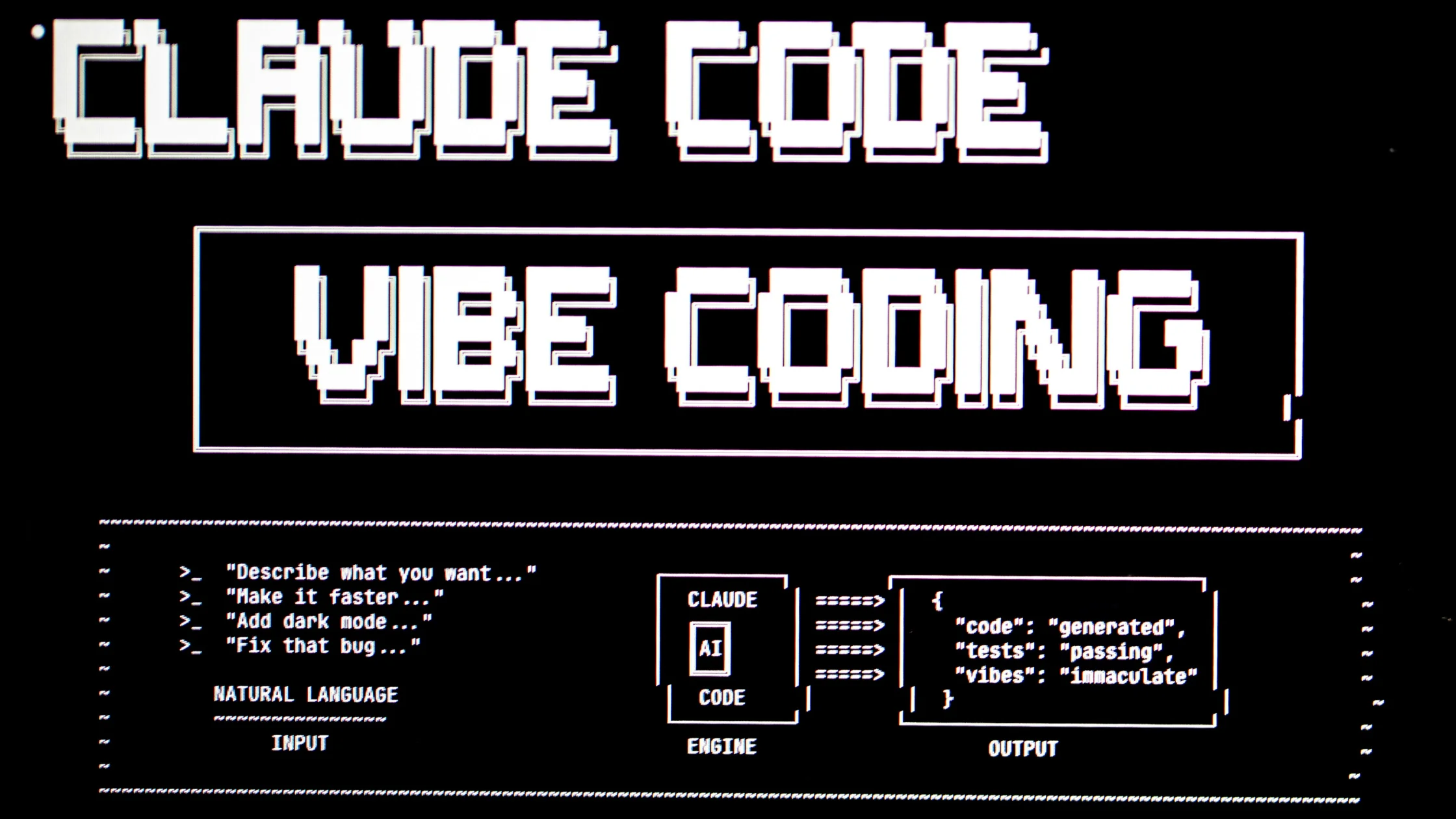

Claude not available in your region usually means you are opening Claude from a place that is missing from Anthropic's supported list, such as mainland China, Hong Kong, Russia, or Iran.[1][2] If your location is on that list, the message more likely comes from an organization policy, an age or plan limit, or a network path problem, and only the network part can be tested by changing routes.
Key Takeaways
- Official availability and account eligibility are separate from network reachability.
- Start with the platform's own support, status, and privacy documentation.
- A VPN can only address a network-layer problem.
- Anthropic consumer access and API availability are separate questions.
Anthropic's supported regions page lists the countries and regions where it offers Claude.ai and commercial API access, in two lists that currently match almost entry for entry; Japan and Taiwan are on it, while mainland China, Hong Kong, Russia, and Iran are not.[1] We checked the page on 4 October 2026. Read the current version before you travel or sign up, because the list changes over time.
The rules sit in Anthropic's Consumer Terms: you must follow its Supported Regions Policy, be at least 18 (or older where local law sets a higher age), and keep your account information correct. Anthropic may suspend or end access, including paid subscriptions, if it believes the terms were breached.[3]
Check the Claude consumer surface and the API separately; an issue in one does not prove that the other is unavailable. Treat a country or region message, a sign-in failure, a missing feature, and a slow or blocked connection as different signals. Record the exact page or client, account state, full error text, network, and time before changing a route; a VPN can test the network layer, but it cannot change eligibility, billing, plan entitlements, or platform rules.
Read the current supported-country, account, plan, age, and service-status pages. Changing the IP address does not make an unsupported location, account, or feature eligible under Anthropic's terms.[2][3]
Use the official app or website, update it, clear only local cache when appropriate, and test one browser or device at a time. Avoid unofficial clients and copied login pages.
Check whether the same URL works on another trusted network, whether DNS and HTTPS are normal, and whether the service itself reports an incident. If a VPN is permitted and the issue is clearly network-level, test one route without making account or billing changes.
Treat the consumer Claude app and API or organization access as separate surfaces.[2] Anthropic's regional availability notice and current product documentation are the source of truth; a VPN cannot change organization eligibility, account status, billing, or safety policy.
Claude problems split cleanly once you know which Claude you are using. The consumer app, an organization account managed by an administrator, and API access through Anthropic's developer console each have their own eligibility and their own support path.[2]
Start by writing down the exact entry point: the Claude website, a desktop or mobile app, a workspace your employer or school provides, or an API key used from code or a third-party tool. A personal sign-in that shows the unavailable-in-region page and an API request that returns an error are different signals, even if both mention location. Organization accounts add another layer, because an administrator controls who is invited and which features are on.
Anthropic publishes the countries and regions where Claude is offered and a dedicated notice for people who reach the app from an unsupported location.[1][2] If that notice appears, the question is support for your location, not a slow or broken connection. Check the current list before anything else, and note whether you are travelling or resident, because a short trip and a home country are treated differently by most service terms.
Keep one short record per attempt: time, entry point, device and app or browser version, account type, network, and the full message. Leave out conversation content, API keys, and billing details. If you use Claude through another product, such as a coding tool or a browser extension, record that product's name and version too; its own policy may block access even when Claude itself is available.
Compare the same entry point on a second trusted network while keeping the account and device unchanged. A difference between office Wi-Fi and mobile data points to local filtering, DNS, or HTTPS inspection on the first network. If local law and Anthropic's terms permit it, one VPN route can be a further comparison, but avoid creating extra accounts, switching countries repeatedly, or changing billing details between tests, since those steps can trigger account reviews of their own.
A paid plan belongs to the account, but where you can use the app still follows Anthropic's list of supported locations.[1] Before a trip, check whether your destination is on that list, update the desktop and mobile apps while you still have a reliable connection, and confirm you can sign in on each device you will carry. Keep the account's country and billing details truthful; changing them to match a temporary location can create a mismatch that is harder to resolve than the original message. If the destination is not supported, plan your work around that rather than expecting a different network to change the answer.
Stop testing routes when the result is identical on every network. Organization access issues go to the administrator who manages the workspace; personal account, billing, and safety-policy questions go to Anthropic's support. API errors belong with the console's own usage, billing, and key settings. Send the redacted record and the exact message, and say which networks you compared, so the reply can address the real layer instead of repeating basic connection advice.
It can change the path between your device and the service and replace the visible exit IP. This may help distinguish local blocking from an account or product restriction. Other assistants draw their regional lines differently from Claude; the map of where popular AI tools are available compares them side by side.
A VPN also changes the IP location Anthropic sees, so a region check that relies on the IP address may pass. That does not make the use permitted: the terms above still limit Claude to supported regions, and an account used elsewhere can be restricted or closed.[3] Checks tied to the account itself, such as the phone number, payment method, and account country, do not follow the IP address.
If you are in a supported country and claude.ai stalls before the sign-in page on one network but loads on another, a VPN such as AethoVPN gives you one more route for that comparison; the guide to what a VPN can and cannot test for AI tools explains how to read the result.
It cannot change country or identity data on an account, payment eligibility, age checks, subscription status, plan entitlements, moderation decisions, or the platform's terms. Do not create accounts, alter billing, or bypass unsupported service rules based on a VPN route.
| What you see | Most likely layer | Next step |
|---|---|---|
| The unavailable-in-region page on every network | Anthropic's regional support | Check the supported countries list; routes do not change it |
| claude.ai loads at home but not on office Wi-Fi | Local network filtering | Ask the network administrator; compare DNS and HTTPS |
| A colleague's organization account works, yours does not | Workspace invitation or policy | Ask the workspace administrator |
| The app works but an API key returns errors | Console account, key, or billing | Check usage, billing, and key settings in the console |
| Claude fails only inside a third-party tool | That tool's integration or policy | Test Claude directly, then contact the tool's support |
It may change what an IP-based location check sees, but that does not make the use allowed. Anthropic's terms require you to follow its Supported Regions Policy and let it suspend accounts that breach them.[3] If the notice seems wrong for a supported location, contact Anthropic support rather than repeatedly changing location.
No permitted way exists. Claude's Consumer Terms set the minimum age at 18, or higher where local law requires it, and ask for correct account information.[3] A false birth date or a borrowed account breaks those terms and puts the account at risk of suspension, so younger users should look for tools their school or family has approved.
Reaching the site and receiving organization access are separate outcomes. Record whether the failure occurs before sign-in, during organization selection, or when using a feature, then have the account or organization administrator check the relevant authorization.
Keep separate records for the consumer app and API or organization access. Note the exact client, error, account state, and time for each; success in one surface does not establish eligibility, billing, or feature access in the other.
Compare the signed-in account, official app or browser version, and device settings before changing the network. Test one permitted action at a time and preserve the first error, so an app-specific failure is not mistaken for a service-wide outage.
Account suspension, recovery, billing, organization permissions, and policy decisions belong with the relevant official support or administrator. Provide the affected app or API surface and a redacted error record; a different route cannot grant those permissions.
Disclaimer: This article is for general informational purposes only and does not constitute legal, technical, or professional advice. Platform availability, account rules, and privacy settings can change; follow official requirements and local law.
Sources:
Sources checked 4 October 2026.
Related Articles:
Sign up to experience all premium features at no cost.
*Available only to new users. Each user is limited to one trial.