Start your 3-day free trial
Sign up to experience all premium features at no cost.
*Available only to new users. Each user is limited to one trial.
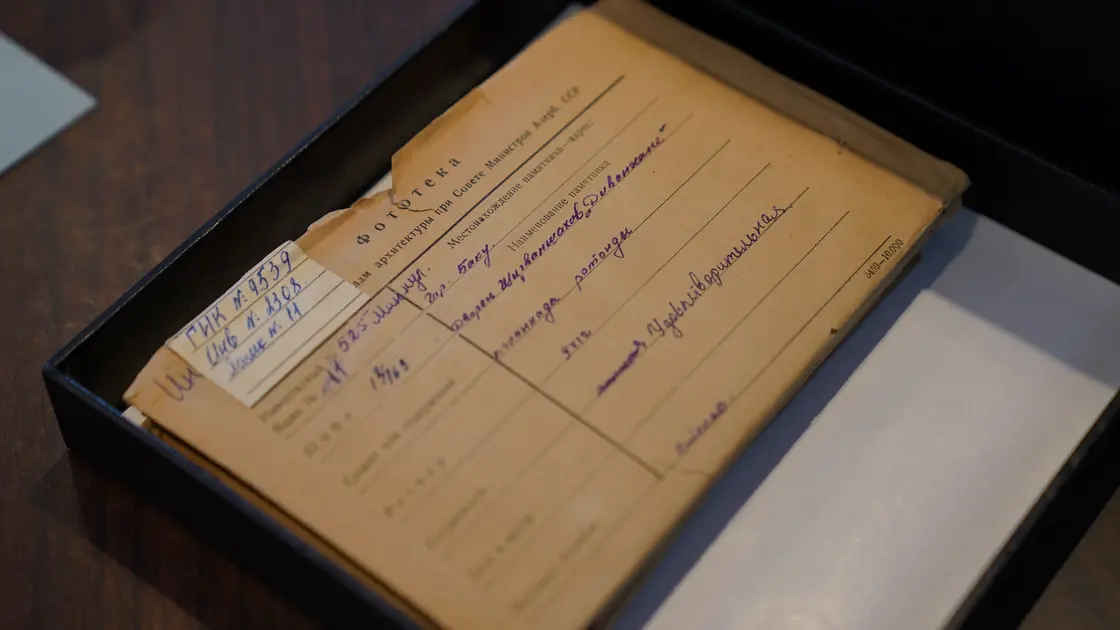

To build a timeline from documents with AI, inventory and freeze the documents first, then extract candidate events one source at a time. Preserve the original date wording, the normalized date, the type of date, and an exact source locator in separate fields. Use AI to suggest duplicates and ordering, but let a person resolve conflicts and decide whether the evidence supports a precise date at all.
This workflow reconstructs what the documents say happened. It is not a project schedule or a forecast. The US National Archives calls document analysis the first step in working with primary sources and recommends contextual examination before using them as evidence.[1] Review the general guide to using AI before handling a source set. If you only need a synopsis of one file, begin with summarizing documents with AI. For a multi-source chronology, use the evidence register below.
Key Takeaways
- Distinguish event date, document date, publication date, and retrieval date.
- Never upgrade “spring 2024” or “before the meeting” into a precise day.
- Keep page, paragraph, timestamp, or record locators with every event.
- Preserve conflicting accounts as separate records until a reviewer resolves them.
- Normalize time zones only when the source provides enough information.
- Require human approval before publishing or relying on the timeline.
Write one sentence describing what the chronology must establish. “Create a timeline of the product launch” is vague. “Reconstruct approved launch decisions and customer-facing releases between 1 January and 30 June from the signed minutes, change log, and release notices” defines event types, dates, and sources.
Record:
| Boundary | Definition |
|---|---|
| Purpose | Investigation, history, case summary, audit, research, or another use |
| Date range | Inclusive start and end, or explicitly open-ended |
| Event rule | What counts as an event and what does not |
| Source rule | Included collections, versions, and authority hierarchy |
| Actors | People, organizations, systems, or places in scope |
| Time standard | Display timezone and treatment of unknown offsets |
| Approval | Person or role that can resolve conflicts |
High-stakes legal, employment, medical, financial, or incident timelines need domain review. AI can organize source statements, but it cannot authenticate a document, determine legal significance, or replace required evidence handling.
Create a document register before extraction. Assign each file a stable ID and record title, author or custodian, original date, version, format, location, access level, and whether it is primary, secondary, or commentary. If a file was converted with OCR, preserve the original and identify the derived text.
Do not silently mix revisions. A later memo may correct an earlier one; both belong in the register. Store email attachments separately from their covering messages so their dates and authors are not confused.
The Library of Congress primary-source guidance uses a progression of observing, reflecting, questioning, and investigating further.[2] Apply that pattern to each document: first record what it visibly states, then interpret it, then list questions. Do not begin by asking AI for “the true sequence.”
Process each source independently before comparing documents. This reduces the chance that a confident statement in one file causes the model to rewrite a cautious statement in another.
Use an extraction prompt such as:
From document S-03 only, list passages that describe an event in scope. Copy no long passages; return a concise event statement and an exact page, section, paragraph, or timestamp locator. Preserve every date phrase exactly as written. Classify the date as event, document, publication, deadline, reference, or unknown. Do not infer missing dates, identities, sequence, causation, or intent. Put ambiguous passages in a review list.
Check a sample—and all material events—against the original document. OCR errors commonly change digits, names, punctuation, or negation. If a scan is unclear, mark transcription confidence instead of guessing.
Create one row per source assertion, not one row per “real-world event” yet:
| Event ID | Original date text | Normalized date | Date type | Event statement | Actor | Source locator | Precision | Conflict group | Status |
|---|---|---|---|---|---|---|---|---|---|
| E-001 | [as written] | [YYYY-MM-DD or range] | Event / document / unknown | [source-bounded statement] | [name or unknown] | [S-03 p. 7] | Day / month / range / relative | [C-01 or none] | Verified / proposed |
Keep the source’s wording in Original date text. The normalized value supports sorting; it does not replace the original evidence. For undated events, leave the normalized value empty or use explicit bounds in separate earliest/latest fields.
The W3C date-and-time profile uses unambiguous forms such as YYYY-MM-DD and date-time values with a timezone designator.[3] Use a consistent machine-readable format when the evidence supports it. Do not add a timezone offset to a local time unless the source or context establishes that zone.
Map each date phrase to the narrowest defensible representation:
12 May 2025 → exact day;May 2025 → month precision, not 2025-05-01;spring 2025 → a labeled season or bounded range based on an approved convention;three days later → relative date linked to its anchor event;before launch → ordering constraint, not a calendar date;Distinguish occurred on, recorded on, sent on, published on, and effective from. A meeting note dated Friday may describe a decision made Wednesday. A web page’s update date may not be the event date.
Record temporal constraints such as E-014 after E-009 separately. AI can propose a topological order, but a reviewer should check the anchor and ensure there is no circular or unsupported dependency.
After independent extraction, ask AI to identify candidate records that may describe the same event. Require a reason based on actor, action, object, location, and time—not just similar wording.
Do not merge automatically. Two sources may describe separate meetings on the same day, or one may repeat an announcement of an earlier decision. If records refer to the same event, retain all source links and create a canonical event record. If they conflict, assign a conflict group and preserve each account.
Compare sources using the multi-source comparison workflow. Define an authority rule appropriate to the task: a signed decision record may outrank an informal recollection for approval status, while a system log may be stronger for a technical timestamp. Authority depends on the claim, not the document’s overall prestige.
Give the model only reviewed event rows and explicit ordering constraints. A safe prompt is:
Sort the verified event rows by normalized date and approved ordering constraints. Do not fill empty dates. Keep ranges, month-only dates, relative dates, and conflicts visible. Group records only when the canonical-event ID is already approved. Return a chronology plus separate sections for undated events, conflicts, and unresolved ordering. Use event IDs and source locators in every entry.
Do not ask the model to “make the story coherent.” Real evidence may be incomplete or contradictory. A polished narrative can hide a gap more effectively than a table does.
When events share the same date but lack times, avoid inventing an intraday order. Use “on the same recorded date; order unknown.” When sources use different calendars or time zones, document the conversion rule and retain the original value.
Read the chronology line by line. Verify names, dates, actions, source locators, and the relationship between adjacent entries. Proximity in a timeline does not prove causation. Replace “X caused Y” with a neutral sequence unless the evidence directly supports the causal claim.
NIST’s Generative AI Profile highlights risks involving confabulation, privacy, information integrity, and human oversight.[4] Minimize the uploaded material, use approved access controls, inspect model-added text, and keep a named reviewer responsible for the final chronology.
Run the AI fact-checking workflow for external claims. For internal records, ask custodians to confirm disputed interpretations. Record unresolved gaps rather than creating connective events.
Measure extraction quality before scaling the workflow. Select a representative sample that includes clear dates, relative dates, tables, scans, footnotes, and contradictions. Have a reviewer create a reference set, then compare the candidate extraction for missed events, false events, wrong dates, wrong locators, and lost qualifiers. A high row count is not success if important omissions cluster in a particular file type. Keep the sample and results with the workflow version so a prompt or model change can be tested against the same evidence.
Record the reviewer, sample boundary, error definitions, and accepted threshold so the result remains interpretable later.
The reader-facing timeline can be concise, but retain an appendix or linked register containing event IDs, source IDs, locators, precision, conflicts, and review status. Add an “as of” date and define whether later documents are excluded.
Before approval, confirm:
Version the document register, event table, and published chronology together. If a new source changes the order, issue a new version with a change note instead of silently replacing the previous record.
Yes. Register the files first, extract events from each independently, and retain page or section locators. Verify OCR and material events against the originals.
Mark the document or event as undated. You may record defensible earliest and latest bounds, but do not turn a bound into an exact date.
Keep both assertions in a conflict group. Apply an approved authority rule and document the resolution; if it cannot be resolved, publish the uncertainty.
Usually by event date, but retain publication and document dates separately. The correct display depends on the timeline question.
It can flag a possible contextual date for review, but it should not populate the verified date field without a defensible locator and human confirmation.
Store month precision explicitly, such as 2025-05, or use approved earliest/latest bounds. Do not display it as 1 May unless the source states that day.
Not necessarily. A timeline establishes order, not causation. Use causal language only when the evidence supports it.
The source owner or subject expert should verify evidence and conflicts, while the accountable decision, legal, compliance, or records owner approves its intended use.
Sources checked 29 August 2026.
Sign up to experience all premium features at no cost.
*Available only to new users. Each user is limited to one trial.