Start your 3-day free trial
Sign up to experience all premium features at no cost.
*Available only to new users. Each user is limited to one trial.

When a China SIM card shows No Service or no signal, whether it is a China Mobile, China Unicom, or China Telecom card, first confirm that the line is recognized by the phone, then check local coverage, airplane mode, the active line, a restart, carrier settings, device compatibility, and the operator account. Do not start with APN changes: an APN affects mobile data after cellular registration, while No Service means the phone has not joined the carrier network.[1][2]
Key Takeaways
- “No SIM,” “No Service,” and “signal bars but no data” are different failures.
- Check whether other customers on the same operator have coverage at your location before changing the phone.
- Toggle airplane mode once, confirm the intended SIM line is on, and restart before using disruptive resets.
- Install only official operating-system and carrier-setting updates.
- Confirm that the line is active, funded where required, and not barred by the operator.
- A foreign-market phone may recognize a SIM but still lack the operator's required bands or VoLTE support.
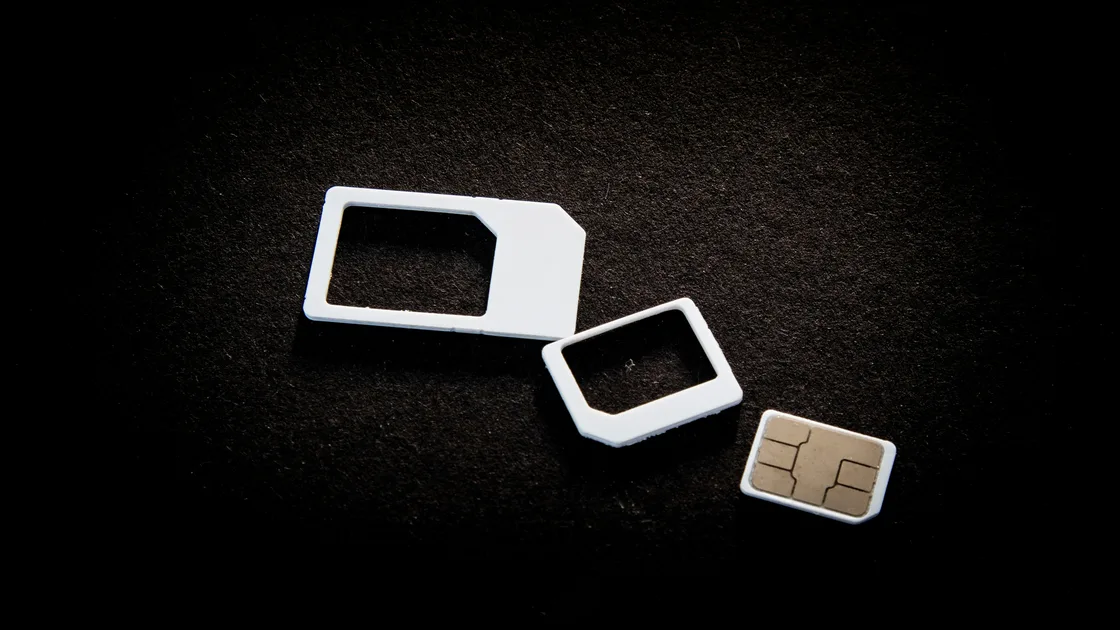
Open the phone's SIM or mobile-network settings and check whether the new line appears. If the phone says “No SIM,” “SIM not detected,” or does not list the line, solve the physical SIM, tray, device lock, or eSIM installation problem first. This guide assumes the SIM or eSIM is already recognized by the phone.
Then separate three common states:
| Phone state | What it usually means | Correct starting point |
|---|---|---|
| No SIM or line missing | The device cannot use or see the SIM profile | Reinsert, inspect, or ask the operator to replace the SIM |
| No Service or Searching | The line exists but has not registered with the cellular network | Coverage, line state, activation, compatibility, or account checks |
| Signal bars but no internet | Cellular registration exists, but data is failing | Data allowance, selected data line, roaming mode, or official APN settings |
| Calls or SMS work but one app fails | The carrier path is partly working | App, account, DNS, VPN, permission, or service-specific checks |
Apple defines No Service or Searching as the device not being connected to a cellular network.[1] Google similarly separates whether mobile data and the SIM are enabled from other connectivity checks.[2] This distinction prevents an unrelated factory reset or APN edit from hiding the original symptom.
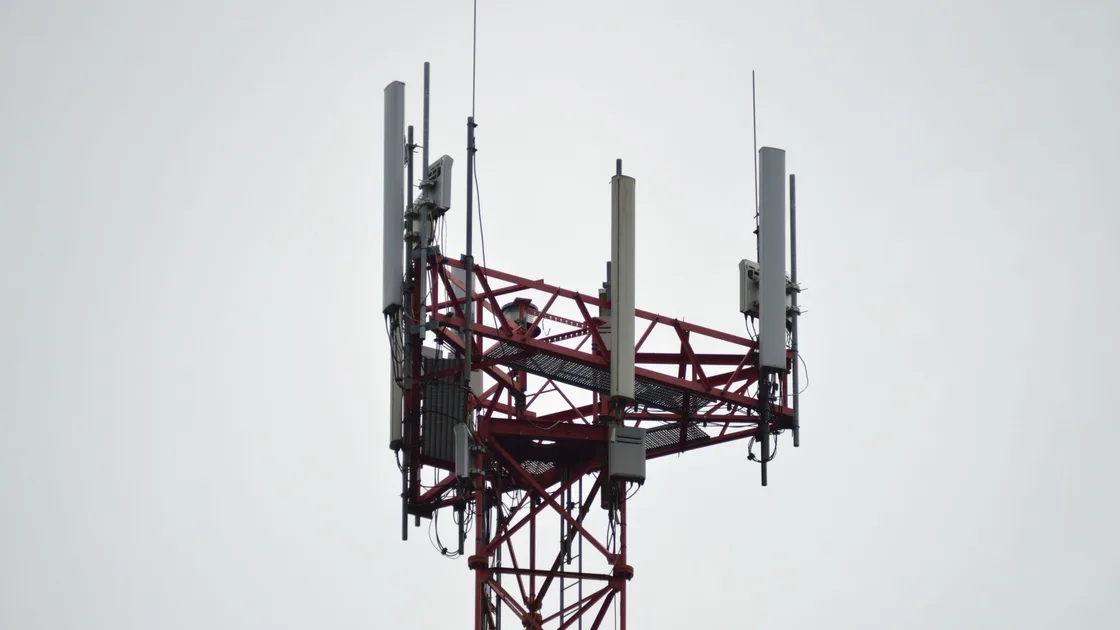
Move to an ordinary open area or near a window if you are deep inside a basement, lift, tunnel, concrete building, or remote site. Ask a trusted person using the same operator whether they have service at the same place and time. A phone on another operator is not a perfect comparison because the networks can use different infrastructure and coverage.
Check the operator's official outage or support channel when available. Apple advises contacting the carrier to confirm coverage, outages, and whether the account is active and correctly provisioned.[1] If several devices on the same operator fail in one location, wait or move rather than repeatedly changing settings.
Do not treat emergency calling labels as proof that your own operator line is registered. Some devices may show an emergency-only state when another available network can carry an emergency call, but ordinary calls and data on your plan still will not work.
Turn airplane mode on once, wait briefly, and turn it off. Apple currently specifies at least 15 seconds for its devices; follow the current instructions for your own phone rather than treating that exact timer as universal.[1] Confirm that airplane mode actually turned off and that cellular service is allowed.
On a dual-SIM phone, open the mobile-network settings and confirm the China line is enabled. Also check which line is selected for calls, messages, and mobile data. Disabling an old travel eSIM is not always necessary, but simplifying the active-line setup can make the test easier to interpret.
Restart the phone after checking those settings. A restart can renew registration without deleting saved networks, eSIMs, or other configuration. Do not jump directly to “reset all settings,” erase the phone, or delete the eSIM; those steps can create recovery work and may destroy evidence that operator staff need.
Connect to a trusted Wi-Fi network and check for an official operating-system update appropriate for the device. On iPhone, also open the carrier-settings screen described by Apple; a new SIM may require updated carrier settings.[1] On Android, menu names differ by maker, version, and region, so use the device manufacturer's support path rather than copying an unrelated screenshot.
Install only updates delivered by the operating system, phone maker, or carrier's verified channel. A web page that asks you to install an unknown profile, root certificate, modified carrier bundle, or remote-control app is not a safe no-service fix.
After updating, restart and check registration again. Change one layer at a time and record the result. If a carrier-settings update makes no difference, continue to account and compatibility checks rather than repeating it.
Use the receipt, SIM packaging, official account page, or staffed service hall to confirm the number and plan. A paid starter pack is not necessarily an active line. Ask the operator whether real-name registration completed, the account is active, the plan is attached, the SIM identity matches the account, and any required initial balance is available.
Only the operator can see and change account-side activation, barring, suspension, replacement, or provisioning. Apple likewise notes that only the carrier can manage account details.[1] If the line was purchased with a foreign passport, bring the same passport, the SIM, the phone, and the receipt back to a self-operated hall.
If you have not obtained the line yet, the foreign-passport SIM purchase guide explains how to complete registration and the first acceptance test. If the operator says the issue is an empty balance or expired package rather than registration, follow the Chinese number top-up guide.
Find the exact model number, not just the marketing name. Phones sold under one name can have different regional radio bands, SIM configurations, and carrier certification. Ask the operator whether that model supports the bands and voice technology used for the line in your location.
The communications-authority guide tells foreign applicants to use a phone supporting 5G or VoLTE and to consult the operator when the device and SIM do not match.[3] A 5G logo on a box is not enough: voice service may depend on VoLTE provisioning, and a device can support some but not all bands used by an operator.
If safe and permitted by the operator, staff can test the issued SIM in a known-compatible service device or test a known-working operator SIM in your phone. Do not swap cards with strangers or leave an unlocked phone and passport unattended. The goal is to identify whether the fault follows the line or the device, not to borrow somebody else's registered service.
Preserve the exact status label, time, place, operator, phone model, SIM type, and steps already tried. Take a screenshot of the settings or error only if it contains no unnecessary phone number, account identifier, or personal data. Then contact the carrier or return to a self-operated business hall.
| Result after basic checks | Likely owner | Useful evidence |
|---|---|---|
| Same-operator phones also fail nearby | Operator coverage or outage | Place, time, affected operator, comparison result |
| Your line fails in a compatible test device | SIM, activation, account, or provisioning | Receipt, passport, SIM identifier, official error |
| A known-working operator SIM fails only in your phone | Device lock, hardware, bands, or carrier support | Exact model, software version, test result |
| Signal returns but data still fails | Data plan, selected data line, roaming, or APN | Bars, call/SMS result, data setting, plan status |
| Service is intermittent in one building | Local indoor coverage or interference | Indoor/outdoor comparison and exact location |
Use an APN only when the operator's official instructions say the registered line needs a data configuration. An APN cannot make a phone register to a cellular network when the status remains No Service. Avoid random APN lists, manual network identifiers, unofficial configuration profiles, or repeated network selection attempts that the operator has not authorized.
If mobile service returns but a VPN still will not connect, use the China connectivity planning guide for that separate network layer. A working VPN tunnel does not activate a SIM, and a VPN cannot restore cellular radio coverage.
If people calling you hear that your phone is switched off or unreachable, the dialed line is usually not registered on any network, which is the caller's side of No Service.[1] First identify which number they are dialing. A China number follows the checks above.
A home-country number, such as a Korean SIM used in China, depends on international roaming instead. Ask the home operator to confirm that roaming is active on that plan, check that the line is still enabled in the dual-SIM settings, and on iPhone turn on Data Roaming in Cellular Data Options if that line also needs data.[1] Calls to the foreign number never reach the China line, so fixing one line does not repair the other.
The line may still be activating, the account registration may be incomplete, the wrong line may be disabled, or the phone may be incompatible. Test it at the staffed counter and ask the operator to verify provisioning before leaving.
No. No SIM means the phone cannot see the card or eSIM profile. No Service means the line is present but has not registered on the cellular network.
No, not as the first step. APN settings control mobile-data routing after network registration; they do not normally restore a No Service state.
No. One off-and-on cycle can refresh radio registration, but it cannot activate, unbar, fund, or replace the line. A recurring account problem belongs with the carrier.
No. The exact regional model, supported bands, SIM type, VoLTE support, and operator provisioning still matter. Confirm compatibility with the operator.
The line has registered, so check the data allowance, chosen mobile-data line, roaming setting where applicable, and the operator's official APN. That is a data fault, not a pure No Service fault.
Not before the operator confirms that reinstallation is required and that you can retrieve a valid activation code. Deleting an eSIM may remove the profile you need for diagnosis or recovery.
No. A VPN cannot activate an operator account, change radio compatibility, restore a tower outage, or make a phone register before internet access exists.
Disclaimer: This guide provides general technical information. Menus, radio bands, carrier settings, account rules, and support procedures vary by phone, software version, operator, plan, and location.
Sources checked 4 October 2026.
Sign up to experience all premium features at no cost.
*Available only to new users. Each user is limited to one trial.