Start your 3-day free trial
Sign up to experience all premium features at no cost.
*Available only to new users. Each user is limited to one trial.
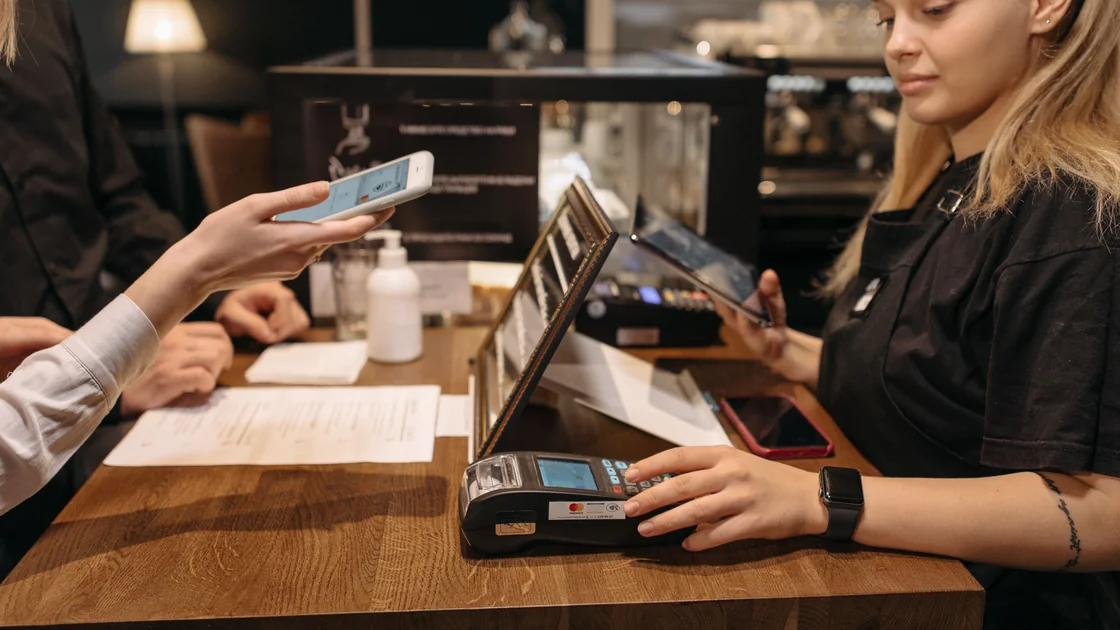

If you see a foreign card declined in WeChat Pay, including the message "You cannot use this card for this transaction" or a card-not-supported notice, stop before repeating the payment. Confirm the result in the wallet transaction record, check that the wallet and linked card remain ready, identify the merchant's QR route, and ask the issuer whether it received the exact authorization.[1][2]
Key Takeaways
- Separate a failed merchant payment from wallet setup, transfers, red packets, balance use, and other features.
- Check the wallet record, merchant order, and issuer record before deciding whether money moved.
- Merchant-presented and user-presented QR routes can lead to different checkout contexts.
- Weixin Pay support, the merchant, and the card issuer each see a different part of the failure.
- Never send a payment code, one-time code, password, CVV, or full card image to “support.”
This message, like a card-not-supported notice, says only that the wallet did not accept this card for this checkout. It does not tell you which party refused it, so sort the cause before you retry:
Tencent's visitor guide names Visa, Mastercard, JCB, American Express, Discover Global Network (including Diners Club), and UnionPay as the international card networks you can link.[1] If your card is on one of these networks and the message appears at only one merchant, suspect that checkout first; if it appears everywhere, check the wallet and then the issuer.
Use the official WeChat or Weixin app and open the wallet's transaction history. Compare the merchant, amount, time, order reference, and status with the merchant's checkout and the issuer's app. A push notification from a bank is not by itself proof of a completed purchase.
| Record you see | Interpretation | What to do now |
|---|---|---|
| Processing or pending | The result has not settled | Hold the order and do not pay twice |
| Failed or declined | The wallet has no completed purchase | Save the error and continue diagnosis |
| Completed in the wallet | The wallet records payment | Ask the merchant to reconcile the order |
| Closed, refunded, or reversed | Funds were not finally retained or are returning | Preserve the timeline and ask about posting |
| Wallet and issuer disagree | One view is incomplete or delayed | Stop retries and contact the relevant parties |
If the merchant says the order failed but the wallet shows completion, do not scan again. Ask the cashier to search the transaction or involve a supervisor. If the issuer shows a hold but the wallet shows failure, ask the issuer whether it is a temporary authorization and when it will clear.
Tencent's visitor guide describes enabling mobile payment with an international phone number and eligible international card, followed by merchant QR payments.[1] This does not guarantee that every account, card, merchant, order, or Weixin Pay feature is eligible at all times.
Check that you are in the intended signed-in account, that the wallet area opens normally, and that the intended card is still linked and selectable. Read any current identity, card, or security prompt. Do not assume a card shown in the wallet is active for this transaction simply because it worked earlier.
This guide does not cover sending money to a contact, receiving a red packet, topping up a balance, withdrawing funds, or asking a merchant to accept a personal transfer. Those are different functions with different eligibility and risk rules. For first-time wallet and card setup, use the WeChat Pay visitor guide.
Identify the route before changing anything:
China's visitor payment guidance presents mobile payment, bank cards, and cash as complementary options.[3] A merchant displaying a Weixin Pay sign may still have a terminal, QR type, service category, or order configuration that does not accept this card-funded route. Ask whether the exact order accepts an international card through Weixin Pay; do not ask staff to mislabel, split, or reroute it to avoid a restriction.
Contact the issuer through its official app or the number printed on the card. Give the exact local time, amount, currency, and merchant descriptor. Ask whether it received an authorization and whether the response was approval, decline, or approval followed by reversal.
The State Council guide notes that issuer verification participates in card binding and that users should contact the payment product or issuer when service fails.[2] An issuer can explain its own decision, but it cannot activate your Weixin Pay wallet, change the merchant's route, or remove a platform review.
Use a single known order for diagnosis. Trying several stores, several amounts, and several cards in quick succession makes it harder to identify the failing layer and may cause additional security checks. Do not uninstall the app or log out while a support case depends on the signed-in history.
| Symptom | First route | Useful evidence |
|---|---|---|
| Wrong shop or amount appears | Merchant | Checkout and order before authorization |
| Wallet completed, shop says unpaid | Merchant, then Weixin Pay | Transaction ID and merchant order |
| Issuer explicitly declined | Issuer | Authorization time, amount, descriptor |
| Issuer received nothing | Weixin Pay | Wallet error and masked card suffix |
| Wallet asks for identity or card review | Weixin Pay | In-app prompt and case reference |
| Temporary hold after wallet failure | Issuer | Hold and wallet failure timeline |
| Payment code or QR looks suspicious | Merchant management or platform report | Context without another scan |
Use the support entry inside the official app. A legitimate agent should not ask you to read out a one-time code, share your screen during approval, install a remote-control app, or move the conversation to an unknown personal account. Supply a masked card suffix and transaction reference only when the official case asks.
Write down the store name and location, order reference, local time, amount and currency, QR route, selected card suffix, wallet status, issuer result, and any later reversal. Capture only your own checkout and avoid including other customers or their codes.
Keep the evidence in chronological order. Redact your WeChat ID, phone number, identity details, card number, and merchant employee data before sending it. Retain each support case number and the exact question asked; this prevents the merchant, platform, and issuer from sending you around the same loop.
Bring a physical card and RMB cash where practical, and confirm what the merchant accepts before a time-sensitive purchase. The cash, cards, and mobile payment guide explains this fallback mix. For an Alipay-specific attempt, use the separate Alipay decline guide.
Linking and purchase authorization are separate. The current wallet state, merchant route, order, card status, issuer decision, and platform controls can still affect checkout.
This guide does not recommend converting a merchant purchase into a personal transfer. The functions have different protections and eligibility; use a verified merchant route or another accepted method.
No. A hold can be a temporary authorization. Compare it with the wallet's final transaction and the merchant's receipt.
No. Present the live code only in the official app for the intended scan. Do not save or send it as an image.
No. Support can investigate the wallet and platform route, while the issuer controls its authorization response.
No. It cannot change wallet eligibility, merchant configuration, or platform controls.
No. Network access and payment eligibility are separate. A VPN cannot prove identity, change merchant acceptance, or approve an authorization. To prepare the connection itself, use the guide to staying online in China, and keep payment questions with the merchant, wallet, and issuer.
Do not pay again. Ask the merchant to reconcile the transaction ID and order, then open an official Weixin Pay case if their records remain inconsistent.
Use another legitimate method the merchant confirms it accepts, while keeping the unresolved transaction's evidence and order separate.
Disclaimer: This guide provides general payment-troubleshooting information, not financial or legal advice. Wallet availability, card eligibility, merchant acceptance, verification, fees, limits, issuer decisions, reversals, and support outcomes depend on the current account and transaction.
Sources checked 4 October 2026.
Sign up to experience all premium features at no cost.
*Available only to new users. Each user is limited to one trial.