Start your 3-day free trial
Sign up to experience all premium features at no cost.
*Available only to new users. Each user is limited to one trial.
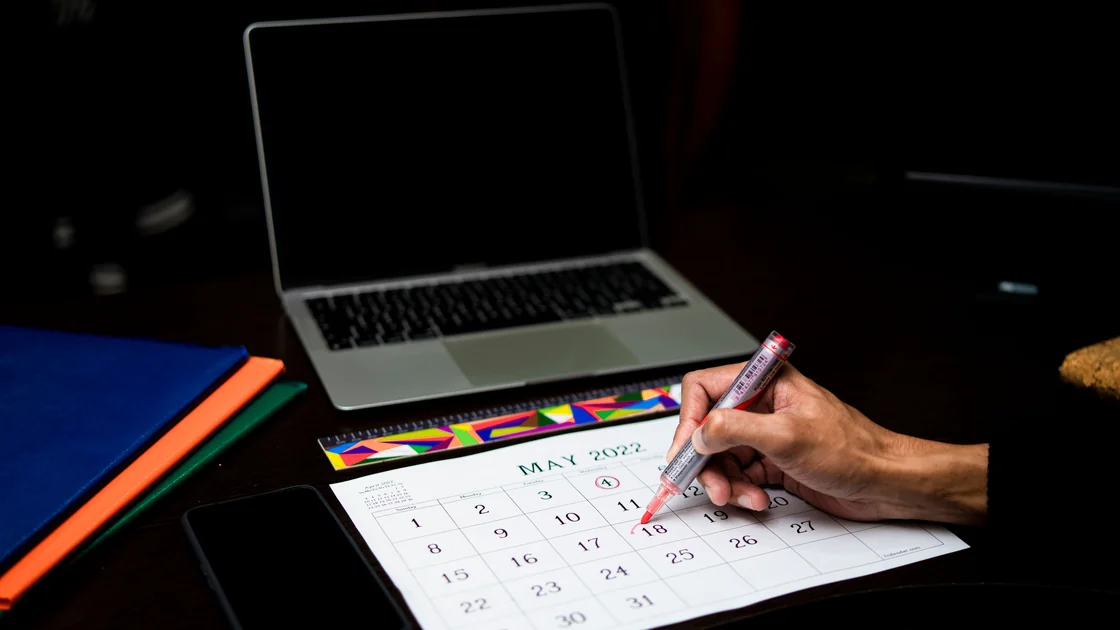

A calendar not syncing across devices usually has one of four causes: the event was saved to a different account or an on-device calendar, the calendar is hidden or its sync switch is off, the device cannot refresh because of connection, storage, or background limits, or the account type does not sync calendars at all. Find out where the event is actually stored first, because one app can display local, iCloud, Google, Exchange, subscribed, and shared calendars together, each with its own server and synchronization path.
Do not clear app storage, delete a calendar, or remove an account until you have confirmed that every important event exists on the provider's web calendar or another trusted device. An event stored only on one device can disappear permanently during a reset.
Key Takeaways
- Identify the calendar account and the direction that is failing.
- Use the provider's web calendar as an account-side checkpoint, not an automatic winner.
- Check visibility, default calendar, account sync, refresh, storage, and service status.
- Separate shared-calendar, recurrence, time-zone, and history-window behavior.
- Protect unsynced events before clearing data or removing an account.
For failures affecting several unrelated applications, begin with the device and app troubleshooting guide instead of treating every stale item as a calendar defect.
Create a harmless test event with a distinctive name and a time a few minutes in the future. Add it on one device to the calendar you believe should synchronize, then check the provider's official web calendar and a second device. Delete the test after the route is understood.
| Observation | Likely layer |
|---|---|
| Event appears locally but not on the web | Wrong calendar, local-only storage, upload, or account sync |
| Event appears on the web but not one device | Download, calendar selection, refresh, or device storage |
| Event is missing everywhere except one device | Local-only or unsynced event; protect it before reset |
| New events sync but older events do not | History window or application-specific range |
| One shared calendar is stale | Sharing permission, subscription, or owner-side state |
| Time is wrong but the event exists | Time zone, all-day-event, or daylight-saving display |
Also record whether edits, deletions, invitations, and recurring changes behave differently. A service may synchronize a newly created event while an old recurring series remains conflicted. Avoid creating several copies of the same appointment during testing; those copies can later synchronize and become duplicate reminders.
The web calendar is an account-side checkpoint, but it is not guaranteed to contain the only correct version. Compare the event title, notes, attendees, recurrence, calendar name, and last edit. If the device has the only complete version, copy or export it safely before continuing.
Open the calendar list and identify the account shown beside the affected calendar. Similar names such as Personal, Calendar, Events, or Work do not prove that two devices use the same source. On every device, verify the exact account and calendar.
Apple advises checking system status, using the same Apple Account, enabling Contacts and Calendars in iCloud, setting correct date and time, and making the intended iCloud calendars visible. Its guidance also explains that changing a default calendar does not move existing events from another account.[1] That distinction prevents a common mistake: fixing where future events are saved while assuming older local or Google events moved automatically.
Check the following:
If an event was created in an On My Device or On My Mac calendar, it will not become a cloud event merely because a cloud account is enabled later. Move or recreate it only after confirming the destination and preserving the original details.
Check the provider's service-status page and confirm the device has a working connection. Then update the calendar app and operating system within the versions supported by the device. Automatic date, time, and time zone should be correct because authentication and event display can both be affected by a badly wrong clock.
Use the app's refresh action once, then allow time for the queue to settle. Google's Calendar troubleshooting guidance recommends checking connectivity, updating the app, making the calendar visible, confirming the event was added to the Google calendar, enabling account and calendar sync, refreshing manually, and checking Calendar storage and free device storage.[2] It also warns that clearing Calendar app data can remove information that does not exist on Google Calendar on the web.
On mobile devices, inspect background-data and battery settings if synchronization works only while the calendar app is open. Use the platform's normal setting; do not install a task killer, random sync utility, or device-cleaning app. Low storage can prevent a calendar database from updating even while other online activities still work.
If multiple services fail, test whether cloud storage is also not syncing. A shared account, storage, sleep, or network layer may explain both symptoms, but do not merge the data or reset both applications at once.
An email account working does not prove that its calendar can synchronize. Some account setups support mail only. Microsoft notes that IMAP and POP synchronize email but not calendars or contacts, while Exchange-based account types can provide those data classes when the provider and policy support them.[3]
Check how the account was added rather than relying on the mailbox name. If the device labels it IMAP or POP and there is no calendar switch, consult the provider's official setup instructions or administrator. Do not guess server names or install an unofficial profile.
For Outlook and other companion apps, distinguish the calendar shown inside the app from export to the phone's system calendar. Permissions and a specific synchronization switch may control the second path. A missing system-calendar event can therefore coexist with a correct event inside the provider app.
Work and school accounts can require device compliance, modern authentication, or an approved app. If the provider's web calendar works but the account repeatedly rejects the mobile client, save the exact error and contact the administrator rather than repeatedly removing the account.
Before resetting, inspect calendar-specific behavior that looks like failed synchronization:
Open the event details and compare calendar name, owner, time zone, recurrence scope, and event identifier where the app exposes them. Do not delete the apparent duplicate until you know whether the two copies belong to different accounts.
Calendar spam is a different problem. If unknown invitations appear but normal events synchronize correctly, use the guide to recognize calendar invitation scams instead of deleting the entire calendar account.
First export unique local events if the platform supports it, or manually record the complete details in a secure place. Confirm the expected server copy from the provider's web interface and verify that you can sign in again, including any multi-factor authentication.
Then proceed from narrow to broad:
After each action, create one new test event and observe both directions. Do not perform all six actions together. A controlled sequence shows which layer recovered and reduces duplicate events when the queue resumes.
They may be saved in a local or different account calendar on the phone. Open the event details, identify its calendar, and compare that account's web calendar before moving or recreating it.
The app or account may use a limited history window. Check the provider's web calendar and the app's synchronization range before assuming the older events were deleted.
Its visibility, sharing permission, subscription, or owner-side state may differ from your primary calendar. Recheck the calendar list and access level without removing the whole account.
Yes. A calendar app needs local database space even when events live in the cloud. Free space safely, restart the app, and test one event before clearing calendar data.
No. It changes where future events are normally created. Existing events remain in their original local, iCloud, Google, Exchange, or other calendar unless you deliberately move them.
Check the event time zone, device time zone, all-day setting, and recurrence. A display shift can look like a missing event even though synchronization succeeded.
Only after confirming all important events exist on the provider's server or in a separate safe copy. Also verify credentials and recovery access before removing the account.
No. IMAP and POP are mail protocols and do not synchronize calendar or contact data. Use the account type and app officially supported by the provider for those data classes.
Sources checked 4 October 2026.
Sign up to experience all premium features at no cost.
*Available only to new users. Each user is limited to one trial.