Start your 3-day free trial
Sign up to experience all premium features at no cost.
*Available only to new users. Each user is limited to one trial.
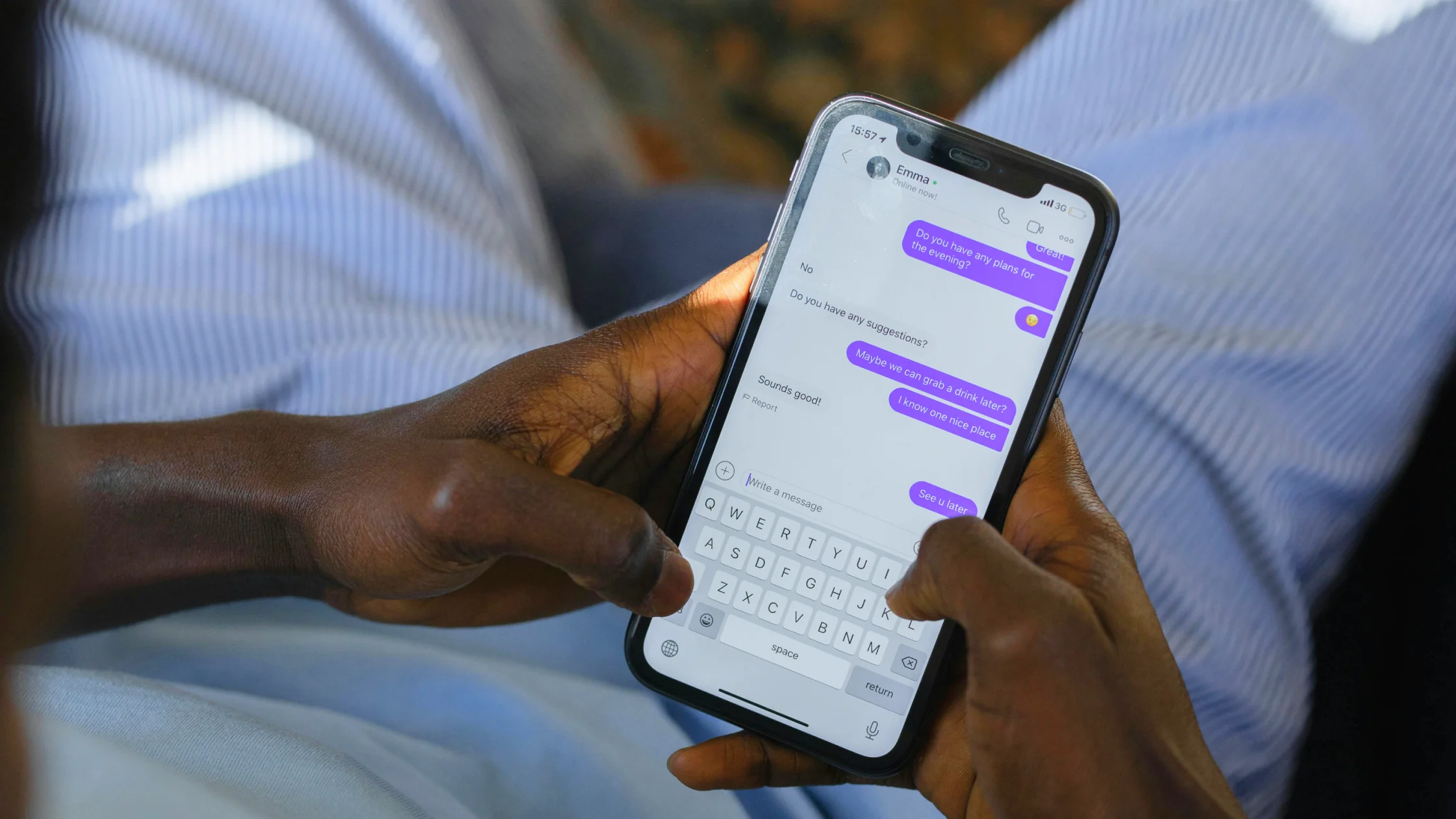

Can you get hacked by replying to a text? Replying to one text message usually will not instantly hack your phone. The real danger often comes after the reply, when you click a link, download a file, give away a verification code, or simply confirm to a scammer that your number is active.[1][2]
Key Takeaways:
- Replying to one text message usually will not instantly hack your phone.
- The real danger comes after the reply: clicking a link, downloading a file, sharing a code, or confirming your number is active.
- If you already replied, stop interacting, secure any account whose details you shared, and check bank and payment activity.
- The best habit is not spotting every scam but refusing to give unexpected texts a second step.
A text message is usually a lure, not an automatic hacking button. Most text scams try to walk you toward more dangerous actions: clicking a fake URL, entering account details, downloading a profile, granting remote-control access, or handing over a one-time code.
In other words, the text is the opening move; the real attack happens in the follow-up. This is the same pattern we cover in our phishing protection guide: attackers often win by getting you to open the door for them.
Once you reply, the sender knows the number works and that a person is willing to engage. That can lead to more scam texts, calls, and social-engineering attempts later.
The next step is often “verify your order here,” “reply Y to confirm,” or “click to update your address.” The FTC repeatedly warns that links and attachments in unexpected texts should not be opened casually.[2]
The message itself is rarely what takes over an account. The danger is the password, verification code, card number, identity detail, or security answer you enter afterward.
If the sender pushes you to a fake website, fake APK, configuration profile, or remote-control tool, the risk can move from annoyance to device-level compromise.
If you have recently seen scams that rely on pressure and emotion, pair this with our social engineering guide.
Do not click links, keep explaining, add more details, or move the conversation to another platform.
Clicking alone does not prove a password was stolen. If you entered a password or code, secure the affected account through its official app or website; if a download may have installed malware, update security software and scan the device.[3]
Start with email, banking, payment, and social accounts. Use another trusted device if possible, and turn on two-factor authentication.
If you shared card details, verification codes, or payment information, contact your bank to freeze the card or monitor transactions. The FTC also recommends contacting the real institution through a verified channel.[2]
Look for unfamiliar apps, profiles, proxy settings, browser extensions, or unusual permissions. If needed, run a full security scan or restore from a clean backup.
Where your carrier supports it, forward spam texts to 7726 (SPAM), as the US FTC recommends. Elsewhere, use your carrier’s local reporting channel or the messaging app’s report function.[1][3]
Even if the message looks real, do not call back or submit information through the number or link in the text. Go to the official website or app yourself. Our personal privacy guide can also serve as a longer-term safety checklist.
Built-in filtering on iPhone and Android is worth using. It will not catch everything, but it can block many low-cost bulk scams.
Updates do not stop scams, but they reduce the chance that a mistaken click can be followed by a known exploit.
Changing passwords, checking statements, and logging in to accounts should not be done over open Wi-Fi without protection. Secure the connection first, then deal with the account issue.
Usually no, but it can confirm that your number is active and make targeted scams more likely later.
In most cases, no. The higher-risk actions are clicking links, downloading attachments, or entering sensitive information.
Replying alone usually does not compromise your device. The risk rises if you click a phishing link, download a file, or share a verification code.
Change the related account password immediately, sign out of other devices, enable two-factor authentication, and contact the platform or bank involved.
People are more likely to skip verification when they feel rushed. Urgency, fear, and reward bait are classic social-engineering tactics.[1]
A VPN cannot stop scammers from texting you, but it can reduce network-layer exposure when you log in to accounts, use websites, or handle sensitive tasks on public Wi-Fi.
Disclaimer
This article is for general cybersecurity education only and does not constitute financial, legal, or law-enforcement advice. If money is involved, contact your bank, carrier, and local authorities as soon as possible.
A VPN cannot determine whether replying to a particular text caused account, device, or payment harm.
Sources
Sources checked 24 September 2026.
Related Articles:
Sign up to experience all premium features at no cost.
*Available only to new users. Each user is limited to one trial.