Start your 3-day free trial
Sign up to experience all premium features at no cost.
*Available only to new users. Each user is limited to one trial.
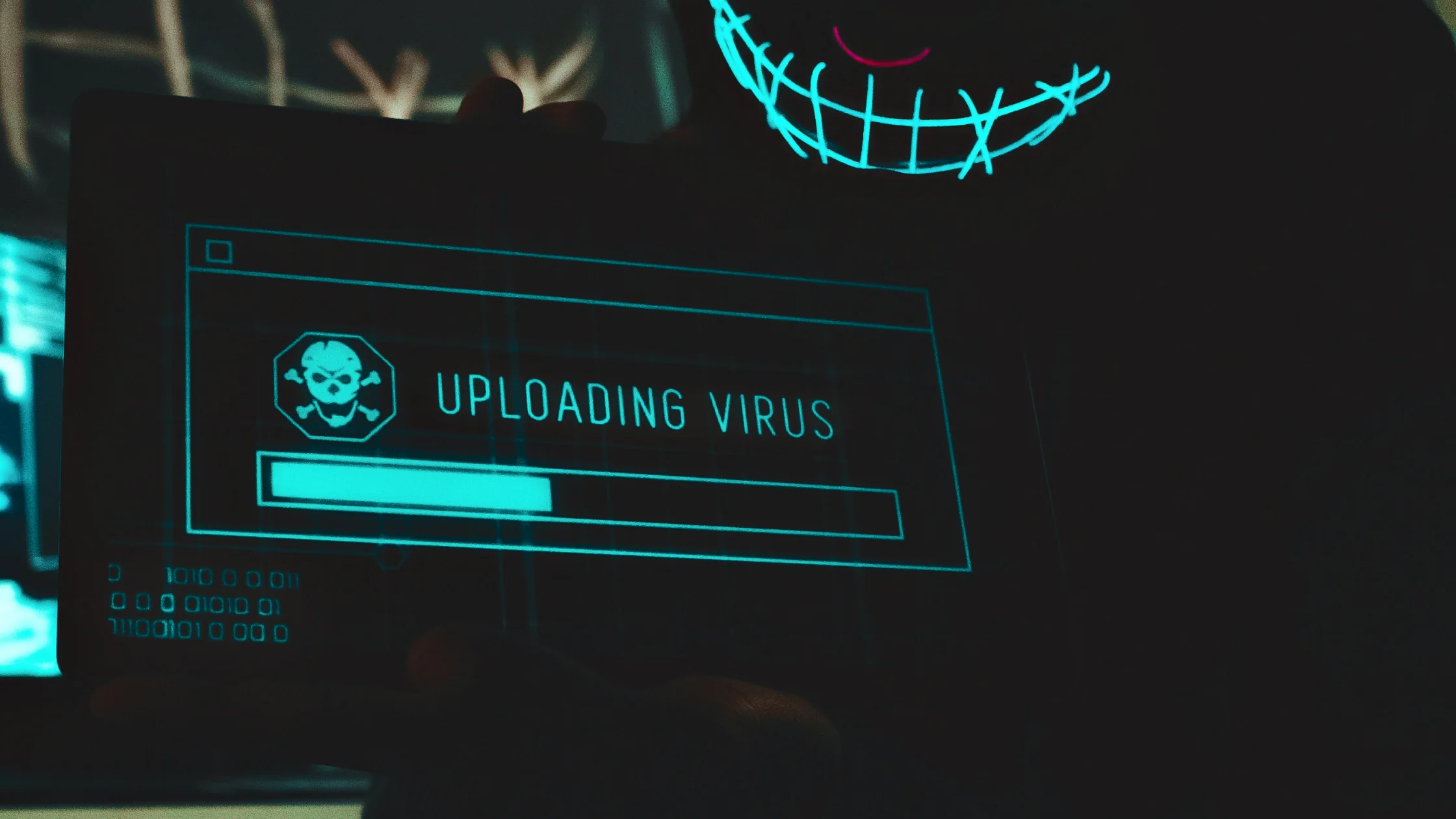

social engineering means a scammer attacks your judgment before they attack your device. They use urgency, authority, familiarity, curiosity, and fear to push you into an action: clicking a link, sharing a verification code, downloading a file, sending money, or handing over account control.[1][2][3]
That is what makes social engineering so dangerous. It often looks less like a cyberattack and more like a normal little task.
Use the personal privacy guide as the wider checklist: it connects this issue to accounts, devices, identifiers, and data-broker exposure.
Key Takeaways
- Social engineering manipulates people before it breaks systems.[1][2]
- Phishing, text scams, phone scams, fake support, impersonation, and bait downloads are common forms.[1][2][3]
- The most common pressure buttons are “hurry,” “act now,” and “you are one step away.”[2][3]
- MFA, software updates, and independent verification channels reduce the success rate of social engineering.[2][4]
- The best defense is not memorizing every scam. It is building a repeatable pause-and-verify routine, a pattern that appears across official anti-scam guidance.[1][2][3]
CISA’s definition is direct: attackers use human interaction, in ways that seem reasonable and trustworthy, to trick you into revealing information or taking actions that harm security.[1]
The key difference from a purely technical attack is simple:
Many real-world cases of stolen accounts, “bank alerts,” phishing clicks, and shared verification codes start more like social engineering than movie-style hacking.
This is the classic form. Scammers impersonate banks, retailers, payment platforms, company IT teams, or familiar brands, then ask you to “verify a payment,” “confirm a login,” or “view an invoice.”[2][3]
If you click through, the next step may be:
Text messages are a high-volume social engineering channel. They use topics such as delivery problems, expiring points, billing risks, traffic fines, or tax refunds to make you react quickly.[1][3]
If this is happening to you, continue with common text-message scams, warning signs, and recovery steps.
Phone calls, voicemails, and fake customer support are major social engineering channels. Attackers use tone, job titles, employee IDs, background noise, and transfer flows to create a feeling that “this must be real.”
Once you share a verification code, remote-control access, or card details, the situation can escalate quickly.
Attackers may pose as a boss, coworker, friend, or family member. They may also contact you after collecting enough real context to sound credible. CISA notes that attackers often use previously gathered information to increase trust.[1]
This is dangerous because it does not feel like random spam. It feels like a person you would normally help.
The bait might be a document, installer, discount file, “list,” or an unknown USB drive. The pattern is the same: make you curious, then make you complete the risky action yourself.
Pretexting does not always ask for money right away. It first builds a believable situation: identity verification, delivery follow-up, company audit, device repair, hiring screening. Then the attacker gradually moves toward more sensitive information.
It exploits reactions people already have:
You are not “stupid” for being targeted. Normal human instincts are part of the attack surface.
These are not absolute rules, but they are practical.
Change it immediately, and check whether any related accounts used the same password.
Check whether the account has been accessed, and enable or reset MFA as soon as possible.
FTC and CISA guidance points to updating security software, scanning, and isolating the device when needed.[2][4] If you entered account details too, handle the account risk at the same time.
Do not send more money or “verify the next step.” Use official channels to freeze, report, and preserve evidence.
If you clicked something suspicious, read what to do after clicking a phishing link.
This is the point worth remembering. Most social engineering attacks do not ask you to do something wildly unusual. They ask you to do something you might normally do, only faster.
A safer routine is:
It is a type of attack, but its core method is manipulating people before breaking systems.[1][2]
Yes. Phishing is a form of social engineering: it uses deceptive messages to trick people into sharing information or taking unsafe actions.[1]
They use emotion, urgency, and impersonation to make you complete a risky action yourself.[1][3]
Because social engineering is good at packaging risky actions as normal little tasks.
It cannot stop every case, but it raises the bar, especially after a password leak.[2][4]
Stop interacting, then respond based on what was exposed: password, verification code, payment details, or device access.
Disclaimer
This article is for general digital security education only and does not constitute legal advice, enterprise security auditing, or incident-response guidance for a specific case. Response procedures vary by organization and platform.
Sources
Sources checked 8 May 2026.
Related Articles:
Sign up to experience all premium features at no cost.
*Available only to new users. Each user is limited to one trial.