Start your 3-day free trial
Sign up to experience all premium features at no cost.
*Available only to new users. Each user is limited to one trial.
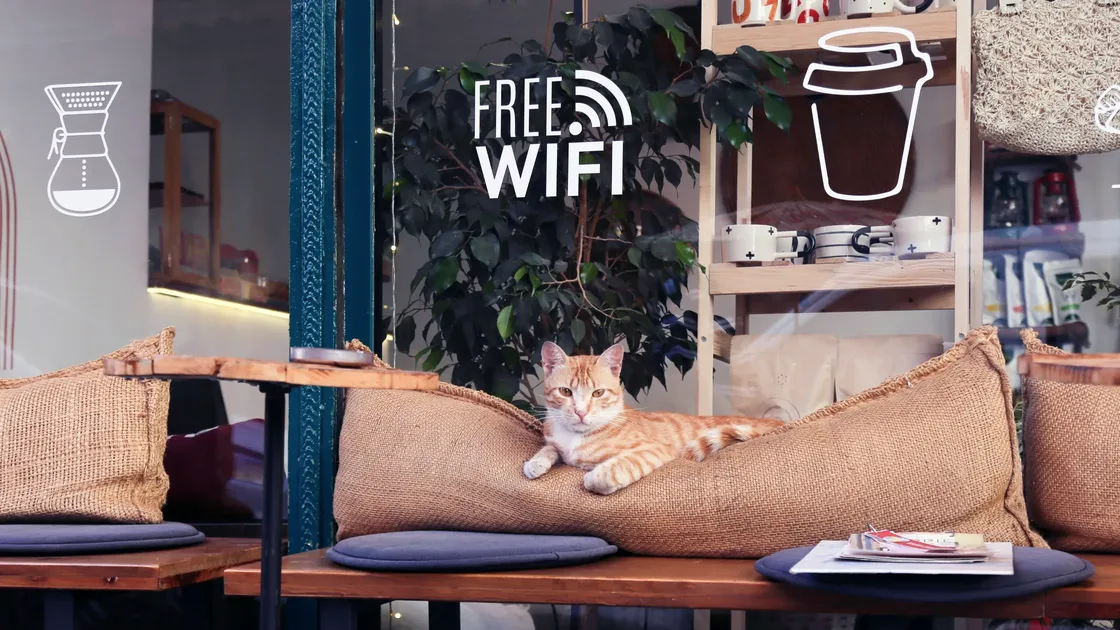

If you are looking for where can you find free Wi-Fi, the practical answer is this: airports, hotels, large malls, coffee shops, libraries, some chain restaurants, and transit hubs often provide some kind of free hotspot. But "connected" does not mean "safe enough for important accounts." The FTC explains that widespread HTTPS encryption usually makes public Wi‑Fi safe for connecting to websites, but an encrypted connection does not prove that the website itself is genuine.[1]
Use the online security guide as the baseline: it connects this risk to account, device, browser, and network hardening.
This guide covers not only where to find free Wi‑Fi, but also which networks are fine for maps and quick checks, and which tasks should wait until you are on a more trusted connection.
If you often use hotspots outside, read this with Should You Use a VPN on Public Wi‑Fi? Here Is the Safer Way.
Key Takeaways
- Free Wi‑Fi is most common in airports, hotels, coffee shops, libraries, malls, and transit hubs.
- Finding a hotspot does not mean it is trustworthy. Fake hotspots and open networks remain common risks.[1][2]
- Public Wi‑Fi is better for low-sensitivity tasks such as maps, public webpages, and public downloads.
- Banking, identity documents, and sensitive work files should wait for a more trusted network.
- Before connecting, verify the network name. After connecting, prefer HTTPS, turn off auto-join, and avoid unnecessary sharing.[1][2][3]
Airports usually provide official passenger Wi‑Fi. The upside is broad coverage and convenience. The downside is crowding, similar hotspot names, and room for impersonation. Check the airport website, signs, or staff instructions to confirm the SSID.
Many hotels provide free hotspots in rooms, lobbies, and reception areas. The issue with hotel Wi‑Fi is not availability. It is that many unfamiliar devices share the same network. Treat it as basic connectivity, not as a trusted home network. If you stay in hotels often, read Is Hotel Wi‑Fi Safe? Usable, But Not the Same as Your Home Network.
These hotspots are convenient, but they are also easy to imitate with names that look almost right. If the store gives you a login page or rotating password, it is usually easier to verify than a fully open network with no confirmation.
Public libraries are often stable free internet locations, useful for research, reading, and light work. They are still public networks, though, so do not assume they are safe for everything.
Mall hotspots often cover large areas and work well for short sessions. They may also include ad portals, marketing tracking, and time limits, which makes them less suitable for long work sessions.
Train stations, ferry terminals, and some public transport waiting areas offer passenger Wi‑Fi. This is exactly where people connect in a hurry, so verify the official name before logging in.
Conferences, forums, and short-term events often provide guest networks. These networks are not automatically unsafe, but they can involve many people, high device density, and temporary setups, so keep usage limited to what you need.
| Risk | Common sign | Safer move |
|---|---|---|
| Fake hotspot | The name differs from the official one by one letter | Confirm the SSID with staff or signs |
| Shared network exposure | Many devices and complex sharing behavior | Turn off file sharing and auto-connect |
| Sensitive activity exposure | Banking or work systems on an open network | Use mobile data or a trusted hotspot |
The FTC does not advise a blanket ban on sensitive activity over public Wi‑Fi: HTTPS usually protects data in transit.[1] The more cautious recommendations here apply when you cannot verify the network, the destination site, or its secure connection; in that situation, use mobile data or postpone the task.
If you want to understand what a hotspot owner may see, read Can a Wi‑Fi Owner See What Sites You Visit? What They Can Actually See.
Many people connect once and assume everything is fine. A safer model is:
That way, a quick free connection does not expose your most sensitive accounts on an unfamiliar network.
Once a public Wi‑Fi hotspot is legitimately joined, connect AethoVPN before signing in to accounts; it is available on Windows, Android, and Linux, and on iPhone and Mac with Pro or Premium. It cannot create free service, verify the operator, or complete a venue's login. New users get a 3-day free trial to set it up before heading out.
Airports, hotels, coffee shops, libraries, malls, and transit hubs are the most common places.
No. Hotspot names can be copied. Confirm with staff or an official page when possible.
Yes, a genuine banking app or verified HTTPS banking site can protect the connection over public Wi‑Fi. Check the domain and do not bypass certificate warnings; if unsure, use mobile data.[1]
Maps, public webpages, ordinary messages, and public downloads are better fits.
Auto-join, file sharing, device discovery, and unnecessary local sharing features.
Disconnect and make your device forget the network so it does not reconnect automatically.[3]
Disclaimer
This article is for general public network safety education only and does not certify any specific location, operator, or wireless service as secure.
Sources
Sources checked 8 May 2026.
Related Articles:
Sign up to experience all premium features at no cost.
*Available only to new users. Each user is limited to one trial.