Start your 3-day free trial
Sign up to experience all premium features at no cost.
*Available only to new users. Each user is limited to one trial.


If you are searching for how to stop DDoS attacks, start with the realistic answer: no single switch can completely stop every DDoS attack. Effective DDoS protection is layered mitigation. Cloudflare describes DDoS as overwhelming a target with large volumes of traffic, often amplified by compromised devices and botnets. CISA makes a similar distinction and groups common techniques into volumetric, protocol, and application-layer attacks.[1][2]
Use the online account protection guide as the baseline: it connects this risk to account, device, browser, and network hardening.
That means the right defense depends on who you are. An individual gamer cares most about not exposing a real IP address. A website operator cares about rate limits, scrubbing, WAF rules, upstream absorption, and incident playbooks.
If you first want to understand what an exposed IP can actually lead to, read what IP exposure lets an attacker attempt.
Key Takeaways
- A DDoS attack usually aims to slow down or knock services offline, not to steal data directly.[1]
- DDoS attacks are commonly grouped into volumetric, protocol, and application-layer attacks, and each needs different mitigation.[1]
- For personal users, reduce real IP exposure and tighten router and console exposure.
- For websites and services, the key is upstream absorption, rate limiting, WAF controls, and emergency failover.[1]
- Blackholing traffic can stop the bleeding, but it may also drop legitimate users.[1]
DDoS stands for distributed denial-of-service attack. In practice, an attacker uses many controlled devices to send traffic at a target until a server, bandwidth link, firewall, or application endpoint can no longer serve normal users.[1]
Cloudflare and CISA describe the common categories in a similar way:
So before asking how to stop DDoS, you need to know which layer you are defending.
This is the part many guides blur.
| Scenario | What you are really defending | Highest-priority action |
|---|---|---|
| Player or streamer | Short bursts against your real IP | Reduce IP exposure and avoid casual port exposure |
| Home network | Routers, cameras, or NAS exposed to the internet | Disable unnecessary mappings and change default passwords |
| Small site or team | One site, API, or origin server taken offline | Use an upstream with DDoS mitigation |
| Enterprise service | Bandwidth, L4/L7, and multiple entry points under pressure | Scrubbing, rate limits, WAF, and failover |
Many personal DDoS incidents, especially around online games, streams, or voice-chat conflicts, start because the real IP was exposed first.
A VPN does not stop a flood already aimed at your exposed home IP, and it is not an upstream mitigation service for a website. For a permitted game or voice connection that actually uses the tunnel, AethoVPN can reduce direct exposure of your home IP to new peers; verify that the relevant app uses the VPN exit. If your access link is already saturated, contact your ISP rather than expecting a new tunnel to restore capacity. Register for the 3-day trial and test it on that one app first.
If you are unsure what IP exposure can mean, read what IP exposure lets an attacker attempt.
Open ports are not automatically bad, but “open it for now and forget it” expands your attack surface. Home NAS devices, remote desktop tools, older cameras, and private servers are common examples.
For the network basics, read the limits of NAT protection.
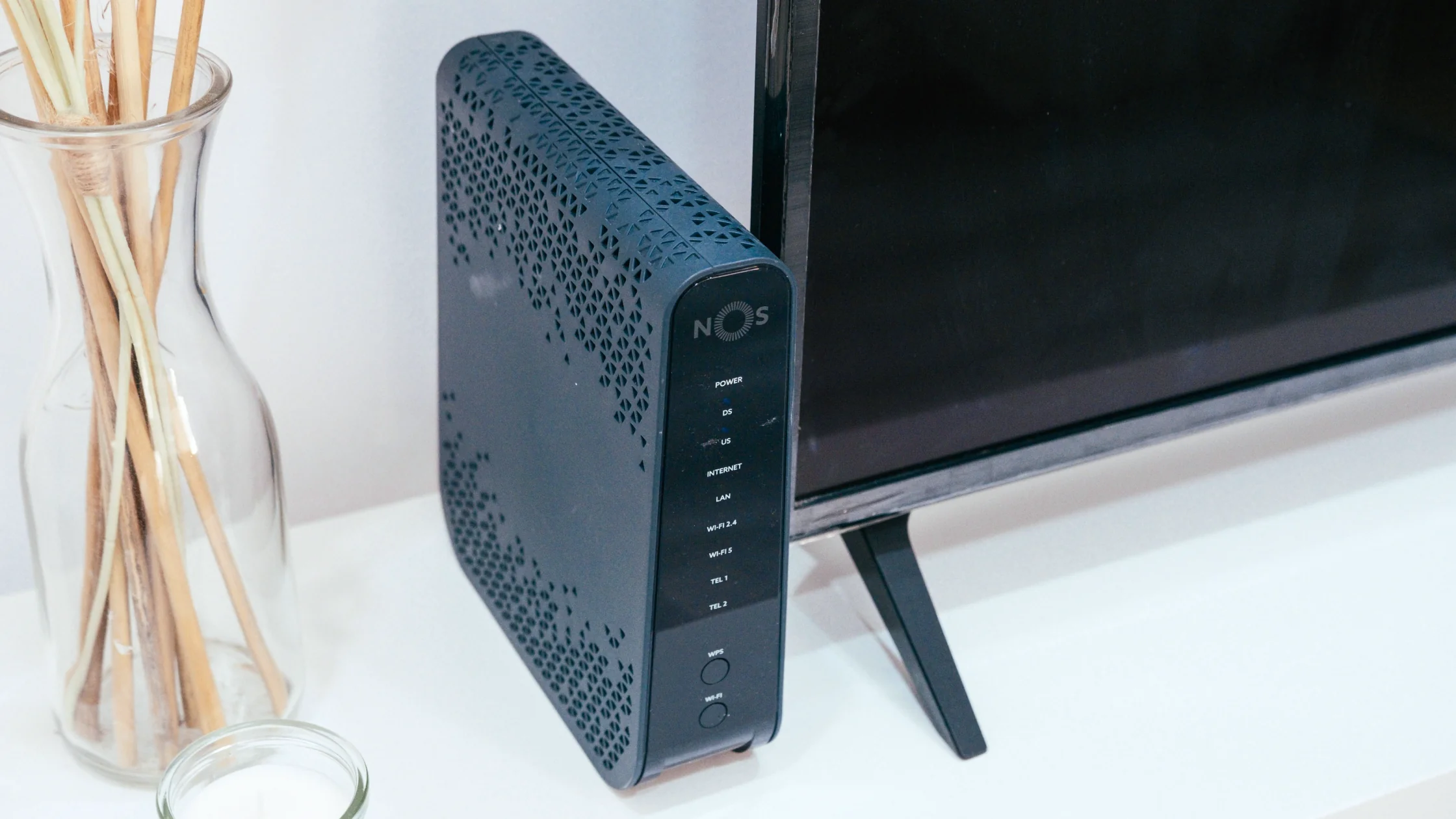
If you game at home, run a NAS, or use remote desktop, pair this with home router and IoT security checks. Many DDoS exposure problems begin at a loose home-network boundary.
Default passwords, old firmware, and unpatched IoT devices can themselves be pulled into botnets and used to attack others.[1]
For home users, upstream traffic spikes are often handled by an ISP or gaming platform, not by your local router. Do not rely only on antivirus software or rebooting your router.
If you cannot tell whether the router itself looks suspicious, read How to tell if your router has been hacked: 7 common signs.
If your origin server is directly exposed, large attacks will usually overwhelm it. Cloudflare describes Anycast distribution and distributed network absorption as core DDoS mitigation techniques.[1]
If you are still sorting out public entry points, exposed ports, and proxy layers, revisit how proxy layers differ from a public origin.
Rate limiting is not a cure-all, but it is useful for request abuse and many application-layer floods.[1] Do not apply one blunt rule to the whole site. Treat login, search, API, and expensive pages differently.
A WAF is better suited to L7 request patterns, such as repeated hits to one path, one User-Agent shape, or one parameter structure. Cloudflare also treats WAF controls as important for application-layer DDoS mitigation.[1]
Many defenses fail not because the edge layer is missing, but because the origin IP can still be attacked directly. This often matters more than buying another plugin.
Cloudflare notes blackhole routing as a defensive option, but the downside is obvious: legitimate traffic may be dropped too.[1] Treat it as a last-resort bleeding-control option, not the default answer.
Useful signals include:
If you only notice when bandwidth is full, you are often late.
Decide in advance who contacts the upstream, who blocks entry points, who adjusts WAF rules, and who updates the status page. Many teams fail because nobody knows the first move during an incident.
It may help with endpoint risk, but it is not the main battlefield for large network-layer floods.
That may help some personal users. For sites and services, it is usually more complicated.
A normal firewall may be overwhelmed by large floods or complex L7 attacks.
Usually the main goal is service disruption, not direct data theft.[1]
Yes, especially when the real IP is exposed, ports are open, or the device is weakly configured.
Reduce real IP exposure, then review router settings, UPnP, and unnecessary port mappings.
No. WAFs are better for application-layer traffic. Network-layer and high-bandwidth floods still require upstream capacity.[1]
No. It can stop damage quickly, but it may also drop legitimate business traffic.[1]
It depends on the scenario. A VPN can help hide a real exit IP in some personal connection cases, but website and service DDoS defense still depends on upstream and edge mitigation.
Disclaimer
This article is for general cybersecurity education only and does not constitute enterprise architecture purchasing advice, an SLA commitment, or legal incident-response advice. Mitigation needs vary widely by business size and attack surface.
Sources
Related Articles:
Sign up to experience all premium features at no cost.
*Available only to new users. Each user is limited to one trial.