Start your 3-day free trial
Sign up to experience all premium features at no cost.
*Available only to new users. Each user is limited to one trial.
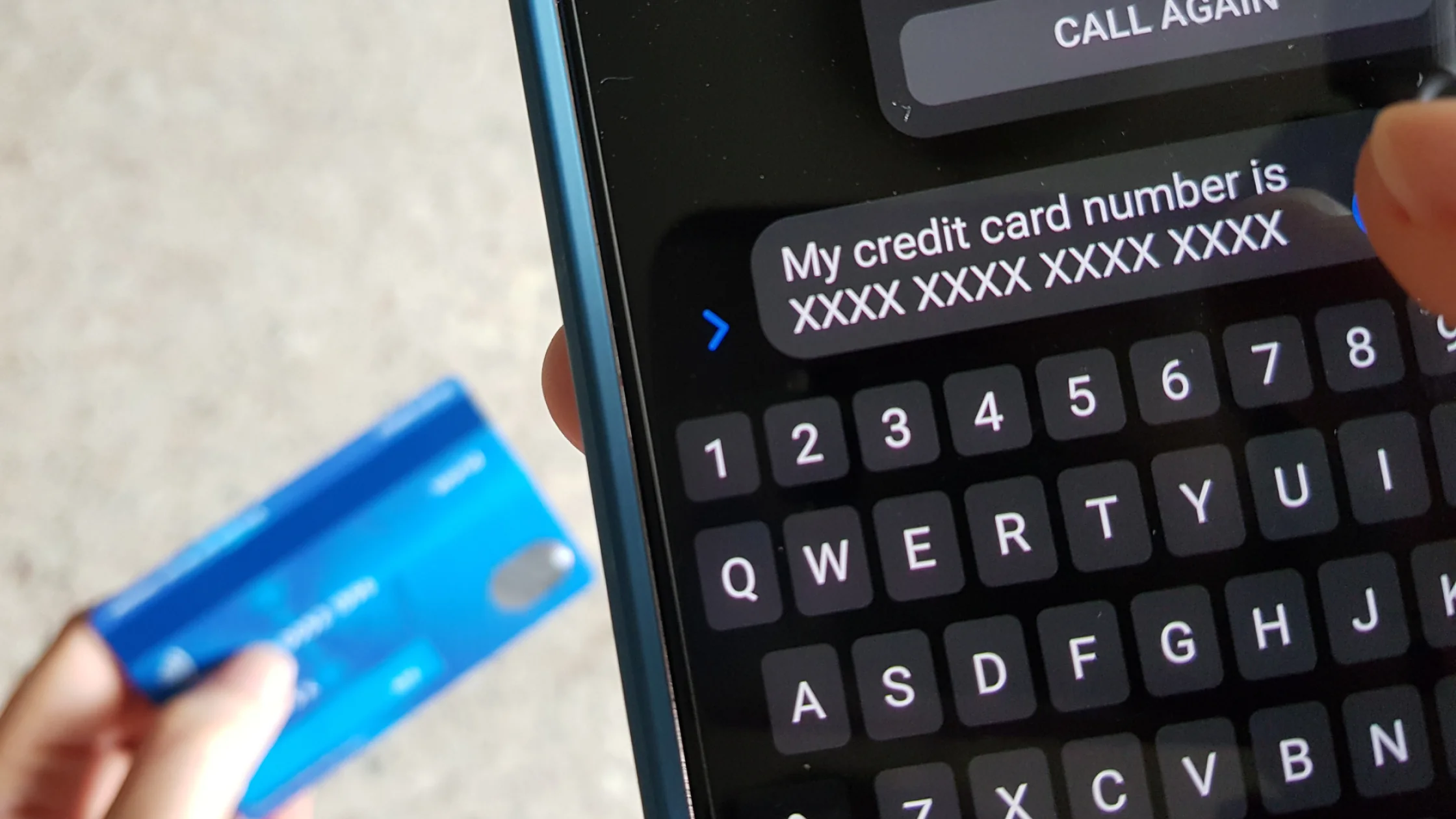

If you are asking what are online scams, start with one simple pattern: most scams do not work because the technology is brilliant. They work because you are rushed, scared, tempted by a deal, or pushed to act before you can verify anything. FTC, FBI IC3, and CISA/FTC consumer guidance point to the same playbook: impersonation, urgency, disguised links, and steering you toward the wrong payment or login page.[1][2][3][4]
So this guide is not a random list of scary examples. It organizes scams by entry point and action. Once you can spot the pattern and slow down for a moment, many scams become much easier to stop.
Use the digital privacy guide as the wider checklist: it connects this issue to accounts, devices, identifiers, and data-broker exposure.
If unwanted texts or calls are your main problem, pair this with common text message scams and what to do first and what to do if a scammer has your phone number.
Key Takeaways
- The most common online scams pressure you to do something immediately: click a link, send money, share a code, install software, or hand over an account.[1][2][3][4]
- "It looks real" is not enough. Check whether you found the entry point yourself, whether the payment method is unusual, and whether the person is stopping you from verifying.
- Phishing, text scams, tech support scams, investment scams, job scams, shopping scams, romance scams, and impersonation scams are the 8 types worth learning first.
- If you already clicked a link or sent money, the priority is not shame. It is damage control, password changes, bank contact, and evidence.
- The best defenses are often simple: do not rush, do not call back from the message, do not log in through their link, and do not pay the way they demand.
Because they increasingly look like normal communication.
Scammers imitate banks, delivery companies, employers, tech support teams, friends, and even people who "called the wrong number." Many scams do not ask for money immediately. They first make the issue feel familiar and relevant to you.
FTC guidance on phishing and tech support scams emphasizes this mix of familiarity and urgency.[1][2] The more you feel you must deal with something right now, the easier it is to follow the path the scammer designed.
No matter the scam type, slow down if you see these signs:
Phishing is one of the oldest and most common scam types. The FTC describes it as pretending to be a trusted organization to trick you into sharing account credentials, verification codes, or payment information.[1]
Common entry points include:
Text scams often hit when your guard is low. In a 2025 notice, the FTC said consumers reported $470 million in losses to text scams in 2024, with common themes including fake packages, fake bank alerts, fake unpaid bills, and fake job opportunities.[3]
If a text says your package is stuck or a bill must be paid immediately, the safer move is not to reply. Open the official app or website yourself and check there.
The FTC repeatedly warns that real security alerts do not ask you to call a number shown in a pop-up.[2] These scams often impersonate Microsoft, Apple, Geek Squad, or similar brands, claim your device is infected or your account is at risk, and then ask you to install remote access tools or pay.
Common warning signs include:
IC3 annual reports consistently place investment fraud among high-loss categories.[4] Treat any mix of high returns, hard withdrawals, complicated explanations, and urgency as a major red flag.
In 2024, the FBI warned that scammers pose as remote-work recruiters and use "optimization," "tasks," or similar language to get victims to pay upfront or send cryptocurrency.[5]
Key warning signs include:
These scams use low prices, scarcity, and time pressure. You think you found a deal, but you may actually be handing your card number, address, and phone number to scammers.
If a website only pushes you to pay quickly and lacks credible support, real contact information, or normal payment options, treat it as suspicious.
These scams do not always ask for money at first. Many begin with steady conversation, then slowly introduce emergencies, investment opportunities, or transfer requests.
If someone keeps avoiding real identity checks but starts talking about money, loans, or receiving payments, raise the risk level immediately.
These scams impersonate a boss, coworker, family member, customer support agent, or "friend with a new number." They rely on your trust in the identity, not on a sophisticated story.
The best response is simple: use a different channel you trust and ask again.
Use this order:
If you already shared a text code, account detail, or phone number, read what to do if a scammer has your phone number.
Phishing is still one of the most common entry points, while text scams and impersonation scams have also become highly active in recent years.[1][3][4]
Texts are fast, visible, and easy to tap from a phone, which makes links more tempting in the moment.[3]
Probably not. The FTC says real security warnings do not ask you to call a number in a pop-up.[2]
If they ask you to pay upfront, buy crypto, or "upgrade" tasks, treat it as likely fraud.[5]
Not necessarily. Change relevant passwords, review account activity, and watch for device or payment account issues.
When a message pressures you, pause and verify through an official entry point you find yourself, not through the link or phone number they gave you.
Disclaimer
This article is for general consumer cybersecurity education only and does not constitute legal, financial, or law enforcement advice. Reporting and recovery procedures may differ by region.
Sources
Sources checked 24 September 2026.
Related Articles:
Sign up to experience all premium features at no cost.
*Available only to new users. Each user is limited to one trial.