Start your 3-day free trial
Sign up to experience all premium features at no cost.
*Available only to new users. Each user is limited to one trial.
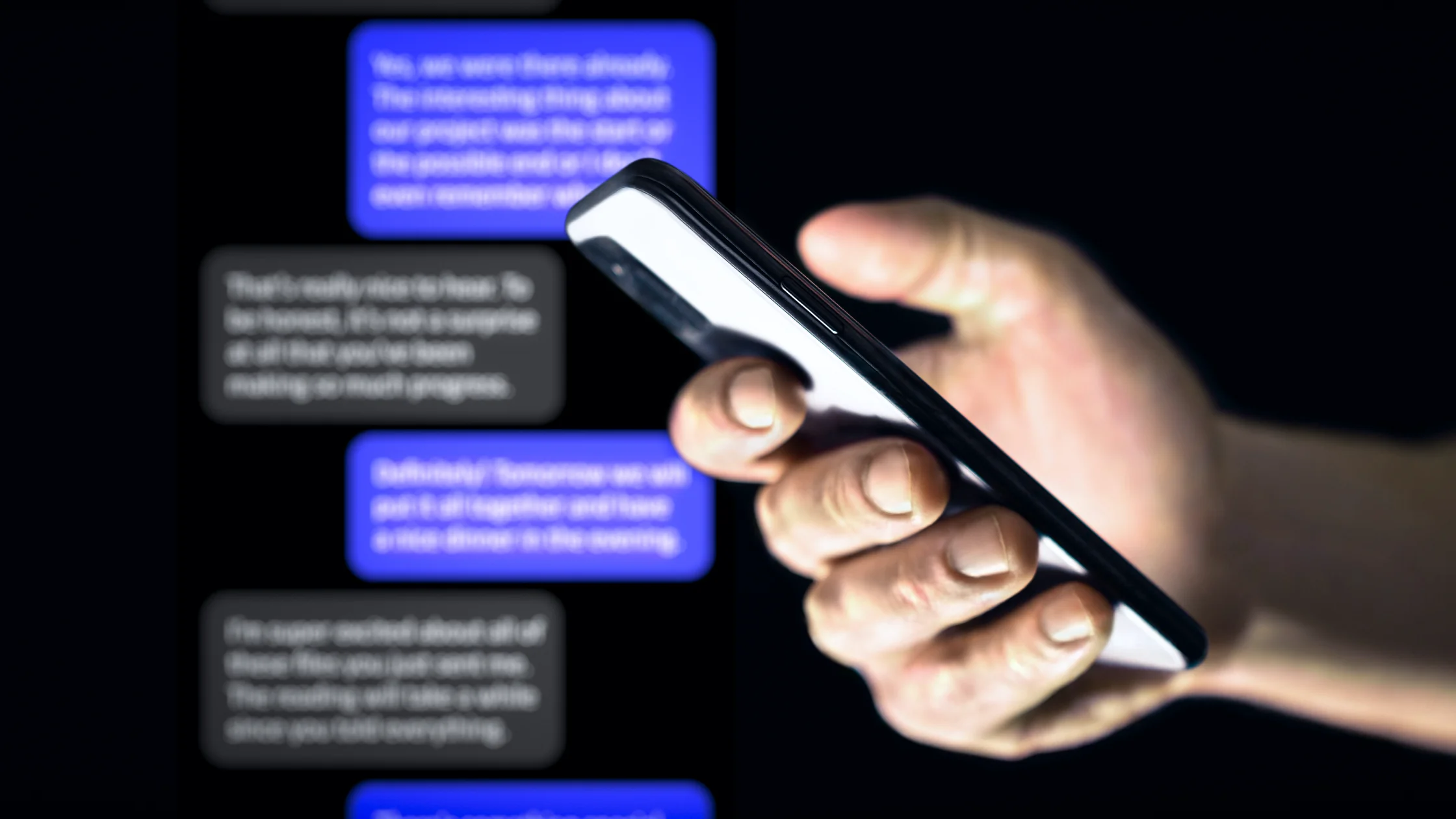

If scam texts feel more common lately, you are not imagining it. text message scams are annoying not because they are technically advanced, but because they borrow everyday situations like delivery updates, bank alerts, reward points, tolls, refunds, and job offers, then push you to react within seconds. CISA classifies this as smishing: social engineering delivered through text messages.[1][2]
Here is the core point: most scam texts are not trying to have a conversation. They want you to tap a link, reply, call a number, enter information, give a code, or send money.[1][3][4]
For the bigger social-engineering picture, read what social engineering attacks are. You can also place this risk inside a wider privacy framework with our complete digital privacy guide.
Key Takeaways
- The most common scam-text themes include packages, bank risk alerts, tolls, government notices, expiring rewards, and fake jobs.[3][4][5]
- The goal is usually to make you click or hand over information immediately.[1][2]
- Urgency, strange links, payment requests, and verification-code requests should raise the risk level fast.[1][3]
- Even if the message might be real, verify through the official website or app instead of using the text link.[2][3]
- If you already clicked or entered data, the order of your next steps matters.[2][4]
CISA explains smishing clearly: attackers use text messages to put links, numbers, email addresses, or instructions in front of you, so you take the next risky step on your phone.[1]
That is why it is effective:
This is one of the most common themes. The text says a package cannot be delivered, the address is wrong, postage is unpaid, or delivery failed, then asks you to update details through a link.[3][4]
The link is usually fake. The goal is not delivery; it is collecting card or login information.
The FTC notes that many people receive texts that look like bank alerts and ask them to reply YES/NO or call a number.[5]
Once you respond, you may be moved into a fake-support script.
"Your points expire today," "claim your reward," and "you won a gift card" are common hooks. The small benefit gets your attention, then the page asks for payment or identity details.[4][5]
The FTC has warned about texts claiming traffic violations, court hearings, tax refunds, or similar official issues.[4] They combine official tone with a penalty threat to create pressure.
Unexpected high-paying remote work, simple tasks, and daily payout offers are usually not opportunities. The FTC has also warned about task-earning scams sent through Telegram, texts, and similar channels.[6]
The text says your email, shopping account, or payment account has a problem and needs verification. It is the same phishing logic as email, just delivered by SMS.
Some texts do not start with a link. They begin with "Did you leave this here?", "Is this you?", or "I changed my number." The goal is to make you reply; once you engage, the social-engineering chain can grow.
"A refund is waiting," "order issue," or "click to process after-sales support" works especially well when you recently bought something. A theme that feels real is not proof that the message is real.
If your first reaction is "I need to handle this right now," that may be exactly the pressure the message was designed to create.
Leave the page and do not interact further. Then check the official website or app yourself.
Change the password immediately, review login activity, and enable or reset MFA.[2]
Contact the bank or relevant organization quickly to discuss freezing, replacing, dispute handling, or monitoring.
Following FTC and CISA guidance, update security software and scan the device. If needed, stop using that device for sensitive activity until it is checked.[1][2]
If you clicked a suspicious link, read what to do after clicking a phishing link.
The safest rule is simple:
This is slower, but it is much safer.
7726 (SPAM), one of the steps recommended by the FTC.[2]If phone spam is also a problem, read how to stop spam calls on iPhone and Android.
Spam is often marketing. Scam texts try to make you click, enter information, provide a code, or send money.
No. You should not rely on appearance alone. CISA and the FTC both advise against clicking links in suspicious texts.[1][2]
Not for suspicious unknown texts. A reply can confirm that your number is active.
Urgency reduces verification time and makes you more likely to tap without checking.[1][3]
The risk is usually lower, but you should still stop interacting and check for unusual downloads or login pages.
The FTC recommends forwarding scam texts to 7726 (SPAM) and reporting them to the FTC.[2]
Disclaimer
This article is for general digital safety education only and does not constitute legal, carrier-handling, or fraud-recovery advice. Filtering and reporting options may vary by device, carrier, and region.
A VPN cannot identify, block, report, or remediate a text-message scam for you.
Sources
Sources checked 8 May 2026.
Related Articles:
Sign up to experience all premium features at no cost.
*Available only to new users. Each user is limited to one trial.