Start your 3-day free trial
Sign up to experience all premium features at no cost.
*Available only to new users. Each user is limited to one trial.
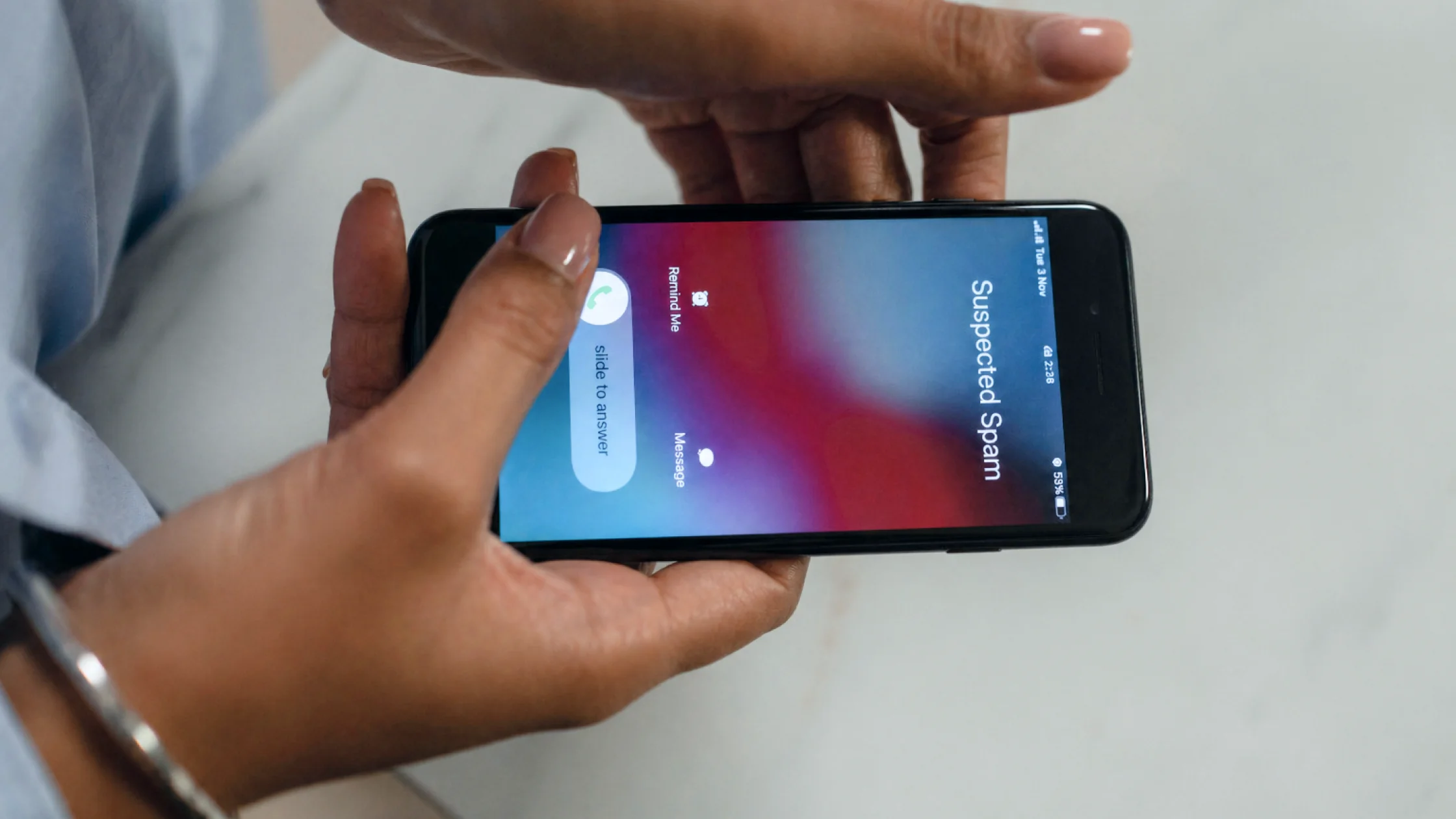

What to do if a scammer has your phone number, or it has leaked in a data breach? Do four things now: stop replying, block and report the numbers that contact you, move important accounts off SMS-only codes, and ask your carrier to add a PIN or password to your account.[2][4] The calming part: a phone number alone does not mean a scammer has taken over your bank account or social profiles, but it is enough to fuel more phishing, impersonation, verification-code pressure, and social engineering. FTC guidance on phone scams and spam texts points to the same principle: do not keep interacting through the channel the scammer gives you.[1][2][3]
Use the digital privacy guide as the wider checklist: it connects this issue to accounts, devices, identifiers, and data-broker exposure.
The biggest risk is not that they know the number. It is that they use the number to pressure you into revealing the missing pieces.
Key Takeaways
- After a phone number leak, the common outcome is not instant account theft. It is more spam, smishing, fake support calls, and social-engineering probes.[1][2]
- The usual order is: stop replying, block and report, check account security, reduce reliance on SMS codes, and contact your carrier if needed.
- If calls and texts suddenly spike together, treat it as more than annoyance. Your number may have entered a wider scam list.
- Caller ID and sender names are not proof. The FTC repeatedly warns that caller ID and message content can be spoofed.[1][2]
- The goal is not to answer everything and judge it live. It is to reduce the scammer’s chances to keep testing you.
The most common paths are:
If you are also getting more spam calls, see how to block and report spam calls.
Do not reply to unknown texts, click links, press phone-menu transfer buttons, or confirm your name, address, birthday, or verification code. FTC advice on spam texts and phone scams is clear: do not follow the links or numbers inside the message.[1][2][3]
This is not just about peace and quiet. It reduces the chance that you tap or answer the next attempt.
7726 (SPAM);[2]This is where many people miss the real risk. If email, social, payment, or trading accounts still depend mainly on SMS verification, consider moving to stronger MFA such as an authenticator app or hardware security key.[4]
A scammer who has your number may not be able to receive your texts yet, but they can use the number as a starting point for social engineering, fake support calls, or an attempt to take over the number later.
Check for:
If you find account changes here, the issue is no longer just “someone knows my number.”
If the number or account has actually been taken over, contact your carrier immediately, change the account password, and check bank and other financial accounts for unauthorized changes.[4]
Not everyone faces SIM swap or port-out risk, but if you have high-value accounts or a large public footprint, it is worth asking your carrier about account PINs, extra verification, or port-out protection.[4]
This matters especially if:
It reduces the chance that the scammer pivots from you to your friends, family, or colleagues.
Look back at:
If you suspect broader exposure, read the damage-control order for a dark-web phone number leak.
The FTC has warned many times that caller ID can be spoofed.[1] A text sender name, a local-looking number, or a call that appears like a bank contact card does not prove the message is real.
Do more than block if you see:
That suggests the problem may have moved from number exposure to identity probing.
That often confirms the number is active.
Fake bank, delivery, and billing texts are often designed to make you add the missing information yourself.[2]
Caller ID spoofing is a standard scam tactic.[1]
If the problem has reached verification codes or recovery flows, ignoring account-level security can cost you.
Many platforms use your phone number as:
So the right response is not “people know my number anyway.” It is to check whether that number is tied into your account recovery chain.
Not usually by itself, but they can use the number for phishing, impersonation, verification-code pressure, and social-engineering openers.
Do not click, reply, or call the number in the message. Mark it as spam on your phone; in the U.S., if supported, forward it to 7726 (SPAM).[2]
Usually not as the first move. Check the spam intensity, account security, and signs of number takeover before escalating that far.
If SMS codes are still the main factor for important accounts, a phone number leak creates more connected risk.
Yes if you have high-value accounts, public exposure, or unusual notices involving SIM changes, porting, or verification codes.
In the U.S., forward scam texts to 7726 (SPAM) and report the scam to the FTC at ReportFraud.ftc.gov.[1][2] In Hong Kong, you can call the police Anti-Scam Helpline 18222 for advice, or check and report a suspicious number with the Scameter tool.[5][6] Elsewhere, use your carrier's or messaging app's spam-report option and your local police or consumer-protection channel.
Disclaimer: This article is for general digital-safety and consumer-education purposes only. It does not constitute telecommunications, financial, or legal advice. Processes vary by country, region, carrier, and platform.
Sources:
Sources checked 4 October 2026.
Related Articles:
Sign up to experience all premium features at no cost.
*Available only to new users. Each user is limited to one trial.