Start your 3-day free trial
Sign up to experience all premium features at no cost.
*Available only to new users. Each user is limited to one trial.
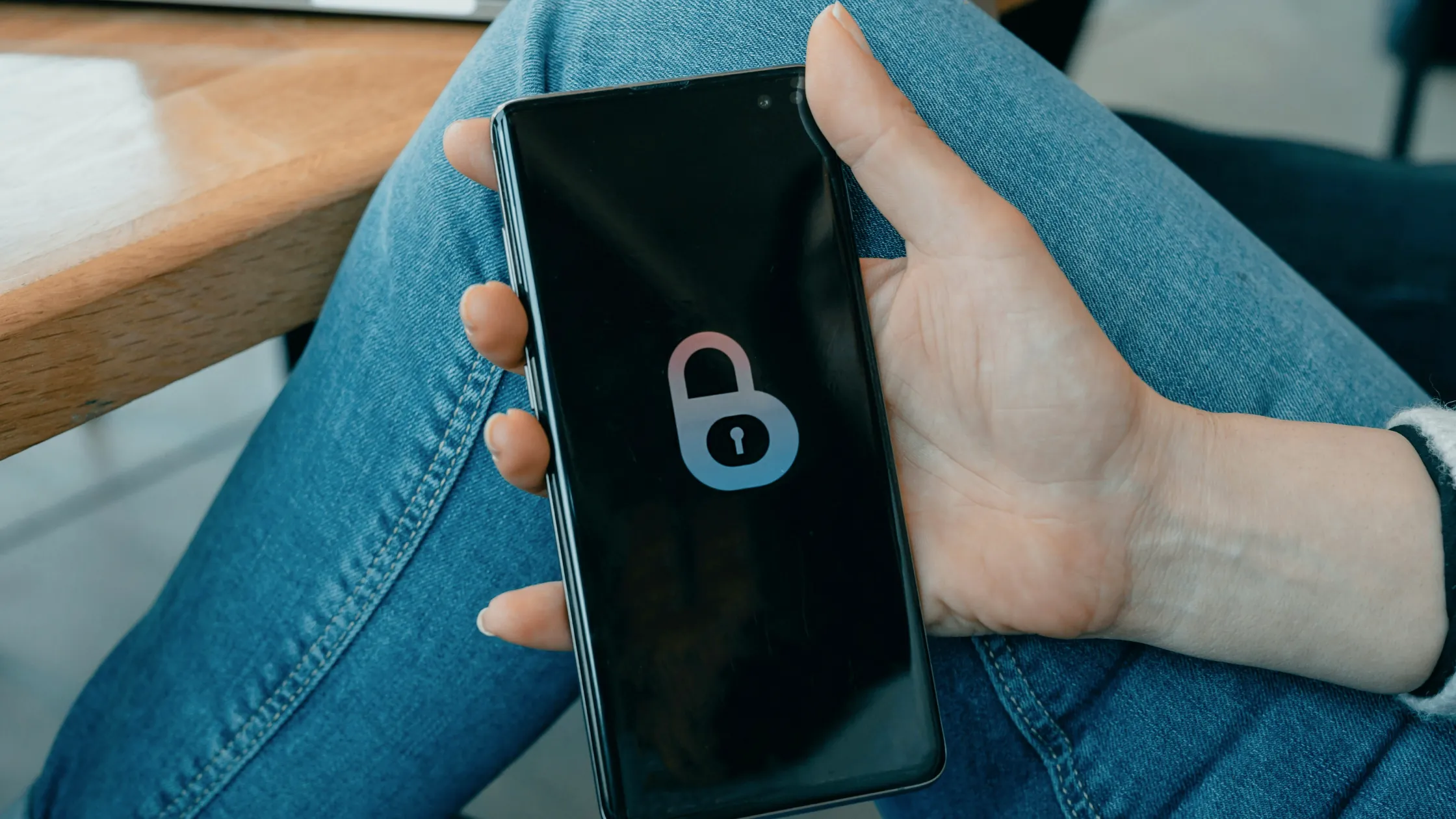

how to protect online privacy? Do not start by buying a stack of tools. Start by reducing your exposure: share less data, lock down accounts, limit tracking, encrypt connections, and clean up old information. The FTC and Australia's Cyber Security Centre both emphasize strong passwords, multifactor authentication, phishing awareness, and software updates as basic ways to protect personal information.[1][2]
Online privacy is not absolute invisibility. It is about making your identity, location, browsing behavior, and account data less available to parties that do not need it. If you want the broader framework first, start with The digital privacy guide: accounts, devices, and network connections explained. If you want the boundary between anonymity and privacy, read Is online anonymity really possible? Anonymity, privacy, and untraceability explained.
Key Takeaways
- The first step in online privacy protection is data minimization: do not give away data that does not need to be shared.
- Password managers and multifactor authentication can greatly reduce credential stuffing and account takeover risk.[1][2]
- Browser privacy settings, cookie control, and permission cleanup reduce everyday tracking.
- A VPN encrypts the connection between your local network and the VPN server, especially on public Wi-Fi or untrusted networks.
- Deleting old accounts, opting out of data brokers, and checking breach records are long-term maintenance tasks many people miss.
You cannot protect data if you do not know where it lives. Start by listing:
Prioritize three high-risk entry points: email accounts that receive verification codes, accounts with payment methods attached, and cloud services that store documents or photos.
The FTC recommends strong passwords and warns against reusing the same password across multiple accounts.[1] In practice, the easiest way is to use a password manager to generate and store long passwords.
Prioritize:
If one password leaks and you reused it on ten websites, attackers can try the same password everywhere.
Australia's Cyber Security Centre lists multifactor authentication as an important account protection step because it adds a second barrier when a password is stolen.[2]
Prefer:
SMS is better than no MFA, but it can be exposed to SIM swapping, interception, and social engineering. Use an authenticator app or passkey for core accounts whenever possible.
Many privacy leaks are not hacks. They happen because you tapped "allow."
Review these monthly:
Allowing location only while using an app is safer than always allowing it. iPhone users can also read how Precise Location works on iPhone.
The browser is the center of everyday privacy.
You can:
For browser-specific privacy, continue with How to browse more privately: do not rely only on incognito mode.
The risk with cafe, hotel, airport, and mall Wi-Fi is simple: you do not know who else is on the network, and you do not know whether the hotspot is impersonating a legitimate one.
On public Wi-Fi:
A VPN cannot identify scam websites for you, but it can encrypt the connection between your device and the VPN server, reducing visibility from the local network and ISP side.
To make the first item on that list a habit, connect AethoVPN before you open any account on the café or hotel network, not after. The Pro plan covers two desktops and two mobile devices at once, so a laptop and a phone can both be protected on the same trip; Premium covers eight devices of any type. Its strict no-logs policy means it does not share your VPN activity. Start a 3-day AethoVPN trial before your next public Wi-Fi session Data-broker removal, MFA, and what you post remain separate steps in this list.
Social media often leaks puzzle pieces:
These details look small, but they can help attackers guess security questions, personalize phishing emails, or impersonate you.
Old accounts are abandoned entry points. Not logging in does not mean they cannot be breached.
Try this:
To understand that data ecosystem, read What is a data broker? Why your information gets packaged and sold.
After a data breach, emails, phone numbers, password hashes, addresses, and order details can end up in underground markets. NIST's digital identity guidelines also say exposed or commonly used passwords should not continue to be used.[3]
You can:
Many websites do not need your real birthday, backup phone number, or full address. If you do not need to provide it, do not. If an alias works, use one.
Keep the boundary clear: banks, identity-required services, tax, and healthcare contexts require real information. Privacy protection is not about faking identity. It is about refusing unnecessary collection.
The FTC also recommends keeping software updated because updates often include security fixes.[1] Delaying updates keeps old vulnerabilities exposed.
Prioritize:
Not every account deserves the same level of protection. I suggest three tiers:
| Tier | Examples | Protection |
|---|---|---|
| High | Email, payments, cloud storage, work accounts | Unique strong password + MFA + regular checks |
| Medium | Social, shopping, travel | Unique password + tightened permissions |
| Low | Temporary forums, content sites | Do not provide real data, delete regularly |
This is easier to maintain than trying to make every setting perfect.
No. A VPN can encrypt connections and hide your real IP address, but it cannot stop you from logging in, granting permissions, or giving information to websites.
It protects part of the local browsing record. It does not stop ISPs, schools, companies, or websites from seeing network behavior.
A trustworthy password manager is usually safer than reusing weak passwords. Use a strong master password and enable MFA.
Once a month is enough for many users. If you install apps often, check every two weeks.
It helps, but some sites will log you out. A better approach is to block third-party cookies and clear site data selectively.
It is difficult to remove completely, but repeated opt-outs, less public data, and limiting new data flows can reduce exposure.
Privacy is about who can collect, use, and link your information. Security is about whether accounts, devices, and data can be attacked or damaged.
Disclaimer
This article is for general digital privacy education only. It is not legal, compliance, or identity protection advice. Data protection, real-name rules, and platform responsibilities vary by country and region. Follow local law and service terms.
Sources
Sources checked 24 September 2026.
Related Articles:
Sign up to experience all premium features at no cost.
*Available only to new users. Each user is limited to one trial.