Start your 3-day free trial
Sign up to experience all premium features at no cost.
*Available only to new users. Each user is limited to one trial.
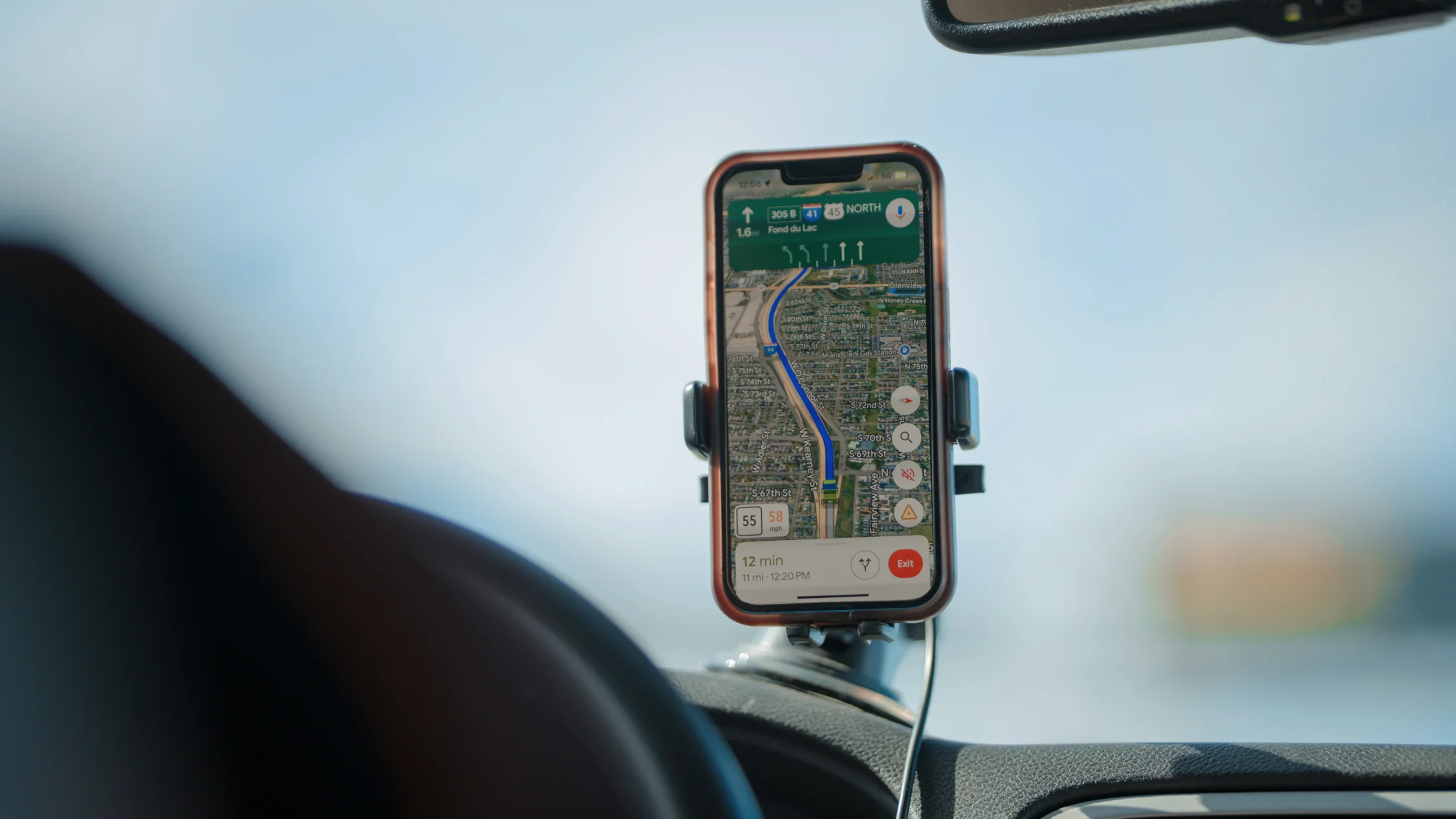

Precise Location on iPhone is a per-app setting that decides whether an app sees your exact location or only an approximate area. You change it under Settings > Privacy & Security > Location Services by tapping the app, and location access stays a separate choice, so an app can keep using location without getting your exact spot.[1][2] The switch has been part of iOS since iOS 14.[3]
So the real question is not whether to turn off all location access. It is: which apps truly need to know where you are within a few meters, and which ones do not.
If you often tap "Allow" on permission pop-ups without thinking, this guide helps you take that setting back.
Use the digital privacy guide as the wider checklist: it connects this issue to accounts, devices, identifiers, and data-broker exposure.
Key Takeaways
- Precise Location is not one global switch. It can be controlled separately for each app.[1][2]
- Maps, ride-hailing, delivery, and Find My-style features usually rely more on precise location.
- Weather, shopping, news, and many social apps can often work without it.
- The safest approach is not to turn everything off, but to judge each app by what it actually does.
- If you already granted too much access, check "Always" location access and background location too.
Separate the two layers:
That means you can let an app keep using location without giving it the most precise version.
This is more practical than all-on or all-off because many services only need a general area, not the exact building you are near.
| Scenario | Usually needs Precise Location? | Why |
|---|---|---|
| Maps and navigation | Usually yes | Turns, walking routes, and live position need accuracy |
| Ride-hailing / delivery | Usually yes | Drivers and couriers need to find you precisely |
| Find devices / safety location sharing | Usually yes | Large location drift can break the feature |
| Weather apps | Not usually | A general area is often enough |
| Shopping / news / utility apps | Usually no | The core function often does not need exact coordinates |
If an app with nothing to do with navigation or delivery insists on precise location, ask what it really needs that data for.
The steps are simple:
Settings;Privacy & Security;Location Services;Precise Location.[1][2]Always access?If you already care about permission boundaries, continue with what app permissions can expose.
I do not recommend turning off Precise Location for every app at once, for practical reasons:
A better rule is: keep Precise Location for apps that truly need it, and move the rest to approximate location or disable location entirely.
The main tradeoff is less convenience, not a broken app.
For example:
From a privacy perspective, that tradeoff is often worth it.
If an app that should know your exact spot, such as Maps, keeps placing you in the wrong place, check these in order:
Settings > Privacy & Security > Location Services.[3]While Using the App, and turn on Precise Location.[1][3]Settings > General > Date & Time, ideally with Set Automatically.[2]In Maps, a smaller blue circle around your location marker means a more precise fix. If location stays wrong in every app, Apple's Reset Location & Privacy option under Settings > General > Transfer or Reset iPhone > Reset returns location settings to their defaults, and apps must ask for permission again.[2]
Start with:
By the third group, you will usually find permissions that are broader than they need to be.
If you are also cleaning up private browsing, permissions, and tracking exposure on iPhone, read private browsing settings on iPhone.
Often yes. They may still know your general area, just not as precisely.[1][2][3]
No. Navigation, ride-hailing, and Find My-style features often need it.
Often no. A weather app can usually provide a local forecast from an approximate area. Enable Precise Location only when a feature truly needs your exact position, and review the permission afterward.
No. Precise Location controls detail. "Always" controls timing and scope of access.
They may use it for ads, recommendations, nearby features, or analytics. In those cases, turn it off first and see whether the app still works well.
iOS 14. iOS 13 already offered choices such as Allow Once but had no Precise Location switch; on iOS 14 and later, including iOS 15, the switch sits on each app's Location Services page.[2][3]
Start with apps you rarely use, shopping and utility apps, and anything set to "Always."
Disclaimer
This article is general privacy and device-settings guidance. Interface labels and options may vary by iOS version, app design, and regional settings. AethoVPN may affect an iPhone's network IP, but it does not switch off Precise Location or revoke an app's GPS permission.
Sources
Sources checked 4 October 2026.
Related Articles:
Sign up to experience all premium features at no cost.
*Available only to new users. Each user is limited to one trial.