Start your 3-day free trial
Sign up to experience all premium features at no cost.
*Available only to new users. Each user is limited to one trial.

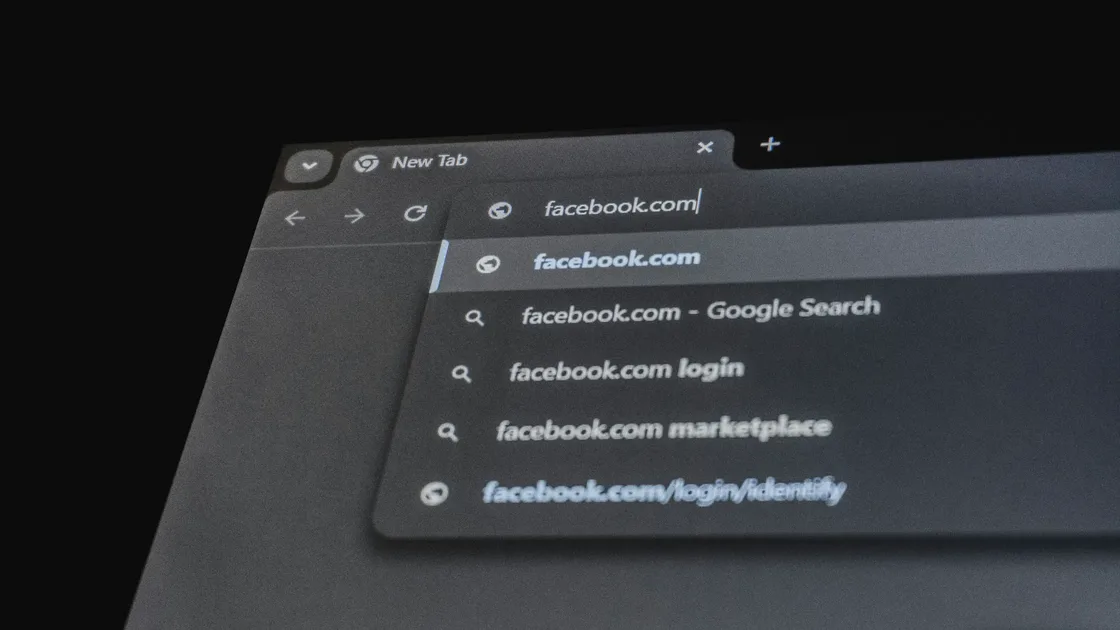
how to browse privately starts with one correction: private browsing reduces some local traces on your device, but it does not make you disappear from websites, network administrators, or your internet provider. Google, Firefox, and Apple all describe similar limits: private browsing reduces history, cookies, and form data stored locally, but it does not make you fully anonymous online.[1][2][3]
If you really want to lower your exposure, you need to work across local traces, account identity, cross-site tracking, network transmission, and browser settings.
If you are not sure what private browsing actually does, start with What Does Private Browsing Do? What It Hides and What It Does Not.
If IP exposure is your main concern, read Does Incognito Hide Your IP Address? No, It Mainly Handles Local History.
Use the digital privacy guide as the wider checklist: it connects this issue to accounts, devices, identifiers, and data-broker exposure.
Key Takeaways
- Incognito mainly helps prevent other people on the same device from easily seeing what you just did.[1][2][3]
- Better privacy depends on fewer logins, fewer long-term site states, and fewer opportunities for trackers.
- Browsers, search engines, extensions, and network protection work best together.
- “More private” is not the same as “fully anonymous.”
Private browsing is useful, but it solves a narrow problem: after you close the window, the browser tries not to keep that session’s history, cookies, and form traces on the device.[1][2][3]
It is especially useful when you:
It should not be treated as an anonymity tool.
Once you log in to Google, Apple, social media, shopping, or email accounts, websites can often connect the activity back to you. Even inside an incognito window, identity signals continue.
For sensitive research, a better setup is:
Chrome and Firefox both explain that private windows restrict third-party cookies or trackers more strictly by default.[1][2] That does not mean your normal windows should be wide open.
Better habits include:
If you want to start with the browser itself, read What Is the Best Browser for Privacy? 5 Factors to Check Before Rankings (2026).
Extensions are an often ignored privacy gap. Firefox warns that extensions allowed to run in private windows may access data you hoped to keep separate.[4]
The simplest rules are:
People often mix these three layers, but they solve different problems:
| Layer | What it mainly affects | What it does not solve |
|---|---|---|
| Private browsing mode | Local traces on the device | IP exposure, website-side identification |
| Private search engine | Search profiling | Browser fingerprinting and network visibility |
| Network protection | Transmission visibility and some IP exposure | Identity exposure after you log in |
For the network row, AethoVPN is one way to add that layer. Install its app on Windows, on Debian/Ubuntu Linux (.deb) or on Android, or follow the setup guide on the official site for a Mac or iPhone (those configurations need a Pro or Premium plan), then connect with global mode on so background apps use the encrypted tunnel as well as the browser. To confirm it worked, open an IP-lookup page in your private window and check that it reports the server location you picked in the app rather than your own connection. Once you sign in to a site, the VPN leaves your account identity in place, so Layers 2 and 3 still apply. Each new user gets one 3-day Pro trial, so you can start a 3-day free trial and run that check before paying.
If you still mix up browsers and search engines, read Browser vs Search Engine: The Difference Behind Many Privacy Misunderstandings.
Some sites use cookies, cache, and other site data to maintain long-term recognition. Clearing this data is not about becoming perfectly clean. It is about not letting the browser keep saving who you are and what you prefer for websites indefinitely.
If you also confuse cache and cookies, read Cache vs Cookies: One Speeds Sites Up, the Other Remembers You.
No. It mainly reduces local traces. Websites, internet providers, and network administrators may still see activity.[1][2][3]
No. Private browsing does not hide your IP. That is a network-layer issue.
If you want less identification, stay logged out of main accounts or avoid logging in to long-term core accounts in private windows.
Yes. Extensions allowed in private windows may still access browsing data.[4]
No. One reduces search profiling; the other reduces local traces. They are not substitutes.
Open a private window, stay out of main accounts, restrict third-party cookies, trim extensions, and add network protection when needed.
Disclaimer
This article is for general digital privacy education only and does not guarantee anonymity. Browser versions, operating systems, and website policies can change the real effect of private browsing. A VPN can change the network path a site sees, while private-browsing mode handles local history; neither erases account activity or tracking by a signed-in service.
Sources
Sources checked 24 September 2026.
Related Articles:
Sign up to experience all premium features at no cost.
*Available only to new users. Each user is limited to one trial.