Start your 3-day free trial
Sign up to experience all premium features at no cost.
*Available only to new users. Each user is limited to one trial.
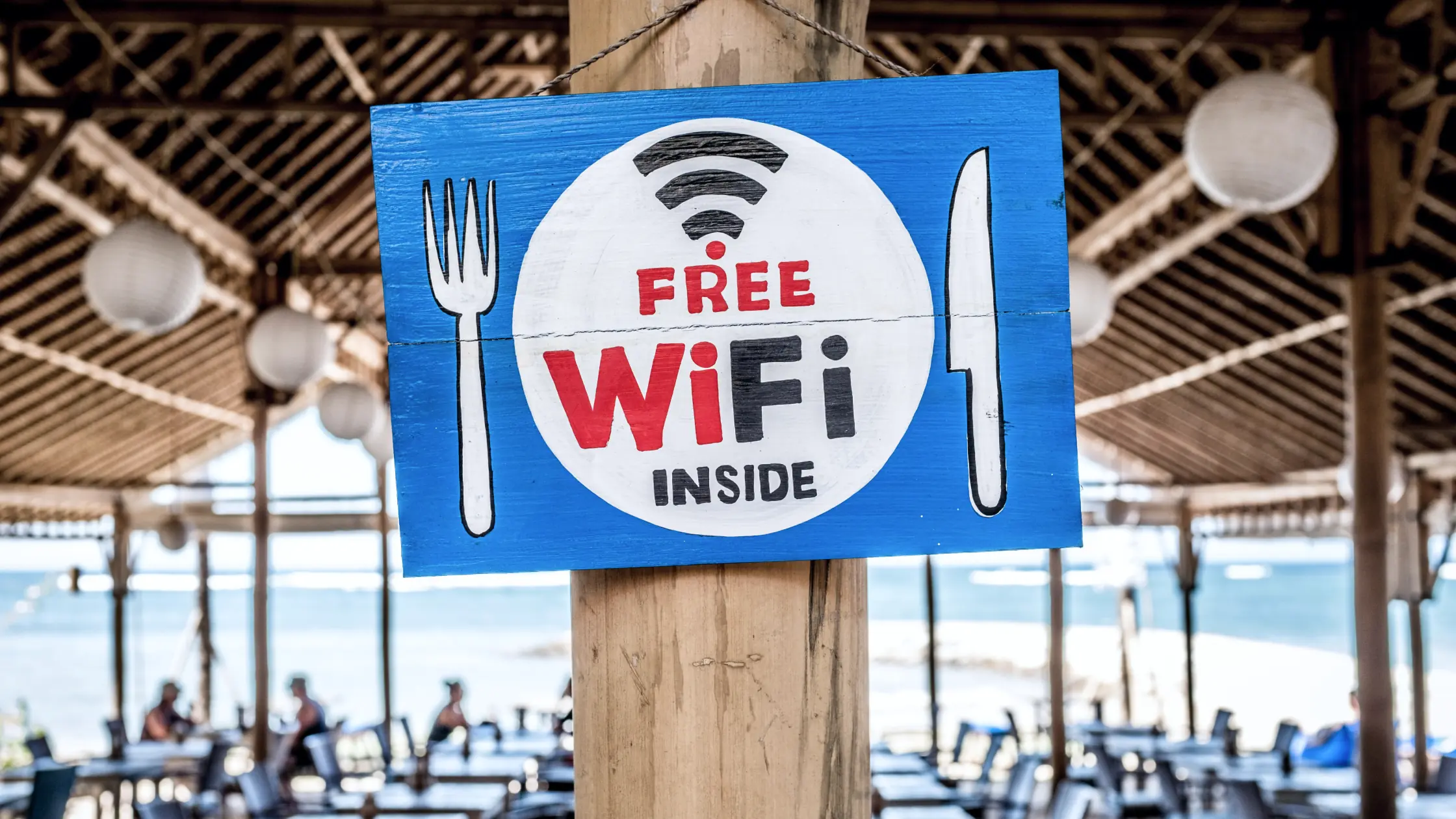

If you are asking how serious public Wi-Fi risks still are, start with the realistic answer: public Wi‑Fi today is not the instant disaster many older articles made it sound like, but it is still not a network you should fully trust. The FTC now frames the issue more carefully: because more websites use encryption by default, public Wi‑Fi is often safer than it was years ago, but fake websites, malicious hotspots, scam pages, and risky user behavior have not disappeared.[1]
The risk has shifted from simple “anyone can read everything in plain text” fear toward more practical questions: who are you connected to, what are you doing there, and have you been pushed to the wrong place? If you do not update that mental model, it is easy to worry about the wrong thing while missing the parts that still matter.[1][2]
Use the digital privacy guide as the wider checklist: it connects this issue to accounts, devices, identifiers, and data-broker exposure.
Key Takeaways
- Public Wi‑Fi is usually safer than it was many years ago, but “safer” does not mean “trusted.”[1]
- The main risks are malicious hotspots, fake login pages, phishing sites, account mistakes, and outdated devices.[1][2]
- What you do on the network often matters more than the fact that you connected to public Wi‑Fi.
- On unfamiliar networks, use encrypted connections, avoid sensitive tasks, and treat login portals with caution.
- Treat hotel, airport, and cafe Wi‑Fi as low-trust environments. That is more useful than arguing whether they are “safe.”
The old fear was simple: unencrypted traffic could be intercepted. That can still happen, but HTTPS has made much ordinary web traffic encrypted by default. The FTC also says that because encryption is now more common, using public Wi‑Fi is often “usually safe.”[1]
The remaining risks are more about:
This problem never went away. An attacker can name a hotspot to look like the official hotel, airport, or cafe network and wait for people to connect. CISA also recommends confirming the network name and login method with staff.[2]
Once you connect to the wrong access point, the issue is no longer just “public Wi‑Fi.” You are routing your connection through an entry point controlled by someone else.
Many public networks display a login or consent page. The hard part is that you may not immediately know whether it is the real portal or a convincing imitation.
Even if the network itself is not under attack, logging in to banking, payment, company admin, or management accounts on a low-trust network raises the stakes. If a phishing page or compromised device captures your credentials, the damage can be immediate.
Old operating systems, browsers, and apps make unfamiliar networks riskier. The less you trust the network, the less you should ignore endpoint vulnerabilities.
Many people allow devices to remember and automatically join public networks, then forget to remove those networks later. That increases the chance of reconnecting to an unfamiliar network without noticing.
That is too absolute. Because HTTPS is now common, much everyday browsing is not as fragile as it was in the older web.[1]
Also wrong. The FTC warns that scammers can create fake websites that still use encrypted connections. The data may be encrypted on the way to that site, but if the site itself is fake, your information is still unsafe.[1]
Check with staff, the front desk, or official signage. Do not trust a name just because it looks plausible.
Bank transfers, payments, admin dashboards, and identity document uploads can usually wait until you are on a more trusted connection.
If you often work from hotels, airports, or cafes, consistent encryption is worth having ready. Its value is not only “hiding traffic.” It also helps you treat unfamiliar networks as low-trust by default.
Disable automatic Wi‑Fi joining when you do not need it, and remove public networks after you leave.
Instead of asking “is public Wi‑Fi safe,” ask:
If any answer makes you hesitate, raise your risk level.
After the hotspot checks above and the network's legitimate sign-in, you can test AethoVPN on that network: pick a low-load location and confirm the tunnel before signing in to other accounts, and stop if the network presents an unexpected credential page. AethoVPN cannot authenticate a hotspot name or make a fake captive portal safe to enter credentials. Start the 3-day free trial and run that test once the hotspot has passed your checks.
It still carries risk, but the risk profile is different from many years ago. More encryption makes ordinary browsing safer, while malicious hotspots and scams remain real.[1]
No. A fake website can also use an encrypted connection.[1]
Not automatically. The venue alone does not establish the network’s safety; treat both hotel and cafe Wi‑Fi as low-trust environments.
Avoid banking, payments, admin access, and identity document uploads when possible.
Confirm the hotspot name, turn off auto-join, and add a consistent protection layer on unfamiliar networks.
Disclaimer: This article is for general cybersecurity education only and does not constitute a security audit of any specific public, hotel, or guest network. Actual risk depends on device condition, website security, and network operation.
Sources:
Sources checked 8 May 2026.
Related Articles:
Sign up to experience all premium features at no cost.
*Available only to new users. Each user is limited to one trial.