Start your 3-day free trial
Sign up to experience all premium features at no cost.
*Available only to new users. Each user is limited to one trial.
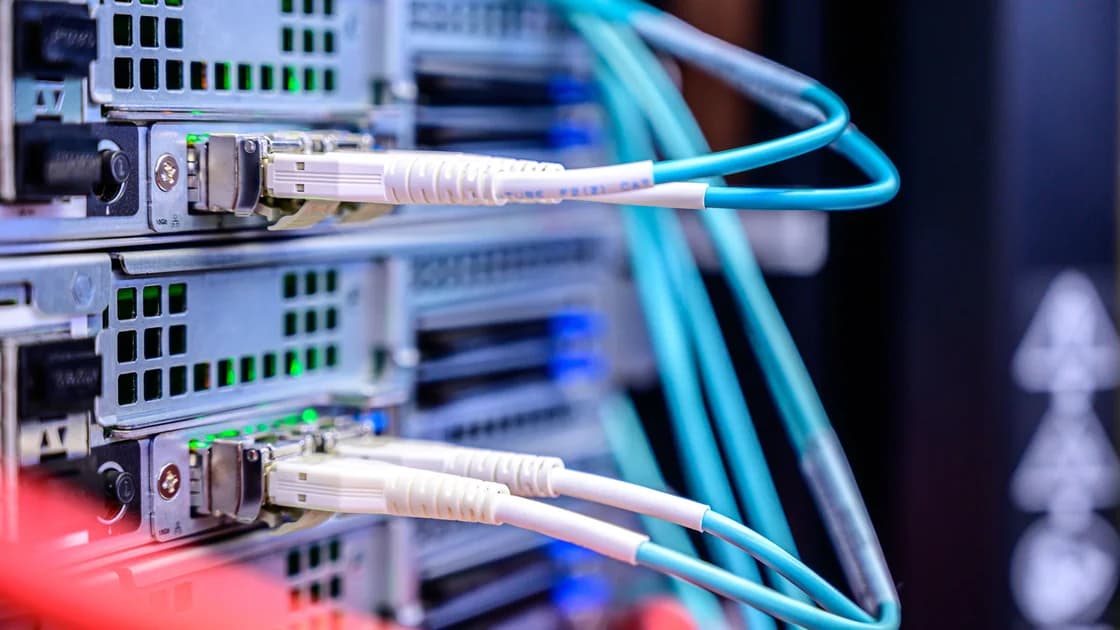

A botnet is a group of devices an attacker can coordinate, usually after compromising them. Each infected computer, router, or connected device may become a bot that carries out instructions without its owner’s knowledge. The network can be used for unwanted activity, including distributed denial-of-service attacks or spam. Europol describes the relationship between infected devices, remote control, and abuse. [1]
The question “is my device part of one?” needs evidence, not a speed test. This guide sits within the digital privacy framework and separates investigation, containment, and recovery. A device helping attack someone else is a different problem from your connection being overwhelmed by incoming traffic.
Key Takeaways
- A botnet involves control of multiple devices; unusual traffic alone does not establish that control.
- Computers, routers, and IoT devices need different inspection and recovery methods.
- Containing an infected device can reduce harm while you investigate, but disconnecting critical equipment requires care.
- Resetting a device, updating it, and securing its accounts are separate recovery tasks.
Botnet detection needs evidence of unwanted control, while botnet infection recovery must address the affected device.
An attacker first needs a route into the device. Depending on the product, that route might involve malicious software, exposed management access, weak credentials, or an unpatched flaw. Compromise gives the attacker some capability; a control mechanism then allows instructions to reach the device. The arrangement does not require the owner to open an obvious “botnet application.”
Control designs vary. Some rely on central infrastructure; others distribute communication across peers or use changing endpoints. For a home user, the practical consequence is that blocking one suspicious address may not remove the infection. A temporary interruption in contact is not equivalent to recovering control of the device.
Cloudflare explains how attacker-controlled bots can collectively send traffic at a target. [2] DDoS is one use, not the entire definition. An infected device may also be used for other unwanted activity, and an individual malware detection does not automatically establish participation in a coordinated network. Keep the claims tied to the evidence available.
The malicious code overview explains infection concepts. A keylogger records input, while a botnet concerns coordination and control. Some malware can do both, but you should not assume every bot steals every password or that every logger receives botnet commands.
A credible security detection, a provider’s abuse report tied to your connection, or unexplained configuration changes deserves attention. Preserve the detection name, timestamp, device identifier, and the original notice. Verify a provider warning through the provider’s known account portal or support contact rather than clicking a payment or download link in the message.
High bandwidth use, overheating, slow performance, or unknown process names can also come from updates, backups, streaming, or faulty equipment. An apparent outbound connection may belong to normal software. These observations help narrow an investigation, but they cannot identify a botnet on their own. Equally, a quiet device can still be compromised.
| Signal | Useful interpretation | Avoid this conclusion |
|---|---|---|
| Validated malware detection | A security finding requiring remediation | Every account is certainly stolen |
| Provider abuse notice | Traffic associated with your connection needs investigation | One named device is proven responsible |
| Unexpected router settings | Access or configuration may have changed | The router is definitely controlled by a botnet |
| High upload traffic | Identify the source and expected activity | Upload volume alone proves infection |
| Clean scan or normal speed | One limited check found no issue | Every device on the network is clean |
A public IP address can be shared by several household devices and, in some arrangements, by several customers. A notice identifying the address and time helps locate an event; it does not directly name the compromised machine. Ask the provider what it observed and compare that with your own equipment without sharing private logs publicly.
If safe, stop sensitive activity on the suspected device and isolate it from the network while preserving useful records. Disconnecting an ordinary laptop is different from disconnecting medical, alarm, or work-critical equipment. For critical systems, contact the owner or responsible specialist before making changes that could cause another kind of harm.
Use a trusted device for account recovery and communication. If credentials may have been exposed, secure the primary email, replace affected passwords, and review sessions and connected applications. A network isolation step does not revoke tokens already copied elsewhere. Do not log into sensitive accounts on the suspect device simply to test whether they still work.
Record which device was isolated and when. If abuse continues, investigate other equipment rather than concluding the first device was innocent or that every device is infected. Containment changes traffic patterns; it is not a complete diagnosis. Keep a simple inventory of connected devices and their owners so the response can be coordinated.
For an employer’s equipment, report through the security team. Avoid deleting detections, clearing logs, or reinstalling before the team has assessed evidence needs. For a personal device, trusted vendor support can help choose between supported remediation and a clean rebuild. You do not need to experiment with attacker infrastructure to decide that a validated infection needs recovery.
Use supported security tools obtained from official channels and follow validated detection guidance. Review recent software installations and unwanted access. Update the operating system and applications. If you cannot establish what changed, infection returns, or administrative control was compromised, discuss a clean reinstall with qualified support.
Back up necessary files cautiously. Restoring every application and system setting from the suspect machine can reproduce the problem. Verify updates and supported security checks before returning the computer to normal use. Continue the separate account review because rebuilding the machine does not undo information already taken.
Check the model, firmware version, administrator credentials, remote management settings, and unexpected configuration through the manufacturer’s supported interface. Distinguish the router’s administrator password from the Wi-Fi password; changing one does not necessarily change the other. If your provider owns the router, contact it before resetting or replacing firmware.
A factory reset can remove configuration but may return weak defaults and does not necessarily install a newer firmware version. Follow the official recovery sequence, update as instructed, set unique administrator credentials, and restore only settings you understand. Do not expose remote administration again unless there is a supported, necessary reason. Replace unsupported equipment when the manufacturer cannot provide a reliable recovery or security update path.
Check the vendor’s support status, update method, account controls, and reset guidance. A device that has no desktop-style scanner is not automatically safe or impossible to recover; its supported options may be update, reset, replacement, or vendor assistance. Limit unnecessary remote access and account sharing.
If a device is unsupported or repeatedly compromised, taking it out of service may be more reliable than repeatedly resetting it. Preserve safety functions and necessary recordings according to the owner’s needs. Consider what the companion application and cloud account can still access after the physical device is reset.
A bot may generate attack traffic toward another service. A DDoS victim receives traffic intended to exhaust resources. Both can produce connectivity problems, but the response differs: recovering a compromised device addresses the source, while provider or service-level mitigation addresses an incoming flood. Read the separate DDoS response guide for that second problem.
Do not assume that changing your public IP cleans an infected router or computer. Malware can reconnect using the new address. Conversely, an incoming attack does not establish that your own devices are bots. Ask what traffic direction and evidence the provider observed before selecting the response.
Other harms also need distinct handling. The doxxing guide covers public exposure and threats. The zero-day guide explains one possible vulnerability route. The Pegasus guide concerns targeted surveillance.
A generic “something is wrong online” observation cannot distinguish these incidents.
Use concrete checks: the identified device has followed the supported recovery process, firmware or software is current, unwanted management access is removed, credentials are changed where appropriate, and relevant activity is reviewed. Ask the provider whether the reported abuse has stopped, but remember that no new notice is not proof of complete recovery.
Monitor a reasonable period of normal operation and keep the baseline understandable. Expected backups or updates can explain traffic that looks unusual at first. If a validated detection or configuration change returns, escalate instead of endlessly repeating the same reset. Document what remains uncertain and which device or account still needs attention.
Prevention is ongoing: supported updates, unique device credentials, fewer exposed services, and a known inventory. A home network is only as manageable as the equipment you can identify. Review devices you no longer use and remove unnecessary accounts or remote access before an incident forces you to reconstruct the list under pressure.
Yes. Routers and other connected equipment can be compromised and controlled. Their update and recovery process differs from a desktop antivirus scan.
No. Congestion, updates, backups, hardware faults, and incoming attacks can produce similar symptoms. Identify the traffic source and obtain concrete security evidence.
It may consume shared bandwidth or create risks for reachable services, but that does not establish that every household device is infected. Investigate them individually.
No. You may still need firmware updates, new credentials, account recovery, or replacement of unsupported equipment. Follow the vendor’s complete recovery guidance.
It may provide temporary containment in a supported plan, but changing control endpoints can bypass a single block. It does not remove the underlying compromise.
No. Credentials and sessions copied earlier can remain usable elsewhere. Account access requires separate review and revocation from a trusted device.
Report it first through the responsible team. Wiping can destroy useful evidence and interrupt managed recovery, even when removing the infection is necessary.
Disclaimer: This is general recovery guidance, not a forensic determination. Follow equipment ownership and safety requirements, and seek qualified help before altering critical or managed systems.
Sources:
Sources checked 5 October 2026.
Related Articles:
Sign up to experience all premium features at no cost.
*Available only to new users. Each user is limited to one trial.