Start your 3-day free trial
Sign up to experience all premium features at no cost.
*Available only to new users. Each user is limited to one trial.
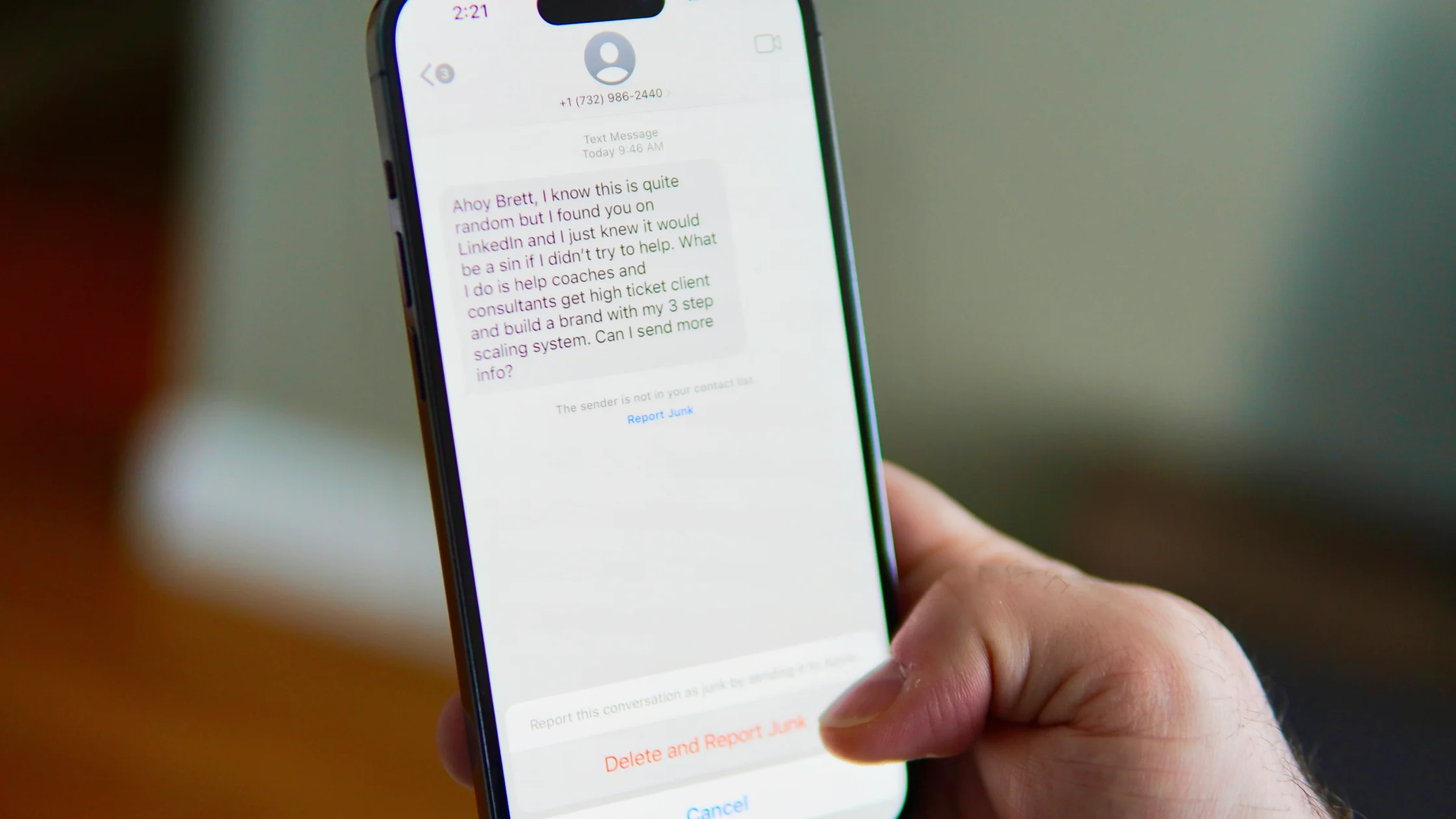

If you are asking what is phishing, the shortest answer is: an attacker pretends to be a person, platform, or organization you trust so you will hand over passwords, verification codes, card details, or click a dangerous link or attachment. Phishing is not about breaking the system first. It is about tricking you into taking the wrong action.[1][2]
Use the digital privacy guide as the wider checklist: it connects this issue to accounts, devices, identifiers, and data-broker exposure.
That is why phishing does not only look like a fake bank email. It can arrive as a text message, social media DM, recruiting note, delivery alert, fake support chat, or even a normal-looking work email.[1][2]
For the broader scam framework, read What is social engineering? How scammers bypass technical defenses.
Key Takeaways
- The core of phishing is not technical showmanship. It is persuading you to reveal sensitive information yourself.[1][2]
- Email, texts, social DMs, calls, and fake websites can all be phishing entry points.[1]
- Urgency, odd links, verification-code requests, and “log in first” instructions are common warning signs.[1][2]
- MFA, manually entering official URLs, and avoiding login links inside messages usually help more than memorizing terms.[2][3][4]
- If you already clicked, the damage-control order matters more than blaming yourself.[2][4]
The most common targets are:
Some phishing campaigns do not try to steal money immediately. They first take over email or social accounts, then use those accounts to spread further, scam contacts, or reset more services.
Because it uses human reaction patterns. CISA’s anti-phishing guidance highlights urgency, emotional pressure, trusted impersonation, and suspicious links as common tactics.[1]
In other words, phishing does not require you to know nothing. It only needs you to be busy, rushed, or worried enough to act before checking.
The classic version, and still common. It may look like a notice from a bank, delivery company, subscription service, tax agency, or company IT team, pushing you to click a link or download an attachment.[1][2]
Often called smishing. Common messages mention package problems, account freezes, unpaid fines, or expiring points. The goal is to make you tap quickly on your phone.
This happens through calls, robocalls, or fake support agents. The caller may ask for codes, card details, or tell you to log in to a “secure page.”
The entry point may be a DM saying someone mentioned you, your account violated rules, or there is a partnership opportunity. These attacks are growing because people often trust DMs more than email.
This is customized for a person, team, or role instead of being mass sent. It may impersonate a boss, HR, customer, finance team, or supplier and look like real business communication.
This is one of the most dangerous forms. It may not ask you to download anything. It simply takes you to a page that looks almost identical to the real login screen and waits for you to type in your login details.[1][2]
Examples include:
When a message controls the pace like this, stop before clicking.
CISA gives examples such as changing amazon.com to amazan.com. Many fake domains now differ by only one or two characters.[1]
A code is not a universal “prove it is you” step. In many scams, the code helps the attacker complete a login.
Be careful with “view the invoice,” “install the security update,” or “open the archive to confirm details.” If the context is unclear, do not open anything until you have verified it.
Many people check the display name but not the full address. Phishing relies on that reading habit.
If a message says you must log in, open the official website, app, or bookmark yourself. This is basic, but it blocks many fake pages.
Google and CISA both emphasize that MFA raises the barrier against account takeover. Even if a password leaks, it does not automatically give the attacker access.[3][4]
Email is not just another account. Password resets, login alerts, and device approvals often flow through it. If email is taken, other accounts can fall in a chain.
CISA warns that with AI, grammar and spelling are no longer reliable filters.[1] Look instead at urgency, links, the requested action, and the path the message wants you to take.
Do not start by blaming yourself. What matters most is what you do in the next 10 minutes.
Recommended order:
If this already happened, read Clicked a phishing link? Do these 6 things first.
Many guides focus on spotting fake pages. In real life, a stronger approach is to change the workflow:
If you keep those three rules, many phishing attempts lose their opening.
No. Texts, social DMs, chat apps, calls, and fake websites can all be phishing entry points.[1]
Because phishing uses emotion and timing. When people are busy, rushed, or worried, they are more likely to act first and verify later.
https mean a site is not phishing?No. https means the connection is encrypted. It does not prove the site itself is trustworthy.[2]
No. It raises the barrier, but if you give away the code too, risk remains.[3][4]
Risk is usually lower than if you submitted credentials, but still check your device, accounts, and downloads, especially if you opened an attachment or ran a file.
Email. Many recovery, verification, and reset flows depend on it.[2][4]
Disclaimer
This article is for general digital-safety education only. It does not constitute legal, financial, or enterprise incident-response advice. Account recovery, risk controls, and reimbursement policies vary by platform.
Sources
Sources checked 8 May 2026.
Related Articles:
Sign up to experience all premium features at no cost.
*Available only to new users. Each user is limited to one trial.