Start your 3-day free trial
Sign up to experience all premium features at no cost.
*Available only to new users. Each user is limited to one trial.

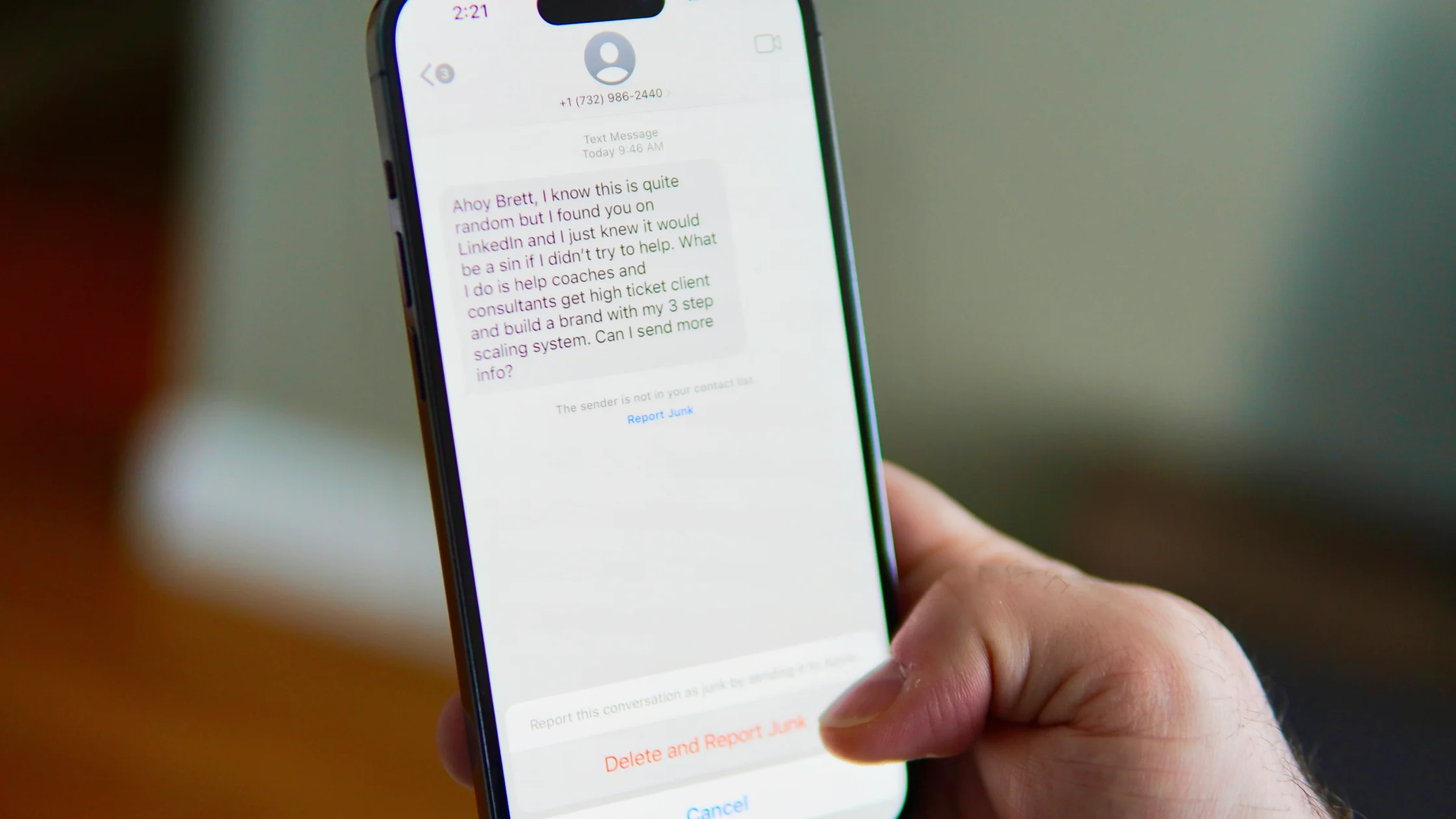
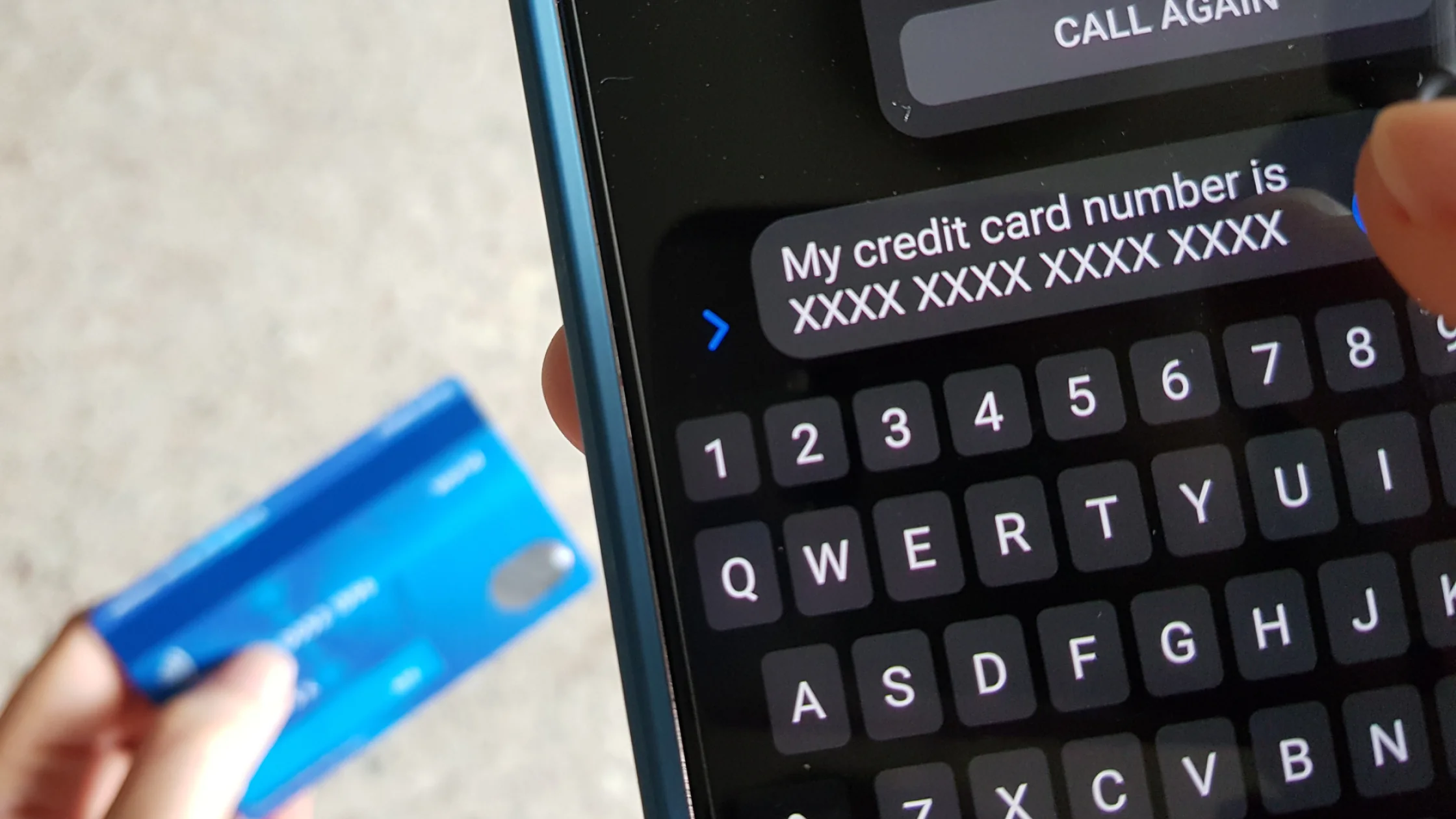
what is a phishing site? It is a fake page designed to look like a legitimate website, with the goal of tricking you into entering account details, passwords, verification codes, card data, recovery phrases, or workplace credentials. It may look almost identical to a real bank, delivery service, social network, cloud drive, or business login.
The FTC describes phishing scams plainly: scammers pretend to be an organization you know or trust so they can push you to click a link or share sensitive information.[1]A phishing site is the collection page inside that scam.
For the broader privacy context, start with privacy context beyond phishing and What Is Phishing? Email Is Only One Part of the Problem.
Key Takeaways
- Phishing sites copy real websites, but the domain, login flow, or payment request often gives them away.
- The HTTPS lock is not proof of trust. It only means the connection is encrypted.
- The biggest risk is handing over passwords, verification codes, payment data, or work accounts in one session.
- Check the domain, source, page logic, urgency language, and unusual permission requests.
- If you clicked a phishing link, stop entering data, change passwords, revoke sessions, review transactions, and report it.
Common examples include:
CISA also lists phishing and social engineering as common attack paths. Attackers create urgency so you have less time to check whether the request is real.[2]
A phishing site can copy logos, colors, and layout. The domain is harder to fake perfectly. Look at the registered domain, not just the prefix:
bank.example.com is example.com;bank-login-security.example.net is not your bank's official site;If URL structure is confusing, read What Is URL Phishing? 6 Traps Hidden in Links.
HTTPS means your connection to the site is encrypted. Phishing sites can get certificates too. The lock says the road is encrypted; it does not say the destination is real.
"Verify within 10 minutes," "your account will be frozen," "your parcel will be returned," and "your boss is waiting for payment" are designed to compress your judgment.
Real support teams should not ask for your full password, SMS code, 2FA code, card CVV, or wallet recovery phrase. Any page asking for a recovery phrase should be closed immediately.
Do not log in from a text message, email, or group chat link. Open the official app, a saved bookmark, or the site you typed yourself, then check whether the alert exists.
Phishing pages often show warning signs:
Password managers usually autofill only on matching real domains. If yours suddenly refuses to fill, do not type the password manually. Check the URL first.
If you only opened the page and did not enter anything, the risk is usually lower. Still, close the page, remove any downloaded files, and check browser notification permissions.
If you entered information, act in this order:
If you think an account was already compromised, read How to Know If You've Been Hacked: 11 Signs and Emergency Steps.
Attackers no longer need to design an entire website from scratch. They can copy public pages, buy similar domains, generate fake login pages at scale, and distribute them through texts, ads, QR codes, social messages, or hijacked accounts.
AI also makes scam copy smoother, reduces translation mistakes, and makes fake support chats sound more human. "It looks professional" is no longer a reliable trust signal.
FBI IC3 reports consistently show phishing, business email compromise, and investment fraud among major sources of online losses.[3]NIST's digital identity guidance also treats multi-factor authentication as an important control for reducing account takeover risk.[4]The pattern is the same: make you trust first, then make you type.
No. Many copy real pages closely and may even include HTTPS and a fake support chat.
Usually, opening a page alone is not the same as being infected. Risk rises if the page pushes downloads, notification permissions, or configuration profiles.
It lowers the risk, but you should also sign out of all devices, review 2FA, check email forwarding rules, and change any other account using the same password.
Contact the relevant platform or bank immediately and check for transfers, account changes, logins, or new devices.
Not always. Scammers can buy search ads or build lookalike sites. Use bookmarks, official apps, or typed domains for important accounts.
A VPN protects your connection and IP privacy. It should not be treated as a phishing detector. You still need domain checks and safe habits.
Notify IT or security immediately and preserve evidence. Work accounts can affect internal systems, customer data, and supply-chain partners.
Disclaimer
This article is for general cybersecurity education only and does not constitute legal, financial, or incident response advice. If money, business accounts, or identity theft are involved, contact the platform, bank, workplace security team, or local enforcement channel as soon as possible.
Sources
Sources checked 8 May 2026.
Related Articles:
Sign up to experience all premium features at no cost.
*Available only to new users. Each user is limited to one trial.