Start your 3-day free trial
Sign up to experience all premium features at no cost.
*Available only to new users. Each user is limited to one trial.
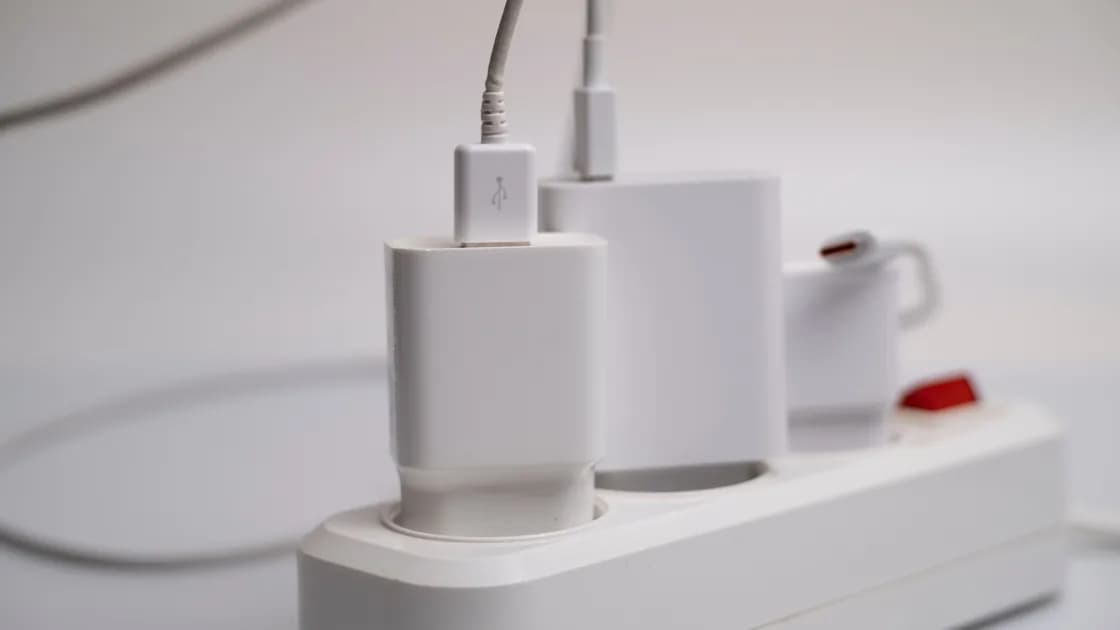

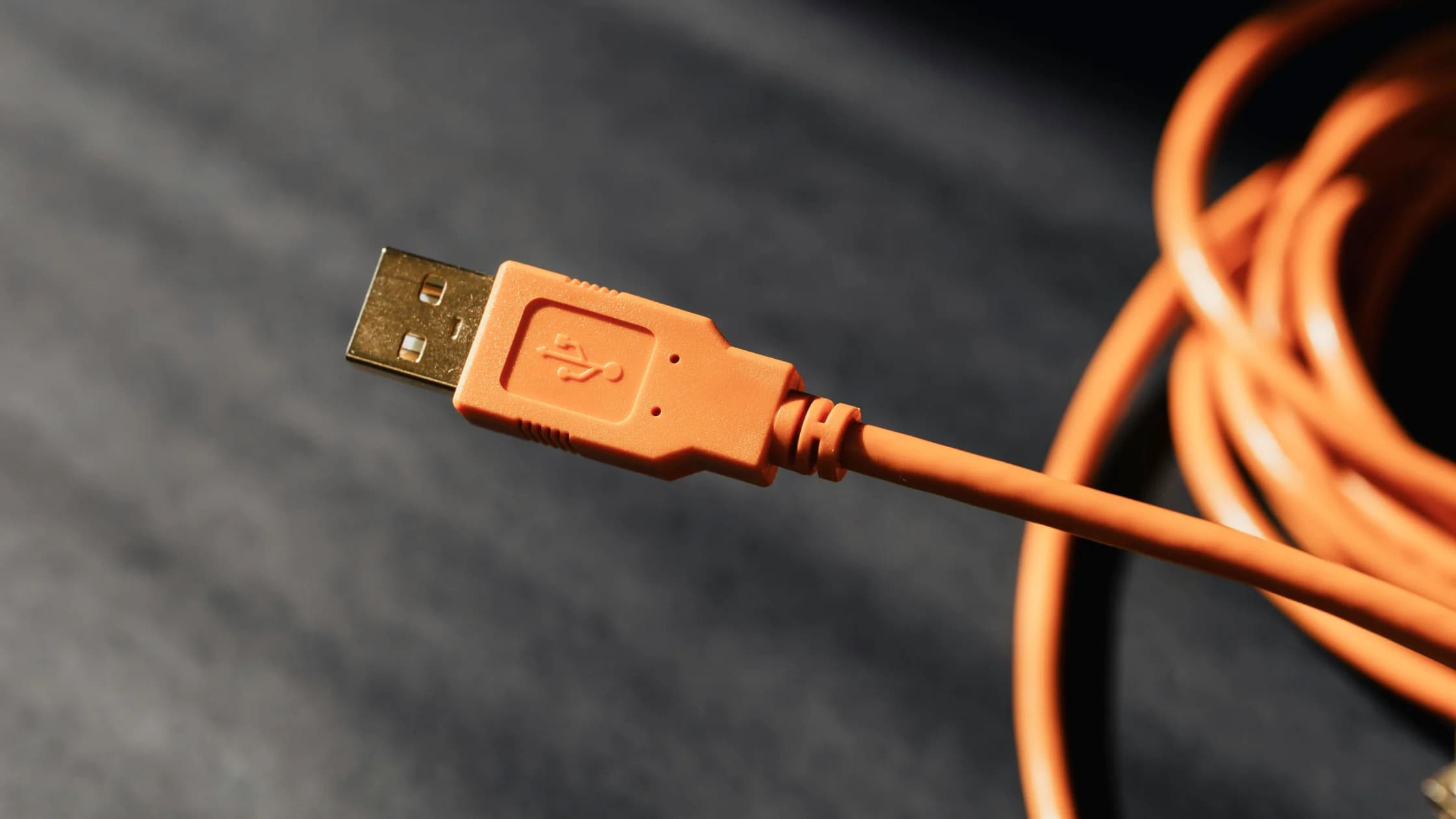
Airport USB charging is not automatically unsafe, but your own charger in an outlet or a trusted power bank is safer. Disconnect at any trust prompt.
Key Takeaways:
- Do not assume every airport USB port is compromised; the practical risk varies.
- Prefer your own wall charger and cable, or a power bank you control.
- Lock the phone and reject unexpected trust, pairing, accessory, or file-transfer prompts.
- After an unusual connection, disconnect first, record what happened, and review the device before entering sensitive credentials.
This is one part of the wider international travel preparation guide. It is separate from airport Wi-Fi safety: one concerns a physical USB connection, while the other concerns a network.
A public USB port is not proof of an attack, but USB can carry data as well as power. An unfamiliar cable or damaged station gives you less control, so reject unexpected trust, pairing, transfer, or USB-mode prompts.
USB was designed for more than electricity. Depending on the connector, cable, device, operating system, and negotiated mode, a connection can provide power and can also expose a data or accessory interface. A charging icon therefore proves that power is flowing; it does not by itself describe everything the connection can do.
CISA recommends avoiding unknown USB devices.[1] A public charging port is not identical to a found USB drive, but the control principle is useful: prefer a power-only alternative when it is easy.
Modern phones usually add protections. They may stay locked, default to charging, require unlock, or display a trust or USB-mode prompt before broader access. Those controls reduce risk but are not a reason to approve a prompt blindly. Apple explains that a user must confirm whether to trust a connected computer before that computer can access information on the device.[2] Android similarly documents choosing what the USB connection is used for when transferring files.[3]
The realistic decision is not “all public ports are hacked” versus “USB is always harmless.” It is whether you can choose a charging method with fewer unknown components and recognize an unexpected data negotiation.
Use this order when the options are available and physically sound:
| Charging method | What you control | Remaining cautions | Practical preference |
|---|---|---|---|
| Your charger and cable in an electrical outlet | Charger, cable, and device-side connection | Outlet damage, voltage compatibility, unattended belongings | Usually the most controlled airport option |
| Your trusted power bank and cable | Entire charging chain | Battery condition, airline carriage rules, remaining capacity | Strong fallback away from an outlet |
| Airport AC outlet with a loaned charger | Outlet but not charger or cable | Unknown accessory condition and capability | Prefer your own equipment instead |
| Public USB power port with your cable | Your cable, but not the port or its wiring | Unknown data path, damage, unexpected prompts | Use only when better options are unavailable and stay alert |
| Cable already attached to a kiosk or found nearby | Very little | Unknown cable, connector, station, and physical condition | Avoid |
For safe charging at an airport, inspect the outlet, charger, and cable. Do not use exposed conductors, loose sockets, liquid-damaged equipment, excessive heat, burning smell, or a connector that must be forced. Electrical safety is more immediate than a speculative data attack.
Keep a power bank in carry-on baggage and follow applicable airline and battery rules. Do not leave a charging phone, passport, or bag unattended while searching for food or a gate.
A USB data connection risk begins when the phone and the other endpoint can negotiate something beyond power. That might be file transfer, photo import, accessory communication, debugging, networking, or a computer-trust relationship. The available modes differ by platform and version.
Warning signs include:
A prompt is not proof that data was stolen. It is evidence that the connection is offering or requesting more than the simple charging experience you expected. Reject the request and disconnect rather than investigating while the cable remains attached.
Pack a small, known charging set:
Update the phone through official channels before travel, use a screen lock, and understand the platform's trust and USB-mode prompts. Do not enable developer or debugging features merely for travel. If a work device is managed, follow the organization's policy about public charging and accessories.
Some travelers use a charge-only cable or data-blocking adapter. Such equipment can reduce exposure to ordinary USB data pins when correctly designed, obtained, and used. It is not an absolute guarantee against defective hardware, malicious accessories, electrical faults, or a mislabeled product. Your own wall charger avoids more unknowns and remains the simpler first choice.
If you intended only to charge:
Do not factory-reset the phone reflexively at the gate. A reset can destroy evidence and access to travel documents while still leaving accounts or another device unresolved. Escalate according to what actually happened: a rejected prompt needs a different response from an approved trust relationship, installed profile, disclosed credential, or confirmed file transfer.
If an airport station appears physically tampered with, notify airport or lounge staff without touching or dismantling it. Do not post another traveler's face, boarding pass, or device information while documenting the location.
Disconnect and write down what you approved. Review the relevant platform's connected computers, accessories, USB settings, profiles, and recent account activity. Revoke a trust relationship where the platform provides that control, restart the phone, install verified updates, and ask official support or an organizational administrator for help if sensitive work data was exposed.
Change credentials when there is evidence they were disclosed or an unfamiliar account session appears; do not rotate every password solely because a cable was connected. If a credential is changed, begin with the primary email or identity account that can reset other services, then review stronger authentication and recovery methods.
For a fuller explanation of attack terminology, see what juice jacking means. The term should help classify an incident, not turn every charging port into a confirmed compromise.
Usually, yes. Terminals, gate areas, lounges, and many aircraft offer AC outlets or USB ports, but availability varies by airport, airline, and aircraft. Treat a seat USB port like any public port: use your own charger where an outlet exists, reject data or trust prompts, and follow the airline's current power-bank rules.
No. A public port is not evidence of compromise. It is simply less controlled than your own charger and cable, so choosing the more controlled option is sensible when available.
That is reassuring but not a complete technical guarantee. Keep the phone locked, watch for prompts, and prefer your own power equipment.
Lock-state protections vary by platform, version, configuration, and accessory. A lock is important, but it does not justify approving an unexpected trust or transfer request.
No accessory provides an absolute guarantee. A correctly designed charge-only device can reduce ordinary data-pin exposure, but quality, labeling, electrical safety, and other hardware risks remain.
Not automatically. Disconnect and assess what was approved or observed. Change credentials when there is evidence of disclosure, an unfamiliar session, or guidance from a qualified incident review.
No. A VPN protects network traffic; it does not control a physical USB data interface, cable, charger, trust prompt, or electrical fault.
Disclaimer: This article provides general device-safety information, not a diagnosis of a particular charging station or incident. Hardware, operating-system, airport, and organizational controls vary.
Sources checked 4 October 2026.
Sign up to experience all premium features at no cost.
*Available only to new users. Each user is limited to one trial.