Start your 3-day free trial
Sign up to experience all premium features at no cost.
*Available only to new users. Each user is limited to one trial.
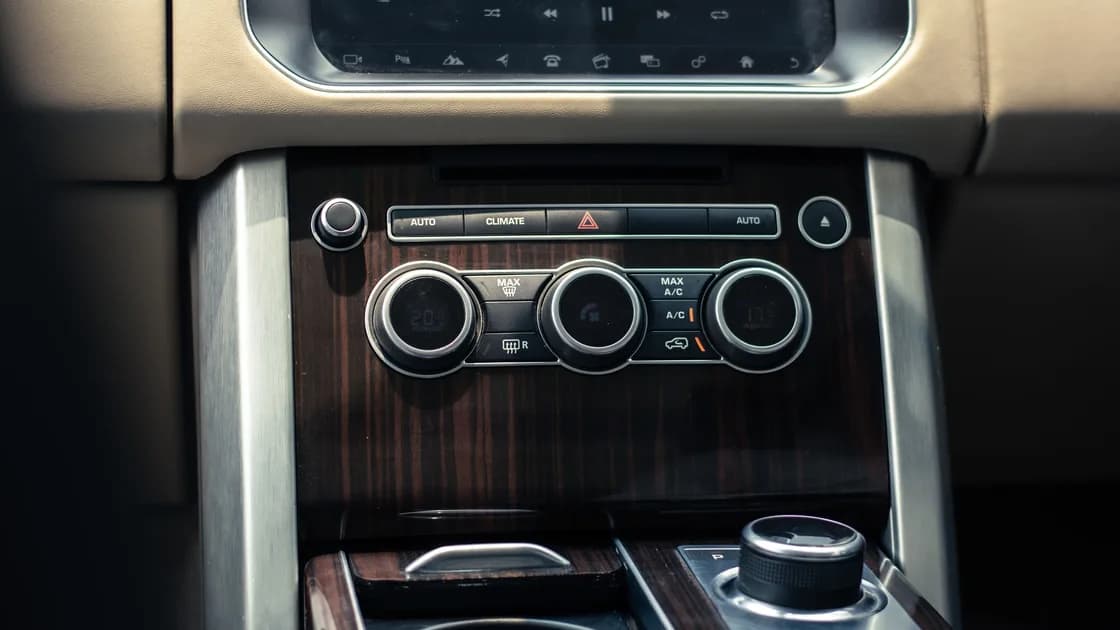

For rental car digital privacy, avoid pairing unless you need it, grant the minimum permissions, and remove your device, destinations, call records, messages, contacts, and signed-in services before return. Vehicle capabilities differ, so verify the erase function in the vehicle manual or rental company's official guidance.[1][3]
Key Takeaways:
- A rental vehicle may retain more than a Bluetooth name.
- Charging does not require data access or contact synchronization.
- Deleting information from a phone does not prove the vehicle copy is gone.
- Remote remedies after return are limited, so clear data while you control the car.
FTC lists phone numbers, contacts, call and message logs, and GPS locations among information an infotainment system may retain.[1] EDPB guidance separately covers personal data processed inside connected vehicles or exchanged with connected smartphones, including navigation, communications, media, application, and journey-related data.[3]
| Action | Possible residue | Lower-data option |
|---|---|---|
| Bluetooth pairing | Device identity, contacts, calls, messages | Decline contact and message sync |
| Built-in navigation | Searches, destinations, route history | Use your own device without pairing |
| Media or account sign-in | Account, favorites, history | Use local playback without account sync |
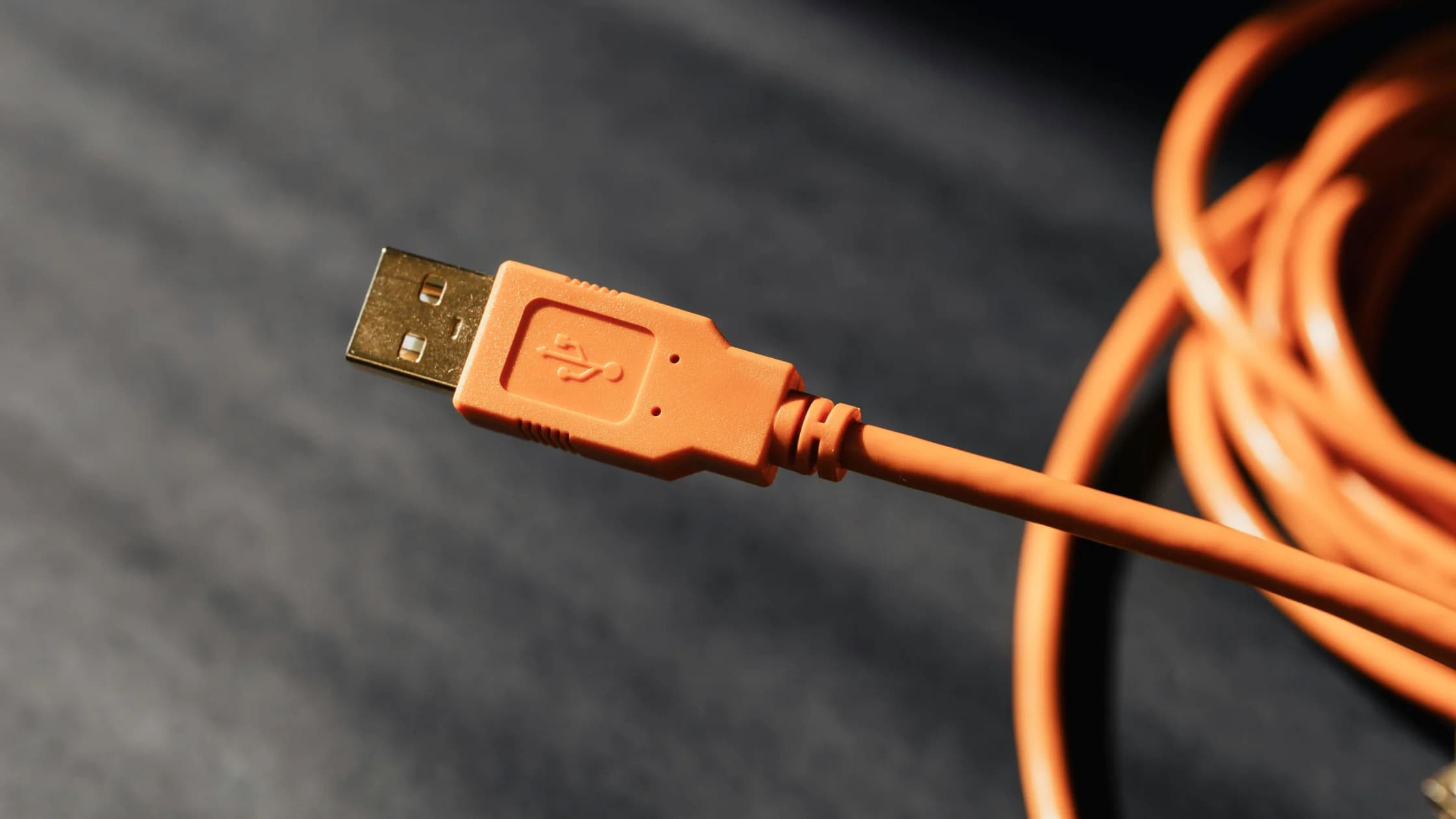
| USB connection | Data access as well as power | Use a power-only adapter when practical |
Think in data flows rather than interface labels. Pairing can send a device identifier immediately and may offer separate permissions for contacts, messages, call history, notifications, media, or internet access. Navigation creates a different record: searches, recent destinations, saved favorites, and routes may remain even when no phone is connected.
Account sign-in can leave both local history and an active cloud relationship. Music, map, assistant, parking, charging, or manufacturer services may retain a profile, favorites, tokens, or recent activity. A car can also learn sensitive context without a full address book: a home destination, clinic route, work location, or caller name may be enough to identify a person or routine.
Inspect before connecting. Look at the paired-device list, recent destinations, saved profiles, and signed-in services without opening another renter's personal details more than necessary. Existing residue shows why your own data needs deliberate removal; report exposed prior-user information to the rental company rather than copying or using it.
Pair only for a task that matters, and grant only the relevant permission. A phone call does not require sharing an address book; charging does not require accepting a data connection. FTC advises avoiding a vehicle USB port when it may transfer information and using another charging method where possible.[1] The general charging boundary is covered in what is juice jacking.
Do not sign in to a personal assistant, music, map, or vehicle account unless the benefit outweighs the cleanup burden. The road-trip security guide covers connection planning beyond the vehicle itself.
Before pairing, decide the narrow function you need. For audio, a cable or local playback may avoid contacts and message access. For calls, decline address-book and notification synchronization if the system works without them. For navigation, a phone mounted safely without vehicle pairing can keep searches and destinations out of the car.
Review every permission prompt on the phone and vehicle as a separate choice. A broad approval made for convenience can import more data than the visible feature needs. If the system offers user profiles, use a temporary or guest profile only when the manual says it can be fully removed; do not assume a name such as “guest” means data is discarded automatically.
To remove the relationship, follow the vehicle's documented process first: select your device in the paired-device list and remove its stored relationship. Then delete imported records or the temporary profile, verify that the entries no longer appear, and finally forget the vehicle on the phone. Doing only the phone side can leave the vehicle's local copy intact.
While you still control the vehicle, use its documented erase capability to remove paired devices, imported contacts, call and message records, navigation destinations and history, saved home or work locations, and signed-in accounts. Check that the entries no longer appear, then remove the vehicle relationship from your phone.
Do not assume a generic factory reset is harmless: it may affect vehicle or fleet configuration. Follow the manual or rental company's instruction for that exact model. FTC recommends clearing personal information before handing over a connected vehicle.[2]
An infotainment screen is only one storage surface. Separate instrument displays, navigation units, rear-seat systems, voice assistants, digital keys, companion apps, or manufacturer profiles may hold related data. Use the manual's privacy, connectivity, navigation, profile, and account sections rather than searching only for Bluetooth settings.
Do not inspect or erase fleet settings, diagnostics, safety systems, odometer information, or another user's account without authorization. The goal is to remove data you introduced using supported controls. If the documented option is unclear or asks for an administrator code, stop and ask the rental company to perform or witness the approved cleanup.
Take a privacy inventory before the final fuel or charging stop. Note every connection and service you used: Bluetooth, cable, navigation, voice control, hotspot, media account, parking app, digital key, or manufacturer app. That list becomes the return checklist and prevents a forgotten service from surviving after the visible phone entry is gone.
Remove recent destinations, search history, favorites, saved routes, and home or work labels using the documented navigation controls. Check both the main destination list and any driver profile that stored favorites. A route may also appear in predictive suggestions even after a single recent item is removed.
Confirm the result from the normal user view: your destinations, device, contacts, and profile should no longer be selectable. Avoid taking photographs that capture a previous renter's information. If the interface still displays your data after the supported removal process, record only the vehicle and contract details and ask the rental company to complete the cleanup.
If you used a companion app or digital key, remove the vehicle from the app and revoke its access according to the service's official instructions. That action closes the cloud relationship but does not replace local vehicle deletion, so complete both sides while the car is available.
Contact the rental company promptly with the agreement and vehicle details, and ask what documented local erase process it can perform. Revoke service sessions and change a credential if the car retained an active account. Review location and identity exposure using the identity theft guide.
Remote removal from a phone or service may stop future access, but it may not erase a copy already stored in the vehicle. Do not promise or assume remote deletion. For a future rental, confirm the supplier through the booking scam guide before sharing information.
Describe the request precisely: the rental dates, vehicle identifier from the agreement, connection type, affected profile or service, and data categories that may remain. Do not send the rental company passwords, recovery codes, a full address book, or screenshots containing unrelated account data. Ask for confirmation of the documented action it performed, not a general assurance that the next renter will not look.
Prioritize active access over passive history. Revoke digital keys, vehicle-app access, music or assistant sessions, and payment relationships first. Then assess stored contacts, messages, and locations. A password change may be appropriate when a credential or reusable session was exposed, but changing an unrelated password cannot erase a local route or contact copy.
Monitor the services that were connected and retain the rental agreement until the issue is resolved. If exposed data could support identity fraud or reveal a sensitive location, document the categories and follow the relevant provider or local reporting process. Keep the response proportionate; a Bluetooth device name alone does not justify the same recovery as an active account or uploaded address book.
Not necessarily. Remove the phone from the vehicle as well. Then verify that imported records and any temporary profile are gone.
Yes, if contact synchronization was allowed.[1] Declining contact access before pairing reduces that exposure.
No. Confirm the approved method for the model and fleet. A broad reset may affect configuration that belongs to the rental company.
It may have a process, but ask promptly and do not assume completion without confirmation. Give the agreement and vehicle details without disclosing unrelated personal data.
It can end account access, but may not erase locally stored history. Remove both the service relationship and supported local records.
Disclaimer: This is general privacy guidance. Vehicle functions and rental contracts vary; follow official instructions for the vehicle.
Clear the car interface before return and separately revoke any music or map account session you used.
Sources checked 27 August 2026.
Sign up to experience all premium features at no cost.
*Available only to new users. Each user is limited to one trial.