Start your 3-day free trial
Sign up to experience all premium features at no cost.
*Available only to new users. Each user is limited to one trial.
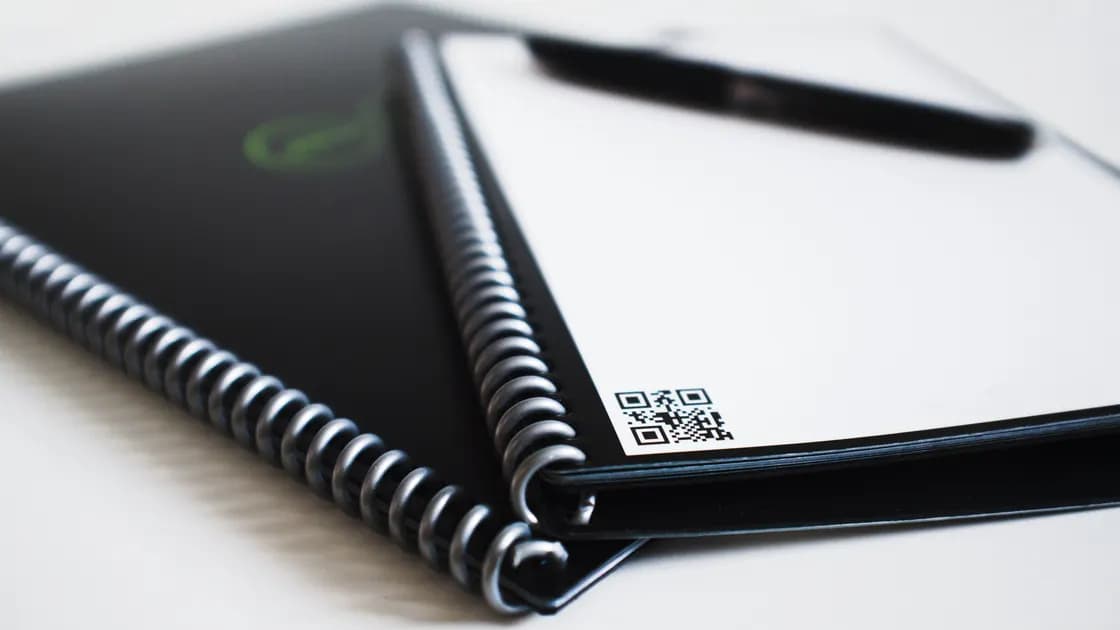

To avoid fake QR codes while traveling, treat the square pattern as an unverified link, not as proof that a parking meter, restaurant, transit operator, or attraction created it. Inspect the physical sign, preview the destination, and reach sensitive services through an official app or an address you find independently.
Key Takeaways:
- A neat sticker and an HTTPS padlock do not establish who operates a page.
- Never enter a password, payment card, or identity document merely because a QR code requests it.
- Do not install an app, profile, certificate, or update from a QR landing page.
- If you already interacted, respond to what you actually exposed rather than assuming that every scan caused the same harm.
This guide complements the international travel guide and travel booking scam checklist. It cannot authenticate every local service or replace instructions from a verified merchant, transport authority, bank, or law-enforcement agency.
A QR code sticker scam often works by placing a new code over a legitimate one. Before opening your camera, look at the whole meter, menu, ticket machine, luggage locker, charging station, rental counter, or tourist sign.
Check whether the code is a separate sticker, has lifted corners, covers another label, interrupts printed instructions, uses a different finish, or appears in an odd position. Look for several nearby signs: inconsistent codes or pricing language deserve caution. Damage alone does not prove fraud, and a professionally printed code is not automatically genuine.
Ask what action the code is supposed to perform. A restaurant menu may reasonably open information; a parking payment may require a location number and fee. An immediate demand for email credentials, a passport upload, cryptocurrency, gift cards, remote access, or a device configuration profile does not fit those ordinary tasks.
At staffed locations, ask an employee which official app, domain, or payment method to use. Do not rely on a phone number printed on the same suspicious sticker, because an attacker can replace both.
Use the phone's link preview when available. Read the registered domain from the end of the hostname, not just familiar words at the beginning. Extra words, swapped letters, misleading subdomains, URL shorteners, raw IP addresses, or unrelated domains are reasons to stop.
For example, a name resembling a transit brand inside a longer unfamiliar hostname is not the brand's official domain. HTTPS protects traffic to the site you reached; it does not prove that the site belongs to the merchant printed on the sign. The FTC likewise advises inspecting URLs for misspellings or switched letters before opening QR links.[1]
Do not let urgency replace verification. Claims that a vehicle will be towed in two minutes, a ticket will expire immediately, or a refund requires instant action are designed to reduce checking. Step away from traffic or crowds, then verify calmly.
If the preview is hidden or too long to understand, cancel. You do not need to open a destination in order to investigate it.
Open the service's official app from your existing device library or a verified app-store listing. Alternatively, type a previously known address, use a trusted bookmark, or find the operator through official venue or government information. Compare the domain, location identifier, published prices, and instructions with the physical site.
For parking and transit, look for a machine, staffed counter, contactless card option, or cash alternative. For restaurants, request a printed menu or type the restaurant's independently verified site. For accommodation, return to the booking platform or contact information in the confirmed reservation rather than a code left in a room.
This independent route matters even when the QR page looks polished. Logos, colors, reviews, countdowns, and payment forms can be copied. A page that knows the location may still be fraudulent because location numbers are visible to anyone.
If the official app confirms a code-scanning flow, start that flow inside the app when possible. That narrows the context but still does not justify approving unexpected permissions or payments.
The FBI warns that malicious QR codes can direct people to pages designed to steal payment and login information or download malware.[2] Use a stricter boundary when a travel QR page asks for a consequential action:
A request for camera access may be legitimate in some official identity or ticket flows, but the request does not authenticate the page. Leave and restart from the known provider before proceeding.
When asking what to do after scanning a malicious QR code, separate the response by exposure. Preserve the suspicious URL, location, and time only if you can do so without reopening the page.
Close the page. Do not accept downloads, permissions, notifications, or prompts. Check the browser's downloads and remove any unexpected file without opening it. Update the operating system and browser through their normal settings. A page opening is not by itself proof that credentials, money, or complete device control were lost.
From the genuine service, change the exposed password immediately, sign out other sessions where supported, and review recovery details and recent activity. If that password was reused, replace it everywhere else with unique credentials. Contact the provider through a known channel if an attacker may have changed the account. Follow the phishing response guide for a wider account review.
Contact the card issuer, bank, or wallet provider using the number in its official app, on the physical card, or on a statement. Explain what was entered and whether a payment was authorized. Ask about blocking the instrument, disputing transactions, and monitoring. Do not pay a second party that promises recovery.
Disconnect from sensitive activity and use the device maker's official instructions to review installed apps, device-management profiles, certificates, accessibility access, and remote-control permissions. Remove the suspicious item if you can identify it safely, run supported security checks, and contact trusted technical support. Use a different trusted device to protect critical financial and email accounts when compromise is plausible.
Notify the issuing authority or relevant provider using independently verified details. Ask what replacement, fraud alert, or monitoring steps apply in that jurisdiction. Watch for follow-up impersonation that cites information from the document.
Tell the property owner, transit authority, parking operator, restaurant, or venue where the code appeared. Give the exact location and time. If safe, take a contextual photo from a normal distance, but do not peel off evidence, confront a suspected installer, or rescan the code.
Report fraudulent payments to the financial provider and follow local police or consumer-reporting procedures when money, identity data, or threats are involved. The FTC accepts fraud reports in the United States, while other destinations have their own channels. Platform and jurisdiction processes vary.
Warn travel companions with a description of the location rather than forwarding the live malicious link. If the code was in accommodation or a rental, notify the verified host or platform so later guests can be protected.
Before each scan, pause and ask three questions: Who placed this code? What exact action should it perform? Can I reach the same service independently? That short routine is more reliable than trying to identify fraud from visual style.
Keep official transport, parking, banking, and booking apps updated through the normal app store. Use unique passwords and account protection so one submitted credential has a smaller blast radius. Keep bank and provider contact details available offline.
QR codes are useful containers for links; they are neither inherently safe nor inherently malicious. The goal is to move authentication and sensitive actions to channels whose operator you can verify.
A scan commonly decodes text or a link. Risk rises if you open a malicious page, exploit unpatched software, grant permissions, install content, or submit data. Treat unexpected behavior seriously, but base the response on what occurred.
No. HTTPS encrypts the connection to a domain; a scammer can also obtain a certificate. Verify the operator and domain independently.
Printing quality is not authentication. Fraudulent material can be professionally printed, while legitimate labels can be damaged or replaced during maintenance.
Modern phones often provide a preview through the built-in camera. An extra scanner is not a substitute for verifying the destination and may request unnecessary permissions.
Look for the operator's name on official signs, find its app or site independently, and ask staff or the property owner. If you cannot establish who receives the payment, use another lawful option or park elsewhere.
Not automatically. Change credentials you entered or that credible account evidence shows were exposed. Review downloads and permissions, update the device, and escalate if you installed something or see abnormal activity.
Disclaimer: This article provides general digital-safety information. Scam methods, device behavior, payment protections, and reporting options vary by destination and provider.
Sources checked 28 August 2026.
Sign up to experience all premium features at no cost.
*Available only to new users. Each user is limited to one trial.