Start your 3-day free trial
Sign up to experience all premium features at no cost.
*Available only to new users. Each user is limited to one trial.
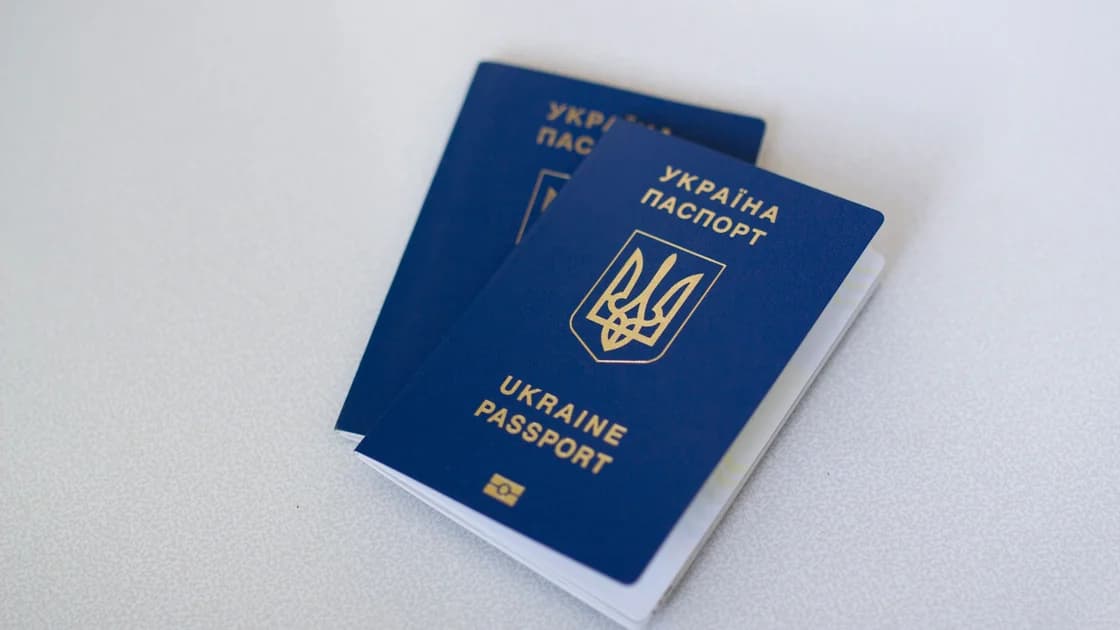

When a hotel requests a passport copy, it may be for local registration, but the message may also be fake and intended to harvest identity data. Preserve the request, then verify it before taking any action.
Key Takeaways
- Confirm who sent the request, how it was sent, and where the request is stored.
- Identify the legal and platform basis before sending any document.
- Ask only for the minimal fields and recipient, and ask for a retention policy.
- Use the official platform/app channel whenever possible; use another secure route only if verified.
- If a request cannot be verified, pause, report to the platform, and monitor identity risk.
This guide is part of a wider plan here: VPN for International Travel.
Save the full request immediately from the channel it arrived in. Keep sender metadata, timestamp, reservation number, subject line, and the exact text and attachments. Do not delete chat history or mailbox entries until you finish review.
Record where the request appeared:
If there are embedded links, do not open them yet. Keep an evidence log with a row for each item: who sent it, when, method, and any reference code. You should also keep a second backup of the original receipt, ID used during booking, and payment status.
If the request arrived after check-in, or if your booking was already canceled or changed, treat it as a separate event and do not assume continuity. Preserve that timeline because it changes the verification path later. A stale request copied from an old booking thread is a common confusion point.
Ask the hotel whether it has your reservation in its internal system by using the hotel profile and public reception channel from the platform listing, not by replying in the suspicious message. Confirm the reservation holder, dates, and confirmation code from at least two independent sources: the hotel booking confirmation and the platform dashboard.
Then verify sender identity:
Avoid clicking urgent links or uploading anything through temporary short links. In many fraudulent workflows, the first link often points to a cloned portal that asks for document upload or one-time verification.
If your hotel uses a platform intermediary, verify both entities. The hotel account can be compromised even when the platform account appears normal. The reverse also happens: platform-level reminders may use generic templates while the property has already changed its policy.
When still unclear, request a case number from platform support and the hotel front desk number from official booking channels only. Do not treat a single unverifiable reply as enough.
Ask the hotel for a clear rule path before you send any passport data. You need three separate answers:
Some properties register guests and ask for passport details because of local law, but the legal basis should be stated in official terms or a verified onboarding policy. Airbnb's identity process is one platform-specific example, not a universal rule for hotels.[1] If the platform controls the booking and holds payment, that does not automatically authorize the hotel to demand extra personal data through an unverified channel. Airbnb's off-platform policy treats a disclosed legal or compliance reason as a specific exception, not blanket permission.[2]
Ask for the exact article, section, or legal reference they use. Ask whether the request applies to your room type and reservation model (private room, shared room, corporate booking, package booking, or managed channel). A wrong match is a sign to pause.
Do not ask social groups or random forums for final judgment. Use the platform documentation and official local guidance path for this topic first. If they cite a local law requirement, ask where that is published and whether you can see the official text in the same language.
The safest approach is to ask the verified recipient to identify each required field and its official basis, then provide only the fields that cannot be omitted or masked for that stated purpose.
Ask:
Do not send a full-resolution copy merely because it was requested. Ask whether the verified requirement can be met in person, through a secure platform workflow, or with non-required fields masked. The ICO's data-minimization guidance supports limiting collection to what is necessary for the stated purpose and reviewing retention.[3]
Ask whether the platform can provide a secure upload route or if a booking agent can confirm via a case record. If the only option is a random form that requests more than needed, do not continue.
Use the official app/chat of the booking platform, the property’s verified management contact, and official secure forms with TLS-protected uploads. If the request says “reply to this chat” but that chat is not traceable to the official case record, request a secure alternative first.
Document every exchange with channel, time, and reply content. If a transfer-based upload is requested, confirm upload destination domain and whether the platform confirms the same destination in writing.
If no secure route exists, use this fallback:
Do not use OTPs, security challenge links, or random verification portals created after your booking message. This is not automatic fraud rejection; it is risk-segmented control: if a channel cannot be verified, you should not transfer documents there.
If the request cannot be verified by two independent checks, stop. Record the unresolved state and report it to both the platform support and the property official contact. Ask for case IDs and expected response time.
If you already sent documents, keep all sent versions and metadata. Revoke access where possible, request deletion confirmation, and monitor identity risk like unexpected account notices, SIM changes, or unusual payment messages. Do not self-label every case as a scam: some legitimate properties require documents for legal registration and identity checks.
When travel date is near, do not let verification delay create a safety issue. Keep a lawful fallback housing plan in parallel with monitoring the complaint. For privacy-safe alternatives and replacement planning, review short-term rental privacy advice.
If your information is likely misused, preserve a full evidence timeline and share it with the platform and your financial/identity protection channels. Separately, protect your offline records with travel document backup best practices.
Do not send passport material because a request is urgent or vaguely official in tone. Preserve the exact message, verify sender and booking basis, identify platform versus property obligations, ask for minimal fields and retention details, use verified channels only, and escalate immediately when verification fails.
Never assume one false signal means a scam or one compliant sounding message means trust. This case should be judged by chain of evidence, contract role, and local registration/policy context.
It can be, especially where local guest-registration rules or anti-fraud policy apply. The key question is whether the request is verifiable through the same official channels used for your reservation.
Treat it as suspicious until sender and reservation match are independently proven. Demand the booking context and a support ticket before sharing any document.
You can ask for documented alternatives first, such as secure portal upload, partial redaction, or on-site verification schedule. Some cases can be handled at check-in with prior confirmation.
Include the request message, sender details, request timing, exact fields requested, responses, case IDs, and channel names. Add proof of whether this is a platform or property-initiated instruction.
Usually the party that made the request is accountable for providing the legal and procedural basis, but remedies differ by contract and booking model. Track responsibility based on who collected payment and who confirmed policy.
If reservation ownership changed, the request may no longer be valid. Verify which contract and platform currently governs your stay before sending any new information.
Connectivity can help you reach official channels when travel networks are unstable. It does not replace platform authentication or hotel identity obligations.
Sources checked 6 September 2026.
This guide is general travel information only and does not provide legal, contractual, or regulatory advice. Contract responsibilities and remedies differ by booking platform, property policy, and local law.
Sign up to experience all premium features at no cost.
*Available only to new users. Each user is limited to one trial.