Start your 3-day free trial
Sign up to experience all premium features at no cost.
*Available only to new users. Each user is limited to one trial.


What travel documents should you keep offline? A travel documents offline backup should contain enough information to identify you, contact providers, report a loss, and start replacement procedures when your phone or main account is unavailable. Keep a short paper summary, protected digital copies, and a separate trusted-contact set; none of these copies replaces an original passport, visa, permit, or border decision.
Key Takeaways:
- Build the smallest useful recovery set instead of copying every sensitive record.
- Separate originals, paper summaries, encrypted copies, and trusted-contact copies.
- Test recovery without your phone, email session, or usual two-factor method.
- Use document copies to support reporting and replacement, never as promised entry authority.
This backup fits within a wider international travel preparation plan, but it must still work when normal connectivity fails.
GOV.UK advises travelers to keep a backup plan for accommodation, flights, passport details, contact numbers, and insurance information in case a phone is lost, and to carry printed health-insurance documents.[1] The US State Department recommends multiple document copies, with one set separate from originals and another with a trusted person.[2]
Your minimum set can include:
Keep the list usable under stress. A long archive that requires your usual phone, password manager, or email session is not an offline recovery set.
Use three separated layers rather than one perfect copy.
| Layer | What to keep | Main protection |
|---|---|---|
| Paper summary | References, contacts, addresses, limited identity details | Keep separate from passport and payment cards |
| Protected digital copy | Encrypted document images and essential records | Use a strong independent secret and an offline-capable reader |
| Trusted-contact set | Only the records that person may need to send or read to you | Agree on identity checks and a secure delivery method |
The paper layer should help you start calls and reports, not expose a complete identity file to anyone who finds it. The digital layer should open without the lost phone and should not depend entirely on a cloud account that uses that phone for authentication. The trusted-contact layer should be limited to what the person has agreed to protect.
Keep each copy away from the corresponding original. A passport and its only photocopy in the same bag share the same loss event.
Do not put unprotected full document scans in a general photo library, ordinary email draft, public link, or broadly shared cloud folder. Those locations can spread the copy across devices and backups, making later deletion difficult.
Avoid collecting information that does not help recovery: full card security codes, password lists, complete financial statements, unrelated family documents, or unneeded medical records. If a provider needs a copy later, verify the recipient, purpose, fields required, and retention terms before sending it.
A photocopy or image is not a travel document. Airlines, immigration authorities, and local agencies decide what original or replacement document is required. The copy may help identify a record or support a replacement application, but it cannot guarantee boarding, entry, or lawful stay.
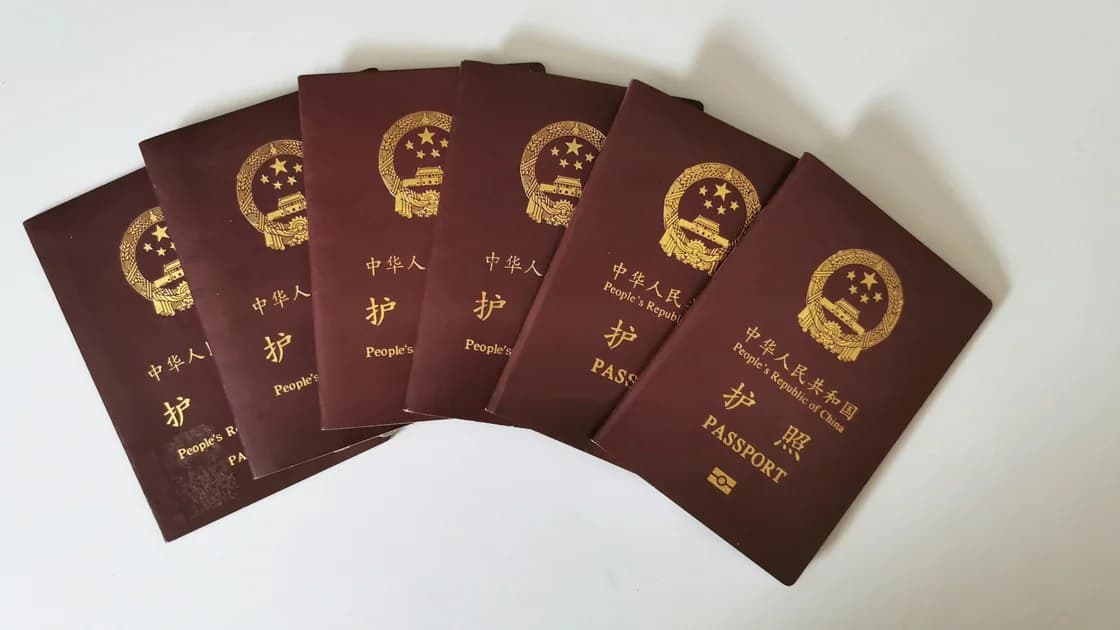
For a China-specific passport loss, use the separate lost Chinese passport guide rather than treating this general backup as a replacement procedure.
Run a short drill before departure:
The goal is not to expose every copy during the drill. It is to prove that the recovery chain exists and that each person knows their limited role. The lost or stolen phone guide covers the broader account and device response.
Protect immediate safety first, then create an official record and contact the authority that can replace the document.
Consular assistance has limits. China's official guide explains that Chinese missions provide assistance within their duties and local law, and that travelers should have realistic expectations.[3] Hong Kong's Immigration Department advises residents to keep travel-document photocopies, share itinerary and contact details, and use the Assistance to Hong Kong Residents Unit or relevant Chinese missions in emergencies.[4]
These are regional examples, not universal channels. Other travelers should use their own document issuer and consular authority.
No. It can help identify your record, but the phone may be the item that is lost or inaccessible. It also does not replace the original passport or an officially issued emergency document.
A copy can help replacement procedures, but store it separately and protect unnecessary details where appropriate. Keep a smaller paper summary when a full copy would create more exposure than recovery value.
Ordinary email may synchronize copies across devices and still depend on the missing phone for authentication. Use a deliberately protected, offline-capable method and keep the data set minimal.
Only after you verify the authority's procedure and recipient. The trusted person should not send documents in response to an unverified message or caller.
Not by itself. The carrier and border authorities decide which original, emergency, or replacement document is acceptable for the specific journey.
Refresh it after passport, visa, insurance, itinerary, medication, or emergency-contact changes. Test access before each major trip rather than assuming an old encrypted file still opens.
Disclaimer: This article provides general travel-preparation information, not legal, immigration, insurance, or consular advice. Replacement and entry requirements depend on the issuer, destination, traveler status, and circumstances.
A VPN cannot make a missing passport scan available offline or replace an issuer's official document. Save and verify the copies before departure.
Sources checked 27 August 2026.
Sign up to experience all premium features at no cost.
*Available only to new users. Each user is limited to one trial.