Start your 3-day free trial
Sign up to experience all premium features at no cost.
*Available only to new users. Each user is limited to one trial.
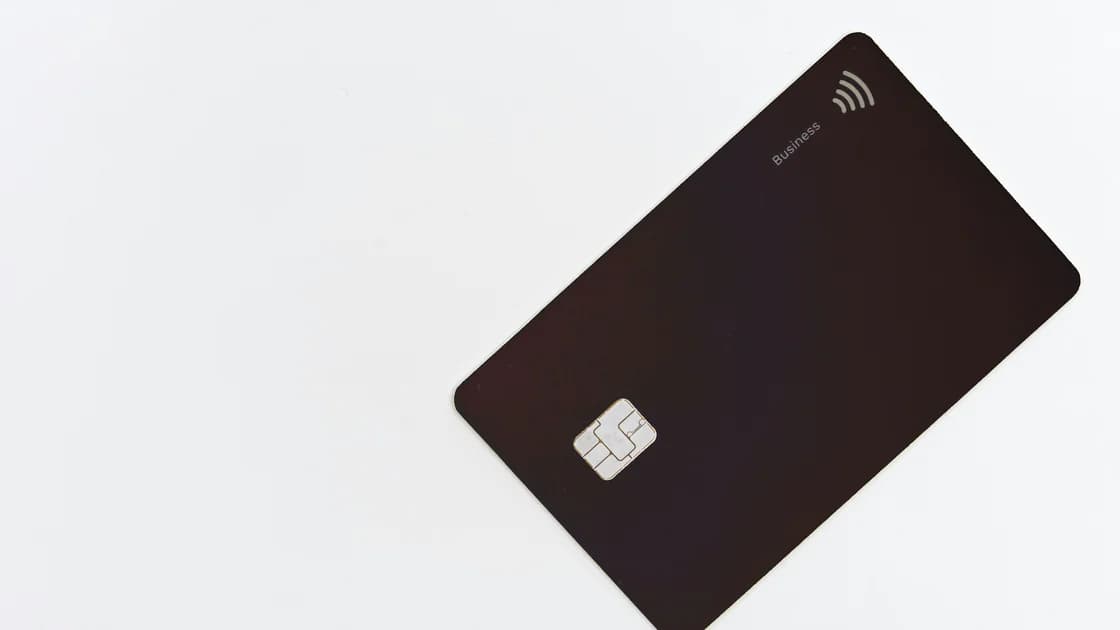

Prepare banking and payment apps for international travel by testing sign-in, support, and recovery. Carry an independent payment backup.
Key Takeaways:
- Test account access and recovery without exposing passwords, PINs, or full card numbers.
- Verify each physical card and each wallet token separately.
- Save official support channels before you need them.
- Keep at least one backup payment method away from the primary wallet and phone.
Keep the issuer's verified contact route and recovery instructions accessible without exposing card credentials.
Place this work inside your broader international travel preparation. If a card later fails, switch to the dedicated card-decline recovery sequence instead of repeating transactions indefinitely.
Start with an inventory. List the accounts that may be needed for daily spending, accommodation deposits, transport, emergencies, and card management. For each account, record the official app or website, the card it controls, the sign-in factors it requires, and the issuer's official international contact route.
Check these items for every important banking app:
Do not assume every issuer needs a travel notice. Some provide one, some rely on other fraud controls, and some no longer accept notices. The correct check is whether your own issuer offers a setting and whether its current instructions ask you to use it.
Inspect the card rather than treating the app as proof that the plastic will work. Confirm the name, expiry date, physical condition, and whether you know the correct PIN. If the issuer lets you view card status, confirm that the card is active and that any controls you need are enabled.
Use a small, ordinary purchase at a trusted merchant before departure when practical. The goal is to catch an expired card, forgotten PIN, disabled contactless setting, or account hold while you can still visit a branch or receive replacement mail. A domestic test does not prove overseas acceptance, but it removes several preventable failures.
Record only the result and the date of this check, not the credentials used to perform it. If a card fails, resolve the cause before adding it to the travel plan; do not assume that placing the same card in a wallet changes an issuer restriction. Repeat the check after a replacement card, account migration, phone change, or security review, because an older successful payment is not evidence for the current card and device state.
Save the issuer's official number in more than one place, but never store the PIN beside the card or put a full card number in an unprotected note.
Separate the cards you carry. Keeping every card in one wallet creates one loss event. A backup card should ideally use a different account or issuer, remain within your own authorization, and be stored securely away from the primary card.
Add and verify cards while you still have stable access to the issuer, phone number, email, and trusted devices. Google explains that wallet verification methods are chosen by the bank and may include a code, bank app, website, or direct contact.[1] Apple likewise describes issuer or payment-network approval as part of adding a card to Apple Pay.[2]
Visa's travel support also advises carrying issuer contact information and knowing what assistance may be available if a card is lost or stolen.[3] Treat that support route as preparation, not as a guarantee that a replacement card, cash service, or particular response time will be available everywhere.
For each wallet card:
A successful wallet test at home proves only that the current device, token, issuer, and merchant path worked once. Acceptance abroad still depends on the destination, merchant terminal, card network, issuer controls, connectivity, and local rules. Keep the physical card and another payment route available.
A useful backup does not share every failure point with the primary method.
| Primary method | Weak backup | More independent backup |
|---|---|---|
| Phone wallet | Another card in the same phone wallet | A physical card stored separately |
| One issuer's card | A second card on the same blocked account | A card from another account or issuer |
| Online banking app | A screenshot of the app | Official phone support plus protected recovery access |
| All cards in one wallet | More cash in that wallet | A modest cash reserve stored separately |
Choose the mix according to the destination and your own accounts. The payment guide for travelers from China covers a more specific cash, card, and mobile-payment decision; this checklist remains global and issuer-neutral.
Protect the recovery path as carefully as the money. CISA recommends limiting sensitive activity on untrusted networks and preparing devices before travel.[4] Do not place passwords, full card details, PINs, backup codes, and identity scans together on the same phone. For account-factor planning, use the separate travel 2FA guide.
Run a short acceptance check while support is easy to reach:
Avoid large transfers, account-profile changes, device migrations, or repeated card additions immediately before departure unless they are necessary. If a change triggers review, leave enough time to complete it through the issuer's official channel.
For online account access, the banking and VPN safety guide explains the network boundary. It does not replace issuer authentication, card controls, or a payment backup.
Not always. Issuer practices differ. Check the official app or support guidance for each card and use a travel-notice feature only when that issuer currently provides or requests it.
No. Addition confirms a device and issuer verification path, not universal acceptance. Destination, merchant, terminal, network, issuer, and account controls can still affect a transaction.
Avoid keeping full card details in an ordinary photo library or unprotected note. Save the issuer's official contact route and only the minimum identification information needed for support in a protected location.
It is better than no backup, but independence matters. A second card on the same account or stored in the same wallet can fail in the same incident.
Yes, where it is supported. A small trusted purchase can confirm current setup, but it does not guarantee acceptance in another country.
No. A VPN cannot approve a card, remove issuer controls, deliver an unavailable verification factor, or guarantee app access. Follow the issuer's official rules and keep independent payment options.
Disclaimer: This article provides general travel and account-preparation information. Payment availability and assistance depend on the issuer, card, account, device, network, merchant, destination, and current service terms.
Sources checked 28 August 2026.
Sign up to experience all premium features at no cost.
*Available only to new users. Each user is limited to one trial.