Start your 3-day free trial
Sign up to experience all premium features at no cost.
*Available only to new users. Each user is limited to one trial.
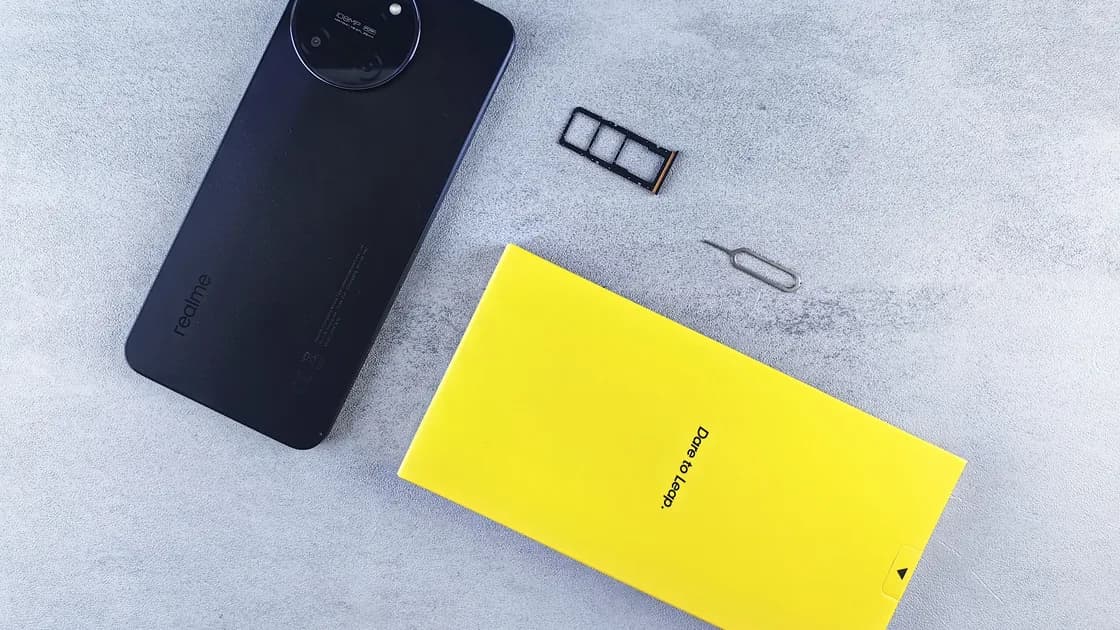

To use dual SIM while traveling internationally, add a local or regional data plan abroad as a second line, often an eSIM, and make it the cellular-data line while your home line stays available for calls, texts, and account recovery. The exact options depend on the phone model, regional variant, carrier, lock status, plan, and destination, so configure and test both lines before departure instead of relying on a universal menu path.
Key Takeaways:
- Give each line one clear job and label it accordingly.
- Confirm that the phone is unlocked and that its specific model supports the two plans you intend to use.
- Select the default voice, messaging, and cellular-data behavior separately.
- Most phones use one default cellular-data line at a time; Dual SIM does not combine two data plans into one faster connection.
- Test incoming calls, verification texts, outgoing calls, and data before depending on the arrangement abroad.
Use this setup as one part of your international travel preparation. If you are still deciding between connectivity tools, first separate the roles of a travel eSIM and a VPN.
The simplest model is home line for identity, travel line for connectivity. Your home number remains registered so banks, contacts, and account-recovery systems can reach it. The local or regional travel line becomes the selected mobile-data line and may also handle local calls when that is useful.
This is a planning model, not a technical promise. Receiving a home-line text abroad may require roaming registration, an eligible plan, available partner coverage, and a phone state that lets the line remain active. A travel line may be data-only. Calls placed from the home line can still incur roaming charges even while the other line supplies data.
Apple documents that both numbers on a supported Dual SIM iPhone can make and receive calls and messages, but the iPhone uses one cellular-data network at a time. It also requires an unlocked iPhone when the two plans come from different carriers, unless both plans use the same carrier.[1] Google documents that Pixel 3a and later phones can pair one physical SIM with one eSIM, that Pixel 7 and later can run two eSIM profiles at once, and that support still depends on the carrier.[2] Do not infer support from the presence of an eSIM menu alone.
| Function | Common home-line role | Common travel-line role | What to verify |
|---|---|---|---|
| Incoming calls | Keep your established number reachable | Receive a new local number if included | Roaming, Wi-Fi Calling, voicemail, and charges |
| SMS verification | Preserve access to the registered number | Usually not the primary recovery number | Whether the home line can register and receive texts |
| Mobile data | Usually off or restricted abroad | Default data line | Allowance, coverage, APN, roaming switch, and expiry |
| Outgoing calls | Use only when the cost is understood | Use for local calls if supported | Which line the dialer selects and how calls are billed |
| Internet messaging | Keep the existing app account | Supply internet access | App number-change rules are separate from SIM selection |
Start with the exact device, not the product family name. A model sold in one country may use a different physical-SIM and eSIM combination from a similarly named model sold elsewhere. Check the device manufacturer's support page, the model number, and the carrier's eligibility tool.
Confirm these items before paying for or activating a plan:
Do not delete an existing eSIM merely to experiment. First check how many profiles the phone can store and how many can remain active. Storage capacity, active-line capacity, and usable network combinations are different questions.
Use labels that describe responsibility rather than carrier marketing names. “Home—calls and SMS” and “Travel—data” are easier to audit at a glance than two similar network names.
Then set the phone in this order:
Take a written note of the intended state. After a restart, software update, SIM removal, or carrier-settings change, compare the live settings with that note.
Automatic switching can preserve connectivity when the selected data line loses service or when a voice call needs data. It can also use the home line unexpectedly. Apple describes an “Allow Cellular Data Switching” option, including special behavior during calls, and tells users to check carrier availability and possible fees.[1] Google says Pixel 8a and later phones offer an automatic data-switching option for the second SIM.[2]
Choose deliberately:
Dual SIM is not link aggregation. Even when both lines show signal, the phone normally selects one cellular-data path. It does not add both allowances or combine their speeds.
Before departure, connect each line and run a small, reversible checklist:
After arrival, wait for both lines to register, then repeat the minimum tests. Do not use a banking login as the first verification-text test. Ask a trusted contact to send a plain message, or use a low-risk service whose recovery path you already control.
If the home line shows no service, check whether roaming is enabled on the account, whether the destination has a partner network, and whether manual network selection is supported. If the travel line has signal but no data, verify the selected data line, its required roaming setting, remaining allowance, activation state, and provider-specific APN instructions.
A VPN cannot activate a SIM, register a line on a cellular network, change carrier billing, or make an unsupported phone support two plans. Treat it as a network-path tool after the active data line already works.
Follow the symptom instead of resetting everything:
| Symptom | First checks | Avoid |
|---|---|---|
| Second line is absent | Model support, eSIM installation, physical seating, line enabled state | Repeatedly deleting an eSIM |
| Home line shows no service | Account roaming, partner coverage, line enabled, network selection | Assuming data on the other line keeps SMS registered |
| Travel data does not work | Default data line, plan activation, allowance, required roaming, APN | Turning on home data roaming as a blind fix |
| Call uses the wrong line | Default voice line, contact memory, dialer line indicator | Redialing without checking the selected line |
| Data stops during a call | Voice line, data line, switching option, carrier support | Assuming every Dual SIM phone has identical behavior |
| Incoming call is missed | Other-line state, Wi-Fi Calling support, voicemail, call forwarding | Promising simultaneous availability without carrier evidence |
Change one setting at a time and retest. A full network reset can remove saved Wi-Fi, carrier, and VPN-related settings, so use it only after documenting the current state and following device or carrier guidance.
Do not assume so. Supported phones can keep two lines active for several functions, but the usual consumer setup selects one cellular-data network at a time. A switching feature is not the same as combining two connections.
Only if losing calls and verification texts is acceptable. A safer first step is often to leave the line enabled, turn off its mobile-data roaming, and understand call and text charges. Carrier rules still control whether the line registers.
Possibly, if the home line remains active, registers with a partner network, and the carrier permits receipt. Test before relying on it and keep a second account-recovery method.
Not necessarily. Many travel plans provide only internet access. Read the plan description and do not treat an app-assigned calling identity as a carrier number.
The dialer may use the default voice line or remember the last line used for that contact. Check the line indicator before placing an international or roaming call.
No. Hardware model, country variant, software version, carrier support, and plan type can change the available combinations and controls. Use instructions for the exact device and carrier.
Disclaimer: This article provides general connectivity guidance. Device support, roaming, charges, emergency calling, and plan behavior vary by model, carrier, destination, and account, so confirm the applicable terms before travel.
Sources checked 4 October 2026.
Sign up to experience all premium features at no cost.
*Available only to new users. Each user is limited to one trial.