Start your 3-day free trial
Sign up to experience all premium features at no cost.
*Available only to new users. Each user is limited to one trial.
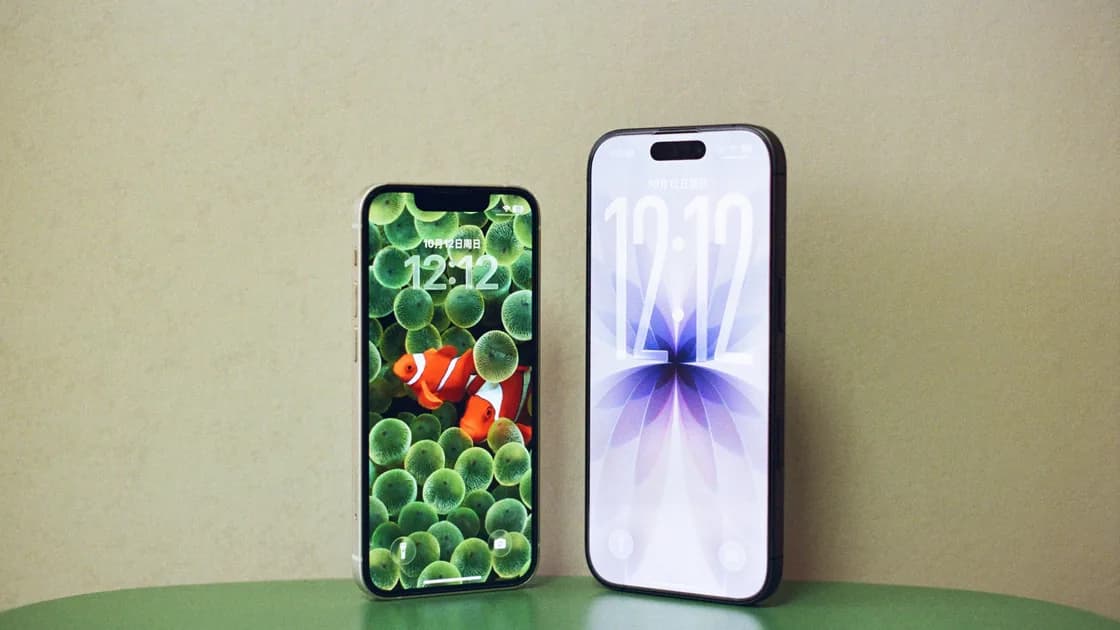

To keep messaging apps working after changing SIM, first determine whether your phone number is actually changing. A temporary travel data SIM, a replacement SIM for the same number, a new number on the same phone, and a move to both a new phone and number are four different operations. Preserve the working app session, secure access to both relevant numbers, and use each app's own change-number or transfer process.
Key Takeaways:
- Changing a SIM does not automatically mean changing a phone number.
- Internet messages and carrier verification texts use different paths.
- Do not log out, clear app data, uninstall the app, or erase the old phone before confirming the supported migration route.
- WhatsApp, Signal, and Telegram do not share one universal number-change behavior.
- Test direct chats, groups, contacts, linked devices, backups, and two-factor settings before retiring the old setup.
Add the app checks to your international travel preparation. If you plan to keep two lines active, configure the home and travel SIM roles before changing any messaging identity.
Use this decision table before opening an account menu:
| Scenario | Phone number | Device | Usual messaging goal |
|---|---|---|---|
| Temporary travel data SIM or eSIM | Old number remains yours | Same phone | Keep existing app identity; use the new line only for internet |
| Replacement SIM or eSIM | Same number is reissued | Same or repaired phone | Restore carrier service without changing the app number |
| New number | Number changes | Same phone | Use the app's supported change-number process where required |
| New number and new phone | Both change | New phone | Plan account change, chat transfer or backup, and device migration in the app's documented order |
Do not press “change number” merely because a different piece of SIM hardware was inserted. Conversely, do not assume an old messaging identity will stay recoverable forever after surrendering its phone number. The right action follows number ownership and app rules, not the shape of the SIM.
Most modern messaging traffic travels over the internet. Once an app is registered and signed in, Wi-Fi or data from another SIM can often carry its chats. Carrier SMS or voice calls are commonly used for registration, verification, recovery, or alerts, but they are not the same transport as an ordinary app message.
That distinction explains two common observations:
Keep the old line active when practical until the transition is verified. Also keep a second recovery route for important accounts, because a messaging app being online does not prove that the old number remains under your control.
Start from the working state. Record which phone and number are active, which desktop or tablet sessions are linked, whether the app has an encrypted backup or transfer feature, and whether a separate PIN, password, recovery email, or recovery code is enabled.
Before a planned change:
Do not begin by signing out, clearing storage, deleting the account, reinstalling the app, or wiping the device. Those actions can remove the only active session that is able to authorize the change.
Treat each product as a separate account system.
WhatsApp provides a Change Number feature intended to move account information from an old number to a new number. Its official guidance should control the sequence, including the requirement that the new number can receive SMS or calls and the choices about notifying contacts.[1] Check chat backup and device-transfer guidance separately; a number change and a phone transfer are not the same operation.
If you only add a travel data eSIM while retaining your normal number, you usually do not need to invoke Change Number. Keep the existing session and let the travel line provide internet access.
Signal's Change Number support requires an active Signal account that can still send and receive messages, access to the existing device, and a new number capable of receiving SMS. Signal says the feature is not supported after the phone is lost or cleared, and the operation cannot simply be undone.[2] Test “Note to Self” before starting, verify the numbers carefully, and follow the in-app steps.
Do not infer that Signal's process applies to other messengers. Its local message storage, transfer options, registration state, and contact notifications have their own boundaries.
Telegram describes cloud chats as available across signed-in devices and documents changing the connected phone number through its own settings. It also distinguishes cloud chats from Secret Chats, which are device-specific, and recommends protecting the account with additional verification.[3] Therefore, inventory Secret Chats, active sessions, recovery email, and two-step verification before a device or number change.
A cloud history visible on another device is useful, but it is not permission to abandon control of the old number without securing the account. Review active sessions and terminate only those you no longer trust after the new state is confirmed.
Use a controlled sequence:
If the app reports that the number is already registered or cannot be changed, stop. Do not request codes repeatedly, since rate limits or fraud controls can make recovery harder. Use the official support path and preserve screenshots of the error only if they contain no sensitive codes or personal messages.
This is the highest-risk scenario because three states can move independently: carrier number, app identity, and message history. Some apps expect the number change on the old phone before a device transfer. Others provide a device transfer or cloud history but keep special conversations local.
Write the sequence before touching either device:
Keep both phones charged and on a trusted connection. Do not factory-reset or trade in the old phone until the new phone can send and receive, the needed history is present, groups and contacts look correct, and recovery settings have been checked.
Use a small acceptance checklist instead of assuming that one successful message proves everything:
For important services that use SMS outside the messenger, update their phone number independently. Changing a WhatsApp, Signal, or Telegram number does not update a bank, email provider, airline, or password manager.
First distinguish a planned same-number replacement from loss of control. If the phone and app session are still available, avoid logging out and contact the carrier through a pre-saved official channel. Follow the lost SIM or eSIM response abroad to suspend the old credential and request a replacement or transfer.
If the phone is also missing, use the separate lost-phone digital recovery sequence. Do not copy a normal number-change checklist into a theft response; device locking, session protection, and account recovery take priority.
The physical swap alone does not universally delete messages, but history and account state depend on the app, platform, backup, transfer method, and whether the device or number also changes. Check the app before removing the old setup.
Often yes. The travel eSIM can provide internet while the app keeps its registered identity. Keep control of the original number for future verification and recovery.
No. Logging out can remove a trusted session needed to authorize the transition. Start from the signed-in state and follow the app's official change-number process.
Requirements differ. Some flows rely on the active old-device session and verification of the new number rather than an SMS to the old SIM. Do not generalize; read the current instructions for the app.
That varies by app, relationship, and notification choice. Review the documented behavior and confirm with a trusted contact after the change.
No universal promise is safe. Cloud chats, encrypted backups, local histories, Secret Chats, and linked devices can follow different rules. Inventory each category before the change.
Disclaimer: This article provides general account-continuity guidance. Messaging features, verification, backups, transfers, and notifications can change by app, platform, version, country, and account state; follow the current official instructions.
Sources checked 28 August 2026.
Sign up to experience all premium features at no cost.
*Available only to new users. Each user is limited to one trial.