Start your 3-day free trial
Sign up to experience all premium features at no cost.
*Available only to new users. Each user is limited to one trial.


Can a VPN work over a mobile hotspot? Yes, when the device using the hotspot establishes its own VPN connection. Do not assume that turning on a VPN on the phone providing internet also protects a connected laptop or tablet. Sharing internet and sharing a VPN tunnel are separate behaviors.
Google explicitly excludes USB and Wi-Fi tethering traffic from VPN by Google on supported Pixel devices. That is evidence about this implementation, not a universal statement about every Android phone, iPhone, computer, or VPN app.[1]
Key Takeaways
- Identify the hotspot provider and each client before deciding where the VPN must run.
- Check internet access first, then connect the VPN on the device whose traffic you need protected.
- An exit IP comparison observes one request; it does not prove every app or DNS request is protected.
- Check carrier tethering terms, device allowances, and reconnect behavior before relying on the setup.
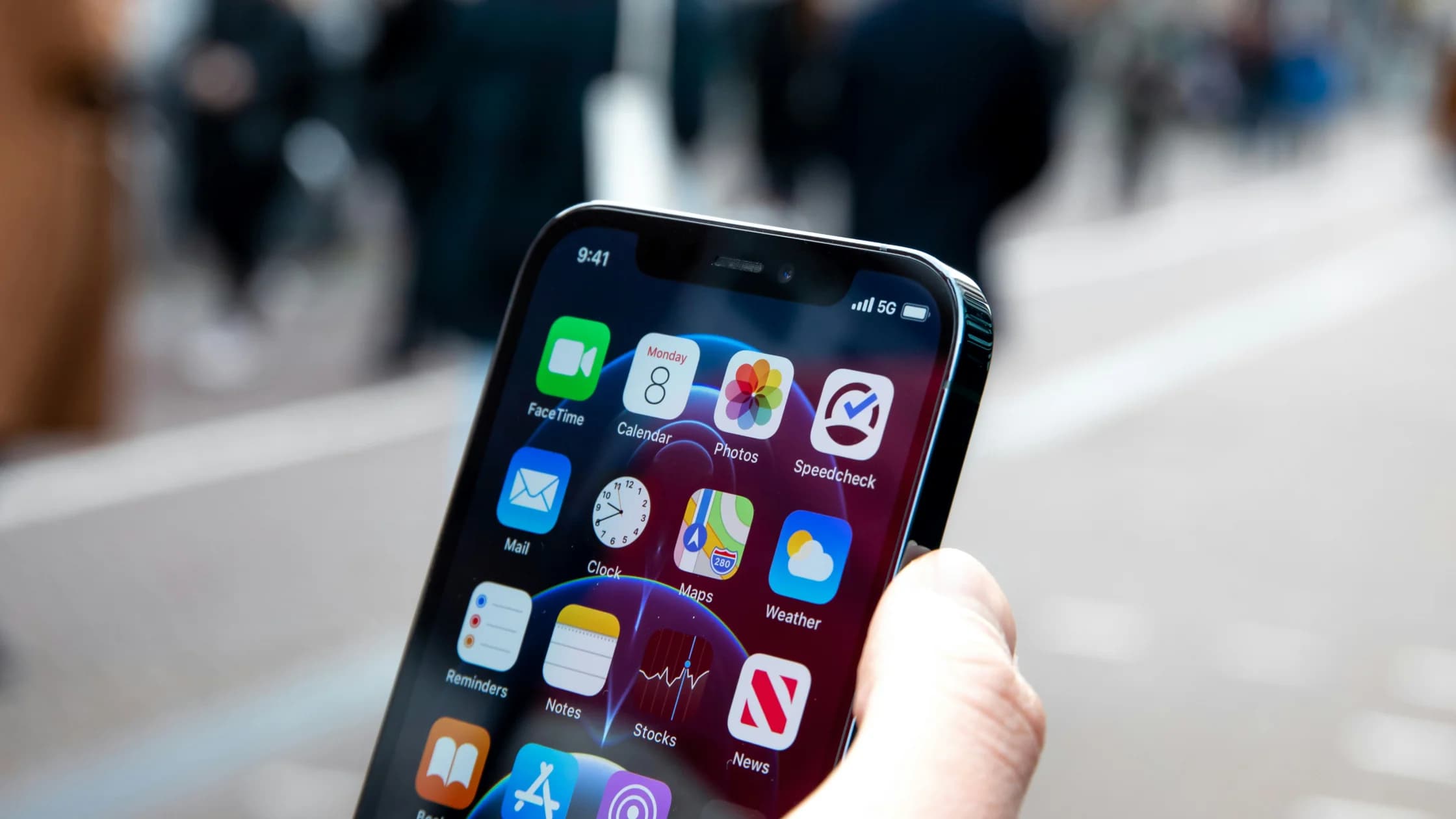
The provider supplies an internet connection; the client uses it. A phone might have a VPN icon while supplying ordinary tethered connectivity to a laptop. The laptop might instead have its own VPN connection even when the phone has none. Those two icons describe different devices.
Apple describes Personal Hotspot as sharing an iPhone or cellular iPad's cellular data connection. Google's Pixel tethering guide covers sharing mobile data, and Microsoft's mobile-hotspot guide covers sharing a chosen internet connection from a Windows device. None of those descriptions alone establishes that an arbitrary third-party VPN tunnel is exported to clients.[2][3][4]
Treat the setup as two separate questions: “Can the client reach the internet?” and “Which documented VPN connection handles the client's traffic?” Answer the first before troubleshooting the second. If an email or app opens on the phone but nothing loads on the laptop, investigate tethering, not the phone's VPN server selection.
| Provider or implementation | What official guidance establishes | What you still need to verify |
|---|---|---|
| Pixel using VPN by Google | USB and Wi-Fi tethering traffic is excluded from that VPN | The client's own VPN connection |
| Android or Pixel hotspot | Mobile data can be shared subject to device and carrier conditions | Third-party VPN behavior on that exact device |
| iPhone or cellular iPad Personal Hotspot | The cellular data connection can be shared | VPN handling on each connected client |
| Windows mobile hotspot | A selected internet connection can be shared | Whether the chosen setup shares any particular tunnel |
Do not turn this table into a promise that all Android hotspots bypass every VPN or that all Windows hotspots export one. System version, app implementation, management policy, and connection type can change the result. If a provider documents a specific sharing feature, follow that feature's supported instructions; otherwise, use a client-side connection.
Check that the provider has usable mobile data and that your plan permits tethering. Google notes that some carriers limit or charge for tethering. Apple also makes Personal Hotspot availability dependent on carrier and plan support.[2][3] A VPN does not create mobile coverage, remove a tethering restriction, or replace a depleted allowance.
Avoid changing the phone's VPN state and the laptop's VPN state at the same time. That makes failures harder to interpret. Keep the provider configuration stable while diagnosing the client. If workplace policy requires a corporate client on the laptop, use that approved client and ask IT about hotspot support rather than replacing it with another service.
For basic mobile-link behavior, read how VPNs work on cellular data. If the hotspot is for a trip, the phone-hotspot abroad guide covers carrier and travel preparation separately.
Use the IP address checker for the same browser request before and after the connection change; it observes an exit address, not every app’s route.
Use the same trusted IP-check service in each device's browser and avoid signing in or submitting private data to it. Record only the connection information needed for your own comparison. This is a recommended diagnostic method, not a claim that we tested your device or your operator.
First inspect the client with its VPN disconnected. Then connect the client VPN and repeat the check in the same browser. Separately inspect the provider in its own browser if you need to understand the phone's connection. Label every result with the device that produced it; otherwise, two screenshots can easily be misattributed.
A changed public address on the client supports the conclusion that this browser request used a different exit. It does not establish that every application is inside the tunnel, that DNS behaves identically, or that the VPN will fail closed after a drop. An unchanged address also needs interpretation: revisit client status, the selected location, and documented exclusions instead of declaring the whole setup secure or broken.
If both devices show the same address, that alone does not prove the client inherited the phone's VPN. Shared upstream addressing can also produce matching results. Check the client with its own VPN on and off while leaving the provider fixed, then consult documentation for any broader protection claim.
An IP checker reports an observed exit, not your physical location. A map or country label can also be imperfect. Concentrate on repeatable device-specific results and the VPN's documented routing behavior, rather than treating a pin on a map as a complete traffic audit.
Count every device that connects to the service, not just the phone providing internet. For AethoVPN, connect separately on each supported client that needs protection. Standard allows one mobile device; Pro allows two desktop plus two mobile devices; Premium allows eight devices without separating types, and tablets count as mobile devices. iPhone, iPad, and Mac configuration requires Pro or Premium.
Use the available Windows installer, the Debian/Ubuntu x64 .deb, or the Android APK as appropriate; Apple devices use the website's setup guide to obtain configuration for a VPN client. Keep the hotspot as the internet source and confirm connection on each client. This does not claim that the provider phone exports its tunnel, and it cannot remove carrier tethering limits. New users receive a three-day free Pro trial once per user and register through an email verification code. Start the three-day free trial.
For example, a phone supplying internet and a laptop using a VPN are two physical devices, but which service allowance is consumed depends on which devices actually connect to that service. If both connect, count both according to their types. Do not infer unlimited clients from a phone's ability to share internet.
Check the actual supported platform and your intended combination before paying or depending on it during travel. An unsupported console or appliance does not become a supported client simply because it joins the hotspot. A router-based solution would require its own documented compatibility; this guide does not substitute an unverified router method for a client installation.
Save work before a recovery test. Let the client reconnect after an ordinary hotspot interruption, such as turning the hotspot off and back on when safe. Confirm the client has internet again, then inspect its VPN status and repeat the harmless browser check. Do not assume that the status before the interruption still applies afterward.
If internet returns but the VPN does not, stop sensitive work until the required connection is restored. If the VPN reports connected but the original page still fails, retry the same low-risk check once and record the result. Avoid repeatedly resetting network settings or reinstalling applications without the platform's documented recovery steps.
Watch for unplanned fallback to another saved Wi-Fi network. A laptop can appear to recover while actually changing its underlying connection. Record the network name along with the VPN state so the recovery observation remains meaningful. Battery level and mobile-data availability on the provider also matter to continued internet access, regardless of the client's VPN.
A double setup, with VPNs active on both provider and client, is not automatically better. It can make the diagnostic picture more complicated, and the provider may still exclude tethered traffic. Use the documented configuration you need rather than stacking connections without knowing which traffic each handles.
If carrier Wi-Fi Calling is the task that fails over the hotspot, use the Wi-Fi Calling and VPN checks. App browsing, carrier registration, and telephone charging remain separate questions even when they share the same internet source.
Treat the hotspot as internet access and establish a supported VPN on each client that requires it. Verify the client's status and a harmless request before and after reconnecting. For tunnel and routing fundamentals, read the complete VPN guide.
Do not assume that it does. Google explicitly excludes tethering from its Pixel VPN, while other implementations need their own documentation. Establish the laptop's supported VPN connection and check it on the laptop itself.[1]
A hotspot supplies internet, which a supported client VPN can use. First confirm ordinary access on the laptop, then connect and check its VPN. The hotspot's availability still depends on the carrier and plan.[3]
No universal conclusion follows from Pixel VPN's documented exclusion. Check your precise phone, system version, connection type, and VPN documentation. When sharing is not explicitly supported, use a VPN on the client device.
No. Microsoft's guide explains sharing a chosen internet connection, not a guarantee for every third-party VPN. Verify the actual configuration or connect the VPN separately on the device using the hotspot.[4]
No. It shows the exit observed for that browser request. App exclusions, DNS handling, and behavior after a dropped connection need separate evidence; do not treat one IP-check page as a full security audit.
No. The carrier's tethering allowance, charges, and mobile-data terms still apply. Google explicitly advises checking carrier limitations or charges when sharing mobile data.[2]
Use the service's documented device categories. In the allowance described above, tablets are mobile devices. Count each client connecting to the VPN, and check platform eligibility separately from the number of available slots.
Pause sensitive work, restore the client's required connection, and repeat a harmless status and exit check. Also confirm the client rejoined the intended hotspot rather than another saved network. Keep failures for provider or administrator support.
Sources:
Sources checked 5 October 2026.
Sign up to experience all premium features at no cost.
*Available only to new users. Each user is limited to one trial.