Start your 3-day free trial
Sign up to experience all premium features at no cost.
*Available only to new users. Each user is limited to one trial.
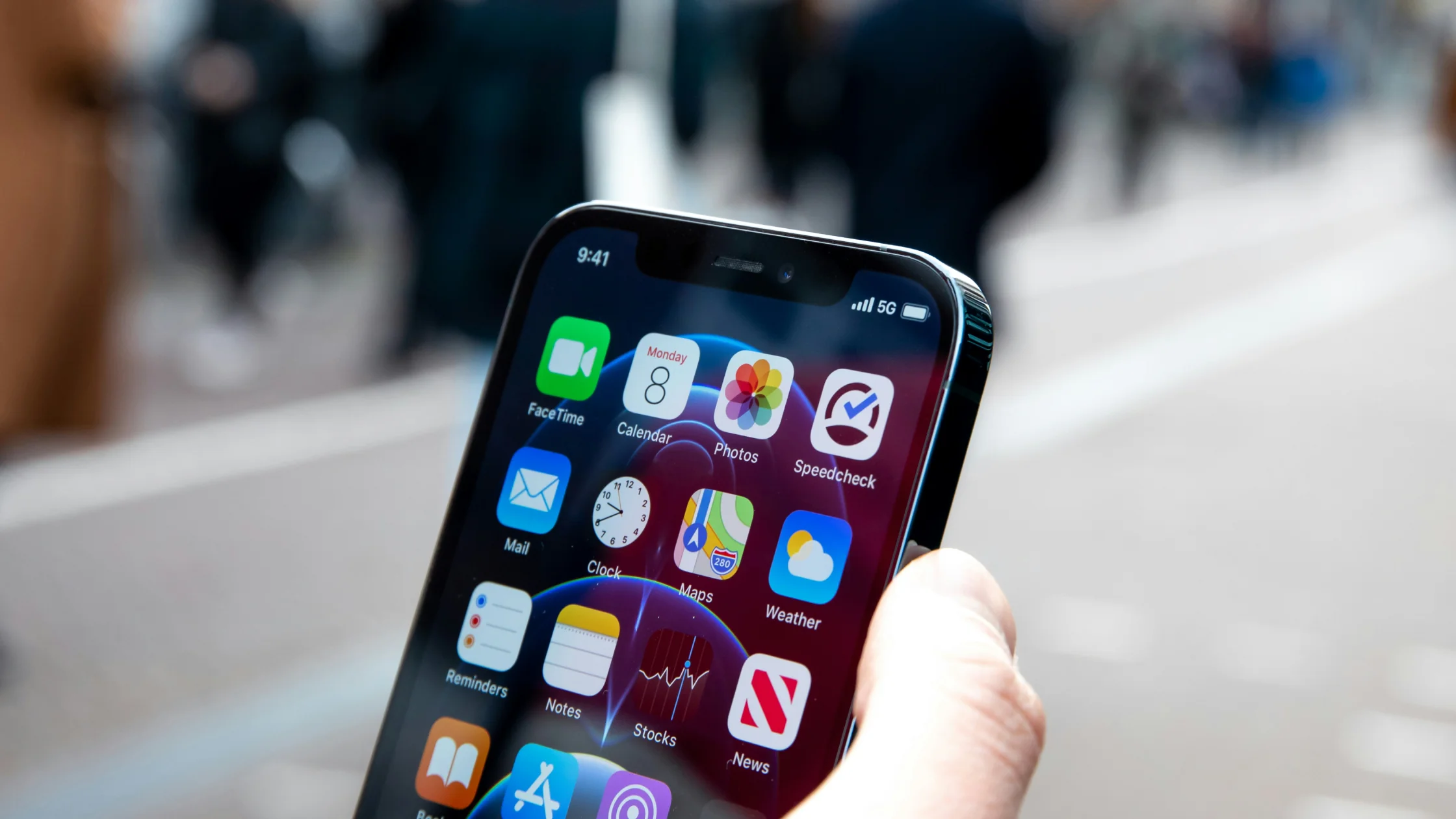

If you want to know whether a VPN on cellular data works, the answer is simple: yes, and it is common on iPhone, iPad, and Android phones. A VPN does not require Wi-Fi. It only needs your device to be online, so mobile data, personal hotspots, and home broadband can all carry a VPN tunnel.[1][2][3]
But “it works” does not mean “you must keep it on at all times.” When using a VPN on mobile data, focus on three things: what it protects, what it does not protect, and what to check if your VPN works on Wi-Fi but fails as soon as you switch to cellular.[1][3]
First confirm that ordinary cellular internet works without the VPN. If it does not, use the iPhone cellular data troubleshooting guide or Android mobile data troubleshooting guide before diagnosing the VPN path. This article starts after the underlying carrier connection is available.
Key Takeaways
- A VPN on cellular data works normally. Wi-Fi and mobile data are both just underlying network connections.[1][2][3]
- The main value is not magical invisibility. It encrypts the path from your device to the VPN server and changes the exit IP that websites see.[1]
- Cellular networks are usually more controlled than unknown public Wi-Fi, but that does not remove every privacy concern.[4][5]
- If the VPN works on Wi-Fi but fails on mobile data, check permissions, low data mode, battery restrictions, carrier behavior, and protocol switching first.
Start with the concept: cellular (mobile) data is the internet access your phone gets from your carrier's 4G or 5G network instead of a Wi-Fi router, and a VPN is not a “Wi-Fi feature.” It is a network tunnel. Once your phone has an internet connection through your carrier, the VPN client can use that connection to build an encrypted tunnel to a remote VPN server. Cloudflare’s VPN explanation follows the same idea: connect to the internet first, then wrap communication between the device and VPN server in an encrypted channel.[1]
Android describes this more technically. VpnService creates a virtual network interface and sends app traffic through a tunnel to a remote server. Apple also states that iPhone and iPad support multiple VPN options, including Always On VPN for devices that are both managed and supervised.[2][3]
In other words, cellular data is the carrier network for the VPN, not a restriction on the VPN. If you need the foundation first, read What Is a VPN? A Complete Beginner’s Guide.
Do not make this an all-or-nothing rule. Whether you should use a VPN on cellular data depends on whether you value link protection more than the extra overhead.
| Situation | Recommendation | Why |
|---|---|---|
| You handle work, email, cloud drives, or admin accounts while out | Use it | High account density and frequent network switching make link protection useful[1] |
| You often move between public Wi-Fi and cellular | Use it | One consistent layer helps you avoid forgetting protection on unfamiliar networks |
| You mostly stream video or read news on mobile data | It depends | There is a privacy benefit, but not everyone needs it always on |
| You only want complete anonymity | Do not overestimate it | VPN works at the network layer and does not remove account sign-ins, cookies, or location permissions |
CISA’s mobile security tip sheet says using your mobile network connection is generally more secure than using a public Wi-Fi network.[4] But that does not mean cellular data solves every privacy issue. Based on how VPN works, your carrier still knows you are online and connecting to a VPN service; it just has a harder time seeing what is inside the tunnel. That boundary matters.[1]
The FTC’s current public Wi-Fi advice is more moderate than older warnings. It notes that most websites and many mobile apps now use encryption by default, so public Wi-Fi is not automatically high risk.[5]
The real issue is that you cannot fully control the environment. You may not know whether you are on a fake hotspot, a phishing page, or a risky network entry point. That is why many people use a VPN as an automatic extra layer after switching networks, not only when they remember it in a cafe. If you are deciding whether to keep it on, read Should I Leave My VPN On All the Time?.
This topic is easy to blur, so separate the boundaries clearly.
So using a VPN on mobile data has real value, but do not treat it as a one-tap anonymity switch. For more use cases, read What Can You Do With a VPN? 8 Use Cases That Still Matter and What Are the Benefits of a VPN? 5 Real Benefits and Trade-Offs.
This section matters because many users do not ask “can it work?” They ask why it works on Wi-Fi and drops as soon as Wi-Fi is off.
If you use AethoVPN, run that comparison in the app before changing anything: connect once on Wi-Fi, turn Wi-Fi off, wait for the cellular indicator, and reconnect to the same location so the only thing that changed is the network underneath. If the cellular attempt stalls, switch to the smart recommended location or a nearby one showing a green load indicator, then work through the checks below. AethoVPN cannot restore carrier coverage, a suspended data plan, or roaming access, so confirm ordinary mobile data first. Android uses the APK, iPhone and iPad use the setup-guide configuration on Pro or Premium, and the 3-day free Pro trial covers both.
Android and iPhone both require user authorization the first time a VPN connection is created. Android documentation states that initial VPN setup requires user action, and Apple uses system-level VPN configuration to manage the network path.[2][3] If you rejected permission or the system later removed it, network switching can fail.
Phones often restrict background activity on cellular data to save data or power. That can suspend the VPN client when you switch from Wi-Fi to mobile data. On some Android devices, system power policies can matter more than the VPN protocol itself.
If the current protocol has unstable handshakes on your carrier network, switching protocols often helps more than tapping reconnect over and over. Start with app options such as “automatic,” “recommended,” or “more stable.”
This forces the phone to request a fresh mobile network address and route. It is especially useful when the VPN gets stuck right after switching from Wi-Fi to cellular.
If every other app works, but one VPN protocol always fails on mobile data and works on Wi-Fi, consider carrier network behavior, NAT conditions, or local restrictions. Changing servers and protocols is usually more practical than fighting the same configuration.
Deleting the old VPN configuration, signing in again, and reauthorizing the client can be faster than endless reconnect attempts. For a fuller sequence, use VPN connection troubleshooting.
Usually, there is some extra overhead, but it is often less dramatic than people expect. A VPN adds encryption and encapsulation, and it may route traffic through another server. The real experience depends on server distance, protocol choice, and how often the app reconnects.
The bigger factors are usually:
If everything feels slow after turning on the VPN, try a closer server, switch protocols, close unnecessary background apps, and then check whether the local mobile network was already unstable. For a full speed checklist, read VPN Slowing Down Internet? 12 Ways to Improve VPN Speed.
If your main environment is mobile data, evaluate these five items before obsessing over server count.
For most people, a good VPN on cellular data is not the one with the most settings. It is the one that actually keeps control of the network after you leave home. If you have not installed a client yet, start with VPN installation and setup steps.
The right connection depends on the task, not on a blanket rule that one option is always safe. Cellular data or a personal hotspot usually gives you more control over which network you joined, while hotel and airport Wi-Fi can be useful for larger downloads but requires SSID and portal checks. A VPN can protect the connection layer on either option; it does not reduce carrier usage or roaming charges.
| Connection | Practical use | Main check |
|---|---|---|
| Roaming or local cellular data | Banking, recovery, and urgent work | Plan limits, coverage, and cost |
| Hotel or airport Wi-Fi | Short browsing or larger transfers | Exact SSID, captive portal, and VPN state |
| Personal hotspot or travel eSIM | Several devices or a more predictable connection | Plan terms, battery, and device support |
If you are comparing a travel eSIM with a VPN, read Travel eSIM vs VPN: they solve different parts of the connection problem. For a portable hotspot versus public Wi-Fi, see the connection-choice guide.
If another device uses your phone as its internet source, see VPN over a mobile hotspot. A working VPN on the phone does not establish protection for the laptop; check the client device and its own supported connection.
Yes. As long as the phone is connected to the internet through cellular data, the VPN can build an encrypted tunnel over that connection. Android and Apple documentation both describe this model.[2][3]
It depends on your use case. If you often sign in to email, work systems, cloud drives, or switch networks while out, it is usually useful. If you only read news occasionally and have low privacy needs, you may not need it always on.
Usually yes, a little, because VPN adds encryption and encapsulation. The noticeable difference depends more on network quality, server distance, and repeated reconnects.
Common causes include missing permissions, low data or battery restrictions, a protocol that is unstable on your carrier network, or a server that does not work well from your current network.
Usually, yes. CISA says using your mobile network connection is generally more secure than using public Wi-Fi.[4] But “safer” does not mean “covers every privacy need.” They are different questions.
Yes. Apple documents VPN support for iPhone and iPad, including Always On VPN for managed, supervised devices. Android provides system-level VPN support through VpnService and supports always-on and lockdown behavior.[2][3]
No. A VPN is built on top of a connection that already works, so it cannot replace missing coverage, a used-up or suspended plan, disabled roaming, or mobile internet that the carrier has switched off. Restore ordinary mobile data first with the iPhone or Android guide linked near the top, then troubleshoot the VPN.
Not always. If you travel often, handle sensitive accounts, and switch networks a lot, always-on can be convenient. If your use is light and low risk, on-demand use is also fine.
Disclaimer: This article is for general network privacy and device setup information only. It is not legal, compliance, or carrier policy advice. Use VPNs only where permitted by local law, workplace policy, and relevant terms of service.
Sources:
Sources checked 4 October 2026.
Related Articles:
Sign up to experience all premium features at no cost.
*Available only to new users. Each user is limited to one trial.