Start your 3-day free trial
Sign up to experience all premium features at no cost.
*Available only to new users. Each user is limited to one trial.


A VPN subscription link should be treated as a secret whenever anyone who possesses it can retrieve a usable configuration, refresh a profile, or gain access without a separate identity check. The URL may look shareable, but its embedded token can behave like a key.
The complete VPN guide explains VPN services more broadly. Here, the narrow question is how to control a capability-bearing link from delivery through retirement.
Key Takeaways
- Judge a link by what possession allows, not by whether it arrived as plain text.
- Keep one necessary working copy in controlled storage and avoid screenshots, synced notes, logs, and public support posts.
- Suspected exposure requires containment, provider-supported rotation or revocation, and verification that the old link no longer grants access.
- Deleting a message is not revocation, and changing an account password may not invalidate an independent subscription token.
- Record non-secret evidence such as issue time, profile name, and revocation result instead of copying the full URL.
A link is secret when its value authorizes an action. The clearest test is simple: open possession of the exact URL may be enough to download configuration material or keep receiving updates. That resembles a bearer token, where the party presenting the token can use the associated authorization. RFC 6750 warns that bearer tokens must be protected from disclosure in storage and transport because possession can be sufficient.[1] This is an analogy for risk, not a claim that every VPN subscription system implements OAuth.
The payload can also be sensitive even when the URL itself requires another step. WireGuard configurations commonly involve private keys, while WireGuard deliberately leaves key distribution and configuration delivery to other layers.[2] A provider may instead deliver certificates, endpoints, account identifiers, or access tokens. You do not need to decode the link publicly to decide that those possibilities deserve protection.
Treat an ordinary help-page link differently. If opening it reveals only public documentation and performs no account-specific action, it is not a credential merely because it came from a VPN provider. The security boundary depends on capability, not on the word “subscription.”
Start by recording facts around the secret rather than reproducing it. Note the issuing provider, the account or device it belongs to, the delivery channel, the approximate issue time, the intended client, and whether the provider describes an expiry or revoke function. Use a neutral label such as “phone profile link issued 12 September” instead of pasting the URL into an inventory.
Find the copies you knowingly created: the original account page, a direct message, a password manager entry, a downloaded configuration, a browser history item, or a device clipboard. Do not search by printing the entire URL into terminal history, analytics, a shared document, or a ticket. If an approved local tool can search without retaining the value, use it only within your organization’s policy.
The inventory should answer three questions:
This is a minimum-copy exercise, not a reason to collect every representation into a new master spreadsheet.
Prefer storage designed for secrets, such as a reputable password manager or an organization-managed secrets system with access controls, encryption, auditability, and recovery. OWASP recommends centralized lifecycle management, least privilege, rotation, revocation, expiry, and auditing for secrets.[3] A personal user may not have an enterprise vault, but the same principles still apply: restrict readers, keep recovery possible, and avoid uncontrolled duplication.
Do not place the link in a shared notes page, source repository, shell script, screenshot album, calendar event, or email draft. These locations are easy to search and synchronize but rarely have the right audience or deletion guarantees. A browser bookmark can also expose the URL through sync, history, crash reporting, or support diagnostics.
If a provider’s official app accepts the link directly, paste it only into the intended import field and clear the clipboard afterward when the platform permits. For a broader import checklist, use the secure VPN configuration import guide. Storage protects the link at rest; it does not prove that every device already configured from it will stop working after the stored copy is deleted.
Never submit a live subscription URL to a generic QR generator, URL shortener, online decoder, translation tool, malware scanner, or “configuration checker.” Each service may receive and log the full value. A private support request can also be unsafe if the provider did not explicitly request the secret through a protected channel.
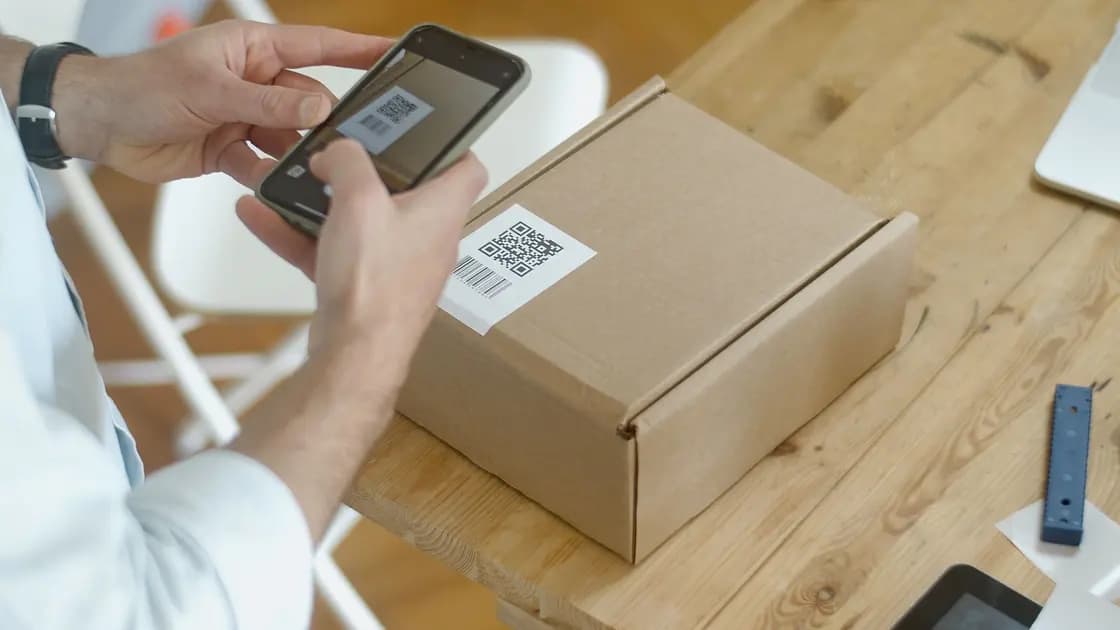
Avoid screenshots. A screenshot creates another credential copy that may enter photo backup, shared albums, messaging previews, notification history, or device repair diagnostics. If a QR code represents the link, follow the VPN configuration QR pre-scan checks rather than photographing it for later.
Do not publish a redacted URL unless you know the redaction removes every sensitive component. Tokens can appear in path segments, query parameters, fragments, usernames, or encoded payloads. It is safer to provide a provider name, non-secret profile label, timestamp, and error message than to improvise partial masking.
Assume exposure when the full value was posted publicly, sent to the wrong recipient, uploaded to an unrelated service, captured in a shared screenshot, committed to a repository, or stored on a lost device without adequate protection. Do not wait for proof of abuse before containing a bearer-like capability.
Use this response sequence:
For AethoVPN, the account is reached with an email verification code rather than a stored password, so securing that mailbox is part of containment, and a fresh trusted session means requesting a new code yourself instead of reusing anything from the exposed thread. Reinstall Windows, Linux, or Android clients from the official downloads page rather than from a forwarded file, and obtain Mac or iPhone configuration again through the website setup wizard, which requires a Pro or Premium plan. AethoVPN's published materials do not describe subscription URLs, link rotation, or remote revocation, so ask support, which usually answers technical questions within 24 hours, what can be invalidated, and describe the exposure without pasting the secret value. Download the official client installer instead of trusting a copy that travelled with the leaked link.
Rotation replaces an old secret with a new one. Revocation makes the old capability invalid. A system can rotate the displayed link but leave an already issued token usable for a grace period; conversely, it can revoke access without automatically configuring your devices with a replacement. Ask what exact object changes and when the old object stops working.
Deleting a chat message, bookmark, or password-manager record only removes that copy. It does not instruct the provider to invalidate the server-side capability. Changing an account password may also leave separately issued tokens, certificates, or device profiles active. Use the provider’s documented control and do not infer one credential’s lifecycle from another.
When a provider has no self-service revoke button, contact official support from a known account page and describe the affected profile without pasting the secret unless the protected workflow specifically requires it. Record the case number and requested action, not the token.
First confirm that the replacement profile works on one intended device. Then test the old capability only through a provider-approved, bounded method that does not recreate exposure. A clear “invalid,” “revoked,” or “expired” result is stronger evidence than a network timeout, because a timeout could reflect connectivity rather than invalidation.
Also consider derived access. A revoked download link may stop future retrieval while a profile imported earlier continues to authenticate with a separate certificate or key. The provider must explain whether revoking the link also revokes already downloaded credentials. If you later replace profiles, the old-settings troubleshooting guide helps distinguish a new source from the runtime configuration actually in use.
Finish by removing obsolete controlled copies, clearing clipboard history where practical, and recording the revocation time and result. Do not retain the old value “for evidence”; retain a case reference and non-secret metadata instead.
No. Some links lead only to public information or still require independent authentication. Treat a link as a secret when possession of its exact value retrieves account-specific configuration, refreshes access, or performs another authorized action.
It is usually a poor choice for a capability-bearing link. Browser history, sync, diagnostics, extensions, and shared profiles can copy the full URL beyond the intended audience.
Email creates another long-lived copy and may place it in multiple synced mailboxes, backups, and previews. Prefer the provider’s official retrieval flow or controlled secret storage.
Not necessarily. A subscription token, device certificate, or downloaded profile can have a lifecycle separate from the account password. Use the provider’s documented revoke or device-removal control and verify the result.
Only if the provider gives an exact safe format. Sensitive values can appear in several URL components or encoded payloads, so non-secret labels, timestamps, and error text are safer by default.
A private window limits some local history but does not make an exposed capability safe. The provider, network path, extensions, or copied output may still process it; rotate or revoke first when exposure is plausible.
The strongest practical proof is a provider-confirmed revocation plus a bounded old-link check returning an explicit invalid or revoked result. Also confirm whether profiles previously downloaded with the link remain independently valid.
Disclaimer: This article provides general security guidance. Subscription systems and revocation behavior differ by provider; use the provider’s official account and support channels for account-specific action.
Sources:
Sources checked 12 September 2026.
Related articles:
Sign up to experience all premium features at no cost.
*Available only to new users. Each user is limited to one trial.